Why has video compression become an essential technology in a world driven by high-resolution content, instant sharing, and on-demand streaming? As videos grow larger with 4K, 8K, and immersive formats, creators, businesses, and everyday users face increasing challenges related to storage limitations, slow uploads, bandwidth costs, and playback performance. Simply recording high-quality video is no longer enough-efficiently managing and delivering that content is now just as critical.
Video compression software plays a key role in solving these challenges by reducing file sizes while preserving visual quality. From content creators and marketers to educators and enterprises, these tools help optimise videos for faster streaming, smoother playback, and easier distribution across devices and platforms.Video compression is a process of downsizing a video file by eliminating unnecessary and redundant data without altering the decent visual and audio quality.
It functions by operating compression algorithms, which are called codecs, that scan video frames and remove recurrent data between frames, e.g. identical backgrounds or matching colours. Video compression can be of two major types, namely lossless, which does not affect original quality but provides only a restricted amount of size reduction, and lossy, which reduces files to a much smaller size by omitting less noticeable data.
Video compression guarantees efficient data storage, quicker web streaming, easier playback and improved sharing of data over devices and platforms. It is very important in digital media delivery, video conferencing, broadcasting, and current internet based content consumption.
Why is Video Compression Required?
- Less Storage Space: Video compression greatly cuts down the size of files making more videos to be stored in devices, servers, and cloud-based applications without easily filling up storage space.
- Internet Streaming: Compression saves data through compressed video streaming, which allows it to load faster, play more smoothly and with less buffering (even on slow unstable networks).
- Efficient Bandwidth Usage: Video compression reduces bandwidth usage by reducing data size hence it is economical in content delivery network, streaming and large-scale video delivery.
- Easy File Sharing: Smaller video files can be uploaded, downloaded, emailed or shared over messaging applications, in social media and collaboration applications with no restrictions on file size.
- Better Playback: Compressed videos will run much better on a great variety of devices, such as smartphones, tablets, and older hardware that have less processing power.
- More affordable Cloud storage: Video compression can save on storage costs on the cloud, allowing individuals and organizations to cut on the recurrent costs of storage and hosting on the cloud.
- Improved Compatibility with Devices: Compressed videos are usually coded in standardized formats and codecs, and therefore have a high compatibility between the operating systems, media players, and streaming gadgets.
- Real-Time Communication: Real-time communication requires video compression, which is required to support video calls and real-time streaming, allowing transmitting real-time with a minimum delay and acceptable audio-visual quality.
List of 15 Best Video Compression Software
1. HandBrake
Website: https://handbrake.fr/
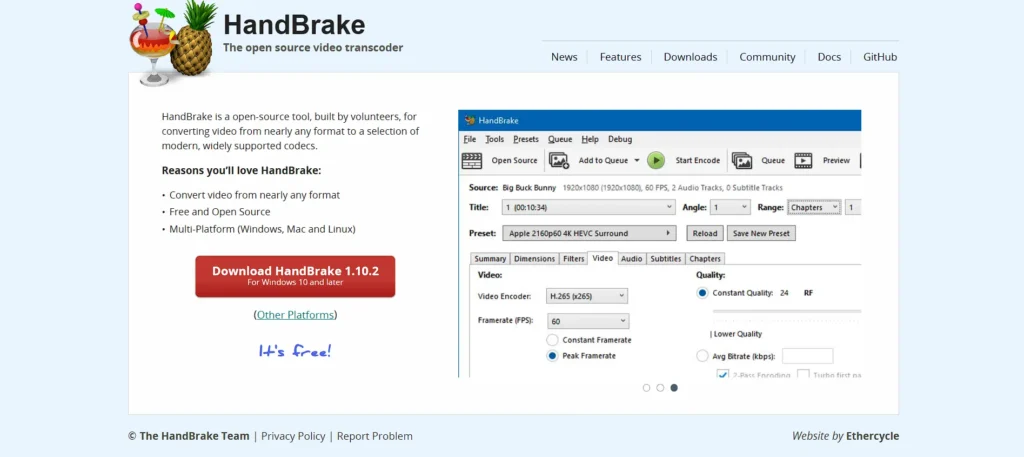
HandBrake is an open-source video transcoder and video compressor that is free and can be trusted by video creators around the globe. It is capable of decoding the latest codecs such as H.264, H.265/HEVC, VP9, and AV1 and encoder to MP4, M4V, and MKV, although it was originally designed to rip DVDs to compressed digital formats.
Video quality can be adjusted with bitrate, codec, resolution, frame rate and audio controls to trade between file size and video quality. HandBrake can also do batch processing, so it can be used to compress lots of files simultaneously, and where supported graphics cards exist, it can use hardware acceleration.
Its strong command-line and presets render it perfect to sophisticated users and professionals that require specific control over compression processes.
Key Features:
- Open-source video transcoding engine
- Supports H.264, H.265, VP9, AV1 codecs
- Batch video compression capability
- Hardware acceleration support
- Advanced bitrate and quality controls
- Custom presets for devices and platforms
Pros:
- Completely free with no watermark
- Excellent compression efficiency
- Highly customizable encoding options
- Cross-platform (Windows, macOS, Linux)
- Large community support
Cons:
- Interface can overwhelm beginners
- No built-in video editing tools
- Limited output container formats
Pricing:
- Open source
2. FFmpeg
Website: https://ffmpeg.org/
FFmpeg is an open-source video compression software and multimedia framework that is free, highly powerful, and designed for video and audio encoding, decoding, and streaming. Unlike typical GUI-based tools, it operates through a command-line interface, offering deep control over nearly all compression and transcoding parameters.
FFmpeg can encode and decode almost any media format, enabling users to script advanced operations, process files in batches, and automate video workflows efficiently. While it is extremely precise and flexible, it comes with a steep learning curve, making it more suitable for developers and advanced editors.
FFmpeg serves as a core component of the multimedia software ecosystem and acts as the foundational engine behind many other compression applications.
Key Features:
- Command-line video compression framework
- Supports nearly all codecs and formats
- Scriptable batch automation
- High-precision bitrate control
- Streaming and broadcasting support
- Foundation for many other tools
Pros:
- Maximum compression flexibility
- Extremely lightweight and fast
- Industry-standard backend
- Ideal for automation pipelines
- Free and open-source
Cons:
- Steep learning curve
- No graphical interface
- Not beginner-friendly
Pricing:
- Free
3. Adobe Media Encoder
Website: https://www.adobe.com/products/media-encoder.html
Adobe Media Encoder is an advanced video compression software and encoder that comes as part of the Adobe Creative Cloud. It is used by filmmakers, editors, and content creators and automates exporting work from Premiere Pro and After Effects, providing smart presets for various platforms such as YouTube, TikTok, and broadcast output.
Users are able to take advantage of hardware acceleration for quicker rendering, along with other useful features such as configurable bitrate control and format templates. It is closely connected with Adobe video editing tools, making workflows more efficient and allowing smooth transitions between editing and compressed output.
The professional feature set of Media Encoder makes it suitable for studios and creators where the volume of encoding tasks is high.
Key Features:
- Seamless Adobe Premiere integration
- Presets for YouTube, OTT, broadcast
- GPU-accelerated encoding
- Background rendering queue
- Advanced bitrate ladder control
- Automated watch folders
Pros:
- Professional-grade compression
- Excellent workflow integration
- Reliable output quality
- Supports enterprise pipelines
- Frequent updates
Cons:
- Requires Creative Cloud subscription
- Heavy system resource usage
- Not ideal for casual users
Pricing:
- Creative Cloud Pro: US$41.99/mo for Individuals, US$59.99/mo for Business
4. VLC Media Player
Website: https://www.videolan.org/
VLC Media Player is widely known as a free, open-source multimedia player, but it also offers basic video compression and conversion capabilities, making it a handy video compression software option for everyday use.
With support for nearly every popular video and audio format, VLC enables users to transcode and compress videos using simple controls within the “Convert/Save” menu. It’s ideal for quick file size reduction without installing dedicated software.
While its compression features are not as advanced as specialized tools, VLC’s ubiquitous availability and no-cost nature make it a go-to choice for beginners or casual users who want to reduce video size for quick sharing or playback.
Key Features:
- Built-in video conversion & compression
- Supports almost all media formats
- No ads or spyware
- Simple export presets
- Lightweight installation
- Streaming protocol support
Pros:
- Completely free
- Extremely reliable playback engine
- Cross-platform availability
- No watermarks
- Trusted global reputation
Cons:
- Limited compression controls
- Basic UI for encoding
- Not optimized for batch tasks
Pricing:
- Free
5. Movavi Video Converter
Website: https://www.movavi.com/video-converter/
Movavi Video Converter is an easy-to-use multimedia converting and compressing software that targets beginners and middle-level creators. It supports more than 180 formats and allows users to reduce the size of files very fast, still retaining the visual quality using resolution and bitrate changes.
The software has basic editing such as trimming, cropping, and rotating, which is convenient when there is a need to make small adjustments before compression. Hardware acceleration enhances the processing speed and preset profiles provide compatibility across the devices.
Although the complete feature set is available on a paid license, the easy-to-use interface and consistent functionality make Movavi a great option to those who do not require extensive technical control but only simple compression.
Key Features:
- One-click video compression
- 180+ supported formats
- Hardware acceleration
- Built-in trimming tools
- Device-specific presets
- Fast batch processing
Pros:
- Beginner-friendly interface
- High-speed conversion
- Clean output quality
- Minimal learning curve
- Good customer support
Cons:
- Free version adds watermark
- Limited advanced controls
- Subscription required for full access
Pricing:
- ₹2,598/ Lifetime
Suggest Read:-
6. Wondershare UniConverter
Website: https://videoconverter.wondershare.com/
Wondershare UniConverter is a comprehensive video compression software and multimedia toolbox that combines powerful compression with conversion, editing, and other advanced utilities.
It supports over 1,000 video and audio formats, enabling users to shrink files dramatically — often up to 85% smaller — without noticeable quality loss. UniConverter’s intelligent algorithms and batch compression features make it suitable for handling large libraries of video content. Users can also adjust codecs, bitrates, and resolution for custom output settings.
Alongside compression, it offers extra tools like DVD burning, screen recording, and format conversion, making it a versatile choice for creators who want an all-in-one video solution.
Key Features:
- Compress videos up to 85% smaller
- 1,000+ format support
- AI-based compression engine
- Batch compression support
- Built-in editor and recorder
- DVD burning capabilities
Pros:
- All-in-one multimedia suite
- High output quality
- Fast GPU acceleration
- Suitable for professionals
- Regular feature updates
Cons:
- Expensive compared to competitors
- Large installation size
- Free version limitations
Pricing:
- Perpetual Plan- US$39.99
- Monthly Plan- US$9.99 /mo
- Yearly Plan- US$29.99 /yr
7. Clipchamp
Website: https://clipchamp.com/en/
Clipchamp is a browser-based video editing and compression platform owned by Microsoft. It offers an intuitive drag-and-drop interface that simplifies compressing videos and preparing them for social media or web uploads without installing desktop software.
Users can upload clips, apply compression presets, adjust resolution and export settings, and preview outcomes directly in the browser. Clipchamp also includes video editing features such as trimming and adding text or audio.
The free tier allows basic compression and exporting, while premium plans unlock higher quality exports and advanced features. Its simplicity makes it ideal for quick jobs and casual creators.
Key Features:
- Browser-based video compression
- Microsoft-integrated platform
- Social media export presets
- Cloud storage support
- Built-in editor
- Drag-and-drop interface
Pros:
- No software installation required
- Easy for beginners
- Works on low-end systems
- Integrated with Windows
- Clean UI
Cons:
- Internet-dependent
- Export limitations on free plan
- Slower for large files
Pricing:
- Microsoft 365 Personal- ₹ 689.00/month
- Microsoft 365 Family- ₹ 819.00/month
- Microsoft 365 Premium- ₹ 1,999.00/month
8. VEED.io
Website: https://www.veed.io/
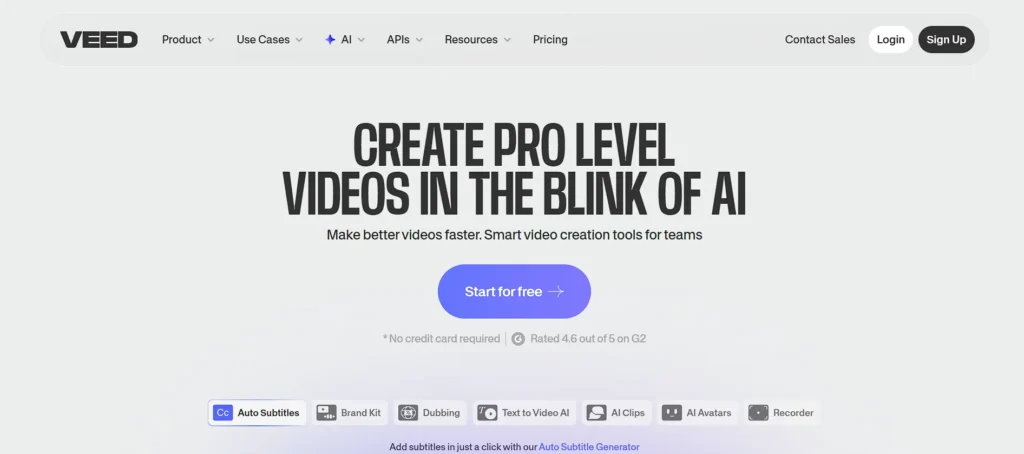
VEED.io offers an online video compression software solution that balances ease of use with quality output. Users can upload video files up to a certain size limit and use simple sliders to adjust resolution and compression level, with real-time file size estimates displayed during adjustments.
The online platform supports all major formats and makes compressed video downloads quick and accessible from any device with an internet connection. VEED also integrates editing tools like subtitle addition, trimming, and basic color correction, enabling creators to refine content before compression.
The free version allows basic compression, while paid plans support larger uploads and watermark-free exports.
Key Features:
- Online compression with live preview
- Adjustable resolution and quality
- Subtitle and caption tools
- Social-ready exports
- Cloud-based processing
- Team collaboration
Pros:
- Very easy to use
- No technical knowledge needed
- Supports modern creators
- Fast processing
- Works on any device
Cons:
- Watermark on free plan
- Upload size limits
- Subscription can be costly
Pricing:
- Lite- ₹499/ Month
- Pro- ₹1199/ Month
9. FreeConvert Video Compressor
Website: https://www.freeconvert.com/video-compressor
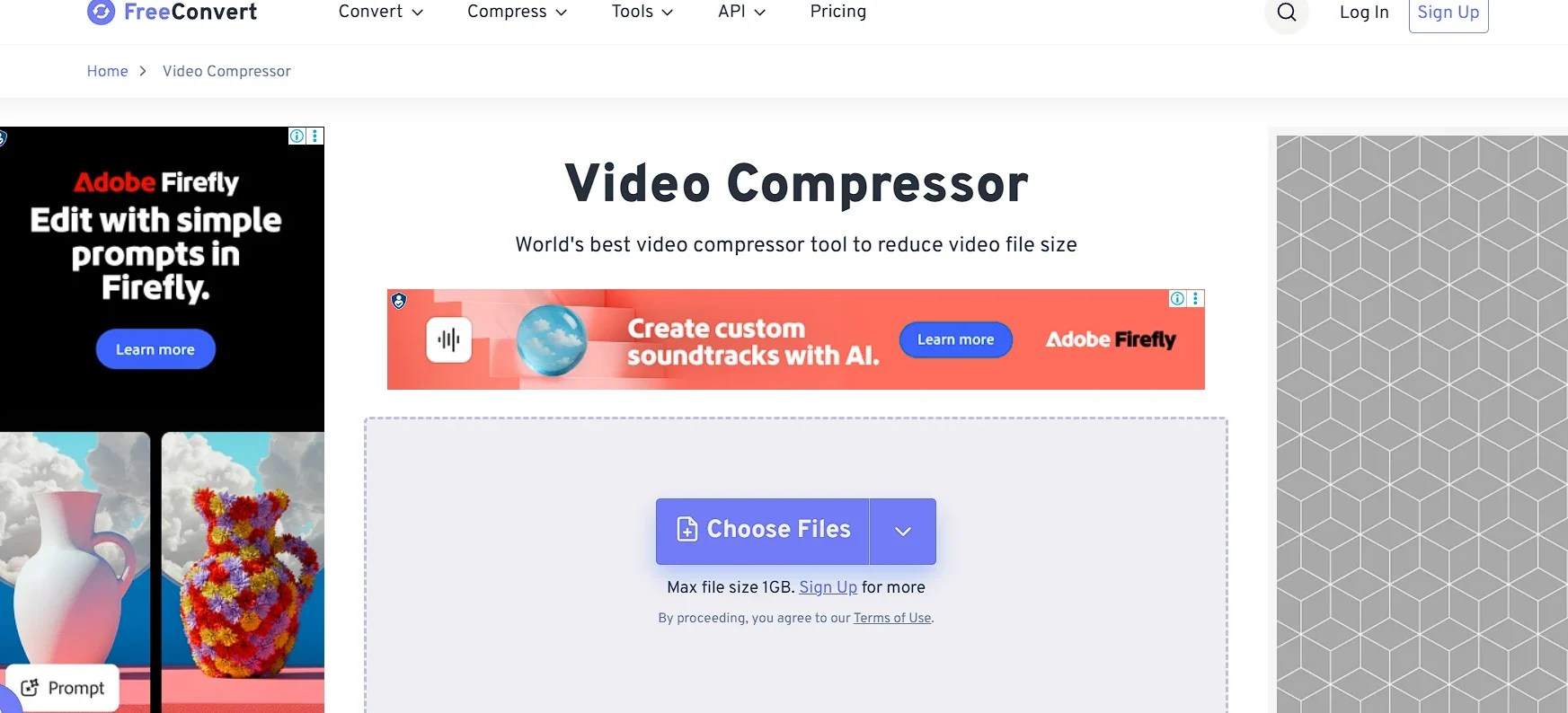
FreeConvert is a web-based utility that enables users to compress video files quickly without installing software.
Supporting a wide range of formats, it offers straightforward file upload and compression with adjustable settings for quality and size targets. Users can fine-tune bitrate, resolution, and output format to meet specific requirements, such as email limits or social media constraints.
As an online tool, FreeConvert is platform-agnostic and works seamlessly on Windows, macOS, and Linux via a browser. While upload speed depends on internet connection, its convenience and simplicity make it a solid choice for occasional compression tasks.
Key Features:
- Online file compression
- Adjustable bitrate & resolution
- Supports cloud uploads
- Secure file handling
- No installation required
- Multi-format support
Pros:
- Simple web interface
- Platform-independent
- Free basic usage
- Quick processing
- Ideal for small jobs
Cons:
- File size limits
- Dependent on internet speed
- Limited advanced controls
Pricing:
- Basic- ₹599.99/ Month
- Standard- ₹1,149.99/ Month
- Pro- ₹1,399.99/ Month
10. VideoSmaller
Website: https://www.videosmaller.com/
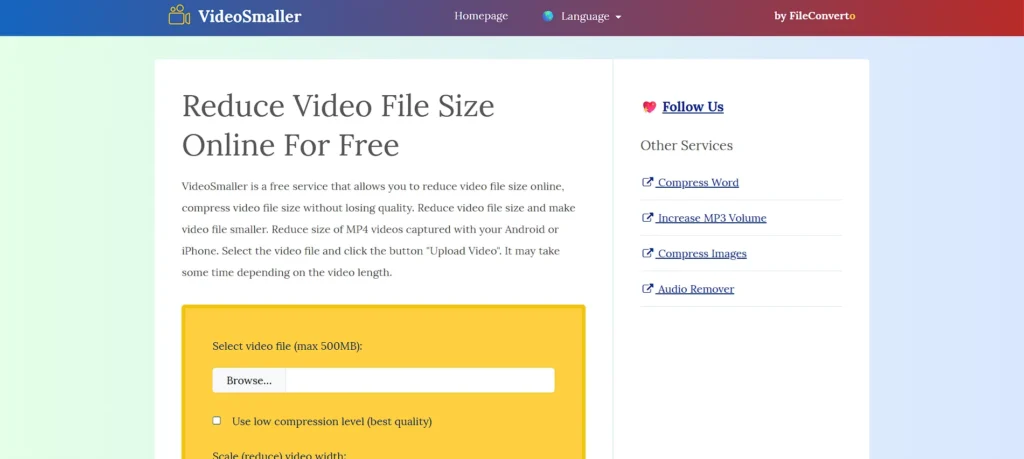
VideoSmaller is a lightweight online video compression software that focuses on simplicity and speed. It lets users upload a video and automatically reduce file size using resolution downscaling and bitrate adjustments.
While it lacks advanced settings and wide format support compared to desktop options, it’s ideal for quick, straightforward compression jobs when minimal configuration is needed. VideoSmaller doesn’t require user accounts or software installation — users simply upload and download compressed files.
This tool is especially useful for casual users who need to quickly shrink a video for messaging, email, or sharing on low-bandwidth connections.
Key Features:
- Automatic video size reduction
- Resolution downscaling
- Simple upload-compress-download flow
- No registration needed
- Lightweight service
- Browser-based
Pros:
- Extremely easy to use
- No account required
- Free service
- Ideal for quick compression
- Minimal UI
Cons:
- Limited file size support
- Few format options
- No advanced settings
Pricing:
- Free
11. Shutter Encoder
Website: https://www.shutterencoder.com/
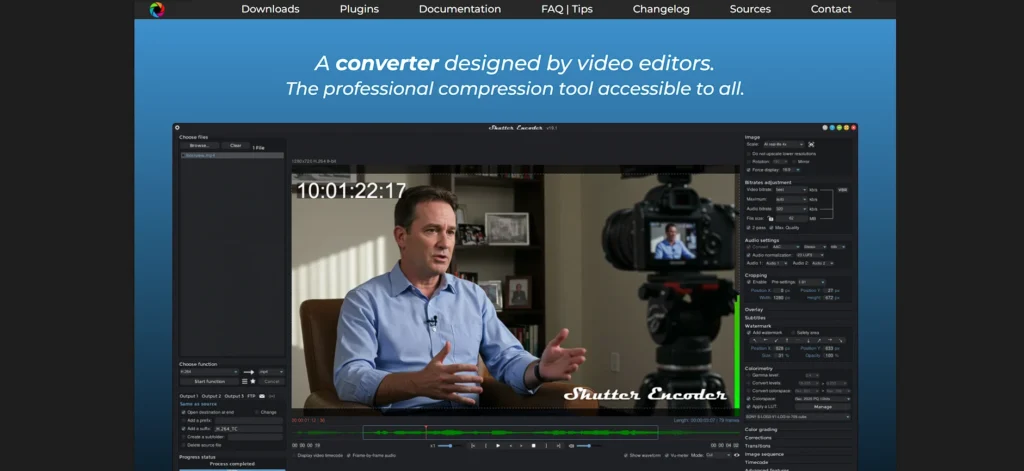
Shutter Encoder is a free video conversion and compression application that wraps the FFmpeg engine in an accessible GUI designed for video editors and professionals.
It supports an extensive range of codecs and container formats, enabling precise control over bitrate, resolution, and encoding profiles. Users can drag and drop files into the interface, apply presets optimized for web or broadcast delivery, and batch process multiple jobs.
Shutter Encoder’s feature set bridges simple online compressors and highly technical command-line tools, making it a robust option for professionals seeking detailed control without direct scripting.
Key Features:
- FFmpeg-powered GUI
- Broadcast-ready presets
- Batch encoding workflows
- Audio & subtitle handling
- Frame-accurate trimming
- Professional codecs support
Pros:
- Free professional tool
- Excellent quality control
- Clean interface
- Suitable for editors
- Constant development
Cons:
- Interface still technical
- No cloud support
- Limited tutorials
Pricing:
- Free
12. Any Video Converter
Website: https://www.any-video-converter.com/home/
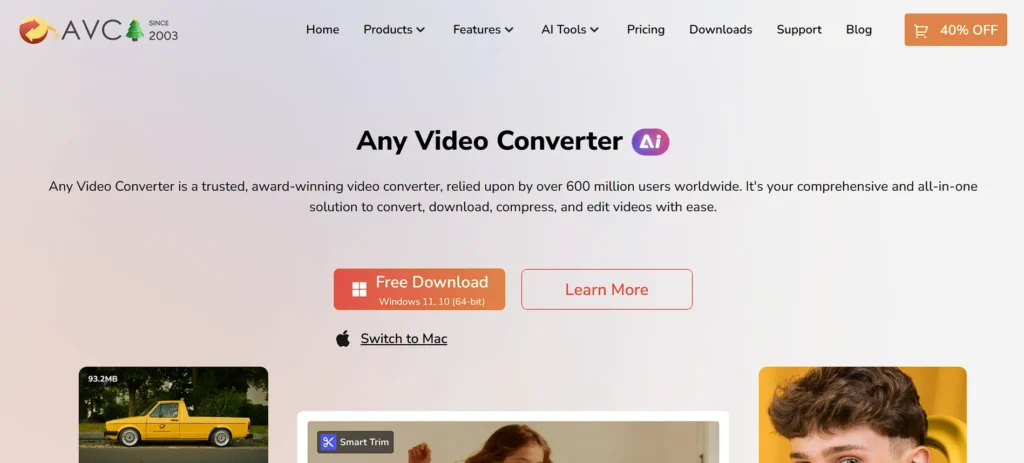
Any Video Converter (AVC) is a versatile desktop application that provides accessible video compression software and format conversion. It supports a broad array of input and output formats, making it straightforward to shrink videos for various devices and platforms.
AVC offers fast processing speeds and a user-friendly interface with drag-and-drop support. Beyond compression, it includes basic editing tools like trimming and merging, making it suitable for casual creators and hobbyists.
The free version covers most essential needs, while the premium edition adds advanced features like batch processing and higher quality presets. Its balance of features and ease of use has kept it popular over many years.
Key Features:
- Multi-format compression
- Device-optimized presets
- Batch file support
- Basic video editing tools
- Fast encoding engine
- Disc burning support
Pros:
- Easy to operate
- Good free version
- Stable performance
- Wide format compatibility
- Long-standing reputation
Cons:
- Ads in free version
- UI looks dated
- Fewer professional presets
Pricing:
- Any Video Converter Ultimate- $29.95
- Any Video Converter Pro- $19.95
13. VSDC Free Video Converter
Website: https://www.videosoftdev.com/free-video-converter
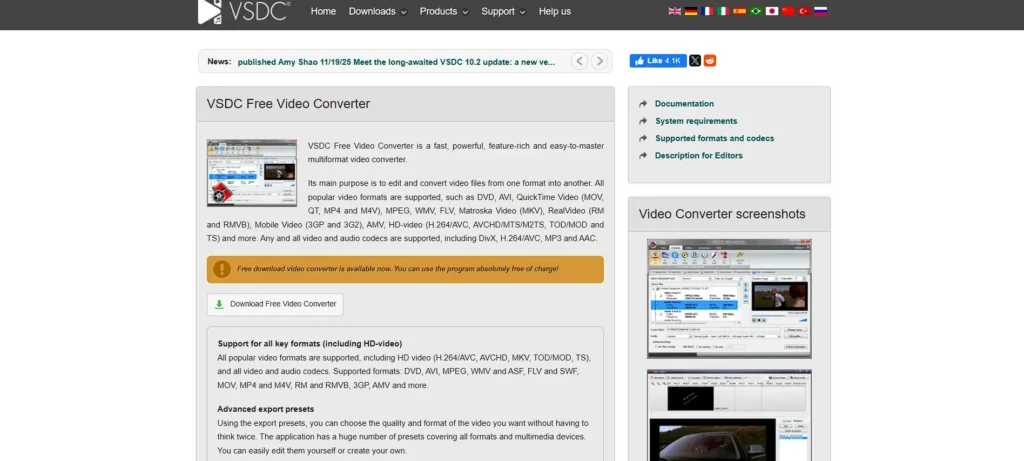
VSDC Free Video Converter is a powerful tool for converting and compressing video formats on Windows. Supporting all common codecs and containers — including MP4, AVI, MOV, and MKV — it lets users reduce file size while controlling output quality and resolution.
The software includes export presets for devices and social platforms, simplifying the compression process. While focused primarily on conversion, its compression capabilities make it useful for optimizing videos for email, web, and mobile viewing.
VSDC’s straightforward interface appeals to beginners, while its comprehensive format support satisfies more advanced users.
Key Features:
- Windows-based video compression
- All popular codecs supported
- Export presets for devices
- Fast conversion engine
- Lossless compression modes
- Simple UI
Pros:
- Free with no watermark
- Good compression efficiency
- Lightweight software
- Reliable performance
- Beginner-friendly
Cons:
- Windows only
- Limited advanced controls
- No cloud features
Pricing:
- Free
14. Clideo Video Compressor
Website: https://clideo.com/compress-video
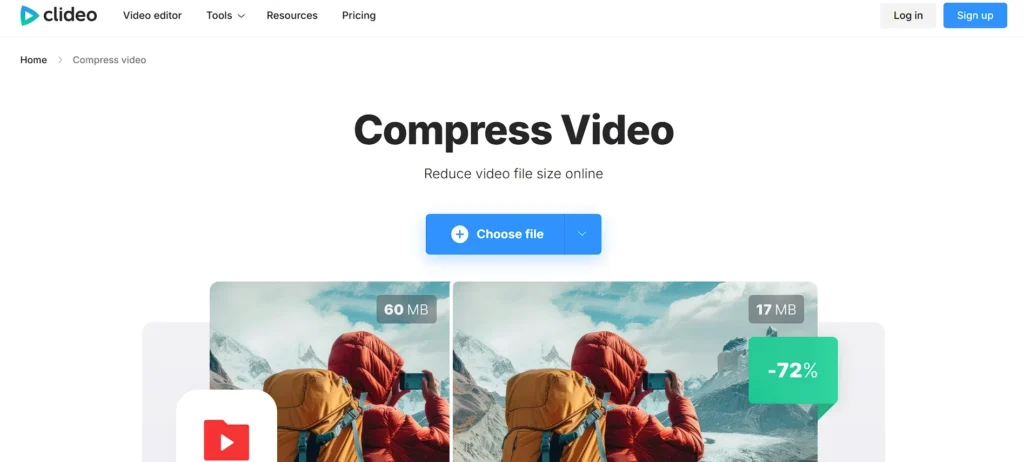
Clideo’s online video compression software is designed for quick, browser-based file size reduction without needing technical expertise or software installation.
Users upload videos, choose compression settings, and download the compressed file — all within a few clicks. While free usage may impose limitations on file size and available features, the tool handles basic resolution and bitrate adjustments efficiently.
Clideo also integrates other online tools like trimming, merging, and format conversion, offering additional editing flexibility before export. Its simplicity and accessibility make it appealing for those needing occasional compression without complex options.
Key Features:
- Online video compression
- Automatic optimization
- Supports common formats
- Secure uploads
- Additional editing tools
- Cloud-based export
Pros:
- Extremely simple
- No installation required
- Quick compression
- Cross-platform access
- Clean UI
Cons:
- Watermark on free version
- File size restrictions
- Limited control settings
Pricing:
- Monthly- $ 9 per month
- Annual- $ 6 per month
15. CloudConvert
Website: https://cloudconvert.com/
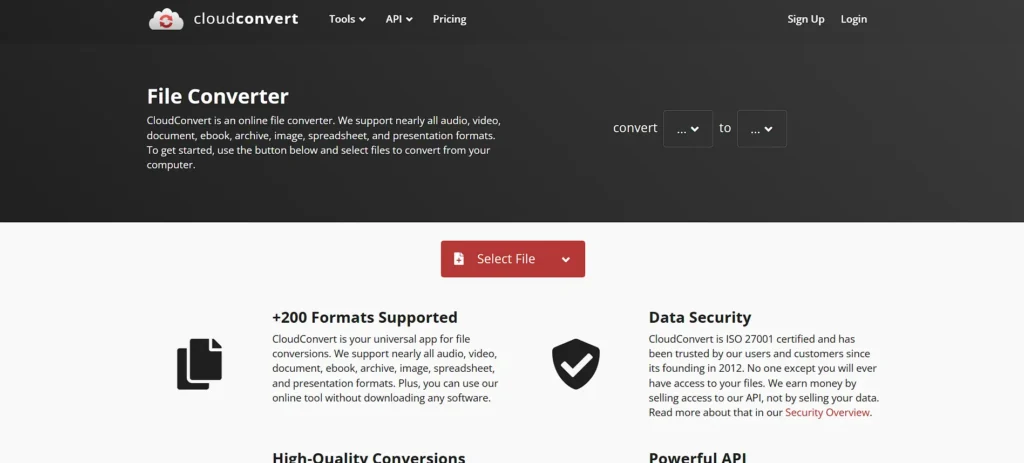
CloudConvert is a flexible online video compression software and conversion service that supports a vast range of formats and codecs. Users can upload files from their device or cloud storage and set custom output parameters like bitrate and resolution to tailor compression results.
CloudConvert’s API also allows developers to integrate compression workflows into apps or automated systems. Although reliant on internet speed and upload limits, its pay-as-you-go model gives users control over how much processing they need.
With robust format support and fine-tunable settings, CloudConvert is ideal for both casual users and professionals handling diverse media tasks.
Key Features:
- Advanced online compression settings
- API-based automation
- Cloud storage integrations
- High-quality codec options
- Batch processing
- Secure file handling
Pros:
- Developer-friendly
- Highly customizable
- Reliable output quality
- Wide format support
- Scalable usage
Cons:
- Requires internet
- Usage-based pricing
- Not beginner-oriented
Pricing:
- Package- US$17.00
- Subscription- US$9.00 / month
Quick Comparison
| Name | Best For | Ease of Use | Pricing |
| HandBrake | Advanced users needing high-quality compression control | Medium | Free (Open-source) |
| FFmpeg | Developers & professionals requiring automation and precision | Low | Free |
| Adobe Media EncoderMedium | Professional video production & enterprise workflows | Medium | Paid (Adobe Creative Cloud) |
| VLC Media Player | Casual users needing quick compression | High | Free |
| Movavi Video Converter | Beginners looking for fast, simple compression | Very High | Paid (Lifetime license) |
| Wondershare UniConverter | All-in-one video processing & compression | High | Free + Paid plans |
| Clipchamp | Social media creators & quick online compression | Very High | Free + Paid (Microsoft 365) |
| VEED.io | Online creators needing compression + subtitles | Very High | Free + Subscription |
| FreeConvert Video Compressor | Occasional web-based compression tasks | High | Free + Paid plans |
| VideoSmaller | Quick, no-setup video size reduction | Very High | Free |
| Shutter Encoder | Editors needing FFmpeg power with GUI | Medium | Free |
| Any Video Converter | Home users converting & compressing videos | High | Free + Paid |
| VSDC Free Video Converter | Windows users needing free compression | High | Free |
| Clideo Video Compressor | Fast browser-based compression | Very High | Free + Paid |
| CloudConvert | Developers & businesses needing scalable compression | Medium | Usage-based |
Ending Thoughts
In conclusion, video compression plays a vital role in the creation, storage, transmission, and consumption of digital video content. By reducing file sizes without significantly compromising quality, it enables faster streaming, efficient bandwidth usage, and seamless sharing across platforms and devices, often through reliable video compression software. Video compression supports modern demands such as high-definition streaming, cloud storage optimization, and real-time communication, making digital video more accessible and practical.
Whether used by individuals for personal content or by organizations for large-scale media distribution, compression ensures cost-effectiveness and improved performance. As video resolutions and content volumes continue to grow, efficient video compression technologies will remain essential for delivering high-quality visual experiences in an increasingly connected digital world.
FAQs
What are Video Codecs?
Video codecs are software algorithms used to compress and decompress video files. Common codecs include H.264, H.265 (HEVC), VP9, and AV1.
Does Video Compression Reduce Quality?
Lossy compression may slightly reduce quality, but advanced codecs minimize visible differences. Lossless compression preserves quality but offers smaller size reduction.
What is The Difference Between Lossy And Lossless Compression?
Lossy compression removes less noticeable data to reduce size significantly, while lossless compression keeps all original data with minimal size reduction.
Why is Video Compression Important For Streaming Platforms?
It ensures faster loading, reduced buffering, lower bandwidth usage, and smooth playback across different devices and internet speeds.
Can Compressed Videos be Edited Later?
Yes, but repeated compression and editing may degrade quality. For professional editing, higher-quality or lossless formats are recommended.