Conducting business in the modern world is like chess. You should strategize your moves, analyze what your competitors are doing, and never be backward. However, business does not have only 64 squares like chess; it has millions of opportunities. This is where the strategic planning tools will come in.
The Strategic Management Tools are even smarter, faster, and simpler in 2025. They integrate with other apps that you are already on, operate on your phone, and even provide you with suggestions with the help of artificial intelligence. These corporate strategy tools can be your best friends, whether you are designing a marketing campaign or deciding what new product to introduce.
What Are Strategic Management Tools?
Strategic management tools are computer programs and applications that aid in designing, planning, and implementing the objectives of a business. Consider them as your business compass; they are telling you where you are at the moment, where you need to be, and the ideal path.
These business strategy tools assist companies in making intelligent decisions that are informed by actual data and not necessarily by intuition. Strategic management tools gather data, make trends, monitor progress, and provide you with comprehensible reports that are easy to understand. Whether it is small companies or large organizations, every one of them makes use of these tools in order to remain competitive.
Why Look for Strategic Management Tools?
1. Enhanced Decision Making: Strategic planning tools provide you with clear data to make decisions without being afraid.
2. Saves Time and Money: Automation saves manpower, which lowers the cost and time.
3. Easy Tracking: You can easily track the goals and the progress with easy-to-use dashboards.
4. Enhance Team Cooperation: All the people have the same information, making teams on track and efficient.
5. Be First to the Trend: detect trends in the spot market, and change your strategy before other competitors.
Continue Reading: Best Compliance Management Software
Top 10 Strategic Management Tools
1. Cascade Strategy
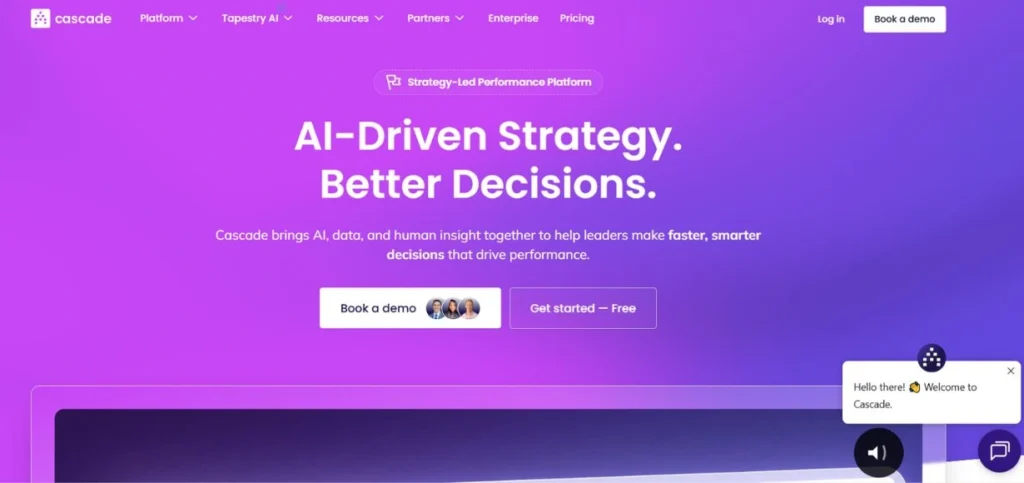
Cascade Strategy is a broad-based software for strategy management, which is used to plan, implement, and monitor strategy projects in organizations. It simplifies complicated strategic plans into easy-to-follow steps, which can be comprehended by all the individuals in the company. The platform bridges the gap between strategy and daily operations so that each member of the team is aware of how his or her efforts can be used to support larger company objectives. Cascade involves visual dashboards and intuitive interfaces that render strategic planning frightening.
Key Features
- Visual tools of strategy mapping.
- Progress tracking dashboards are automated.
- Connection with common applications.
Pros
- Extremely easy-to-use interface.
- Superior customer care group.
- An effective reporting and analytics.
Cons
- Professional pricing of businesses.
- Novice beginner learning curve.
- Poor personalization at the base level.
Best For: Enterprises
Pricing: Starts at $99/month per user
Website: https://www.cascade.app
2. monday.com
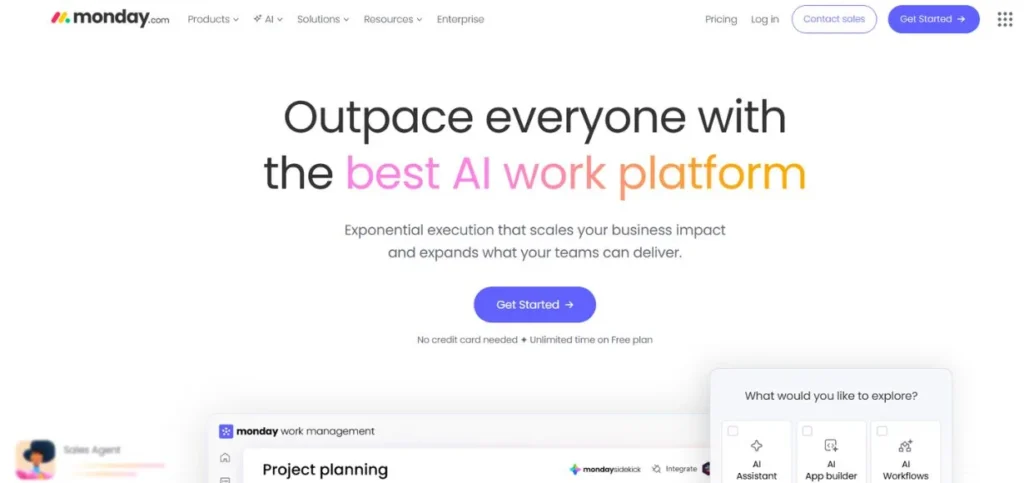
Monday.com is a flexible work operating system that also serves as a great tool for strategic planning. It aids teams in project, workflow, and strategic initiative management and operates on a single, colorful, and easy-to-use platform. The outstanding feature of monday.com is its visual nature; you can see the whole of your strategy pictured with the help of various views, such as a timeline, a calendar, or a kanban board. The platform is massive in terms of customization, enabling you to create the workflow that is exactly required by your business without writing even a single line of code.
Key Features
- Customizable workflow boards.
- Time tracking and budgets
- Various project viewing alternatives.
Pros
- Highly visual and colorful
- Scales for any team
- Well-developed mobile app experience.
Cons
- It can get expensive quickly
- At times seems overwhelming at first.
- Learning is required to have advanced features.
Best For: Teams
Pricing: Starts at $9/month per user
Website: https://www.monday.com
3. Asana
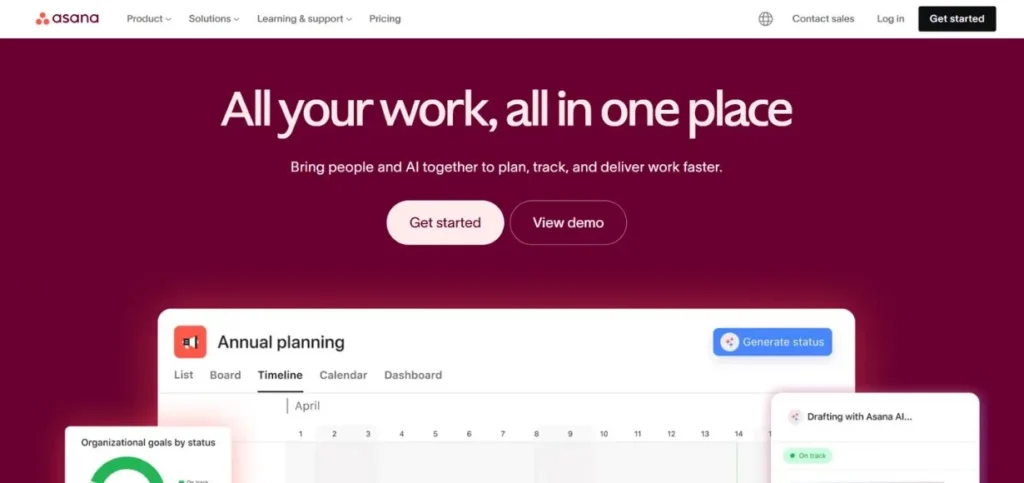
Asana is a project and strategy management platform that assists teams in planning their work and achieving their strategic objective. It is also designed on the premise of projects and tasks, and thus it is relatively simple to divide large strategic initiatives into small, manageable parts. Asana is good at displaying the task dependencies, and it lets you see how a delay in one task can impact your overall approach. Various options for organizing your work are provided on the platform: lists, boards, timelines, and calendars; therefore, the different team members can work most suitably.
Key Features
- Milestones and dependencies of tasks.
- Strategy portfolio management.
- Percentage tracking of goals.
Pros
- Clean, intuitive interface
- Free plan for basics
- Excellent mobile accessibility.
Cons
- Reporting could be better
- Poor time tracking capabilities.
- Premium features cost extra
Best For: Startups
Pricing: Free plan available; Premium starts at $10.99/month per user
Website: https://www.asana.com
4. Tableau
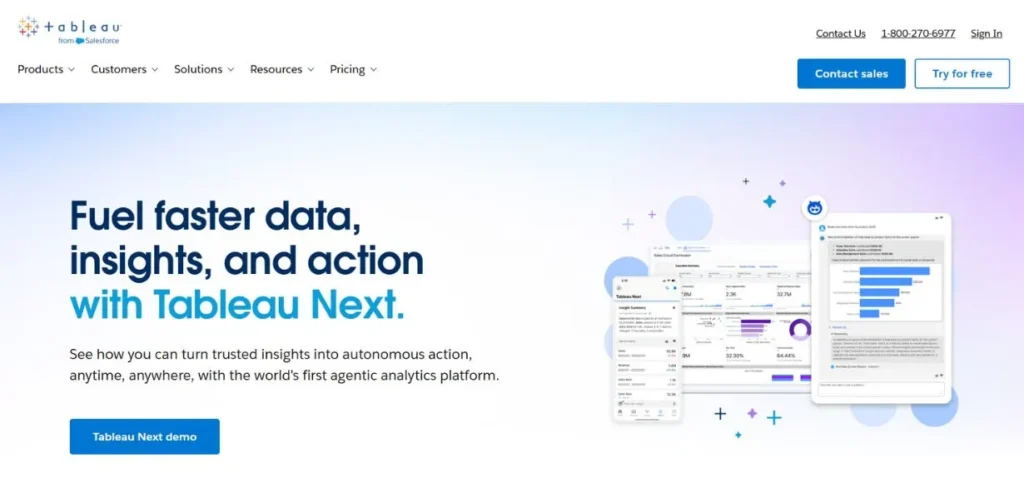
Tableau is a well-known business intelligence and data analytics application that converts raw data into interactive visuals that are beautiful. To strategic management, Tableau is a crystal ball displaying the patterns, trends, and insights that are not easily visible in your business data. It can be linked to virtually any data source, including spreadsheets, databases, cloud services, etc., and generate dashboards that can be updated in real-time.
The difference with Tableau is that it allows dealing with large volumes of data, and the visualization is still created in such a way that any person can read it. Tableau helps business leaders to monitor key performance indicators, strategic goals, and make informed decisions using the data.
Key Features
- Interactive data visualization devices.
- Real-time dashboard updates
- Artificial intelligence-based analytics recommendations.
Pros
- Handles big data easily
- Professional and beautiful visualizations.
- Effective community and resources.
Cons
- Expensive to learn in the beginning.
- The small businesses cannot afford it.
- Sometimes, technical knowledge is necessary.
Best For: Analytics
Pricing: Starts at $70/month per user
Website: https://www.tableau.com
5. Smartsheet
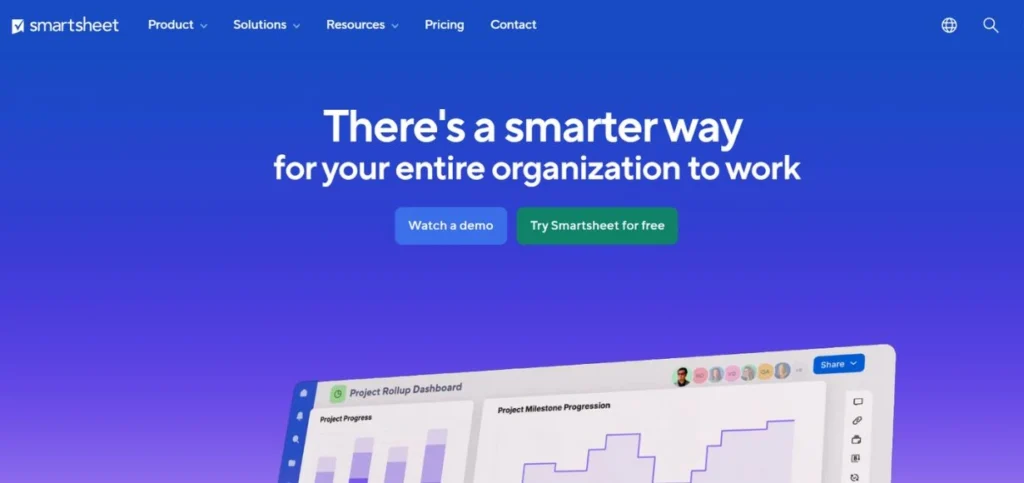
Smartsheet integrates the familiarity of spreadsheets with the strong project and strategic direction characteristics. In case your team is an Excel cult and requires something more teamwork and strategic, Smartsheet would be the right place. It gives you the ability to organize strategic projects in the grid view that everybody is familiar with, except that it provides capabilities such as automated processes, file integration, discussions, and real-time collaboration. Smartsheet has a strong presence, especially in enterprise situations where complex projects require close coordination.
Key Features
- Conventional spreadsheet design.
- Automated workflow functionality.
- Resource management tools
Pros
- Easy transition from Excel
- Intense automation capabilities.
- Scales for enterprises
Cons
- The interface looks dated
- Can become cluttered easily
- Pricing adds up quickly
Best For: Corporations
Pricing: Starts at $9/month per user
Website: https://www.smartsheet.com
Read More: Top Contract Management Software
6. ClickUp
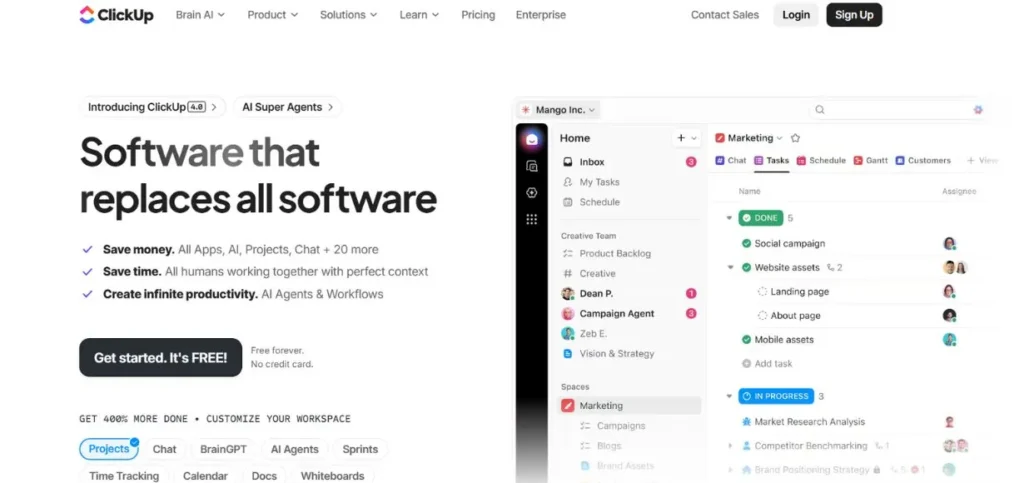
ClickUp markets itself as the one app to replace them all, and it does not fall far short in the case of strategic management. It is a single platform that has incorporated project management, document creation, goal tracking, time management, and strategic planning. ClickUp is very flexible; it can be customized to suit practically everything based on the workflow of your team.
The platform provides a set of specific features such as mind maps to brainstorm a strategy, whiteboards to do joint planning, and even a built-in chat to minimize communication silo. Even with all these features, ClickUp is priced reasonably, and now, small businesses can afford to engage in enterprise-level strategic planning.
Key Features
- One-stop enterprise platform.
- Personalized views and processes.
- Goal tracking with targets
Pros
- Fully-integrated multi-featured.
- Affordable pricing tiers
- Periodical upgrades and enhancements.
Cons
- Too many options initially
- In some cases, performance can be behind schedule.
- Too complicated for the novice.
Best For: SMBs
Pricing: Free plan available; Paid starts at $7/month per user
Website: https://www.clickup.com
7. Wrike
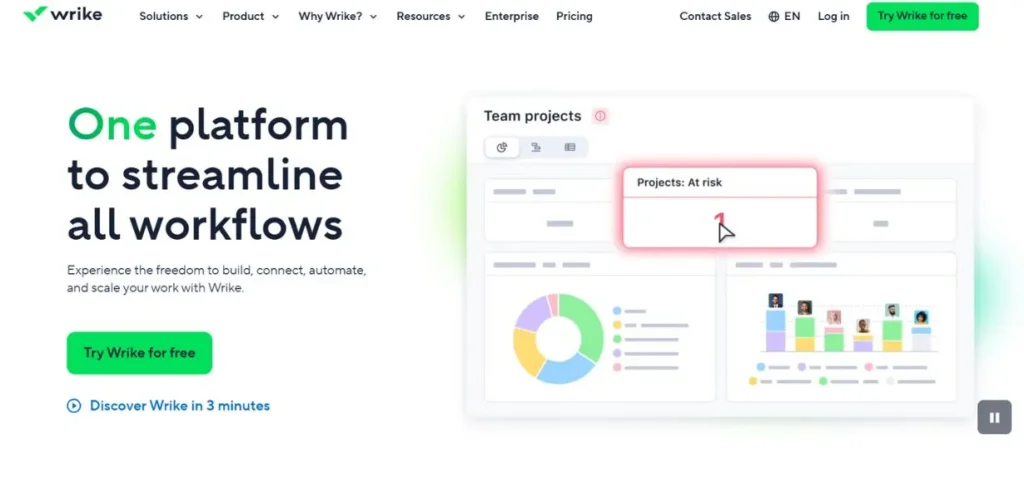
Wrike is an effective work management tool suitable for every group that requires serious strategic planning options. It is an amalgamation of project management, resource planning, and strategic execution. Wrike is especially influential when it comes to cross-functional strategic projects, when various departments should cooperate. The platform provides workflow customization, which can represent any business process, whether product launches or growth strategies in the market.
Its request form assists in solicitation of strategic ideas within the entire organization, with its approval processes adequately reviewing them. Wrike has a detailed and customizable reporting that provides the executive with the insights to make strategic decisions.
Key Features
- Individual processes and orders.
- High-tech reporting and analytics.
- Ressourcing and work scheduling.
Pros
- Strong on complicated projects.
- Effective security and controls.
- Superb third-party integrations.
Cons
- The interface is a matter of familiarization.
- Higher cost for features
- Overkill for simple needs
Best For: Agencies
Pricing: Starts at $9.80/month per user
Website: https://www.wrike.com
8. Hootsuite
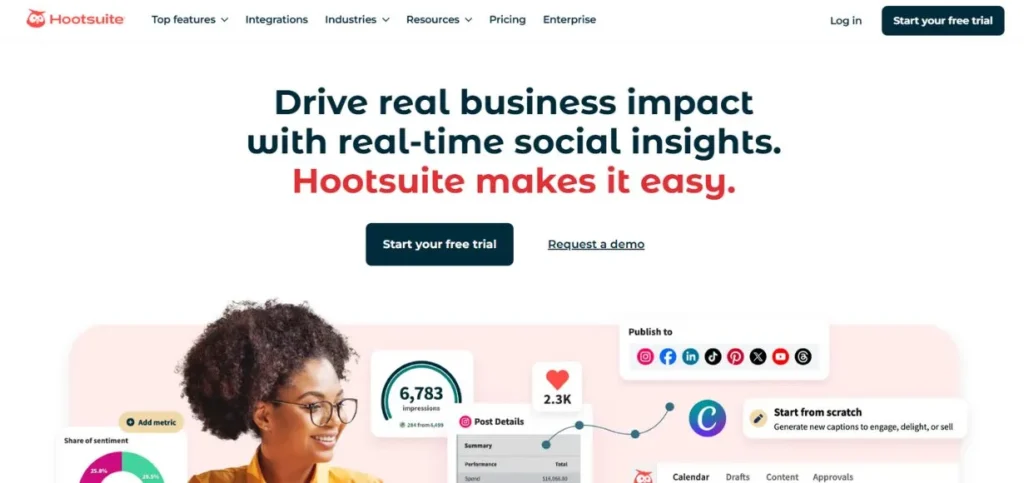
Although Hootsuite is mainly used as a social media management tool, it has developed over the years to be a holistic strategic planning tool for digital marketing strategies. It enables companies to strategize, implement, a nd quantify their social media strategy on more than one platform through a single dashboard.
The strategic usefulness of Hootsuite lies in its social media analytics dashboard that demonstrates precisely what happens with your content, the platforms that trigger the most engagement, and your ROI. The platform has social media engagement analytics, which monitor comments, mentions, and discussions about your brand.
Key Features
- Multi-media social media management.
- In-depth analytics and reporting.
- Team structure and processes.
Pros
- The social media is managed centrally.
- Diffusion of superb analytics and insights.
- Good scheduling and planning.
Cons
- Account-based pricing is greater. The user interface is cluttered.
- Learning curve for features
Best For: Marketing
Pricing: Starts at $99/month
Website: https://www.hootsuite.com
9. Quantive (formerly Gtmhub)
Quantitive is a strategy platform that is designed to run upon the framework of OKR (Objectives and Key Results). It assists companies in creating a high level of strategic objectives and works on their achievement with key measurable outcomes. Quantitative converts abstract strategic visions into measurable and trackable objectives that are passed on all the way down an organization.
The platform is excellent in alignment – it makes sure that the goals of each team are in line with the overall corporate strategy. Its data connections are automated to bring in data on other business tools, and provide you with real-time metrics on progress without ever typing in the data. Quantite has the strategic planning session, goal-setting workshop, and progress review functions.
Key Features
- Implementation of the OKR framework.
- Automated data integration
- Strategic alignment dashboard.
Pros
- Purpose-built for OKRs
- Powerful analytics engine
- Strong focus on alignment
Cons
- OKR methodology required
- Complex setup process
- Premium pricing tier
Best For: OKRs
Pricing: Custom pricing only
Website: https://www.quantive.com
10. Power BI
Microsoft Power BI is a business analytics tool that transforms the information of your company into turning it into strategic information. Being a tool of corporate strategic management, Power BI is linked to hundreds of data sources, including Excel sheets and enterprise databases, and generates interactive dashboards that enable leaders to make knowledgeable decisions. It has its strong points in data visualization and the possibility to drill down from the high-level strategic measures to the operational specifics.
Power BI is an artificial intelligence platform that will automatically identify patterns and trends that you otherwise would have overlooked. The platform comes with full integration with other Microsoft products, such as Excel, Teams, and SharePoint, and therefore, it is easily integrated with organizations already utilizing Microsoft products.
Key Features
- State-of-the-art business intelligence.
- Insights generation through AI.
- Integration of the Microsoft ecosystem.
Pros
- Powerful data analysis
- Experience with Microsoft products.
- The company is effective in its features
Cons
- Skills in data modeling are required.
- Complex for beginners
- Windows only Desktop version.
Best For: Reporting
Pricing: Starts at $10/month per user
Website: https://www.microsoft.com/en-us/power-platform/products/power-bi
Future of Strategic Management Tools
1. AI-Powered Strategy Recommendations: Artificial intelligence will propose strategies using the data about your company.
2. Predictive Analytics Everywhere: You will have tools that predict the outcome of any strategic initiative before its implementation.
3. Enhanced Mobile Experiences: Strategic planning will be done anywhere, not only on office desks
4. Heightened Automation: Strategic routines will be operated automatically, which will save precious time for the managers.
5. Real-Time Collaboration: The strategy will be planned by teams in real-time virtual settings all over the world.
Conclusion
Strategic management tools are necessary for businesses that desire to succeed in 2025. You want business strategy tools to plan, strategy management software to execute, or corporate strategy tools to track; there is the right one to use in your business.
The trick is to select the Strategic management tools that fit your demand, budget, and the abilities of your team. It is not to say that you should be bombarded with characteristics that you will never utilize. You know, when you can have the basics, you learn those, and then you expand into other higher abilities.
It is important to remember that the most useful Strategic management tools are the ones that your team will apply. A plain implement that one and every one indulges in is better than a compound one that is laid aside. Use the free trials, get your team to decide, and select the tool that can expand with your business.
It is not only big corporations that are tasked with strategic management. These tools are affordable, user-friendly, and even the smallest business can plan like a Fortune 500 company with these tools. Your business today begins with your strategies, and that is something you need to develop now so that you have the right tools to implement the strategies you have developed.
Frequently Asked Questions
Q1: What are strategic management tools?
Strategic management tools are basically the software programs that eventually assist companies to do proper planning, organization, execution, as well as monitoring of their strategic objectives and initiatives in a very effective manner.
Q2: How much do strategic planning tools usually cost?
The price ranges a lot, from free plans to over $100 per user per month. The majority of business strategy tools give a tiered pricing structure according to the features and the size of the team.
Q3: Are small businesses at all non-strategy management software?
Sure! A lot of tools affordably offer plans that are specifically intended for small businesses and startups, thereby facilitating their competition with larger companies in a very efficient manner.
Q4: For corporate strategy tools, are you required to be technically skilled?
Most of the latest strategic planning tools have been made for non-technical users with user-friendly interfaces; however, some analytical tools demand data skills.
Q5: How do social media analytics dashboards fit into strategic management?
Through social media analytics dashboards, the monitoring of marketing performance, ROI, and customer engagement, as well as providing critically needed data for the making of digital marketing strategy decisions and their adjustment, is done.
Continue Exploring: Next.js & Node.js Development Companies in the USA, UK, Israel, Switzerland & UAE