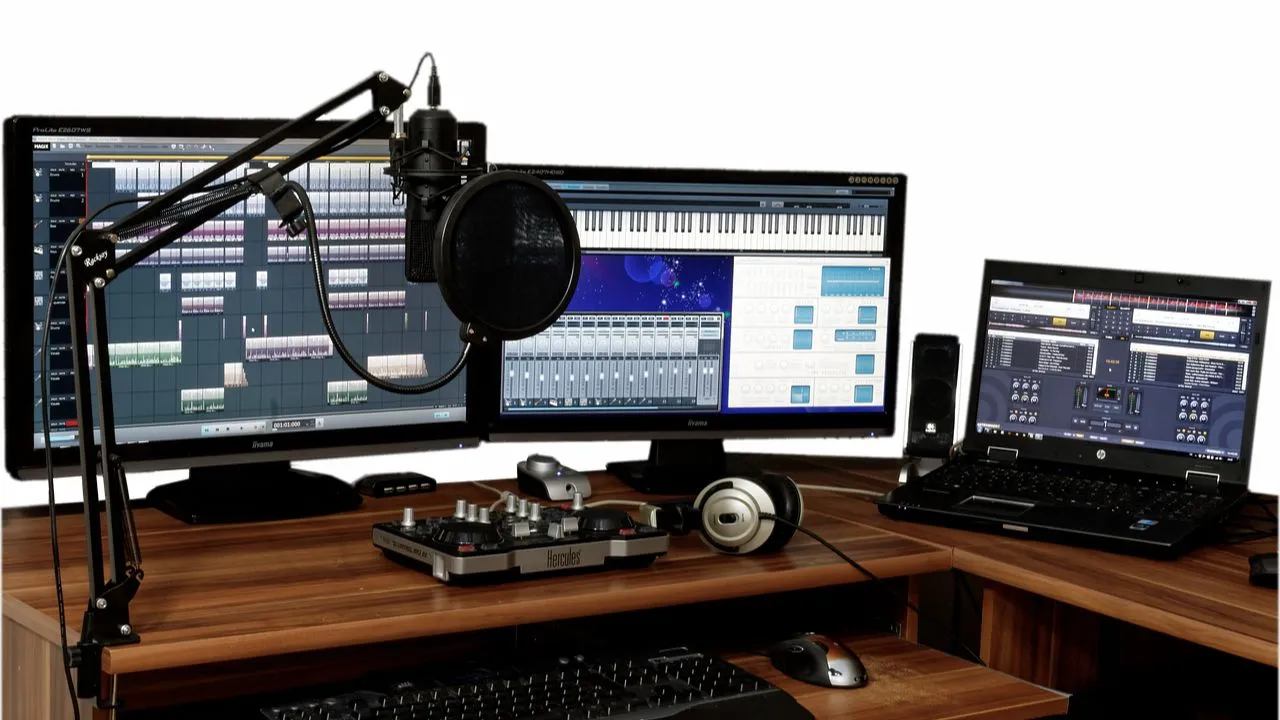
When recording what you’re doing on your screen, having the best screen recorders is important. It’s choosing the right tool for any task – you need something that will do its job and isn’t too difficult to use. You might be recording your video game escapades or creating tutorials for others, and good screen recording software can really help. Let’s take a look at some of the simplest and most useful ones available. Whether you’re an expert or a beginner, these applications will enable you to record your screen in a matter of seconds.
Whether you need to capture the entire screen or a particular area, a screen recorder will certainly do the job and will assist you in getting a high-quality video. But for using the software, one should know the best screen recording software in 2026.
Therefore, we have come up with a list of software that satisfies a broad range of consumer demands due to the advancement in technology. The best screen recorder substitutes for 2026 will be covered in this blog post.
Why Your Business Requires a Video Screen Recording Software and Tool?
Email is not always the best method to communicate with customers, co-workers, or clients. With only text, your ability to convey your message, explain issues, and provide instructions can be impaired.
Regardless of whether you are in design, development, marketing, sales, customer service, or somewhere else – there are issues in giving feedback, fixing problems, and making decisions.
Communication challenges do not occur with your team alone, it happens as you work across spread-out teams, partners or customers. We all try to communicate in a manner that is easy to understand.
That is where video screen recording software comes into the picture.
Video screen recording software captures whatever is being done on your computer monitor, and your cursor movements as well, in order to fix and talk about business issues with ease.
This type of video sharing software is very helpful for professionals, and increases productivity and efficiency, by providing users with the means to share knowledge easily and quickly.
A screen recorder software can be utilized by a company in numerous ways. Some of them are:
- Working on a team project
- Cooperating with the design team to demonstrate changes easily
- Demonstrating processes step-by-step in a tutorial
- Screen sharing for technical support to resolve ongoing issues
- Onboarding new staff
- Support ticket responses
- Software demonstrations to customers and many more
Also Read: Best Free CAD Software
What Constitutes Excellent Screen Recording Software ?
A screen recording software is not something you would employ to make high-quality movies and videos. It’s a tool that can be employed to perform routine tasks and simplify and accelerate them.
An excellent screen recorder should possess the following features:
- Captures the whole screen or a specific region
- A simple to operate and intuitive interface
- Simultaneous microphone and system audio recording
- Has an option to export the recorded footage
- Lets you annotate the recorded footage
List of Top 10 Screen Recording Software
1. Cloudapp
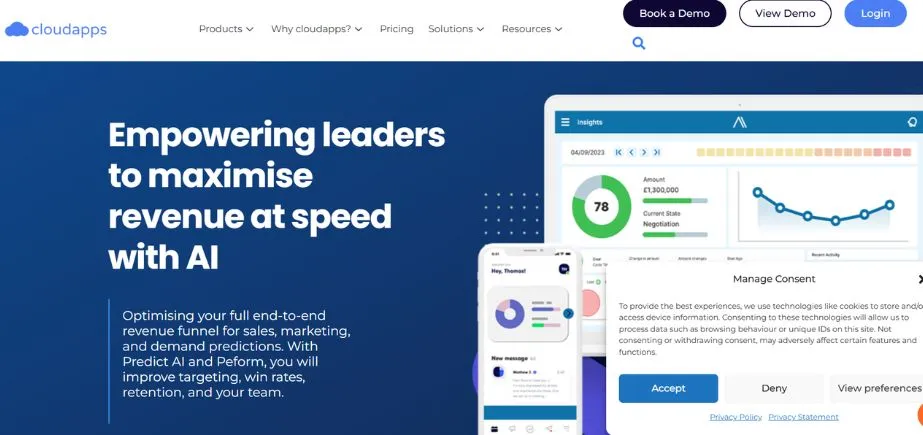
Starting our list of great screen recorders and software is Cloudapp, a team visual communication tool. Cloudapp is full of interesting features and is not technically a screen recorder. It merges video walkthroughs, GIF creation, webcam recording, and screen capture into a communications software for companies well-stocked.
Understandably aware of how challenging workplace collaboration can be, particularly if your collaborators work remotely, Cloudapp has crafted its app to render visual collaboration a walk in the park.
Whether you need to comment on changes to be done to your website or app, describe a process step-by-step, or provide feedback to your designer, CloudApp makes you do all this so conveniently. The platform is simple to use and ensures the message isn’t lost in translation! Cloudapp has exceeded more than 2 million users globally and is a deserving screen recorder tool.
Key Features
- GIF creation
- Enhance screenshots and GIFs with annotations.
- Upload & share files
Pricing:
- Free with limited features
- Paid plan starts at: Pro ($9 per month per user), Team ($8 per month, minimum 2 users), Enterprise (contact sales).
2. Snagit
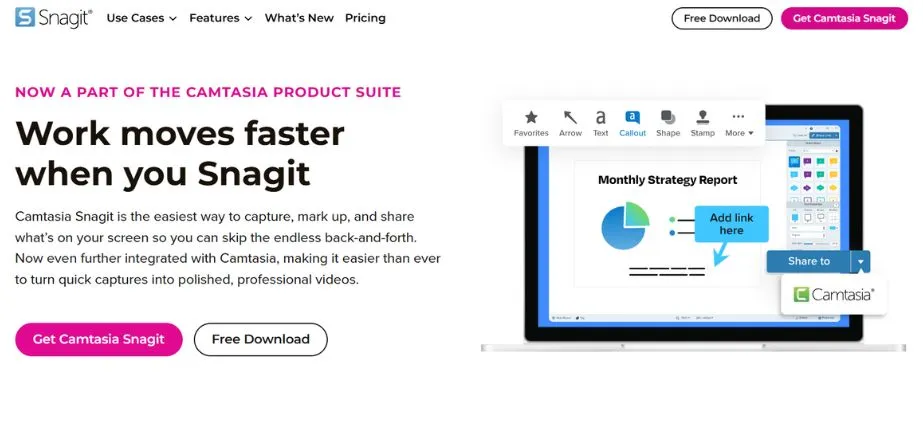
And then there is Snagit, another excellent team screen recording software . Snagit seeks to replace all forms of communication such as “Wordy emails, help desk articles, training manuals, and documentation” with visual instructions that individuals can simply follow and get.
Just screenshot a process using Snagit, or record the screen, add captions over the video or audio or video narration to add context, and create personalized how-tos, tutorials, and snap shots in videos all within Snagit.
One of the best features of Snagit is the panoramic capture that lets users capture wide, horizontal scrolls, scrolling web pages, and anything else. Snagit also offers pre-made layouts to enable users to quickly and easily create visual documentation, tutorials, and training materials.
Key Features
- Extract text from an image, screen capture, or file
- Panoramic screen recording and screen capture
Pricing:
- A license of this tool costs $49.95 and can be installed on up to two different computers.
3. Calipio
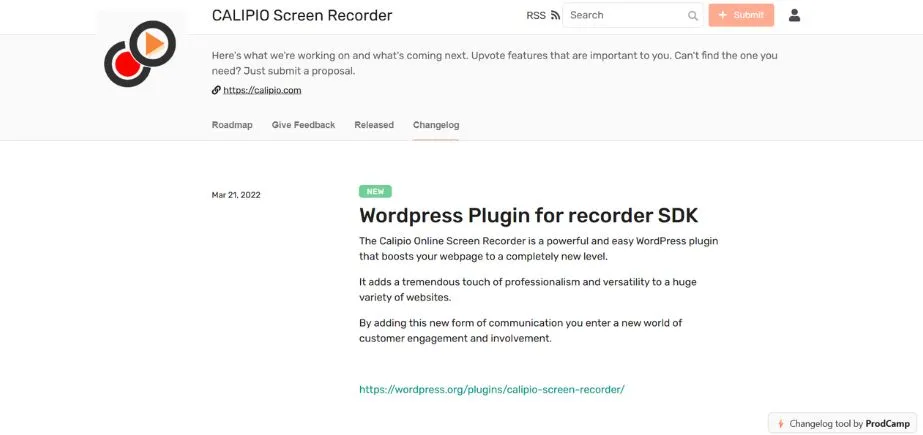
Another newcomer to the list of screen recording software is Calipio. It is uniquely targeted towards the individual who desires the thing itself but consume it immediately and without any restraint whatsoever.
Calipio is the sole online screen recorder available which is actually online! You do not have to download or install any software or even a browser extension in order to enjoy full functionality with no lag. You can use any platform (Windows, Mac or Unix) and any browser you like.
To make things faster they even offer unregistered access. So go over there and start recording right away! Those unregistered ones are very short but there is actual free package available anyway, so overall it is just an extra user value and no restriction.
You can add your mic or computer sound and add your camera too of course.
One interesting feature occurs towards the end when you simply receive a link to share the recording as a shared link and not as a download which forces you to deal with an outrageously huge file which is typically viewed as extremely inconvenient. They offer end-to-end encryption which is extremely convenient in the event that you are discussing pertinent key information of your business.
Key features
- No download or installation needed
- No registration needed
- Runs on all platforms
- Runs in all browsers
- Link sharing from their cloud
- End to end encrypted
Pricing:
There is a free version and different volume-based packages with additional functionality.
4. ShareX
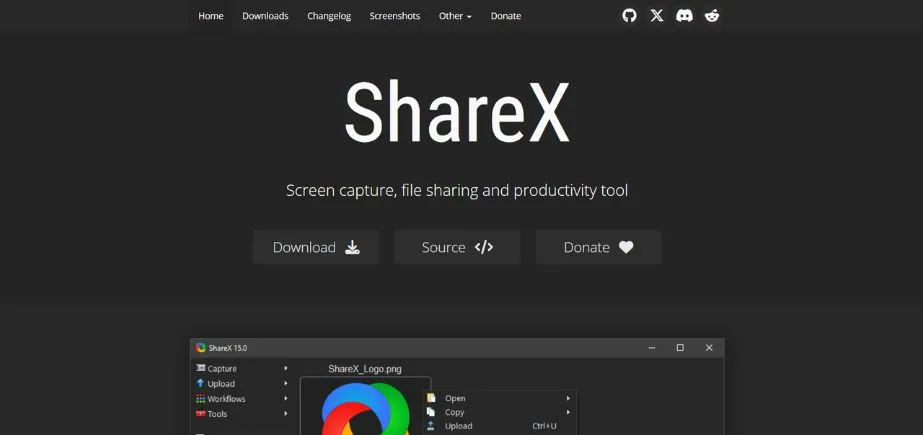
ShareX is the screen recording software you require. ShareX positions itself as a productivity software as besides screen sharing and recording, you can share files with your colleagues and get things done in no time. One of the best features of ShareX is that you can record a section of your screen. At times, you don’t want to share your whole monitor and ShareX saves the day then.
ShareX also has a bunch of awesome features such as color picker, image editor, image splitter, video thumbnail generator, ruler, DNS changer and plenty more. For an individual looking for a free program that delivers the goods, ShareX is worth a try.
Key Features
- Open-source software
- A ton of editing options
- No advertisements, completely free.
Pricing:
- Free
5. Nimbus Capture
ShareX is the screen recording software you require. ShareX positions itself as a productivity software as besides screen sharing and recording, you can share files with your colleagues and get things done in no time. One of the best features of ShareX is that you can record a section of your screen. At times, you don’t want to share your whole monitor and ShareX saves the day then.
ShareX also has a bunch of awesome features such as color picker, image editor, image splitter, video thumbnail generator, ruler, DNS changer and plenty more. For an individual looking for a free program that delivers the goods, ShareX is worth a try.
Key Features
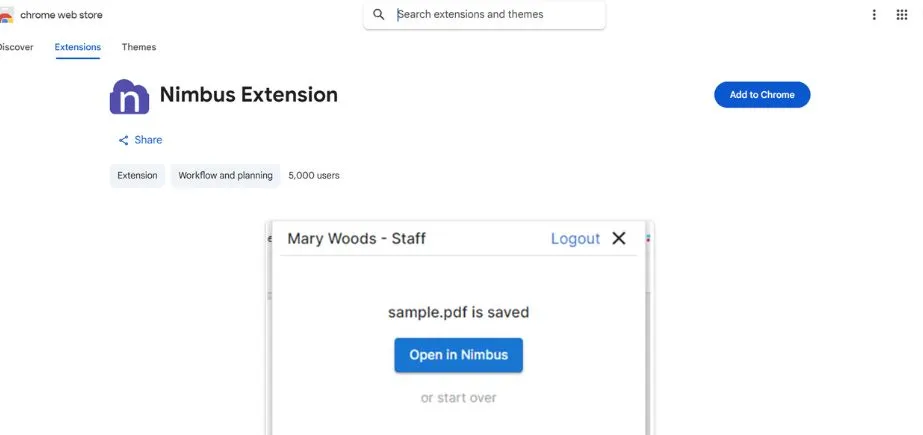
- An organized workspace to keep all your screen recordings and data in one place
- A web clipper to grab info on the go.
Pricing:
- Free with limited features
- Paid plan starts at: Pro ($24.99 per month up to 5 users), Team ($5.83 per month, up to 5 users), Enterprise (contact sales).
Read More: Top Video Conferencing Software
6. Loom
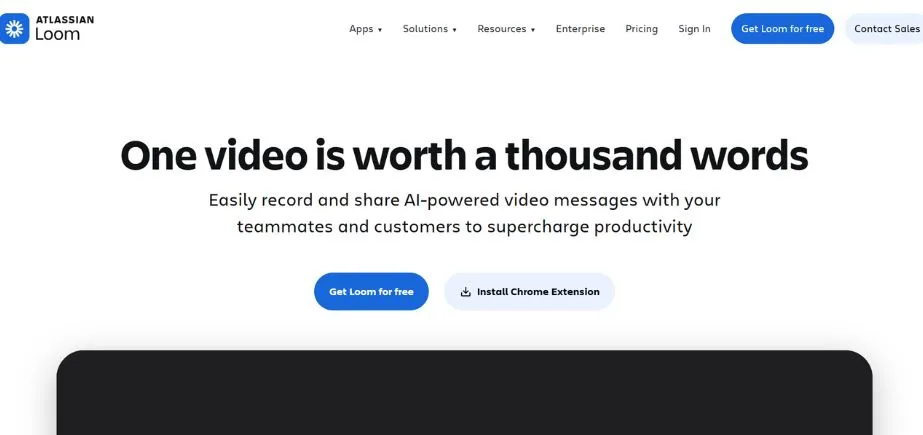
Loom is a new kind of work communication software that allows it to be simple for you to communicate your message using instantly sharable videos. Loom can be used by users to capture their screen, voice, and face and share their video instantly instantly.
Whether you are required to support a customer, embed a video guide on your website or YouTube channel, publish videos for social media, or you would like to make a detailed video response to an email, Loom has got everything covered with all your business problems.
Apart from video recordings, you can screen capture videos and even record your face in it in a little bubble at the bottom of the screen. Such kind of videos is perfect for creating how-to guides and tutorials. Loom has onboarded over 1.8 million people in 50,000 companies and is a perfect utility for screen recording and visual communication.
Key Features
- Save videos automatically to the video library.
- You may cut your movies, add calls to action, and even create personalized thumbnails.
- Make your films password-protected or only available to particular email addresses.
Pricing:
- Free plan with limited features
- Pro plan at $8 per month
7. LiteManager
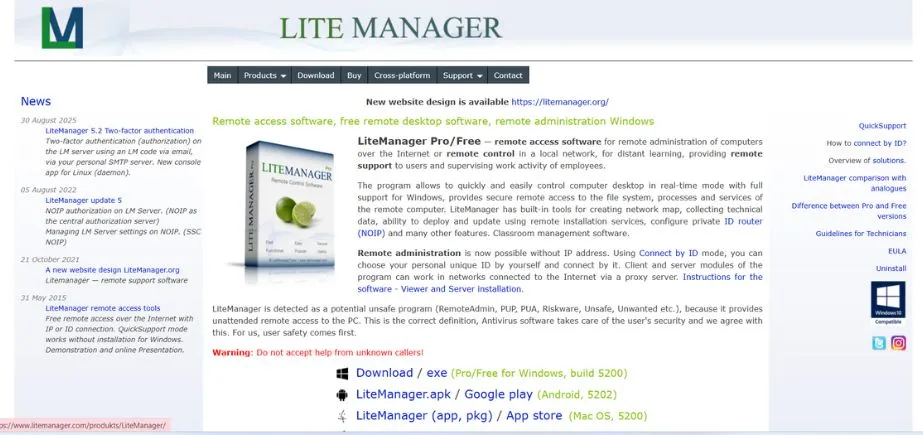
A robust screen recording utility, Litemanager enables the easy control over computer desktop. Excellent software to offer remote tech assistance, Litemanager can connect to computers in real-time. LiteManager also possesses in-built utilities for gathering technical information, generating network maps, configure private ID router (NOIP), install and update by using remote installation services, and much more.
LiteManger’s free version enables you to manage up to 30 computers simultaneously and more computers if you have a license key!
Apart from screen capture and remote PC access, Litemanager also provides power control, text chat, and voice and video chat, telnet control of computer via command prompt, device manager and lots more. It is not the easiest tool to work with but if you need to remotely access numerous computers, then Litemanager is the tool for you.
Key Features
- Classroom management software
- Great tool for tech support
- Text, audio, and video chat
Pricing:
- Free with limited features
- Paid plan starts at: $10 per license.
8. Camtasia
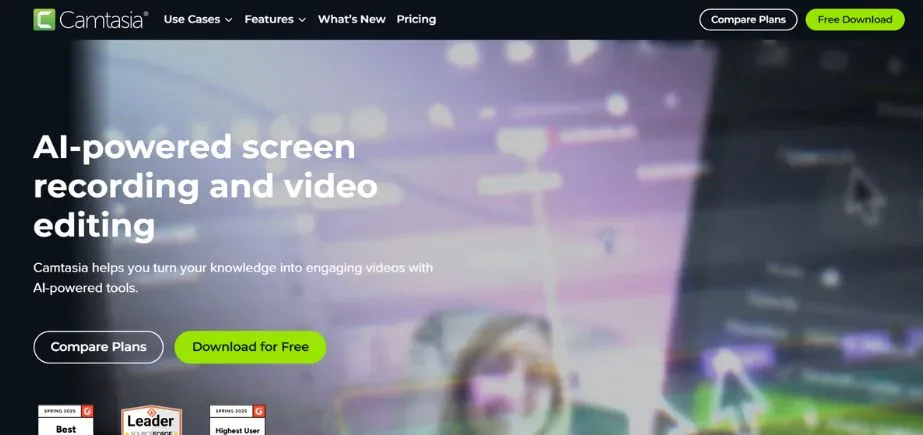
Camtasia enables you to record anything on your computer screen, such as websites, product pages, webinars, applications, presentations, and any file. Once recorded, you can enhance the look and feel of the video by inserting call-outs, animations, or pointer effects to guide your viewers.
Camtasia views itself as something greater than a screen recorder. It wishes to be the software with which you can produce quality YouTube tutorials, helpdesk content, how-to tutorials, training content, onboarding videos and more.
You can also personalize your videos with intros, music, and various color schemes to suit the appearance and ambiance of your brand. After you’ve completed building your Camtasia video, you can upload this video to your preferred hosting site in one click. More than 24 million people use Camtasia across the globe so you can be sure you are in good care!
Key Features
- Pre-made animations may bring professionalism and refinement to your movies.
- Include zoom-in, zoom-out, and pan animations.
- Create quizzes to make your videos more interactive and entertaining.
Pricing:
- One-time fee, Install on 2 machines: $199.00/month
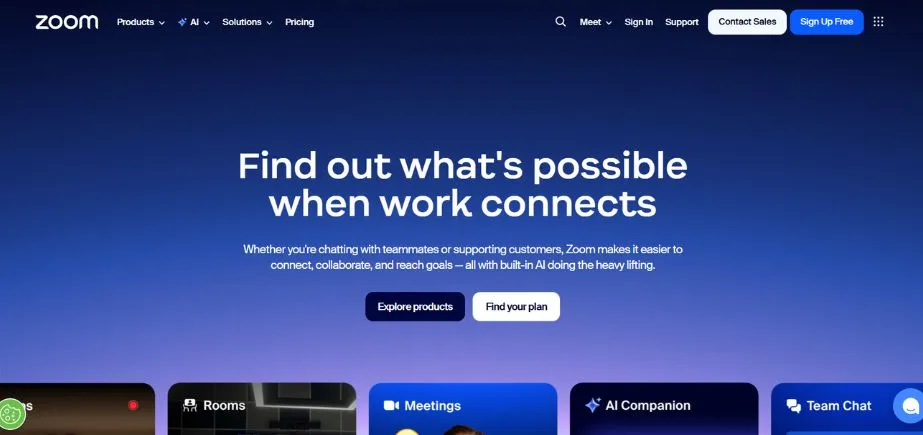
9. Zoom
Key Features
- Auto-generated transcripts for videos
- Co-annotate with team members.
- Chat and file sharing.
Pricing:
- Free with limited features
- Paid plans available
10. TeamViewer
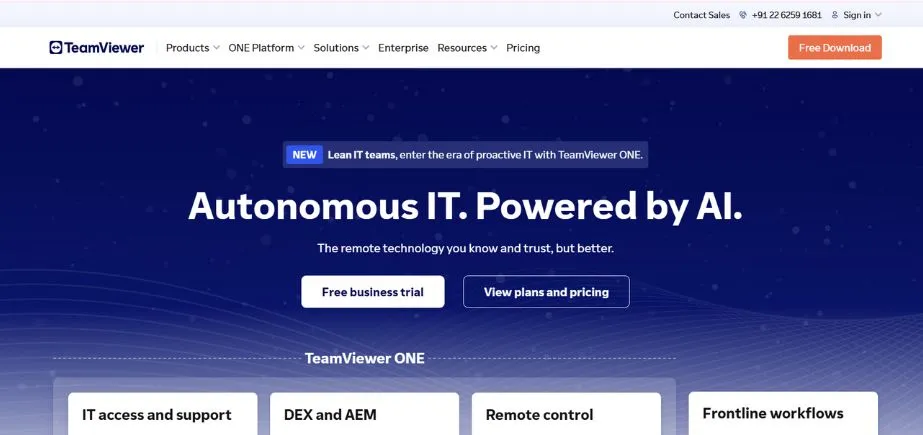
With more than 400,000+ individuals downloading it daily, TeamViewer is a highly reputed screen recorder software found today. TeamViewer enables you to share friends, colleagues or clients any type of media such as documents, photos, and even videos- that are on your computer.
Whether you are in IT support, have a culture of remote work, travel frequently for work, or work at home, TeamViewer has excellent collaboration features to assist you in accomplishing tasks .
The software is accessible on all leading platforms such as Mac, Linux, Windows, iPhone, iPad, and Android and comes in more than 30 languages. Some other impressive features of Teamviewer are remote printing, access to mobile devices, remote sharing of files, and many more!
Key Features
- Augmented reality features for screen sharing
- Easy file transfer
- Connect across multiple platforms
Pricing:
- Free with limited features
- Paid plan starts at: $49/month
Continue Exploring: Best MNC Companies in Chennai