
The digital transformation scene has been marked by a phenomenal change that has seen the development of smart automation solutions. To automate repetitive processes, facilitate the workflow, and improve productivity in different departments, modern businesses are resorting to the use of SaaS AI tools more often. These cloud-based solutions do not require sophisticated infrastructure, but they offer a more powerful artificial intelligence, which was previously available only to enterprise-level organisations.
Automation technology has been adopted as a crucial requirement of firms that intend to remain competitive in the current, competitive market. SaaS AI tools to automate business processes are changing the way teams operate, both in the creation and marketing of content, the support of customers and analytics. They cut down on manual processes, human error, and enable the professionals to work on strategic processes instead of menial processes.
What is SaaS?
Software as a Service (SaaS) is a type of software distribution in the cloud computing model whereby the service providers host the software, which is made available to customers via the internet. Compared to conventional software that has to be installed on personal computers, SaaS applications are based on the server of the provider and can be accessed using web browsers anywhere, provided the individual has internet access.
This model has a number of benefits, such as reduced initial investments, automatic upgrades, scalability, and universal accessibility to various machines. Enterprise-grade software is cheaper and more affordable to both large and small businesses, as users normally pay subscription fees as opposed to buying a perpetual license.
Also Read: Great Online Tools for Work
Essential Features to Look for in SaaS AI Tools to Automate
In assessing a few automation solutions to use in your business, it is important to understand what the best tools have that make them superior to average automation tools. The appropriate mix of functions may help to turn a tool into an essential resource or a poorly used subscription. The following are the key features that you need to focus on:
- Integration Capabilities: This is the key feature that any automation tool should comprise, which means the possibility to flawlessly connect with your current software stack.
- Ease-of-Use: The adoption process of complex tools is often not followed since the team members have difficulty using them.
- Scalability and Flexibility: Your preferred tools must have the ability to expand with your business without having to migrate to a new platform.
- AI Accuracy and Reliability: The quality of the artificial intelligence that is the basis of the automation is the most important.
- Data Security and Compliance: Since the tools will be dealing with sensitive business information, it is essential that the tools are very well secured.
Comparison Table for SaaS AI Tools to Automate
| Tool Name | Rating | Best Feature |
| Canva | 4.7/5 | Magic Studio suite with AI design capabilities |
| Jasper | 4.5/5 | Brand Voice customisation for consistent content |
| Mailmodo | 4.6/5 | AI-powered audience segmentation |
| Ahrefs | 4.8/5 | AI-driven search intent analysis |
| Clay | 4.4/5 | Claygent AI research agent for lead enrichment |
| Buffer | 4.3/5 | AI Assistant for social media content generation |
| Intercom | 4.5/5 | Fin AI chatbot with performance analytics |
| HelpScout | 4.6/5 | AI Drafts trained on support documentation |
| Amplitude | 4.4/5 | Predictive analytics for user behaviour |
| Sprig | 4.5/5 | AI Explorer for user experience insights |
| Lattice | 4.3/5 | Engagement Insights with theme identification |
Top 11 SaaS AI Tools to Automate
1. Canva
Rating: 4.7/5
Website: https://www.canva.com/
Best Use Cases: Create professional designs and visual content without design expertise
Canva has evolved into an all-inclusive creativity suite that runs on artificial intelligence and started as a graphic design platform, which is now evolving into a creative suite. The Magic Studio is introduced to unify a range of AI functionalities that make the design process easier for marketers, entrepreneurs, and content creators. The Magic Design is different since it can produce full details of the layout through a few text descriptions or reference images, which could save hours of design time.
It has the Magic Write option that helps in copywriting in designs, so that you will never have a blank mind on how to create a caption or a marketing copy. In teams that do not have a specific designer, Canva makes it possible to create high-quality visual information democratically and still ensure that branding is consistent in all materials.
Key Features:
- Dream Lab image generation
- Magic Charts datavisualisationn
- Magic Expand frame adjustment
- AI background replacement
- Extensive template library
Pros:
- Intuitive drag-and-drop interface
- Generous free plan
- Real-time collaboration tools
Cons:
- Limited advanced design controls
- Template-based approach constraints
- Export format limitations
Pricing: Free plan available
2. Jasper
Rating: 4.5/5
Website: https://www.jasper.ai/
Best Use Cases: Generate brand-consistent content quickly across multiple formats and channels
Jasper has already become one of the top solutions for SaaS AI tools to automate content creation processes. The unique feature of the platform is the Voice service that reads what you already have in order to comprehend and recreate your specific brand tone in all materials you generate. It is used to be consistent in the creation of blog posts, social media updates, and email campaigns. The Knowledge Base capability does not affect repetitive prompt engineering, as important business data that Jasper uses automatically is stored.
Jasper Canvas offers a common work environment in which teams can work on, polish, and maintain campaign content collectively. The built-in chat assistant provides contextual assistance at all levels of writing and ensures that one is not merely using the software program, but a partner in writing, a very knowledgeable one.
Key Features:
- Brand Voice memorisation
- Knowledge Base storage
- Jasper Canvas workspace
- Conversational AI assistant
- Document workflow tracking
Pros:
- Maintains consistent brand voice
- Collaborative team features
- Multiple content formats
Cons:
- Higher price point
- Learning curve for optimisation
- Credit-based usage limits
Pricing: Plan starts at $39 per seat/month
3. Mailmodo
Rating: 4.6/5
Website: https://www.mailmodo.com/
Best Use Cases: Create targeted email campaigns with intelligent segmentation and automated content
The audience segmentation is a highly demanding issue of email marketing that Mailmodo treats. The AI Segment option changes the process of target group development of marketers by allowing natural language requests, such as those where the marketer writes phrases such as users who opened emails in the past week, rather than using complex filters. This saves a lot of time in setting up campaigns and increases the accuracy of targeting.
The inbuilt AI copywriter will create subject lines, calls-to-action and email body copy that can be edited through prompts. In conjunction with interactive AMP email features, Mailmodo allows marketers to design interactive campaigns that will result in more conversions. The drag and drop editor guarantees that team members who are not tech-savvy can still produce professional email designs without compromising the brand by storing the brand on the central brand kit.
Key Features:
- Natural language segmentation
- AI-powered copywriting
- Drag-and-drop email editor
- Pre-built automation workflows
- Comprehensive email analytics
Pros:
- Intuitive segmentation interface
- Interactive email capabilities
- Strong automation features
Cons:
- Email credit limitations
- Advanced features on higher tiers
- AMP email compatibility issues
Pricing: Free plan available
4. Ahrefs
Rating: 4.8/5
Website: https://ahrefs.com/
Best Use Cases: Comprehensive SEO research and competitive analysis powered by intelligence
Ahrefs has been the tool that SEO professionals prefer to use, and its AI features reinforce the same role. Ask AI, which is provided by Keywords Explorer, is even more than the search engine in the form of a list of keywords suggested to a user: the application examines user intent, focusing on pain points, issues, and the context of the search. This assists the content creators to know not only where they need to be searching in terms of keywords, but also the reason why the users are searching those keywords.
The search intent analysis based on AI comes in highly useful when using ambiguous keywords, displaying the percentage distribution of traffic based on various user intentions. The AI Content Helper helps writers to produce content that will build trust in the audience instead of merely aiming at search engines. Using such tools as AI Overview tracking, users will be able to track and adjust to the changing search results offered by Google, powered by AI, so their content strategy does not go obsolete with the search.
Key Features:
- AI keyword angle generation
- Search intent analysis
- AI Content Helper
- Content Gap identification
- Project dashboard aggregation
Pros:
- Massive backlink database
- Comprehensive SEO toolkit
- Regular feature updates
Cons:
- Premium pricing structure
- Steep learning curve
- Overwhelming for beginners
Pricing: Plan starts at $129/month
5. Clay
Rating: 4.4/5
Website: https://www.clay.com/
Best Use Cases: Enrich lead data and personalise outreach at scale automatically
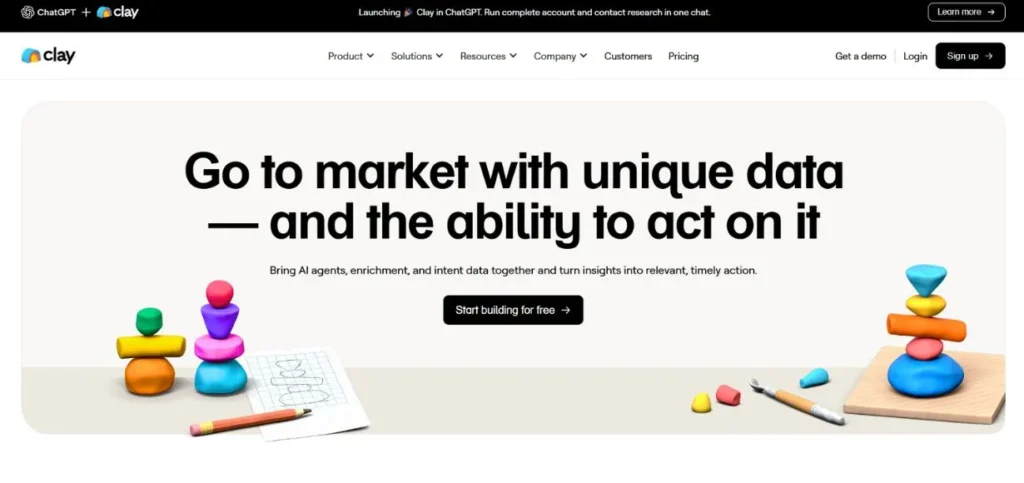
Clay is the next generation of sales intelligence platform in the SaaS AI tools to automate prospecting processes. Claygent, which is the AI research agent in the platform, changes the way sales teams collect prospect information by automating the process of scanning domains and identifying key information such as the information of decision-makers, funding status, and company size. This saves hours of manual research and provides the sales teams with the latest and actionable intelligence.
The combination of popular sales engagement software, such as Salesloft and Outreach, by Clay forms a continuum of research to outreach execution. The rollover credits option guarantees that you do not waste unutilized resources, hence a cost-effective option for the teams that experience fluctuating prospecting volumes.
Key Features:
- Claygent AI research
- Personalised message generation
- Chrome extension lead capture
- Rollover credit system
- Dedicated Slack support
Pros:
- Powerful data enrichment
- Seamless tool integrations
- Credit rollover flexibility
Cons:
- Complex pricing structure
- Requires multiple integrations
- Learning curve for beginners
Pricing: Free plan available
6. Buffer
Rating: 4.3/5
Website: https://buffer.com/
Best Use Cases: Schedule and create social media content efficiently across platforms
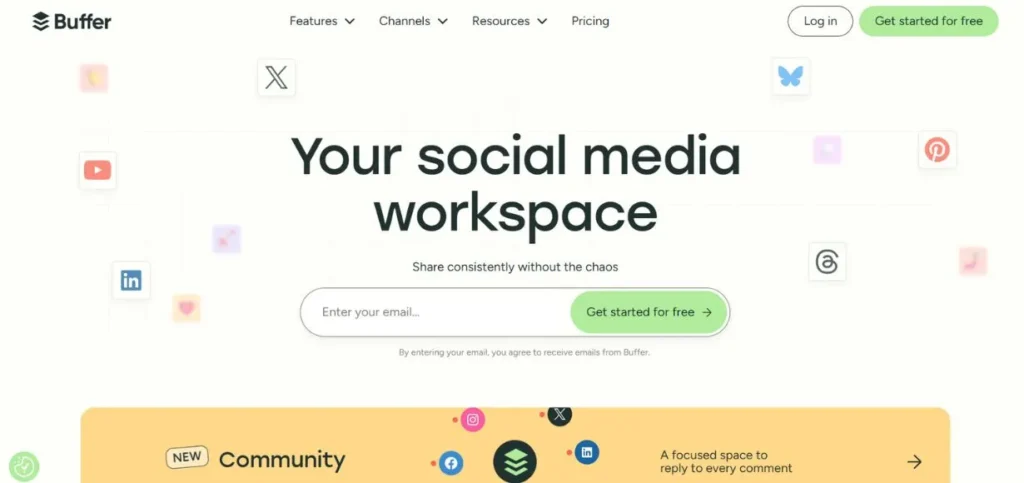
Buffer has continued to be a friendly solution to social media management by introducing AI features that complement and do not complicate the basic features of the product. The AI Assistant will come up with several variations on a single prompt, and you can edit them to be in line with your brand voice. The assistant is also found in the Publishing dashboard and the Create space, and it is always available, no matter what point in your content workflow you are.
The Ideas feature records inspiration wherever you find it, be it on your phone, browser extension or in the actual application. The free plan is generous, which is why it can be used by solopreneurs and small businesses that test social media strategies.
Key Features:
- Multi-variation post-generation
- Cross-platform idea capturing
- Campaign tracking tags
- Browser sharing extension
- Customizable posting schedules
Pros:
- Extremely user-friendly interface
- Generous free tier
- Multi-platform support
Cons:
- Limited analytics depth
- Basic engagement features
- Per-channel pricing adds up
Pricing: Free plan available
7. Intercom
Rating: 4.5/5
Website: https://www.intercom.com/
Best Use Cases: Automate customer support while maintaining quality and tracking performance
The development of Intercom as an AI-based customer support platform is a testament to the fact that SaaS-based AI tools to automate service interactions can supplement human support instead of substituting it. The Fin AI chatbot is really impressive at addressing more mundane questions, whereas the Fin Performance Report can offer insight into its performance in terms of such metrics as resolution rates and customer satisfaction scores.
This visibility can be used to show teams where AI works and where human intervention yields better results. Topics Explorer automatically removes the manual categorisation of conversations by clustering discussions into themes and subtopics and showing trends in customer needs and pain points. Setting office hours controls the expectations of the customers regarding the response time and ensures that they are not frustrated due to being off-hours.
Key Features:
- Fin AI chatbot
- Performance analytics reporting
- Topics Explorer categorisation
- Shared inbox management
- Response time settings
Pros:
- Comprehensive support platform
- Transparent AI performance
- Strong automation capabilities
Cons:
- Per-resolution pricing adds up
- Expensive for small teams
- Complex setup process
Pricing: Custom pricing
8. HelpScout
Rating: 4.6/5
Website: https://www.helpscout.com/
Best Use Cases: Enhance support agent productivity with AI-assisted response drafting
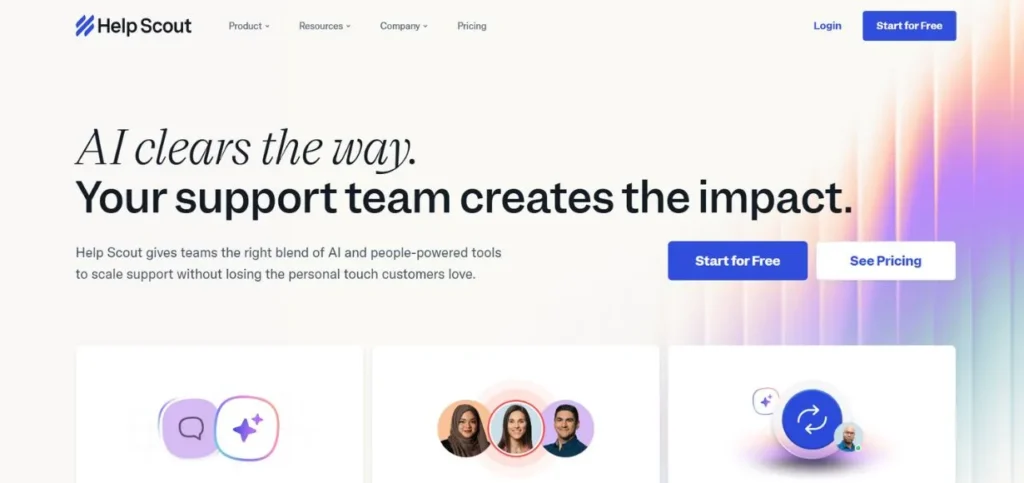
HelpScout uses another strategy in AI customer support since it does not aim at complete automation, but at the productivity of agents. The AI Drafts option will directly be a part of the reply editor, where your help documentation and historical chats will generate responding suggestions in a contextually relevant way. This helps in speeding up the response time and yet retaining the personal touch that is appreciated by the customers.
Such drafts can be reviewed, edited, and sent by agents and guarantee quality control with the advantage of AI efficiency. An AI summarizer is indispensable when dealing with complex tickets that have lengthy threads of conversations, which create short summaries that instantly put new agents on par with previous agents. Automatic reply confirmations make customers feel that their message got the attention of the service even before an agent replies.
Key Features:
- Context-aware AI Drafts
- Thread summarization
- Workflow automation
- Customer activity history
- Auto reply acknowledgements.
Pros:
- Agent-focused design
- Affordable pricing tiers
- Powerful documentation incorporation.
Cons:
- Low level of automation relative to other players.
- Basic reporting features
- No live chat capabilities
Pricing: Free plan available
9. Amplitude
Rating: 4.4/5
Website: https://amplitude.com/
Best Use Cases: Predict user behaviour and optimise product experiences with analytics
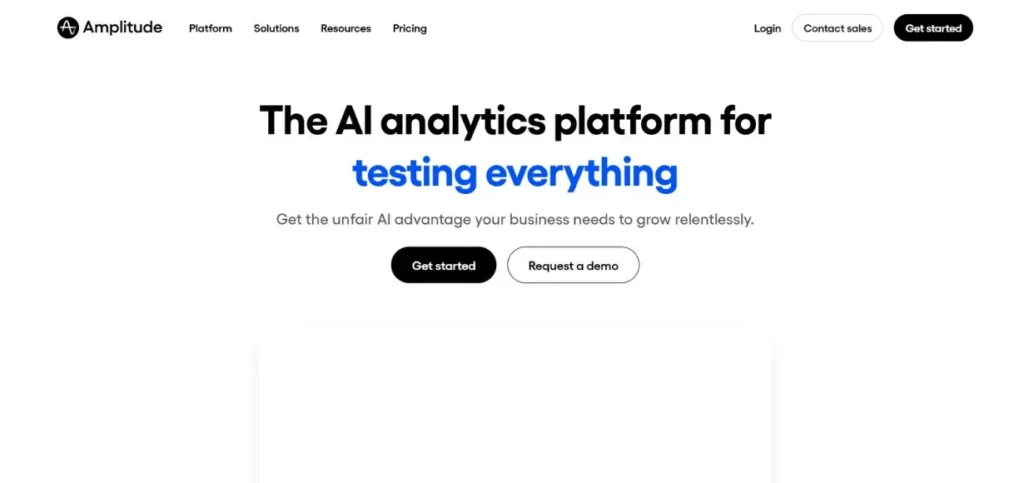
Amplitude applies innovative AI tooling to product analytics by automating the creation of insights by leveraging the power of SaaS via its Amplitude platform. The Predictions feature is based on machine learning to determine the users with the highest likelihood of converting, upgrading or churning so that proactive intervention strategies can be taken. This comes especially in useful when the user journey of a product is non-linear and funnel analysis fails.
Nevertheless, the feature needs a lot of user data to make correct predictions, thus it can be more effectively applied to the existing products with large user communities. Starting templates offer a pre-set report on popular metrics, and a subscription on the dashboard on Slack or email. Conversion drivers analysis and forecasting capabilities allow teams to have a feeling for the actions that yield the desired results.
Key Features:
- Predictive user behaviour
- Recommendation agents that work based on AI.
- Computerised reporting forms.
- Dashboard subscriptions
- Conversion driver analysis
Pros:
- Intense predictive features.
- End-to-end data integration.
- Flexible pricing tiers
Cons:
- Requires a large user base
- Complex for beginners
- Can be overwhelming
Pricing: Free plan available
Also Read: Best Startup Companies in Pune
10. Sprig
Rating: 4.5/5
Website: https://sprig.com/
Best Use Cases: Gather and analyse user feedback to improve product experience
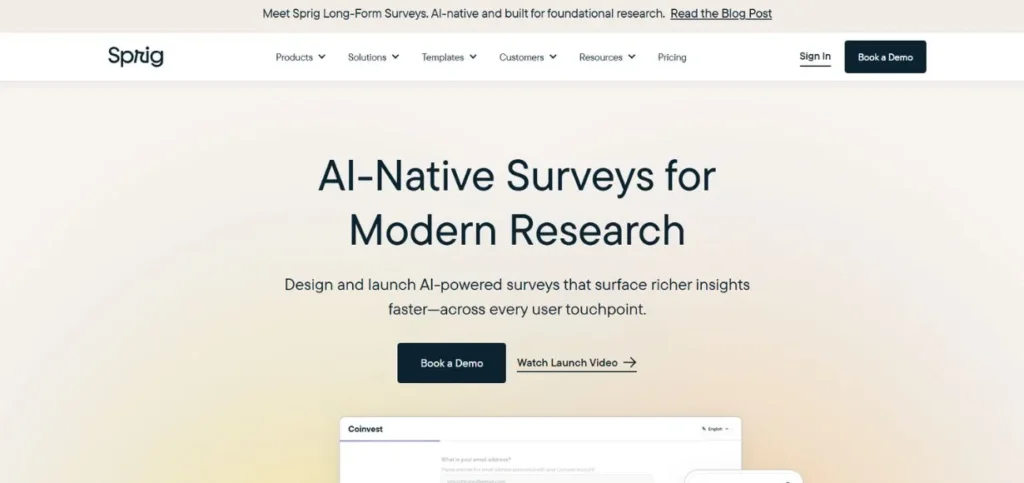
By simplifying the process of researching users, Sprig makes it possible to access insights via natural language queries. The AI Explorer enables product teams to query such questions as What is the cause of onboarding friction? And get responses that have been synthesised based on the heatmap, session replays, and survey responses. This allows getting rid of manual data analysis and allows teams to detect problems more quickly. AI
Recommendations go an extra step by offering actually actionable guidance, which is grounded on the insights found, and therefore, it is essentially a research consultant that you should follow with the next step. In-app surveys can collect live feedback and never interrupt the user experience, whereas an anti-disruptive insights dashboard can categorise all this automatically using AI-powered themes and sentiment analysis.
Key Features:
- Natural language insight queries
- AI-powered recommendations
- Triggered replay capture
- Interactive heatmaps
- In-app survey deployment
Pros:
- Intuitive research interface
- Comprehensive user insights
- Actionable recommendations
Cons: Custom pricing
Pricing: Custom pricing
11. Lattice
Rating: 4.3/5
Website: https://lattice.com/
Best Use Cases: Streamline HR processes and enhance employee performance management intelligently
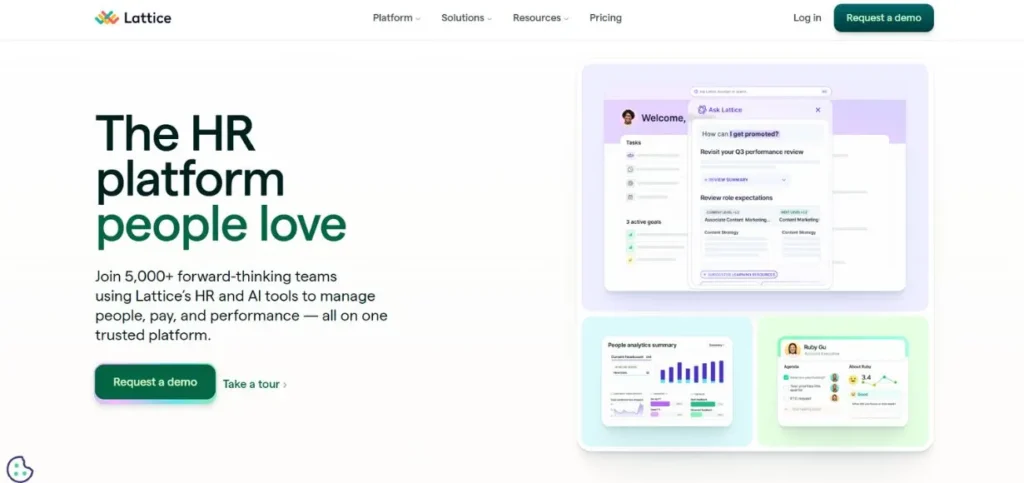
The aspects of people operations that take time are taken care of by Lattice in a deliberate implementation of AI. The Engagement Insights feature interprets open-ended employee responses and finds common themes on issues such as quality leadership practices, recognition, and workload issues.
This converts qualitative feedback into quantifiable information that can be acted upon by the HR teams in a way that is strategic way. The user is able to reiterate up to five times on a given section, whereby he or she develops the thoughtful communication that can be used to develop the employee. In addition to the features of AI, Lattice offers a full-scale performance review, ongoing feedback, and recognition programs.
Key Features:
- Engagement theme identification
- Feedback writing assistance
- Performance review management
- Custom report generation
- Centralised employee records
Pros:
- Comprehensive HR platform
- Thoughtful AI integration
- Strong analytics capabilities
Cons:
- Separate pricing modules
- Can be expensive at scale
- Complex setup process
Pricing: Custom pricing
How to Choose the Right SaaS AI Tools to Automate
To choose the right automation tools in the organisation, there are various aspects to put into consideration besides features and costs. The inappropriate decision may lead to squandered resources, low adoption, and low returns on the investment. The following is a framework to use in the decision-making process:
- Evaluate Your Unique Requirement: The first step is to perform a comprehensive audit of your existing processes to determine bottlenecks, repetitions, and automation that would bring the greatest value to the processes.
- Determine Integration Requirements: The current technology stack has a great impact on tools that will be effective in your setting.
- Take into Account Team Expertise: The technical level of your team must have a very strong impact on the choice of the tools.
- Evaluate Total Cost of Ownership: Go beyond monthly subscription costs to learn the real cost of applying and maintaining these SaaS AI applications to automate your processes.
- Test Before Buying: Use all types of free trials and freemium plans to evaluate the tools to the fullest extent before buying them.
Conclusion
The automation of business processes has been deeply changed through the introduction of advanced SaaS artificial intelligence solutions to process different business functions. Digital marketing and content creation, customer service and analytics: These platforms are helping organisations of any size to reach new degrees of efficiency that were once unimaginable. The eleven tools that were mentioned in this article are various solutions that cover various business requirements, each of which has its own AI potential that can easily influence productivity and results.
The presence of powerful tools, however, does not ensure success; to choose and apply the appropriate SaaS AI tools to automate your particular workflows, one should be thoughtful and well-planned. Intelligent automation that will supplement human capacities instead of substituting human capabilities is the future of business operations.
By automating repetitive tasks using these SaaS AI tools, your team will have time to create new problem-solving strategies, think creatively and build relationships. These are the activities that will bring about actual business value. With the further development of these technologies, the first ones to benefit from their efficient use will have a huge competitive advantage in the market.
Frequently Asked Questions
Q: Which SaaS AI tools should be automated?
A: Cloud-based software applications that can be automated using SaaS AI tools include a system that uses artificial intelligence to automate business processes, automate manual work, and enhance business efficiency in functions such as marketing, sales, support, and analytics without necessarily having to be installed locally.
Q: What are the average prices of SaaS AI automation systems?
A: The prices are also highly dynamic, depending on features and magnitude and free versions with the bare minimum functionality to enterprise solutions that cost hundreds or thousands of dollars per month. The majority of platforms offer tiered prices depending on either usage, features, or users.
Q: Are SaaS AI automation tools beneficial to small businesses?
A: Absolutely. Numerous SaaS AI systems also have relatively low entry-level or free features that are targeted at small businesses and startups. These applications assist smaller teams to fight bigger companies by automating the processes that would have to be handled by other employees.
Q: What is the period of SaaS AI automation tools implementation?
A: Depending on the complexity of the tools and their integration and customisation, implementation takes time, and simple tools may be set up in the same day, whereas full-fledged systems may take weeks. SaaS tools run in the clouds are expected to have fewer deployment delays as compared to on-premise software.
Q: Are SaaS AI automation tools the technical tools that I require?A: The majority of contemporary SaaS AI applications are user-friendly and come with intuitive interfaces and drag-and-drop capability. Nevertheless, it might need some technical expertise or assistance from your IT or vendor to implement some advanced features and integrations.