
In a world where data is king, companies need more than data; they need intelligent data. Although Microsoft Power BI has confirmed its presence as a leading player in the business intelligence market, several companies are currently seeking Power BI alternatives to meet their analytical requirements as they transform. Market Research Future estimates that the global market of business intelligence will reach $40.5 billion by the end of January 2026, with a phenomenal CAGR of 12%.
Such a dramatic expansion has enabled the appearance of a multiplicity of innovative platforms, each with distinct functionality to meet a specific business need. To achieve high performance, greater pricing flexibility, greater integration choices, or more expert features, the search for Power BI alternatives has become imperative to help firms harness their data-driven decision-making opportunity to the fullest.
What Power BI Is — and Why It’s Not for Everyone
Microsoft Power BI is a data visualization and a complete business intelligence platform that converts raw data into attractive visual stories. It helps organizations to interrelate, analyze, and visualize the data from various sources using interactive dashboards and dynamic efficiency.
Power BI provides scalability and efficiency with the use of AI-powered analytics, real-time monitoring, and easy integration with the Microsoft ecosystem, including Azure, Excel, and SQL Server. But, in spite of its merits, Power BI is not all-purpose. Its learning curve can be challenging for organizations, large datasets can be performance-limiting, and lower-tier plan data refresh rates may require reliance on the Microsoft ecosystem to do the job best.
Why People Actively Search for Power BI Alternatives
- Expensive licensing: that increases exponentially with the size of the teams.
- Performance constraints: in the case of very large or complicated data.
- Minor cross-platform support: beyond the Microsoft ecosystem.
- Difficult learning curve: to master DAX and Power Query.
- Slow data refresh rate: in the Pro and Free versions
- Need for specialized features, such as enhanced embedded analytics or enhanced visualization.
How I Evaluated These Power BI Alternatives
- User-friendliness and non-technical usability.
- Price transparency and general cost-efficiency at scale.
- Interaction abilities: among different data sources and platforms.
- Scalability: and intricate analytical tasks, Performance with high-volume data.
- Sophisticated capabilities: artificial intelligence, predictive analytics, and personalization.
- Social resources and access to training opportunities.
Power BI Alternatives: Detailed Comparison of Tools, Features, and OS Support
| Tool Name | Free Version | OS Support (Mac/Linux) | Python Friendly | Best For |
|---|---|---|---|---|
| Tableau | Yes (Public) | Yes | Yes | Advanced visualizations |
| Qlik Sense | Yes (Limited) | Yes | Yes | Enterprise analytics |
| Looker | No | Yes | Yes | Google Cloud users |
| Sisense | No | Yes | Yes | Embedded analytics |
| Zoho Analytics | Yes (Trial) | Yes | Yes | Small businesses |
| IBM Cognos | No | Yes | Yes | Large enterprises |
| Chartio | No | Yes | Yes | Startup teams |
| SAP Analytics Cloud | No | Yes | Yes | SAP environments |
| ThoughtSpot | Yes (Trial) | Yes | Yes | Search-driven analytics |
| Domo | No | Yes | Yes | Real-time collaboration |
Top 10 Power BI Alternatives in 2026
1. Tableau
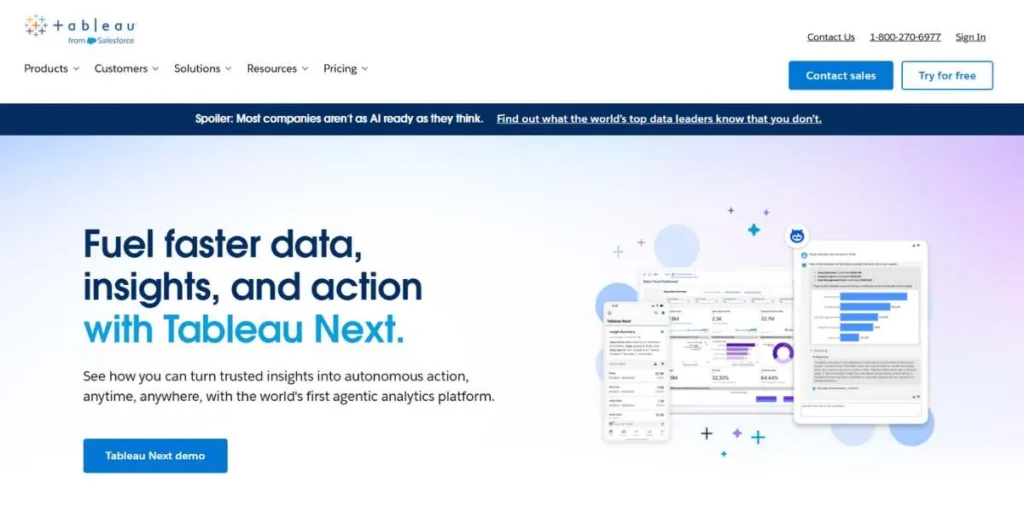
Tableau is one of the strongest Power BI alternatives, which is also characterized by the incredible power of data visualization and an easy drag-and-drop interface. Tableau, as a Salesforce ecosystem, is best at the task of converting complex data into interactive and visually engaging dashboards. Its powerful analytics platform, paired with a wide range of customization, renders it popular among organizations that need advanced visual exploration.
The fact that it can process high-volume, complex data sets without affecting performance makes Tableau an enterprise-level solution that companies that value data storytelling and solid analytics should consider.
Key Features:
- Customisable interactive dashboards.
- Integration of multiple sources of data.
- Real-time data processing
- Advanced visual analytics
- Mobile-responsive design
Pros:
- Better visualizing ability.
- Manipulates big data effectively.
- Massive third-party integrations.
- Strong community support
Cons:
- Costly licensing system.
- Steep learning curve
- Complex pricing tiers
- Inadequate collaboration in real-time.
Pricing:
- Viewer: $15/user/month (annual payments)
- Explorer: $42/user/month (billed after 1 year)
- Creator: $75/user/month (billed once a year)
- Enterprise: Custom pricing
Best For: The organizations that need high-level data visualization and multi-faceted analytical skills in their departments.
Website Link: https://www.tableau.com
2. Qlik Sense
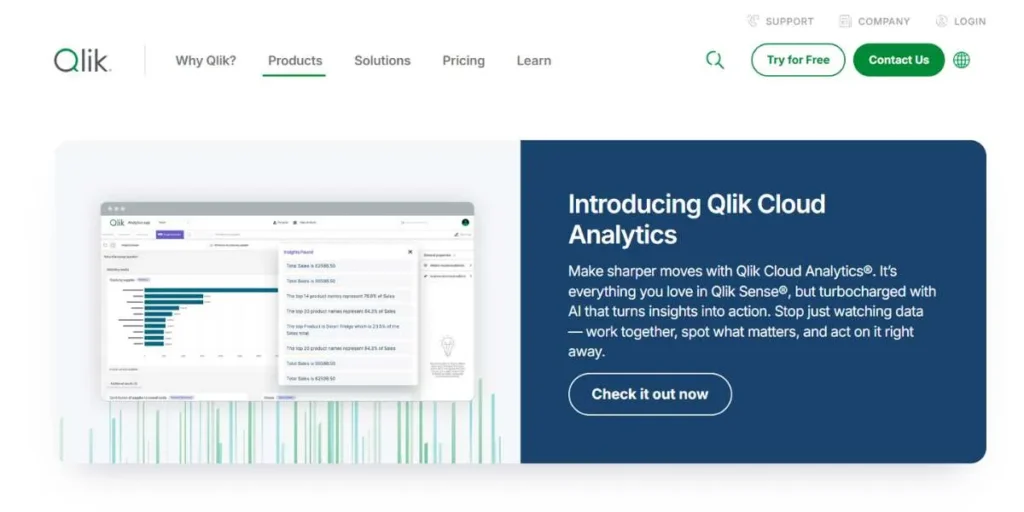
Qlik Sense is the business intelligence platform that transforms the industry with its own associative analytics engine, making it one of the most advanced Power BI alternatives available today. The given Power BI alternative allows both technical and non-technical users to find hidden insights with the help of intuitive self-service analytics.
In contrast to traditional BI tools, the associative model of Qlik Sense enables users to discover relationships across all available data without restriction, which is especially useful in complex enterprise settings. It features an all-inclusive design that supports seamless access across devices, while AI-powered insights enable faster, more intelligent decision-making across organisations.
Key Features:
- Associative statistical engine.
- Exploration of data in a self-service mode.
- Artificial intelligence-based development of insights.
- Responsive mobile design
- Advanced data governance
Pros:
- Flexible data exploration
- Good with huge volumes of data.
- Good self-service abilities.
- No pre-existing queries were required.
Cons:
- Complex initial setup
- Higher learning curve
- Premium pricing structure
- Limited native connectors
Pricing:
- Qlik Sense Business: $30/user/month.
- Qlik Sense Enterprise: Custom Pricing.
- There are cloud based and on-premise options.
Best For: Data Analysis Enterprises that require associative data exploration that is not linear.
Website Link: https://www.qlik.com/us/products/qlik-sense
3. Looker
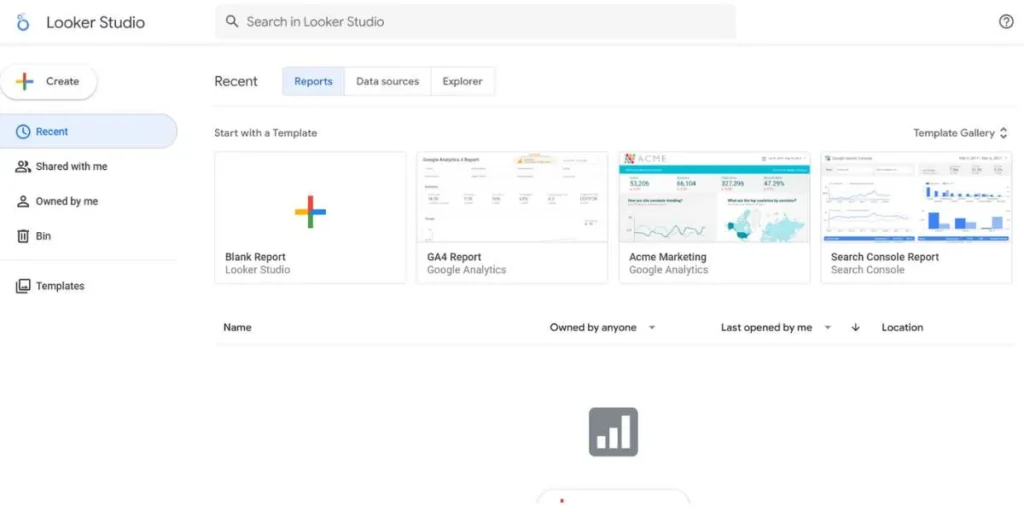
The powerful LookML modeling language that provides an organization-wide consistency in metrics makes Google Cloud-based Looker one of the Power BI alternatives to consider. This is a cloud-native platform, which is smoothly compatible with Google Cloud Services, and thus is preferable to companies that already have a financial stake in Google.
The novel data modeling system of Looker enables developers to formulate relations and company logic at the source level, removing discrepancies in data and making sure that every group collaborates using the same metrics. It has built-in analytics features, which make it very suitable for SaaS firms that need customer-facing analytics solutions.
Key Features:
- LookML modeling language
- Direct database interconnection.
- Sophisticated in-flight analytics.
- Google Cloud integration
- Real-time data access
Pros:
- Coherent metrics definitions.
- Suitable for deploying analytics.
- Good Google Cloud integration.
- Live database connections
Cons:
- Requires LookML knowledge
- Google dependency on the ecosystem.
- Premium pricing model
- Developer-heavy implementation
Pricing:
- Custom enterprise pricing
Best For: Those organizations who are highly Google Cloud embedded and need analytics capabilities.
Website Link: https://cloud.google.com/looker
4. Sisense
Sisense would be a critical Power BI alternative that is specifically aimed at businesses with large datasets and complex data integration needs. It has groundbreaking in-chip technology that offers data operations in-memory, providing excellent query performance even when dealing with large datasets.
Sisense is a leader in embedded analytics, allowing enterprises to embed interactive dashboards in their applications with full white-labeling capabilities. The platform combines user-friendly interfaces with powerful analytical functionality, making it accessible to business users while also meeting the high-level personalisation needs of data scientists and developers.
Key Features:
- In-chip processing technology.
- In-built analytics
- embedded within the system.
- White-label customization
- Integration of multiple sources of data.
- AI-powered insights
Pros:
- Big data performance at its best.
- Better built-in analytics.
- Massive customization choice.
- Strong API support
Cons:
- Higher price point
- Difficult implementation process.
- Needs technical capability.
- Inadequate indigenous visualizations.
Pricing:
- Custom pricing
Best For: Organisations in need of embedded analytics and big data processing.
Website Link: https://www.sisense.com
5. Zoho Analytics
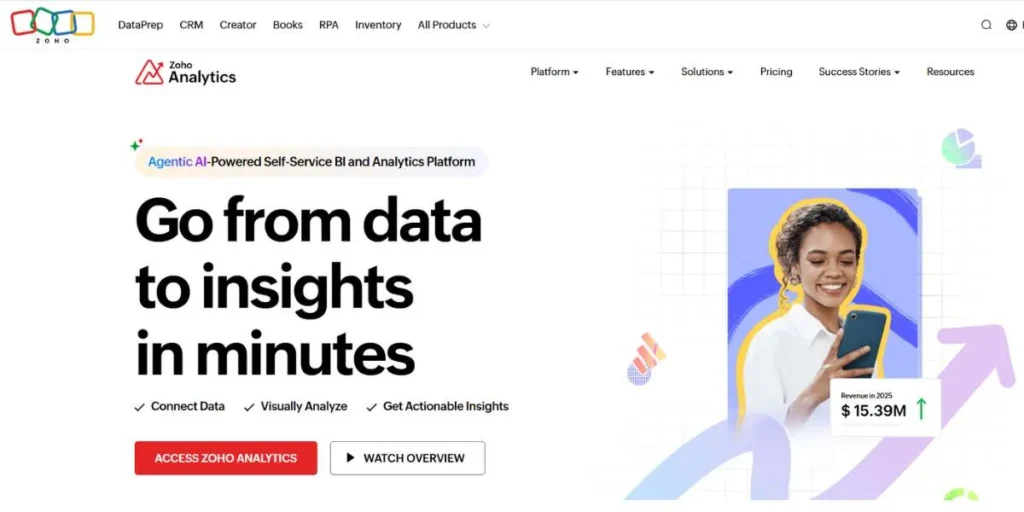
Zoho Analytics has a niche as one of the most affordable Power BI alternatives, especially for startups and small-to-medium businesses. Regardless of its affordable pricing, Zoho Analytics provides a rich feature base, such as artificial intelligence-driven insights, automatic reports, and seamless integration with the rest of the Zoho system.
The user-friendly interface requires minimal training, allowing teams to build meaningful dashboards and reports quickly. Its native data preparation tools streamline the analytics process, and its extensive third-party integrations ensure connectivity with popular business applications beyond the Zoho ecosystem.
Key Features:
- AI-powered analytics
- Native data preparation
- Zoho ecosystem integration
- Automated reporting
- Mobile analytics access
Pros:
- Highly affordable pricing
- Easy to learn
- Strong Zoho integrations
- Good value proposition
Cons:
- Limited advanced features
- Smaller user community
- Basic visualization options
- Performance limits at scale
Pricing:
- Basic: $30/month (2 users)
- Standard: $60/month (5 users)
- Premium: $145/month (15 users)
- Enterprise: $575/month (50 users)
Best For: Small companies with a low budget and startups in search of low-cost BI solutions that can integrate with Zoho.
Website Link: https://www.zoho.com/analytics/
6. IBM Cognos Analytics
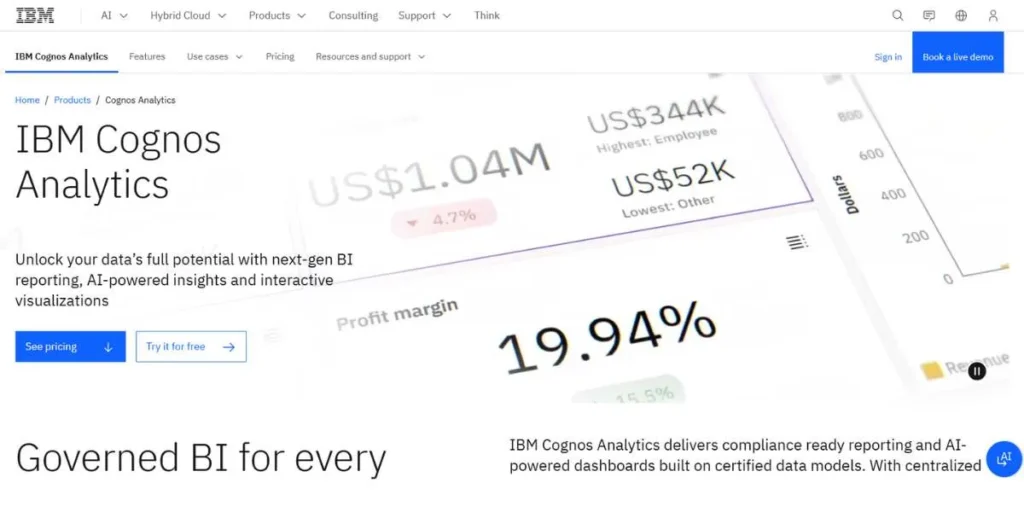
IBM Cognos Analytics is an enterprise-level Power BI alternative driven by powerful AI and automation functions. Cognos is built to meet the needs of large organizations with intricate reporting requirements and provides seamless integration of data preparation, sophisticated analytics, and extensive reporting features.
Its engine analyzes trends, anomalies, and patterns, while its AI-driven capabilities and natural language processing allow conversational queries against the data. Cognos excels at producing pixel-perfect, regulatory-compliant reports with advanced timing and allocation functions, making it highly sought after in industries that demand strict data handling.
Key Features:
- AI-based intelligent insights.
- Reporting facilities of enterprise-grade.
- Natural language queries
- Incorporation of predictive analytics.
- Advanced data governance
Pros:
- Expansive business capabilities.
- Well-established governance skills.
- Excellent for compliance
- Advanced AI functionality
Cons:
- Expensive licensing costs
- Complicated implementation procedure.
- Steep learning curve
- Large resource demand.
Pricing:
- Cloud: Starting at $15/user/month
- Server: Enterprise pricing.
- Pricing models unique to deployment.
Best For: The big companies in the regulated industries, where sophisticated reporting and governance are demanded.
Website Link: https://www.ibm.com/products/cognos-analytics
7. Databox
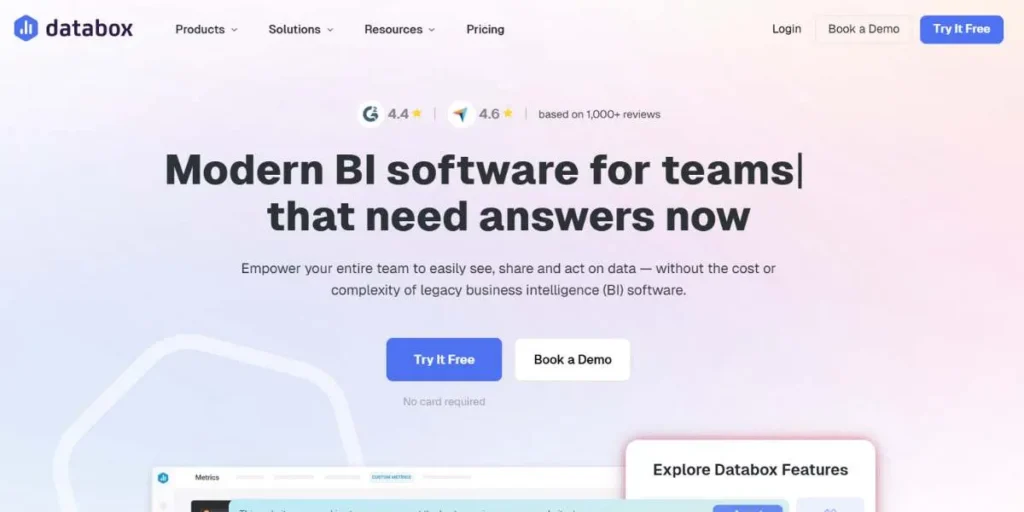
Databox is a popular Power BI alternative that focuses on making business performance tracking simple, visual, and accessible in real time. It is exceptionally well known for pulling data from multiple sources—such as marketing, sales, finance, and customer success tools—and displaying them in clean, customizable dashboards.
Databox is a cloud-based platform that requires no complex setup and allows teams to monitor KPIs on desktop, mobile, and TV screens. With built-in goal tracking and alerts, Databox helps businesses stay on top of performance without needing deep technical or data modeling expertise.
Key Features:
- Real-time KPI dashboards
- Pre-built integrations with 100+ tools
- Custom metrics and calculated fields
- Goal tracking and performance alerts
- Mobile and TV dashboard support
Pros:
- Easy to set up and use
- Excellent for real-time performance monitoring
- Strong integration library
- Ideal for non-technical users
Cons:
- Limited advanced analytics capabilities
- Not suitable for complex data modeling
- Customization can be restrictive at higher scales
Pricing:
- Free: Limited features
- Starter: $47/month
- Professional: $135/month
- Business: $319/month
- Enterprise: Custom pricing
Best For: Marketing teams, agencies, and small to mid-sized businesses that want real-time KPI tracking without complex BI workflows.
Website Link: https://databox.com/
8. SAP Analytics Cloud
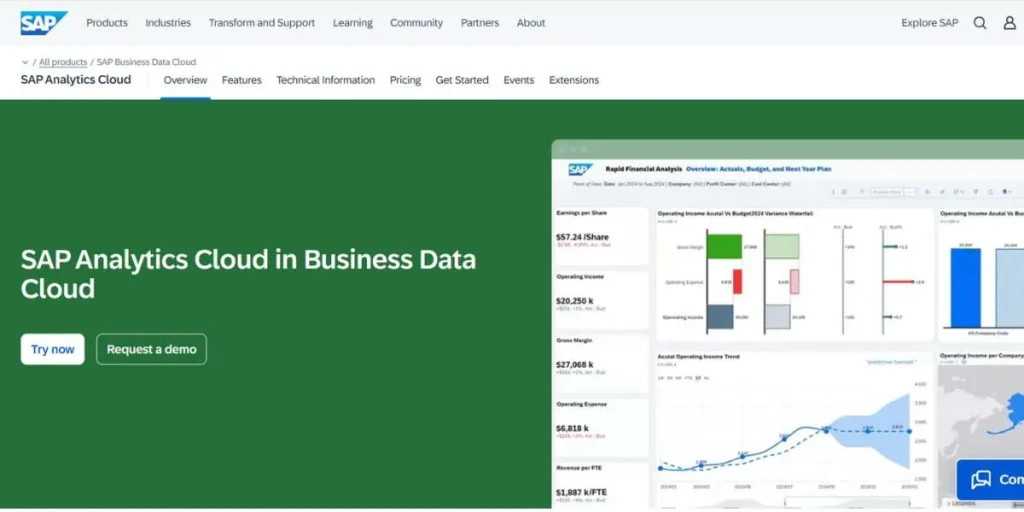
SAP Analytics Cloud is presented as a fully operationalized Power BI alternative that integrates business intelligence, planning, and predictive analytics into one system. This solution is designed to complement existing SAP ecosystems and provides end-to-end analytics capabilities, from data visualization to financial planning and forecasting.
Its inbuilt machine learning algorithms offer advanced predictive modeling and trend analysis, and its seamless integration with SAP products makes it ideal for organizations already invested in SAP. Nonetheless, this integrated SAP solution can be challenging for businesses that are not platform-agnostic.
Key Features:
- Unified BI and planning
- Incorporation of predictive analytics.
- SAP ecosystem connectivity
- Team-based planning software.
- Machine learning proficiencies.
Pros:
- Full-scale all-in-one platform.
- Strong SAP integration
- Intelligent predictive analytics.
- Collaborative features
Cons:
- SAP ecosystem dependency
- Premium pricing structure
- Complex for non-SAP users
- Steeper learning curve
Pricing:
- BI Standard: $36/user/month
- Planning Standard: $36 per user, monthly.
- Enterprise: Custom pricing
Best For: Organisations that have invested heavily in SAP ecosystems and need integrated capabilities of BI and planning.
Website Link: https://www.sap.com/products/technology-platform/cloud-analytics.html
9. ThoughtSpot

ThoughtSpot is an innovative business intelligence provider that transforms analytics with AI-based insights and search-driven exploration, making it a cutting-edge Power BI alternative. With natural language queries, users can quickly generate charts, graphs, and detailed reports without relying on technical teams for regular updates.
ThoughtSpot’s AI engine uses machine learning to identify patterns, trends, and anomalies, enabling proactive decision-making across organizations. Its scalable cloud design can process vast volumes of data and supports real-time analytics on platforms like Snowflake, Redshift, and BigQuery, making it ideal for modern, data-driven enterprises.
Key Features:
- Natural language search
- AI-powered insights
- Scalable cloud architecture.
- Embedded analytics support
- Real-time data processing
Pros:
- Very intuitive user interface.
- Fast insight generation
- Strong AI capabilities
- Excellent scalability
Cons:
- Premium pricing model
- Shallow level of customization.
- Needs quality data preparation.
- Cloud-dependent architecture
Pricing:
- Custom pricing
Best For: Organizations that have a focus on instant, search-oriented insights and low-technical barriers.
Website Link: https://www.thoughtspot.com
10. Domo
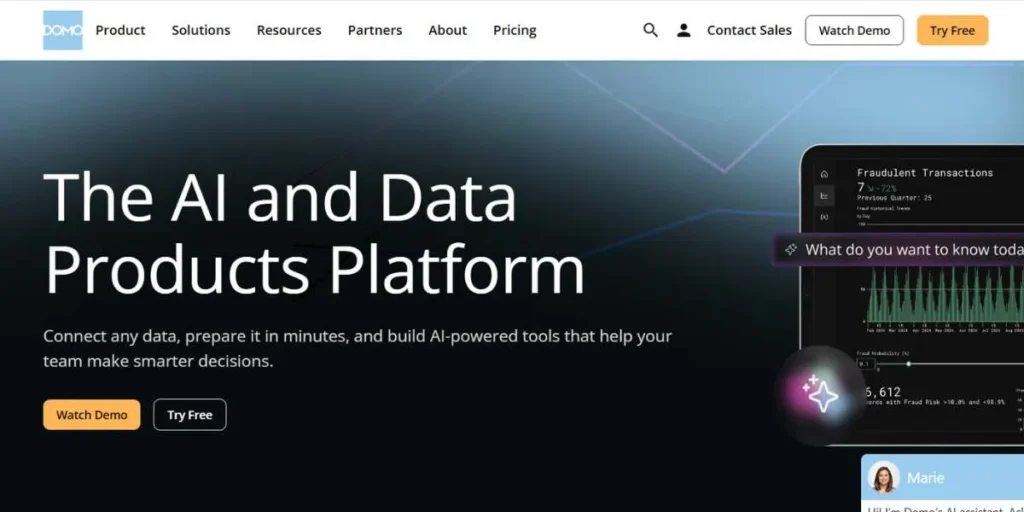
Domo is an all-encompassing cloud-native Power BI alternative that is designed to integrate data, analytics, and visualization on a large-scale basis within organizations. Designed to be deployed exclusively in the cloud, Domo links hundreds of data sources and provides real-time insights in interactive dashboards and a mobile-first design. Its teamwork aspects allow groups to talk about insights within dashboards with comments and alerts, which creates data-driven conversations. Mobile accessibility allows Domo users to track performance and make sound decisions at any place and at any moment. Domo enhances security and compliance with strong data governance controls and access based on roles, and democratizes data access across the organization.
Key Features:
- Real-time data integration
- Cloud-native architecture
- Mobile-first analytics
- Advanced data governance
- Collaborative tools
Pros:
- Unified data experience
- Good real time features.
- Strong mobile support
- Intuitive teamwork characteristics.
Cons:
- Higher pricing tiers
- Cloud-only deployment
- Few customization possibilities.
- Higher level feature learning.
Pricing:
- Pricing by custom.
Best For: Companies of mid-sized and large size that need real-time and collaborative on-cloud analytics.
Website Link: https://www.domo.com
How to Choose the Right Power BI Alternative
- Determine Your Data Size and Complexity: Determine whether your organization has small data sets that are easy to report on or large and complex data that need complex processing and data processing capabilities.
- Plan Your Budget and Scaling Requirements: Estimate the total cost of ownership, comprising the licensing and implementation costs, training costs, and maintenance costs as your team expands.
- Test Integration Needs: Find out essential data sources, current technology stack, and make sure your selected platform is able to integrate with your ecosystem effectively.
- Evaluate User Technical Expertise: Align platform complexity with capabilities of the technical team – technical teams can use advanced features, but business users require an easy-to-use interface.
- Define Required Features and Capabilities: It is essential to set priorities on must-have features, like real-time analytics, embedded capabilities, AI-driven insights, or mobile accessibility, depending on the needs of the business.
- Free Trials and Demos Test: Explore to determine actual performance, usability, and compatibility with your unique use cases with a free trial and demo.
Conclusion
The choice of the appropriate business intelligence tool among the existing variety of Power BI options is a complex endeavor that must take into account organizational needs, cost indicators, technical opportunities, and long-term strategic objectives. Although Microsoft Power BI is still a powerful solution for most businesses, the options discussed in this exhaustive guide are all plausible, with features like mapping capability unmatched by any other provider, Zoho Analytics with affordable prices, revolutionary search-based features of ThoughtSpot, and real-time collaborative features of Domo.
The best decision will depend on such matters as the complexity of the data, the skill of the team, integration needs, and scalability. Having done a proper assessment of these Power BI alternatives against your particular needs and with the use of free trials where these options exist, you can pick a platform that can turn raw data into actionable insight and hence informed decision-making and competitive advantage.
You Might Like:
FAQs
What is the free alternative to Power BI that is the best?
Tableau Public is free but has a limited number of limitations regarding data privacy. Zoho Analytics is also offering a large free trial to small teams.
What is the best Power BI alternative to use by small businesses?
Zoho Analytics is also a favorable choice for small businesses since it is affordable, has a user-friendly interface, and offers a complete range of features without the need to possess advanced technical skills.
Is it possible to migrate the existing Power BI dashboards to alternatives?
Most platforms do support data migration, but you will probably have to re-create visualizations and dashboards because you have to deal with unique architectures and functionality in each platform.
Which option is the most appropriate when dealing with a large amount of data?
Sisense is leading with in-chip processing technology, whereas the associative engine of Qlik Sense can also work on huge amounts of data effectively with no downward performance.
Do open-source alternatives to Power BI exist?
Although the majority of enterprise-level BI applications are proprietary, the open-source BI applications (such as Apache Superset and Metabase) offer barebones analytics to enable organizations with technical resources to provide advanced features and support it.