
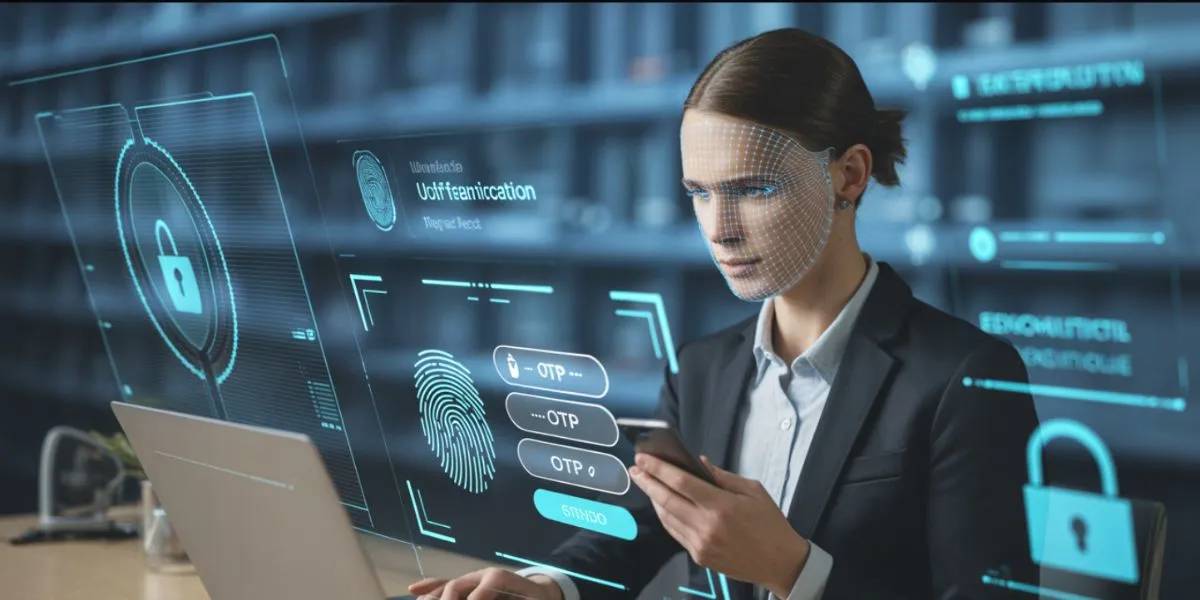
The cybercriminals are smarter than ever before, and your password will no longer work alone. The number of breaches of data, phishing, and credential theft is increasing at an alarming rate, and attacks are directed at businesses of all sizes. This is where Multifactor Authentication Solutions came to the rescue. These potent security solutions are no longer negotiable in the year 2026 as long as the digital security of any organization is taken seriously.
Multifactor Authentication Software provide an almost impregnable barrier against unauthorized access by compelling the user to prove his or her identity by using two or more techniques. Being a startup or an enterprise, knowing what the best MFA tools are in the market today can be the key to remaining safe or experiencing a devastating breach of data. Let’s dive in.
What Is Multifactor Authentication?
There is a security procedure known as Multifactor Authentication (MFA) in which users are required to identify themselves with two or more independent credentials before being allowed to access a system, application, or device. MFA will not solely use a password, but it will introduce additional layers, such as one-time code, fingerprint, or hardware token.
Imagine it is a two (or three) lock on your front door. A hacker may steal your password, but still, he/she cannot get in unless the second and third factors are present. In 2026, MFA will form the foundation of modern approaches to cybersecurity.
Types of Authentication Factors
- Knowledge Factor: What you know, such as a password, PIN, or answer to a security question.
- Possession Factor: An object in your possession, like a smartphone, a piece of hardware, or a smart card.
- Inherence Factor: It is what you are, such as fingerprints, facial recognition, or retina scans.
- Location Factor: Whereabouts, through GPS or IP-based access control.
- Time-Factor: Time-based access where access is allowed within specific approved time periods.
- Behavioral Factor: The way you use the devices, such as typing rhythm or the way you move the mouse.
Why Businesses Need MFA
- Blocks Attacks that are password based: Immediately blocks brute force, credential stuffing, and phishing attacks.
- Regulatory Compliance: Assists in satisfying GDPR, HIPAA, SOC 2, and other important data security regulations.
- Secures Remote Workforces: Guarantees access to employees who can work anywhere in the world.
- Limits Insider Threats: Checks all logins, including those with trusted internal users and devices.
- Cultivates Customer Trust: Shows concern over the protection of sensitive user data and accounts.
- Reduces Breach Costs: Eliminates breaches that may incur millions of damages, fines, and reputation losses.
How to Choose an MFA Solution
- Evaluate Your Business Size: Small groups should be simple; organizations should be multiplied and governed with sophistication.
- Check Compatibility with Integration: Check that the solution is compatible with your current applications, SSO, and IAM.
- Assess Verification Paradigms: Search push notifications, biometrics, OTP, hardware keys, and SMS.
- Take into account User Experience: MFA is a cumbersome tool that employees do not like; select a system that is not too complex or easy to use.
- Review Compliance Support: Determine that the solution is in compliance with the regulatory standards in your industry.
- Analyze Pricing and Support: Compare the total cost of ownership and 24/7 technical support.
Top 10 Multifactor Authentication Solutions 2026
1. Google Authenticator
One of the most popular multifactor authentication solutions now is Google Authenticator, which is suitable for beginners. It is a mobile application available both on Android and iOS, which creates time-based one-time passwords (TOTP) that update every 30 seconds. It is not dependent on any internet connection in order to operate and thus it is very reliable even when there is low connectivity. It is so easy and free to start with that it becomes the option of choice among individuals and small enterprises who want to implement a simple yet efficient level of account protection without any complex installation procedure.
Key Features:
- Time-based OTP (TOTP) generation
- Offline functionality support
- Multi-account management
- QR code-based setup
- Android & iOS compatible
- Open authentication standard (OATH)
Pros:
- Completely free to use
- Works without internet
- Lightweight and fast
- Easy account setup
Cons:
- No cloud backup feature
- No push notification support
- Limited enterprise controls
- Device loss risks access
Best For: Individuals and small teams
Link: https://support.google.com/accounts/answer/1066447
2. LastPass MFA
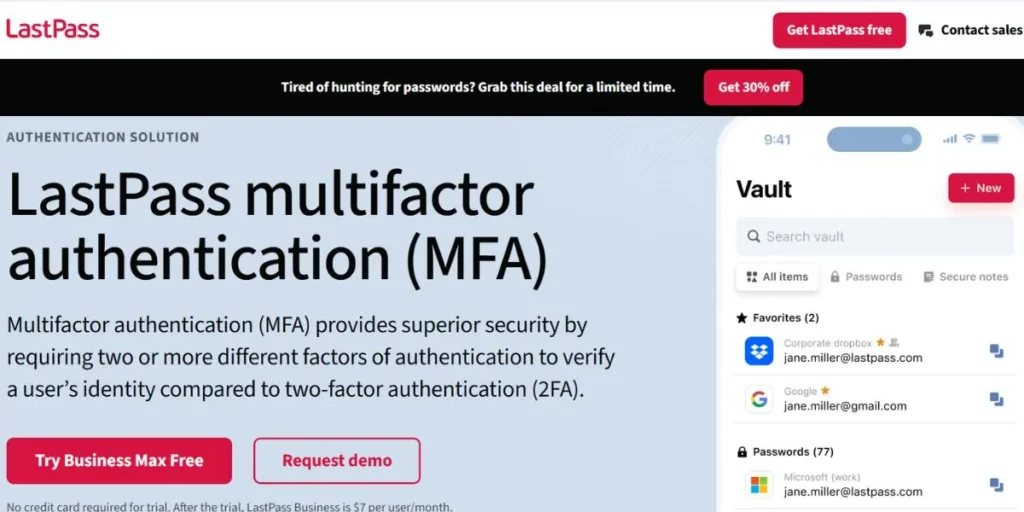
The LastPass MFA is a strong Multifactor Authentication platform that is part of the LastPass Business ecosystem. It offers contextual authentication policies, which adjust on the basis of user behavior and device health and location indicators. Organizations are able to secure access to workstations, cloud applications and identity providers (IdPs) via a single, integrated interface. The integration of password management and MFA is seamlessly integrated under a single roof thereby making it an effective productivity tool. LastPass MFA is particularly useful with the already existing teams using LastPass as a password manager, providing a more simplified experience of security.
Key Features:
- Contextual authentication policies
- Biometric login support
- Password vault integration
- Adaptive access controls
- LDAP & Active Directory sync
- SSO for cloud apps
Pros:
- Unified password + MFA platform
- Autofill saves time
- Easy policy management
- Strong mobile app
Cons:
- Tied to LastPass ecosystem
- Past data breach history
- Premium features cost extra
- Limited standalone MFA options
Best For: Teams using LastPass Business
Link: https://www.lastpass.com/products/multifactor-authentication
3. Cisco Duo
Cisco Duo is an enterprise and a mid-sized business Multifactor Authentication Solution that is the most reliable and effective. It integrates adaptive MFA with all-inclusive device security procedures, where your systems are not accessed by unverified users on untrusted devices. Duo can guard against phishing, credential theft, and unauthorized access using its risk-based authentication engine. Cisco Duo provides an outstanding combination of ease of use and iron security, which is why it is a highly recommendable option in 2026, as it features a clean and intuitive interface and can be easily integrated with thousands of applications.
Key Features:
- Adaptive risk-based MFA
- Device health verification
- Phishing-resistant authentication
- VPN and cloud app integration
- Zero Trust network access
- Detailed access reporting
Pros:
- Excellent user experience
- Strong phishing protection
- Deep enterprise integrations
- Granular policy controls
Cons:
- Can be expensive at scale
- Complex initial configuration
- Overkill for small businesses
- Requires Cisco infrastructure for full features
Best For: Mid-size to large enterprises
Link: https://duo.com
4. Silverfort
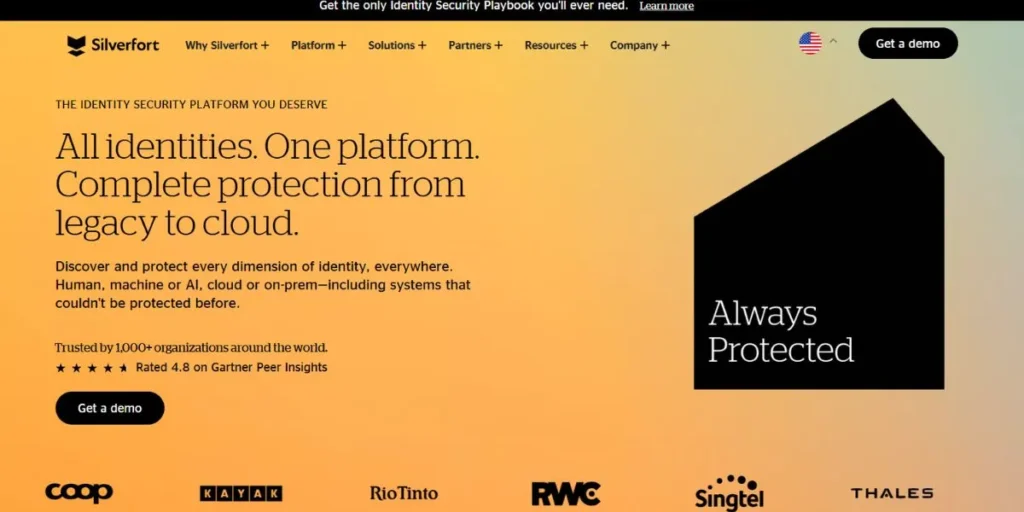
Silverfort is an innovative agentless Multifactor Authentication that is the first to provide protection of MFA to legacy systems, command line tools and on-premise environments that other MFA tools simply cannot access. Silverfort detects any form of identity threat in real time, and across all authentication traffic in a hybrid environment using AI-powered identity threat detection. It is also interoperable with existing IAM and MFA solutions, which is non-disruptive to deploy. Its feature of safeguarding assets such as Active Directory, shared accounts, and key infrastructure makes it one of the most developed platforms of identity security in 2026.
Key Features:
- Agentless MFA deployment
- AI-powered threat detection
- Legacy system protection
- Lateral movement blocking
- Hybrid environment visibility
- Identity threat response
Pros:
- Protects hard-to-secure systems
- Fast and non-disruptive deployment
- Full hybrid environment coverage
- Strong lateral movement prevention
Cons:
- Premium pricing tier
- Requires dedicated onboarding
- Complex for smaller IT teams
- Limited self-service options
Best For: Enterprises with legacy infrastructure
Link: https://www.silverfort.com
5. Microsoft Entra ID
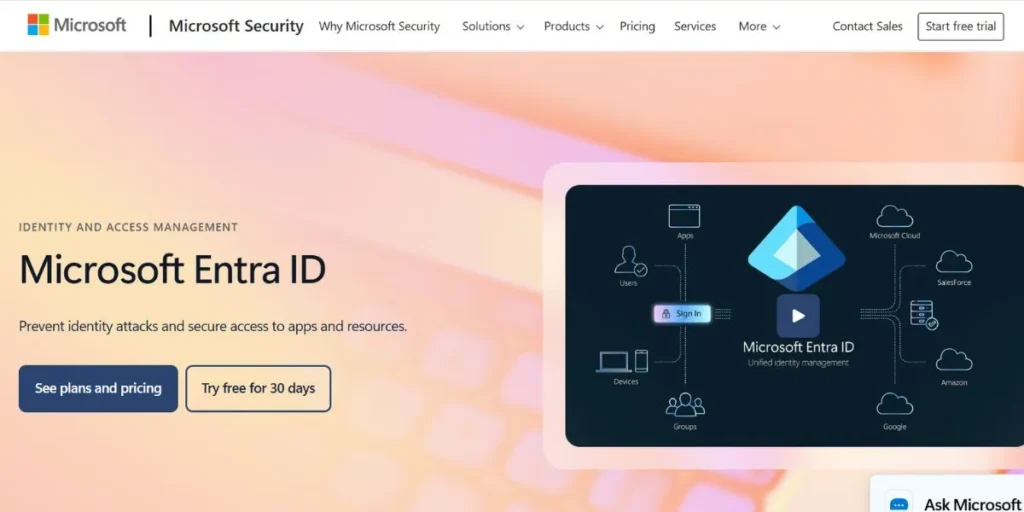
Multifactor Authentication and Identity Microsoft Multifactor Authentication and Identity Microsoft provides a complete cloud identity and Multifactor Authentication service, Microsoft Entra ID (also known as Azure Active Directory). It provides an extensive list of MFA options such as push notifications, biometrics, SMS codes and hardware security key. Entra ID can be centrally governed with thousands of third-party SaaS applications and native integration into Microsoft 365, which is essential in organisations of all sizes. Its Conditional Access policies have enabled businesses to enable MFA depending on the risk level of users, their device compliance, and their location, which makes Microsoft-centric environments in 2026.
Key Features:
- Conditional Access policies
- Passwordless authentication support
- Biometric & hardware key support
- Microsoft 365 native integration
- SSO for thousands of apps
- Identity Protection with AI
Pros:
- Seamless Microsoft ecosystem fit
- Extensive SaaS app integrations
- Strong compliance support
- Advanced identity protection AI
Cons:
- Complex licensing structure
- Best only with Microsoft stack
- Steep learning curve
- Support can be slow
Best For: Microsoft 365 enterprise organizations
Link: https://www.microsoft.com/en-us/security/business/identity-access/microsoft-entra-id
6. Ping Identity
Ping identity is an enterprise-level identity manufacturing platform that provides Multifactor Authentication Solutions on the foundation of Zero Trust security. It has context-aware risk-based access decisions in supporting the workforce and customer identity use cases. Ping Identity evaluates device posture, location, user behavior, and session risk in real time and sets appropriate authentication levels. It promotes open standards, such as SAML, OIDC and OAuth, which means it will federate with complex, multi-cloud enterprise environments without any hassle and is therefore a sophisticated option to security conscious organizations.
Key Features:
- Risk-based adaptive MFA
- Centralized SSO management
- SAML, OIDC, OAuth support
- Identity federation capabilities
- Zero Trust policy enforcement
- Customer and workforce IAM
Pros:
- Scales across hybrid environments
- Strong open-standard support
- Excellent customer IAM capabilities
- Flexible deployment options
Cons:
- High implementation complexity
- Expensive enterprise licensing
- Requires skilled IT management
- Less intuitive admin console
Best For: Large enterprises with complex IAM needs
Link: https://www.pingidentity.com
7. 1Password
1Password is a reliable password manager that has grown to a full-scale security platform with powerful Multifactor Authentication Solutions provided to people, groups, and companies. It enables users to save, administer, and auto-complete credentials across all devices and browsers.
In the case of business 1, Password Extended Access Management (XAM) provides security in the SaaS and hybrid work environments. With a clean design, powerful encryption, and enterprise-grade management, 1Password offers an easy yet effective way to secure access credentials and enable MFA.
Key Features:
- Encrypted password vault
- Built-in TOTP authenticator
- Extended Access Management (XAM)
- Travel Mode for sensitive accounts
- Admin policy enforcement
- Cross-device & browser sync
Pros:
- Intuitive user interface
- Combines passwords + MFA
- Strong encryption standards
- Easy team onboarding
Cons:
- Not a standalone MFA tool
- Subscription cost per user
- Limited advanced MFA methods
- Dependent on master password security
Best For: Teams needing password + MFA together
Link: https://1password.com
8. RSA SecurID
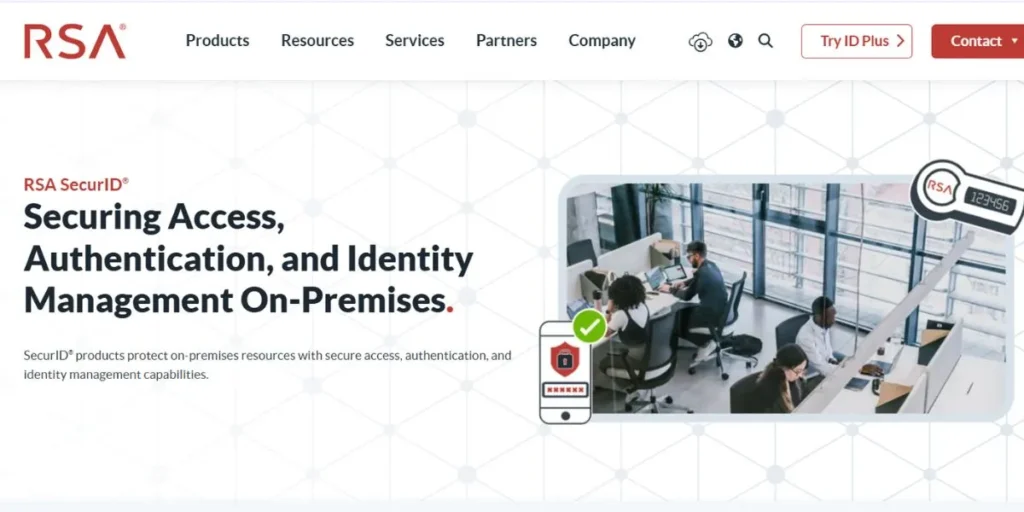
RSA SecurID is an experienced enterprise-level Multifactor Authentication system that has decades of extensive security experience. As part of the RSA Unified Identity Platform, it provides authentication, identity intelligence, governance, and lifecycle management.
RSA SecurID is famous for its risk-based authentication engine, which scales security levels to user activities and risk profiles. It supports hundreds of cloud, on-premise, and custom applications, making it a leading solution in compliance-intensive sectors, such as finance, healthcare, and government, in 2026.
Key Features:
- Risk-based adaptive authentication
- Hardware and software tokens
- Unified identity governance
- Broad app ecosystem support
- Lifecycle management tools
- Compliance-ready audit trails
Pros:
- Industry-proven security track record
- Strong compliance framework
- Flexible deployment options
- Extensive application support
Cons:
- Dated user interface
- High implementation cost
- Hardware tokens add overhead
- Slower innovation pace
Best For: Compliance-heavy industries (finance, healthcare, government)
Link: https://www.rsa.com/products/securid
9. Okta Adaptive MFA
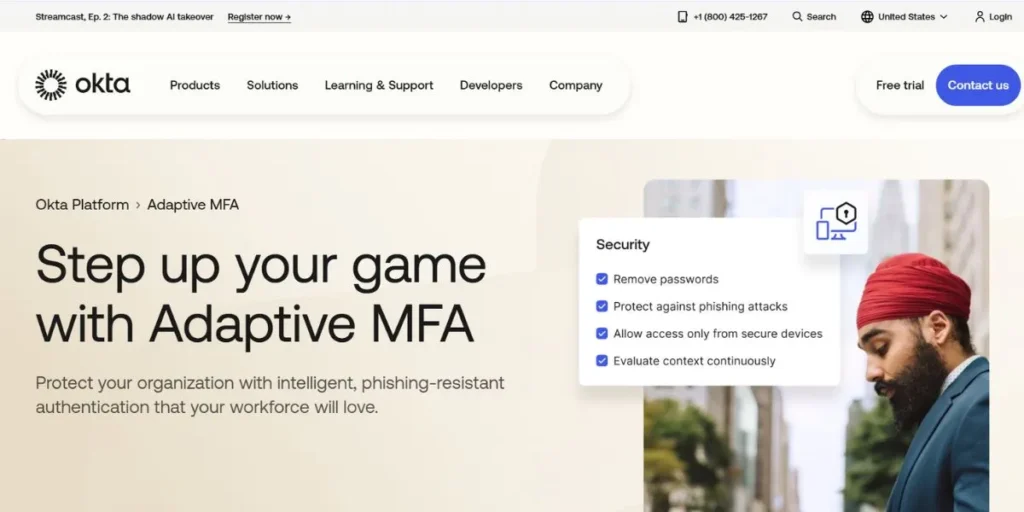
Okta Adaptive MFA is the most trendy cloud-based Multifactor Authentication Solution by contemporary companies. It secures both the access of workforce and customers on a scale by applying the appropriate level of authentication dynamically by using behavioral analytics, device health signals, and contextual data.
Okta has a comprehensive library of apps with more than 7,000 standard connectors and it is exceptionally easy to secure just about any business application. It has no password authentication features and a simplified user experience that allows it to achieve high adoption levels without compromising on its security management system features, which are not diminished to the level of an enterprise.
Key Features:
- Adaptive risk-based MFA engine
- Passwordless authentication options
- 7,000+ app integrations
- Lifecycle management automation
- Phishing-resistant FIDO2 support
- Real-time threat intelligence
Pros:
- Excellent phishing resistance
- Massive app integration library
- Smooth user experience
- Strong behavioral analytics
Cons:
- Premium pricing for full features
- Can be over-complex for SMBs
- Occasional sync delays reported
- Support response times vary
Best For: Cloud-first enterprises and SaaS-heavy organizations
Link: https://www.okta.com/products/adaptive-multi-factor-authentication
10. Authy (by Twilio)
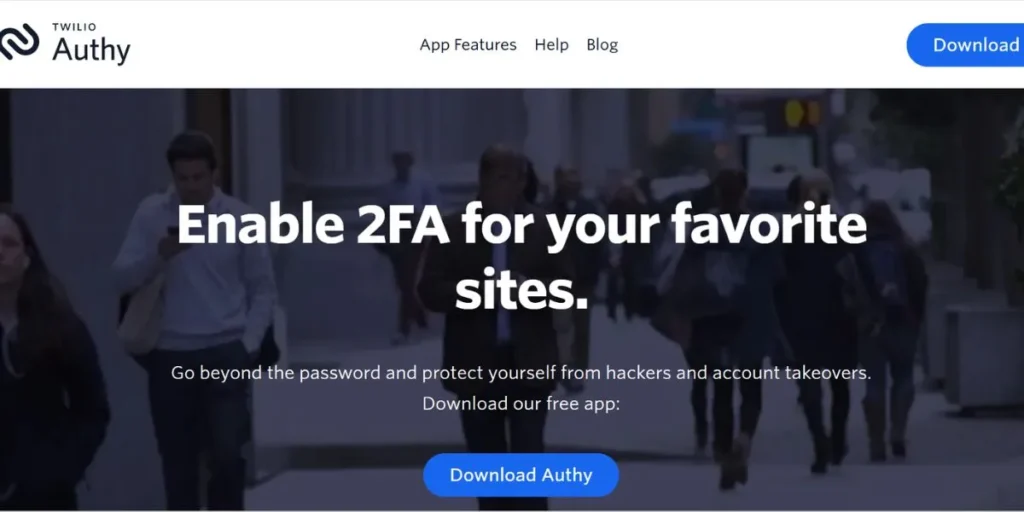
Authy by Twilio is a simple and powerful Multifactor Authentication app that is much more than a simple authenticator app. It also supports time-based one-time passwords (TOTP), push-based approvals, and encrypted multi-device backups, i.e., you will not lose access to your account even if you change or lose your phone.
The ability to sync tokens across devices is a strength of Authy compared to simpler tools. It offers a broad range of services and ranks highly for its simple account recovery plans, making it an easy choice for individuals and small businesses alike.
Key Features:
- TOTP and push authentication
- Encrypted multi-device backup
- Offline token generation
- Easy account recovery
- Support for 2FA-enabled services
- Desktop app availability
Pros:
- Simple setup and clean UI
- Multi-device token sync
- Easy account recovery
- Free to use
Cons:
- Limited enterprise admin controls
- Twilio account dependency
- No hardware key support
- Fewer enterprise integrations
Best For: Individuals and small businesses
Link: https://authy.com
Which MFA Is Best For You?
The correct solution to use of these best Multifactor Authentication Solutions is very much dependent on your situation:
- For personal accounts and individuals, Google Authenticator and Authy are free, easy to install, and support most mainstream services. Authy has an advantage over competitors with its multi-device user base due to encrypted backups.
- As a small business, the best value is a single platform that combines password management and MFA, providing the best of both solutions. LastPass MFA and 1Password are complex and higher-priced options.
- For mid-size businesses, Cisco Duo strikes a balance between usability and enterprise-level security, with robust device health checks and app integrations.
- For large enterprises with Microsoft environments, Microsoft Entra ID is a natural choice, as it provides seamless integration with Microsoft 365, Conditional Access, and AI-driven identity protection.
- In the case of organizations that use legacy systems, Silverfort takes the obvious victory: its agentless installation and ability to secure even command-line interfaces and collective accounts were unrivaled.
- In compliance-oriented sectors such as finance, healthcare, and government, RSA SecurID’s proven track record and comprehensive compliance toolset make it a strong, trusted, and dependable option.
- In businesses with heavy use of cloud-native and SaaS applications, Okta Adaptive MFA, with its 7,000+ integrations and strong behavioral analytics, is the best choice.
Real World Use Cases
- Healthcare: A hospital network deploys Microsoft Entra ID to implement Conditional Access MFA for all clinical employees who access patient records, ensuring HIPAA compliance and preventing unauthorized access to sensitive health information.
- Financial Services: One of the largest investment banks globally uses RSA SecurID across its trading operations and employs a combination of hardware tokens and risk-based authentication to meet strict regulatory standards and secure high-value transactions.
- Remote Workforce: A fully distributed technology company relies on Cisco Duo to authenticate user device identities and health before granting access to internal applications and cloud services, securing remote employees against credential theft and unsecured computers.
- E-commerce Platform: An online shop uses Okta Adaptive MFA to protect customer accounts, which requires step-up authentication on demand only when an online shopper behaves suspiciously – a trade-off between security and a smooth shopping experience.
- Education Sector: A university uses Google Authenticator to allow students and university staff access to their learning management systems, offering a free and user-friendly MFA solution that can even be used on low-bandwidth campus networks.
Security Best Practices
- Enable MFA Anywhere: Implement multifactor authentication on email, cloud applications, VPN, administrative portals, and financial systems to deter data intrusion and security vulnerabilities.
- Implement Phishing-Resistant Approaches: Implement FIDO2 keys, biometrics, or secure push authentication as an alternative to SMS to avoid interception, replay attacks, and social engineering.
- Introduce Adaptive Authentication: The capacity to deploy risk-based adaptive MFA, which examines device health, location, behavior, and timing to initiate extra authentication upon suspicious logins.
- Periodically review MFA logs: Check authentication logs on a regular basis to identify repetitive failures, suspicious locations, or suspicious times of day or night to identify threats prior to the breach.
- Train Employees on MFA Awareness: Educate employees on the risk of OTP sharing and MFA fatigue attacks to avoid unwanted approvals in case of a social engineering attempt.
- Secure Recovery Plan: Develop secure backup authentication and verified account recovery features to avoid lockouts, and minimize the impact of such on operations impairments effectively.
Conclusion
In the modern threat environment, the use of passwords is a disaster. The Multifactor Authentication Solutions that this guide discusses are the finest that the industry can present in 2026, ranged between free solutions such as Google Authenticator and Authy on one end, and enterprise giants such as Cisco Duo, Okta, and Microsoft Entra ID on the other.
No single best option exists, but the best MFA solution is the one that fits your organization in terms of size, infrastructure and compliance requirements as well as user experience concerns. All that is needed is to begin: put MFA into effect now, and reinforce it as time goes by, and make illegal access to data a virtual impossibility to perpetrators.
Explore More About:
FAQs
What is the distinction between 2FA and MFA?
Two-Factor Authentication (2FA) involves the use of precisely two verification methods, whereas Multi-Factor Authentication (MFA) involves two or more. MFA is a larger term that encompasses 2FA -all 2FA is MFA, but not everything MFA is 2FA.
Will MFA using SMS be safe in 2026?
MFA using SMS is not worse than none MFA, but it is the weakest one because of SIM-swapping attacks and risks of interception of messages. FIDO2 keys or authenticator apps are highly encouraged in all cases that have phishing resistance.
Are hackers able to get through MFA?
Although social engineering can be used by advanced attackers to bypass MFA, hardware security keys, and biometrics can be extremely hard to bypass as phishing-resistant. These more powerful approaches are much safer.
What MFA can best be used by small businesses with limited budgets?
Google Authenticator and Authy are both free and very effective for small businesses. For teams that require both password management and MFA, 1Password and LastPass MFA offer affordable subscription plans with high value.
What do I do to make my employees use MFA actually?
Select an MFA solution with a user-friendly, smooth, low-friction experience, such as Cisco Duo or Okta. Some combinations of deployment and explicit training about the importance of having MFA would help, and implement it with an access policy so that it is not possible to bypass MFA in your systems.