

The way we work has seen a huge revolution, moving away from the traditional and clunky way of working on the desktop to the smooth and “always on” digital hubs we use today. Today, more than 94% of enterprises use cloud services, and the move to cloud based productivity apps is not a luxury; it’s the new normal for businesses to compete. These apps enable teams to co-author documents in real time, manage intricate global projects, and communicate instantly without the hassle of back-and-forth email chains. By 2026, the global cloud computing market will reach $900 billion, signifying the extent to which these apps have become ingrained in our professional lives.
Additionally, the ability to access your entire office from the palm of your hand or from a laptop at the local café has redefined the meaning of flexibility at work. Further, these apps help businesses save on IT costs since there’s no need to manage the server or update the software. The digital revolution ensures that information is never locked away, making collaboration come as naturally as breathing. However, the true essence of these apps will continue to lie in the connection they enable between people. In the article, we will look at the top cloud based productivity applications. So, let’s begin!
What Is a Cloud Based Productivity App?
A cloud-based productivity app is a type of software that runs on a remote server and can be accessed via the internet. This type of app does not require installation on a single hard drive. Instead, it serves as a hub that syncs all data in real time on any device that is connected. This ensures that everyone on a particular team is working on the most recent version of a project. Its key characteristics are as follows:
- Universal Access: Enables access to your account from any device and any location as long as you have an active internet connection.
- Real-Time Syncing: You and your team can edit a single document at the same time without having to deal with versions and backups.
- Automated Updates: The provider takes care of all updates and new features for you. You will always have access to the latest version.
- Expandable Storage: You can expand your storage capacity instantly without having to buy new hardware.
Ultimately, these cloud based productivity apps turn individual tasks into a collective flow, breaking down the walls between different departments. They provide the digital infrastructure necessary for a modern, distributed workforce to thrive.
Key Benefits of Cloud Based Productivity Software
Moving to a cloud-based productivity app is more than just a matter of convenience. In fact, it is a way to change the way a company operates. The following are the key benefits of cloud-based productivity apps for your company:
Instant Team Collaboration
With a cloud-based productivity app, your team can collaborate on a single document or project board in real time. This eliminates any chance for delays and helps your team make quicker decisions.
Data Security and Recovery
With these cloud based productivity apps your data is safe and secure. The provider ensures that your data is encrypted at a high level. In addition to that, your data is not stored on a physical laptop. So if your laptop is lost or stolen, your company secrets will still be safe.
Significant Cost Savings
Cloud-based software eliminates the cost of purchasing servers, which can be quite costly, and hiring IT personnel to maintain them. You only pay a small fraction of your income in terms of a monthly subscription fee, which is easier to manage for small businesses.
Improved Work Flexibility
Employees can work from anywhere, either from their offices, their homes, or while on the go. This is one of the main reasons why employees love working in modern times, which gives businesses an opportunity to hire anyone from anywhere in the world.
Automated Saving and History
There is no need to worry about your computer crashing while working on an important project, unable to save your work, as these applications do everything for you. In addition, most of them allow you to go back in time to recover your deleted work.
Categories of Cloud Based Productivity Tools
Not all these tools are used for the same purpose; most businesses use a combination of categories to run their digital office. These include:
1. Document & Office Productivity Suites
These are the heavy lifters for creating content such as reports, data models, and slide decks within a browser. These applications replace traditional software by enabling entire teams to write, calculate, and design together simultaneously.
2. Project & Task Management Tools
These platforms function like the digital “brain” of a project, keeping track of who is doing what and when it is due. They use visual boards to ensure everything is completed within a busy work cycle.
3. Team Communication & Collaboration
These apps replace the need to sift through lengthy and confusing email chains with instant messaging channels. They keep teams organized by topic to facilitate quick huddles and rapid information sharing.
4. Cloud Storage & File Sharing
These applications function like a digital filing cabinet that safely stores all your digital assets. Moreover, they make it simple to send large files to clients or teammates with just a simple link.
Comparison Table: Top Productivity Tools 2026
| Name | Key Features | Pricing (Starting) | Official Link |
| Lark | Integrated Messenger, Lark Base database, AI Meeting Minutes, Global Calendar | Free plan available / $12 per user/month | https://www.larksuite.com/en_sg/ |
| Google Workspace | Gmail with domain, Google Meet, Shared Drives, Real-time co-editing | $7.20 per user/month | https://workspace.google.com/ |
| Microsoft 365 | Advanced Excel, Microsoft Teams, 1TB OneDrive Storage, Desktop Apps | $6.00 per user/month | https://www.office.com/ |
| Zoho Workplace | Zoho Mail, Writer/Sheet/Show, Cliq Messaging, WorkDrive | $3.00 per user/month | https://www.zoho.com/workplace/ |
| Slack | Channels, Huddles, Slack Connect, Workflow Builder | Free plan available / $7.25 per user/month | https://slack.com/ |
| Asana | Timeline View, Task Dependencies, Forms, Portfolio Tracking | Free plan available / $10.99 per user/month | https://asana.com/ |
| Trello | Kanban Boards, Butler Automation, Checklists, Multiple Views | Free plan available / $5.00 per user/month | https://trello.com/ |
| ClickUp | 15+ Views, Whiteboards, ClickUp Brain AI, Time Tracking | Free plan available / $7.00 per user/month | https://clickup.com/ |
| Notion | Drag-and-drop Blocks, Interlinked Databases, Notion AI | Free plan available / $10.00 per user/month | https://www.notion.com/ |
| Google Docs & Sheets | Suggestion Mode, Smart Chips, Version History, Offline Editing | Free (Personal) / Included in Workspace Plans | https://workspace.google.com/products/sheets/ |
10 Best Cloud Based Productivity Apps in 2026
1. Lark
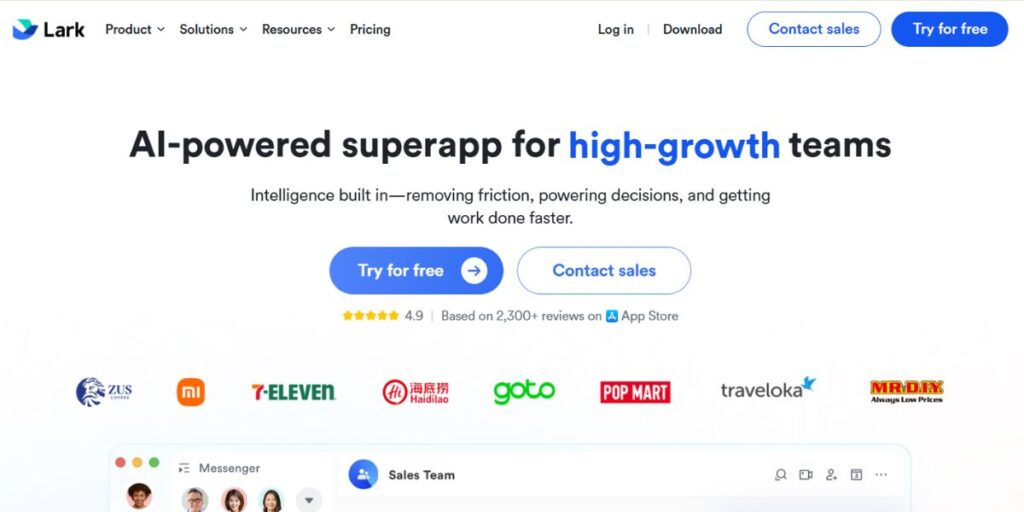
Lark is a unified workspace, which means teams can use its messaging, calendar, and complex databases in one seamless product. This means teams can discuss something in the app, send a message, and work on the same document without having to switch between five different apps. Lark is also famous for its “Magic Share” feature, which allows users to scroll through documents during video calls without interrupting the conversation. Additionally, the translation feature is also one of the reasons teams love working with Lark in cloud based productivity apps.
Lark also has an incredibly powerful relational database, Lark Base, which allows teams to track complex data without needing an additional spreadsheet app. This ensures that the team’s data is always attached to the conversation, preventing the loss of important information during high-speed project development.
Key Features:
- Integrated Messenger with threaded replies
- Lark Base relational database for workflows
- Automated AI meeting minutes and transcripts
- Global calendar with meeting room booking
Pricing:
- Starter: Free for up to 20 users
- Pro: $12 per user / month
- Enterprise: Custom pricing
Pros:
- Reduces constant app switching
- Great mobile app performance
- Has great free features
- AI translation
Cons:
- Feature-rich interface can be overwhelming
- Complex notification settings
Best For: Fast-growing startups, international teams, operations-heavy groups
App Link: https://www.larksuite.com/en_sg/
2. Google Workspace
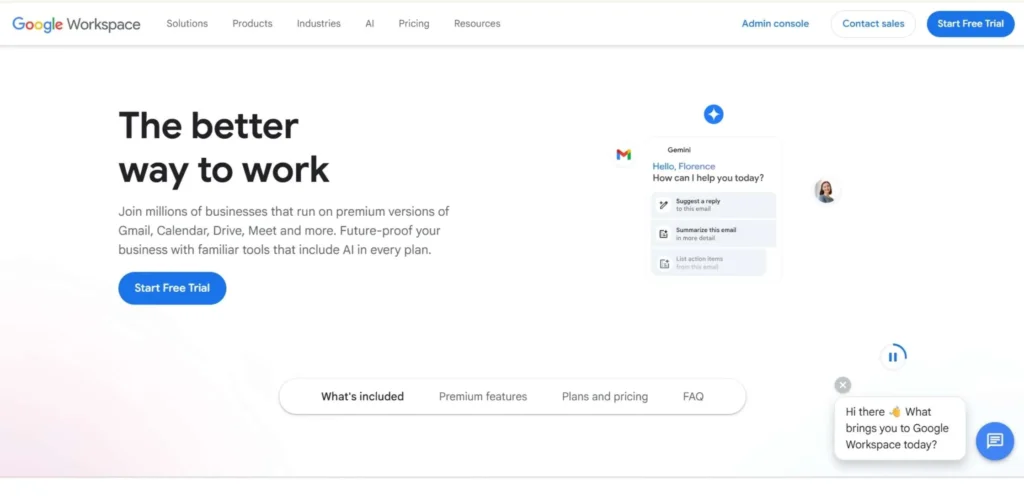
Google Workspace is the king of browser-based work and is one of the most popular Cloud Based Productivity Apps, famous for its blazing speed and ease of use. Google Workspace also allows for effortless co-authoring in Google Docs and Google Sheets. You can literally see your co-worker’s cursor moving around on the screen. This makes it a breeze to get new employees up and running.
Additionally, the search function in Google Drive is best when it comes to finding old files. The suite also comes with advanced management features that allow IT managers to control data security and user management for the entire organization from a single place. This makes it a reliable option for businesses that have to scale quickly and need to have their internal communications be secure.
Key Features:
- Gmail with your company domain
- Google Meet for video meetings
- Shared drives for collaboration
- Real-time co-editing in Google Docs and Google Sheets
Pricing:
- Business Starter: $7.20 per user/month
- Business Standard: $14.40 per user/month
- Business Plus: $21.60 per user/month
Pros:
- Requires zero software installation
- Industry standard collaboration speed
- Industry standard search functionality
- Access to a massive app ecosystem
Cons:
- Sheets can be slow on extremely large datasets
- Limited offline functionality
- Requires expensive plans for advanced security
Best For: Small to mid-sized businesses, creative agencies, educational institutions
App Link: https://workspace.google.com/
3. Microsoft 365
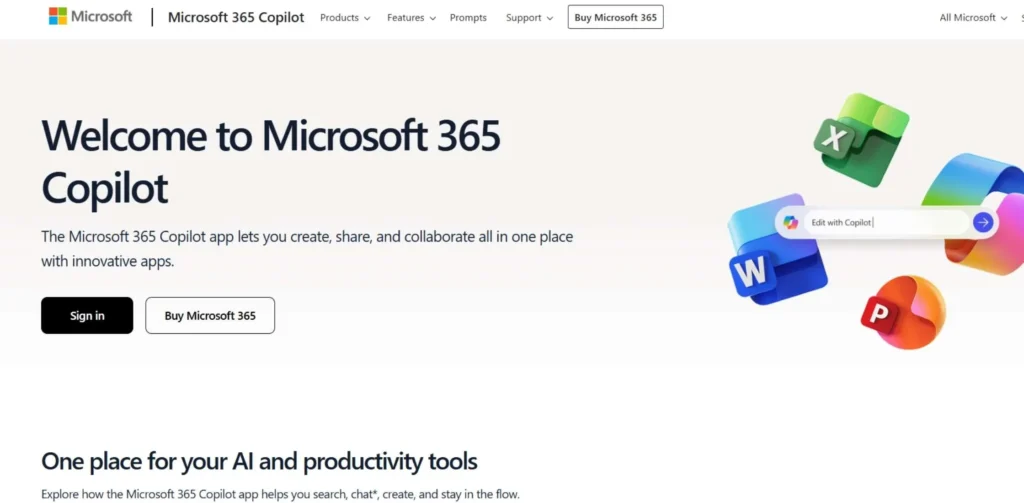
Microsoft 365 is the best option for large-scale enterprises with high demands for data analysis and security levels. This is because it combines the traditional power of Microsoft products like Excel and Word with the modern connectivity of Microsoft Teams. For businesses with high compliance requirements, Microsoft 365 is the best product on the market among Cloud Based Productivity Apps. Furthermore, it is fully compatible with Windows, which gives users of cloud-based office products an incredibly stable experience.
Also, the platform offers massive storage space in the cloud through Microsoft OneDrive, which allows teams to sync their local files with the cloud with ease. This means teams can have real-time backups of their work, in addition to the synchronization of the calendar through the integration of Microsoft Outlook and Microsoft Teams.
Key Features:
- Advanced versions of Microsoft Excel
- Microsoft Teams
- OneDrive with 1TB of cloud storage
- Desktop versions of Microsoft Office products
Pricing:
- Business Basic: $6.00 per user/month
- Business Standard: $12.50 per user/month
- Enterprise E3: $36.00 per user/month
Pros:
- Detailed feature set for complex spreadsheets
- High-level security
- Works offline with the syncing of the desktop app
- Familiar interface for most office workers
Cons:
- Frequently appears to be complex and ‘heavy’ to use for simple tasks
- Teams can be resource-intensive to use on computers
- Fragile user experience between web and desktop
Best For: Enterprises, Finance, Legal Industries, Large-scale Data Usage
App Link: https://www.office.com/
4. Zoho Workplace
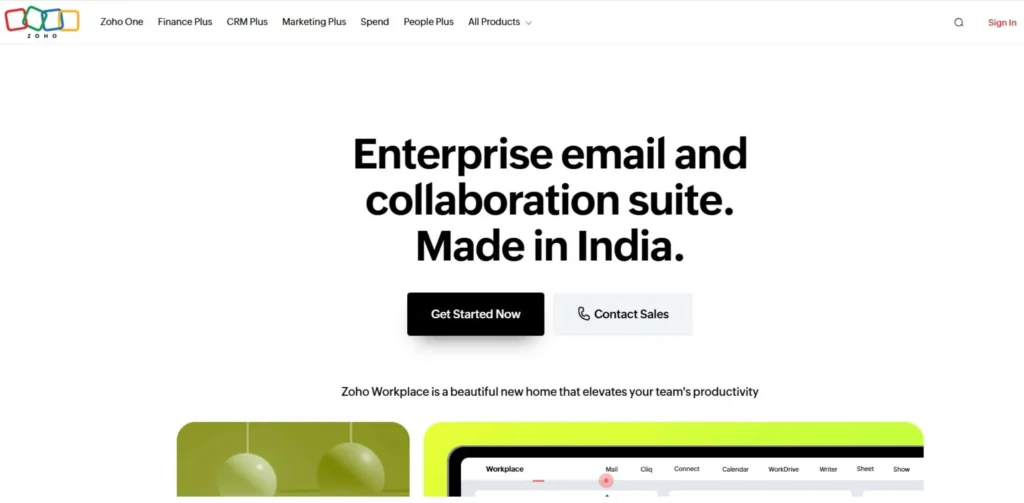
Zoho Workplace is one of the most reliable Cloud Based Productivity Apps and an excellent alternative to the larger brand names that still manage to offer everything that users need within a suite of applications. The application is particularly good for businesses that use other Zoho applications, such as their CRM. The app is also highly regarded for its dedication to user privacy and ad-free usage within the world of cloud-based productivity apps.
Moreover, it offers users Zoho Writer, which is a distraction-free writing tool that rivals some of its far more expensive competitors. The application also offers users a dashboard that enables them to view their emails, notifications, and calendar events in one place.
Key Features:
- Zoho Mail with Domain Hosting
- Writer, Sheet, Show – Office Suite
- Cliq – Team Messaging and Calling
- WorkDrive – Centralized File Management
Pricing:
- Standard: $3.00 per user/month
- Professional: $6.00 per user/month
- Mail Only: $1.00 per user/month
Pros:
- Most cost-effective full-suite package
- High regard for user data privacy
- Tightly integrated with Zoho CRM
- Clean, uncluttered admin interface
Cons:
- A bit outdated in the interface
- Smaller user community for third-party support
- Some apps are not quite as polished
Best For: Small businesses on a budget, startups using Zoho CRM
App Link: https://www.zoho.com/workplace/
5. Slack
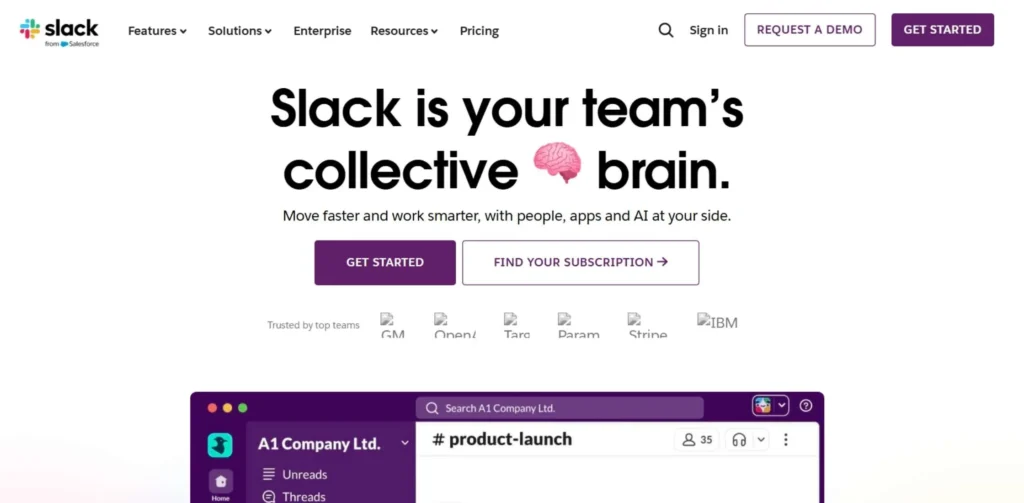
Slack has revolutionized the great online tool by creating an alternative to internal email. This is done by creating channels, which allow users to send messages on various topics quickly. This is particularly useful for quick, casual conversations that everyone on the team can stay up to speed with, unlike sending an email, which can feel stiff and unapproachable. Further, with thousands of integrations, it can also serve as a hub to notify users about other cloud based productivity apps.
However, its true strength comes from its searchable history, which can allow users to refer back to previous decisions quickly. There are also Huddles, which allow users to instantly call other users, mimicking the experience of walking up to someone’s desk to chat.
Key Features:
- Channels to organize topics
- Huddles for instant voice and video meetings
- Slack Connect for collaborating with partners
- Workflow Builder for automating processes
Pricing:
- Free: 90 days of message history
- Pro: $7.25 per user/month
- Business+: $12.50 per user/month
Pros:
- Best-in-class third-party integrations
- High engagement and a fun user interface
- Powerful search through files and chats
- Excellent mobile app experience
Cons:
- It can be very distracting if not managed
- Search history is limited on the free plan
- Expensive compared to all-in-one suites
Best For: Software teams, remote companies, high-speed communication
App Link: https://slack.com/
6. Asana
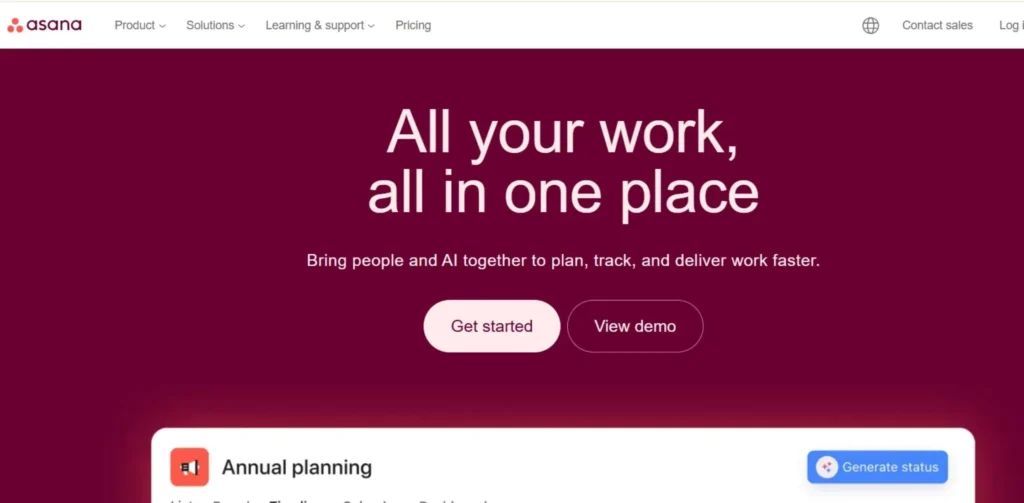
Asana is designed to help teams that need to know exactly who is doing what and when. Asana does this with their clean interface, which helps to divide larger tasks into smaller tasks that need to be done. You can view your tasks in a list view, board view, or timeline view to make sure that your schedule is running smoothly. Also, Asana has a feature called ‘Workload,’ which helps managers avoid burnout within their teams while utilizing cloud based productivity apps.
Moreover, Asana has ‘Goals,’ which enable teams to link their day-to-day tasks to their larger business objectives. This ensures that every small task that is done is contributing to the larger goal of the business, keeping everyone motivated.
Key Features:
- Timeline and Gantt chart views
- Task dependencies and milestones
- Forms for work intake and requests
- Portfolio view for high-level tracking
Pricing:
- Personal: Free for small teams
- Starter: $10.99 per user/month
- Advanced: $24.99 per user/month
Pros:
- Highly intuitive and visual interface
- Excellent for tracking complex project steps
- Strong reporting for team capacity
- Great for cross-departmental projects
Cons:
- Advanced views are only in paid tiers
- Can feel stiff for very creative work
- High pricing for smaller agencies
Best For: Marketing teams, project managers, professional services
App Link: https://asana.com/
7. Trello
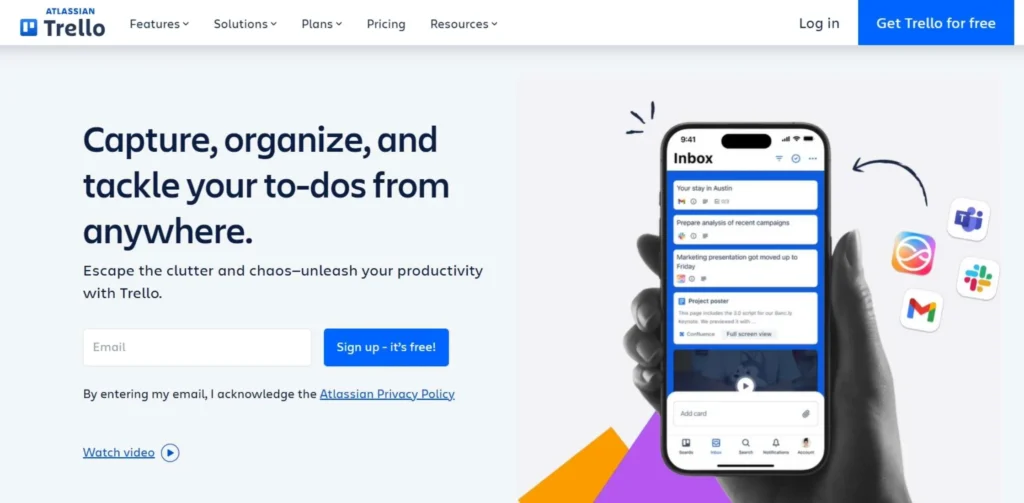
Trello is the ultimate app for those who love visual organization and have a Card and Board-based organization style. It is extremely easy to use and requires no learning curve at all. You drag your cards from “To-Do” to “Done.” However, it also offers “Power-Ups” for connecting it to your calendar or other apps. It is one of the most popular cloud based productivity apps for those who find other project management apps too complex and daunting. The app is perfect for visual learners and users.
Additionally, it comes with a built-in automation bot called Butler that can handle tasks without you having to write a single line of code.
Key Features:
- Kanban boards for drag and drop functionality
- Butler automation for repetitive tasks
- Checklists and due dates on cards
- Multiple board views in “Workspaces”
Pricing:
- Free: Unlimited cards and 10 boards
- Standard: $5.00 per user/month
- Premium: $10.00 per user/month
Pros:
- Has almost zero learning curve for new users
- Extremely flexible for other aspects of your life as well
- A strong visual sense of project status and flow
- A free plan for small usage scenarios
Cons:
- Can be hard to handle hundreds of tasks at once
- No Gantt charts on free plans
- Not enough reporting for executive-level views
Best For: Small teams, event planning, personal productivity
App Link: https://trello.com/
8. ClickUp
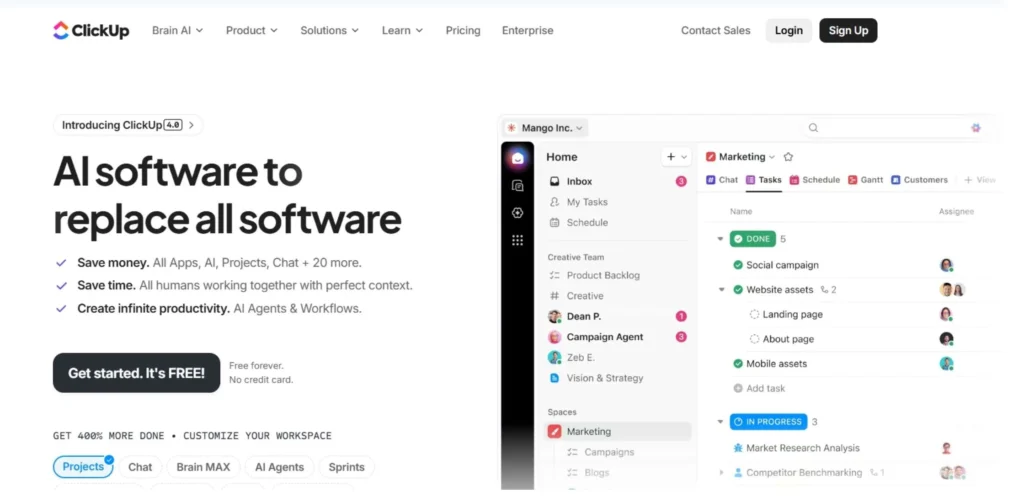
ClickUp is one of the most versatile Cloud Based Productivity Apps and considers itself the “one app to replace them all.” This is a result of it having an incredibly deep list of features. The app combines tasks, docs, reminders, and goals all in one place. It is also extremely flexible and can be made to look and act like Trello, Asana, or a spreadsheet. Additionally, the app includes time tracking, which is a huge benefit for companies that charge clients by the hour for cloud-based productivity apps.
ClickUp also comes with a whiteboard feature that allows for brainstorming and then creating tasks from the ideas that come from it. This ensures that creative sessions always lead to taking action without having to switch back and forth between apps.
Key Features:
- 15+ different workspace views
- Built-in Whiteboards for brainstorming
- ClickUp Brain AI for summaries
- Native time tracking and billing
Pricing:
- Free Forever: 100MB of storage
- Unlimited: $7.00 per user/month
- Business: $12.00 per user/month
Pros:
- Massive feature list for a low cost
- Replaces multiple separate software tools
- Highly customizable for any industry
- Constant updates and new feature rollouts
Cons:
- An overwhelming number of features and customization options
- Mobile app not as strong as desktop app
- Lag in performance on heavy whiteboards
Best For: Operations teams and agencies
App Link: https://clickup.com/
9. Notion
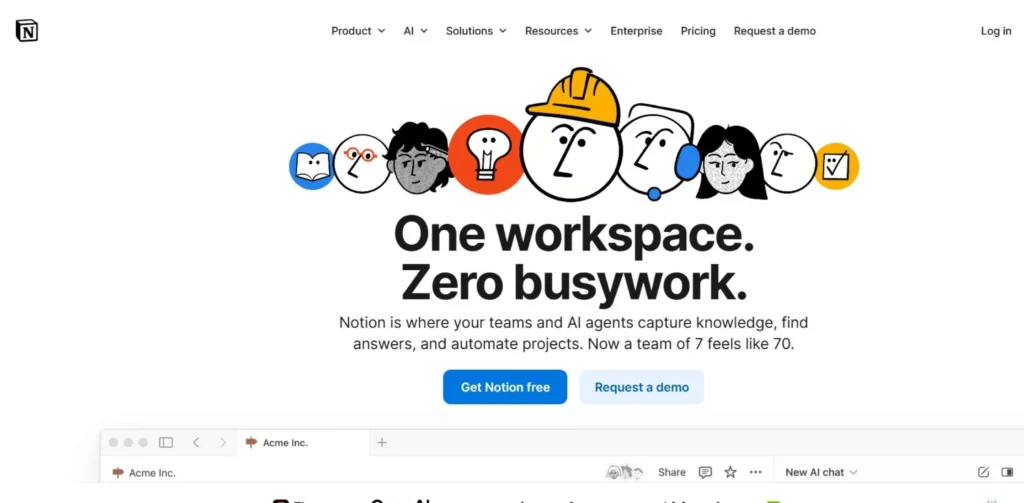
Notion is an “all-in-one” workspace that allows users to create their own productivity system with blocks. It is partially a document editor, wiki, and project management tool, making it one of the go-to cloud based productivity apps for teams that love organizing knowledge. It can be used to create stunning internal homepages for the company or manage intricate product roadmaps.
In addition, it has gained tremendous popularity as one of the most visually appealing cloud-based productivity applications out there. Its database is extremely powerful, allowing users to view the same data in the form of a table, list, or gallery. This ensures that different team members can view the data in the most suitable way for their workflow.
Key Features:
- Drag and drop content blocks
- Interlinked databases and pages
- Notion AI for writing and drafting
- Synced blocks for cross-page updates
Pricing:
- Free
- Plus: $10.00 per user/month
- Business: $20.00 per user/month
Pros:
- Unmatched flexibility
- Replaces the need for an internal company wiki
- Minimally designed
- Strong community templates
Cons:
- Requires tremendous setup time
- Mobile can be slow to load
- Searching can be difficult
Best For: Knowledge management, creative startups, content planning
App Link: https://www.notion.com/
10. Google Docs & Sheets
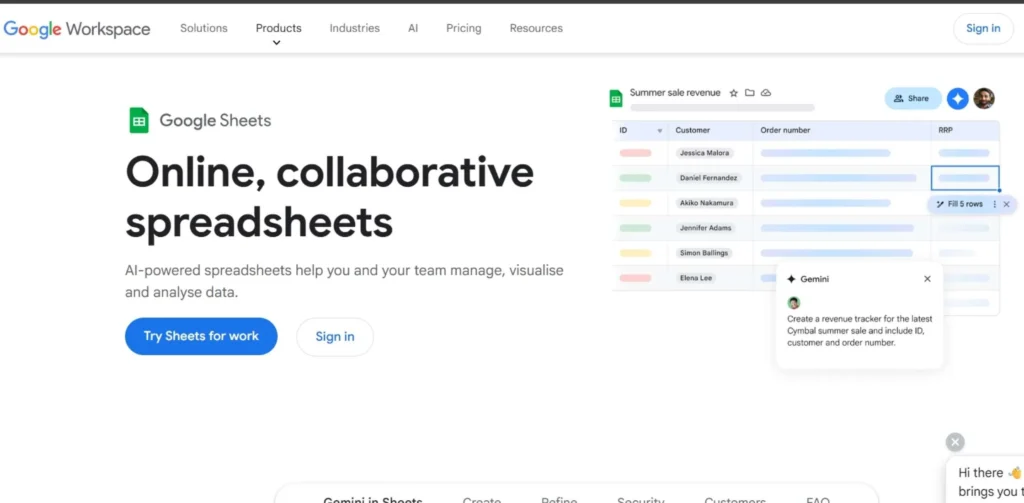
Though part of the suite, Google Docs and Google Sheets are the go-to stand-alone products for content creation work in their own right. Their purpose is to create an environment where the content or the information is the main star, without any clutter. They are great tools for people looking for the “suggesting mode” as they work together. Moreover, they are important cloud based productivity apps for anyone working with the web as part of their work, whether it is writing or calculating.
They also have “Smart Chips,” which allow users to highlight people or files in the document, essentially creating an interactive document. In addition, they have the version history feature, which ensures that users can always see what has changed and can go back to an earlier version of the document in case something goes wrong.
Key Features:
- Suggestion mode for collaborative editing
- Smart chips for connecting individuals and files
- Offline editing option (using extension)
- Version history for reverting to previous versions of a document
Pricing:
- Free: For personal @gmail account users
- Paid: Included in Workspace plans
Pros:
- Simplest interface for a word processor
- Perfect for real-time syncing for multiple users
- Free for personal use for individuals
- Universal file format compatibility (export to PDF)
Cons:
- Lacks some formatting features found in Word
- Pivot tables are not as strong as those in Excel
- Requires internet for the best user experience
Best For: Students, writers, simple data tracking
App Link: https://workspace.google.com/products/sheets/
How to Choose the Best Cloud Productivity App for Your Needs
Choosing the best cloud based productivity apps for your needs is a vital decision that will have a huge impact on the productivity and collaboration of your organization. The following considerations will help businesses find the best app:
- Team Size: Smaller groups need lightweight tools, while larger ones require advanced governance features.
- Automation Needs: Look for software that can standardize tasks like approvals and status notifications automatically.
- Budget Growth: Evaluate if the price remains sustainable as you add more users over the next two years.
- Workflow Style: Determine if your team prefers visual boards, structured lists, or document-heavy wikis.
- Support Quality: Make sure the provider offers the level of help you need when technical issues arise.
Future Trends in Cloud Productivity Software
The way we work is changing rapidly, and the software we use is becoming smarter every day. We can expect some interesting changes to come to the way cloud based productivity apps will work, and some of them will include:
- AI Assistants: The software will be able to write reports on meetings held without any manual intervention.
- Custom Interfaces: The software will change the interface according to the user’s job role.
- Offline Connectivity: The software will get better at allowing you to work even when you don’t have internet connectivity.
- Biometric Security: The way we log into the software will become more secure using fingerprint or face recognition.
- Low-Code Building: Regular users will be able to create custom apps using the workspace software.
Conclusion
The advent of cloud based productivity apps has revolutionized the way we look at the work environment. The traditional 9-to-5 desk job is a thing of the past, and the new way of working has made it possible for people to work together from anywhere in the world. Be it the massive platform of Microsoft 365, the blocks of Notion, or the simplicity of Lark, the end goal of using any of them remains the same to get more work done while stressing less.
They’re not just about ticking off boxes on the to-do list; Cloud Based Productivity applications are about building a space where new ideas can flourish, and people can connect. With the advancement of technology, such software will only become more intuitive and helpful. By using the right combination of such software, you’re building the pathway to a more organized, efficient, and flexible work environment for the future.
FAQs
1. What are cloud based productivity apps?
Cloud based apps are set of platforms that work together to enable teams to create, communicate, and collaborate entirely online.
2. Which is the best cloud based productivity applications for small startups?
For small startups, Lark or Google Workspace would likely be your best bets, given their all-in-one functionality and low cost of entry.
3. Can I use these apps if I don’t have an internet connection?
Yes, most of these cloud based productivity apps allow you to use them offline, which saves your work and synchronizes it as soon as you go back online.
4. Is my data safe with these apps?
Yes, most providers use high-end encryption to ensure your data is safe.
5. Do these apps support mobile phones?
Yes, almost all modern cloud-based productivity apps have mobile apps for Android and iOS devices.
6. What is better for visual thinkers, Trello or Asana?
Trello is better suited for visual thinkers, while Asana offers more advanced visual project timelines.