Picture this: It’s 11 PM. It is almost the end of your day, and you are about to close your laptop when your accountant sends you a text message, he/she needs your last month expense report by the following morning. In the past, with desktop software, you would have to haul yourself to your office computer or wait until morning. However, with cloud-based accounting software? You wake up, check your phone, read the report in two minutes, send the link, and fall asleep. That is the magic of the cloud – and the cloud is already being lived by millions of businesses around the globe.
It is not some future technology. Cloud accounting is no longer on the fringe; it is expanding rapidly. This article is your wake-up call, in case you are still storing books in Excel sheets, emailing files back and forth or working with bulky old-fashioned desktop software. The global accounting software market is projected to reach USD 23.47 billion by 2026 and USD 35.86 billion by 2031, with a CAGR of 8.85%. It is possible to infer that the emergence of new technologies is accelerating the pace of competition.
Some speculation can also be made about the rapidly changing competitive environment due to the advent of new technologies. Cloud-based deployments now account for 68% of all revenue in accounting software, up from 67.43% in 2024, and the trend is steadily rising. (Mordor Intelligence)
As of early 2026, more than two-thirds of small and medium enterprises (SMEs) have already migrated to cloud accounting platforms, and the rate of SMEs switching is increasing at an annualised rate of 10.85%.
Fledgling bakery, an agency on the rise, or a multi-storey retail organisation, this is the guide that will take you through all you need to know about cloud-based accounting software in 2026.
What Is Cloud Based Accounting Software?
Cloud based accounting software is just a program of accounting which is based on the internet rather than on your computer. You don’t install anything. You do not require a machine with high power. You simply open a browser (or an application), log in and you are in.
Consider it to be Gmail and ancient email programs that you used to install on your personal computer. Gmail is a cloud-based application, i.e. it is not stored on your computer drive, but on the servers run by Google. The same thing happens with cloud accounting software. You store your financial information in remote servers and access it anywhere and on any device.
You do not have to incur a large initial expense as a software license but instead, you normally pay a monthly or annual subscription fee. The lowest cost plans begin at only $0 to $15 a month depending on the basic features and it is affordable even to the tiniest of businesses.
Concisely: Cloud based accounting software = accounting software accessed on-line, on a subscription, on any device. That’s it.
How Cloud Accounting Software Works
When you subscribe to a cloud accounting software, the software vendor hosts all your financial information in secure servers, which are normally in different places to avoid losing the data. The following is a basic summary of the mechanism of the entire process:
- You can access it via a browser or via a mobile application without having to install it.
- Financial information (invoices, expenses, payroll, etc.) on the vendor is stored in the secure servers of the vendor.
- Your transaction is automatically updated on all the devices.
- You can access the same information through your accountant, bookkeeper or business partner using their own device.
- The software automatically updates itself… there is never any occasion where you are asked to upgrade it manually.
- Bank feeds Automated bank feeds are linked directly to your business bank account and they will bring in transactions which will not have to be entered manually.
It is a technical sounding experience, yet it is very simple. Majority of the current cloud accounting providers are aimed at business owners with no accounting background. Most of these tools can be used provided that you can use Facebook or Gmail.
Key Features of Cloud Based Accounting Software
Cloud accounting tools are not alike, but the following are the main characteristics of a good cloud accounting tool:
- Invoicing and Billing — Design, ensure and track professional invoices with a few minutes. There are numerous tools, which provide automatic reminders of non-payments.
- Expense Tracking — Track your bank and add receipts to keep track of every penny your business spends.
- Bank Reconciliation– auto-match your bank account with your accounting account. Saves hours each month.
- Financial Reports — One click will create profit and loss statements, balance sheets, and cash flow reports.
- Payroll Management – There are some tools which have inbuilt payroll or can be connected to payroll applications in order to compensate employees on a timely basis.
- Tax Preparation Taxes Tax-deductible expenses ought to be tracked and reports created to simplify the process of filing.
- Multi-User Friendly- Allow your accountant, bookkeeper or staff to access your books without sharing passwords.
Top 10 Cloud Based Accounting Software of 2026
Among hundreds of tools, the 10 ones have been found to be the most useful tools to choose among the various business types in 2026. We shall dishonestly break down each.
1. QuickBooks Online
QuickBooks Online is the unchallenged leader of accounting software among small businesses in the United States. It was created by Intuit and has existed since 1992 and has developed into an effective, feature-fulfilled cloud platform to serve millions of businesses. It has a 62 percent market share amongst small businesses in the US and it is by far the most preferred amongst the American entrepreneurs and accountants and bookkeepers. QuickBooks Online is capable of doing simple invoicing, complicated inventory management, and payroll.
Key Features:
- Invoicing, estimates and expense tracking.
- Artificial Intelligence-based Anomaly Detection and financial insights.
- Tracking inventory and project (Plus plan and above)
- Payroll add on ( Integrated seamlessly)
- over 750 third-party applications (Shopify, PayPal, Stripe, Square)
- Tracking of mileage through mobile application.
- Permission levels and multi user access.
- Financials reporting (P&L, Balance, Cash Flow, etc.)
Pros:
- The vast majority of US accountants and CPAs support this.
- Vast integration and third party applications library.
- AI-powered and great reporting.
- Can scale individual freelancer to 25-user.
- Well balanced mobile application to use on the go.
Cons:
- It can be costly against competitors (with additional users)
- Introducing a beginner to the learning curve is tough, as there are several features that are overwhelming.
- Support to the customers is slow in lower plans.
- Charges per user- scaling teams become expensive.
Pricing:
- Start: $30/month
- Essentials: $60/month
- Plus: $90/month
- Advanced: $200/month.
Best For:
US based small to medium business, accountants, e-commerce sellers, contractors.
Website:
https://quickbooks.intuit.com
2. Xero
Xero is the worldwide favourite outside of North America – it has 4.4 million subscribers in over 180 countries. It was established in New Zealand in 2006 and has established itself as the destination platform in the UK, Australia, and the rest of Europe. As a cloud based accounting software, the truly unlimited number of users on the various plans and incredibly clean, modern interface are what make Xero stand out in comparison to QuickBooks, which fines users per user.
Xero is also known to have flawless bank reconciliation (often referred to by bookkeepers as a joy), powerful multi-currency, and a huge app store of more than 1,000 integrations. Xero remains the first AI-driven automation feature in 2026 in the form of smart invoice matching and predictive cash flow applications.
Key Features:
- Exceeding users on the pricing plans.
- 1,000 and more integrations within the Xero App Marketplace.
- Multi-currency (Established plan) busy plan.
- Automated bank feeds and intelligent reconciliation.
- Project monitoring and time keeping.
- Inventory management
- Financial forecasting tools and financial reporting.
- 24/7 online customer support
Pros:
- Unlimited users without the per-user fees.
- Good international and multi currency support.
- Intuitive, easy to use interface that does not need expertise.
- Well established international accounting network and network of partners.
- Updates automatically and constant improvement of features.
Cons:
- US payroll is weak — needs third-party tools.
- Entry plan invoices are restricted to 20/month – highly restrictive.
- Small network of US accountants in comparison with QuickBooks.
- Add on expenses and payroll
Pricing:
Starts from $15/month
Best For:
Small business growing, global companies, UK/Australia/NZ companies, teams with numerous users.
Website:
https://www.xero.com
3. FreshBooks
FreshBooks is the accounting software that freelancers and owners of a service-based business would long to have. It was founded in Toronto, Canada, and began as an invoicing tool but has grown to be a cloud based accounting software platform while still keeping its origins in mind. FreshBooks’ invoicing experience is just the best in the market.
With only a few clicks, you can build beautiful, branded invoices, set automatic payment reminders, track time against projects, and even add late fees. One photographer explained it as follows: FreshBooks saved me half the time on my invoices. It is also among the most popular customer care platforms, with offices in Europe, the US, and Mexico.
Key Features:
- Invoicing of the best-in-class that could be customized with branding.
- Auto-reminder of payment and late charge.
- Tracking of time and project billing.
- Receipt scanning expense tracking through mobile.
- Client portal On-line payment.
- 100+ third party apps integrations.
- Multi-currency support
- Double entry accounting (to comply with legislations)
Pros:
- The most user-friendly, hassle-free invoicing experience.
- Good customer service and quick response rates.
- extremely easy to use — no accounting skills required.
- Excellent mobile expense capturing app.
- Excellent time keeping of clients to be billed.
Cons:
- Pricing is per number of billable clients- it can be expensive with an increase in your clientele.
- Not good with businesses whose inventory is complex.
- Smaller number of CPA integrations compared to QuickBooks.
- Some of them are restricted to basic advanced reporting.
Pricing:
- Lite: $19/month (5 clients)
- Plus: $33/month (50 clients)
- Premium: $60 Monthly (unlimited clients)
Best For:
Freelancers, consultants, designers, agencies, and small businesses that are service based.
Website:
https://www.freshbooks.com
4. Wave Accounting
Wave, its basic accounting and invoicing services are absolutely free there is no catch, no hidden costs, no credit card needed. Wave earns money by offering optional payment processing and payroll, meaning that the free tools are actually useful and not minuscule teaser editions. Wave is a blessing to those solopreneurs, side hustlers and very small businesses in the very beginning.
You are able to keep track of revenue and expenses, issue limitless invoices, customize receipt management and create simple financial reports, all zero monthly charge. The interface is straightforward and elegant and the start-up can be made in under ten minutes. Although it does not feature as much as QuickBooks or Xero, in the cases of a company with a straightforward task, Wave is much more than sufficient.
Key Features:
- Unlimited free invoicing and accounting.
- Income and expense tracking
- Receipt scanning (free)
- Basic financial reports
- Manual import (bank connections)
- One account multi-business support.
Pros:
- Free core accounting software- no credit card required.
- Easy installation process – can be installed in less than 10 minutes.
- Ideal solopreneurship and small business.
- Unlimited free plan invoices.
- Simple, un-crowded interface.
Cons:
- Not as many integrations as QuickBooks or Xero.
- No inventory management
- Low customer service with the free plan.
- Does not work well with expanding business.
- US and Canada standalone payroll.
Pricing:
- Basic accounting and invoicing: no charge
- Payroll: $20 to $20 monthly and $6-per-employee.
Best For:
Solo entrepreneurs, side hustle business, freelancers who have basic requirements, and micro-enterprises that are low-budget.
Website:
https://www.waveapps.com
5. Zoho Books
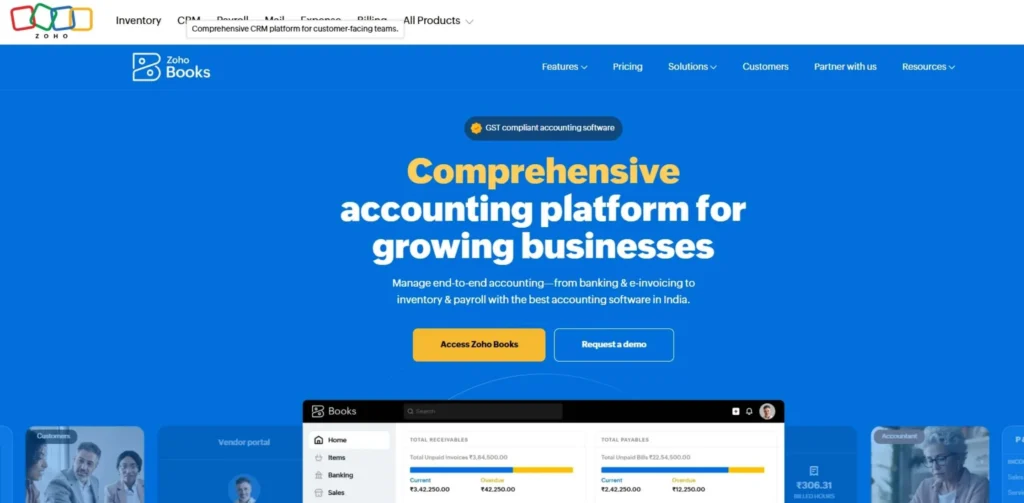
Zoho Books is the Cloud-Based Productivity App that has it all at an affordable cost. It is full of features normally found in tools that are three to four times more than this one. And one of the best features: Zoho Books is selling a truly free plan to companies that bring under 50,000 each year, which is hard to find in this category. It is a subset of the larger Zoho ecosystem that comprises of Zoho CRM, Zoho Inventory, Zoho Payroll, and 40+ other business applications. Books is compatible with all Zoho products in case your business already utilizes them. Zoho Books is among the most affordable.
Key Features:
- Free business with less than 50,000 annual income.
- Complete double entry accounting.
- Invoicing, expense tracking and bank reconciliation.
- Project and time tracking
- Inventory management
- International markets GST/VAT should comply.
- Integration with Zoho CRM and Zoho Inventory, Zoho Payroll.
- Invoice approval and payment portal of the client.
Pros:
- Superior value – free plan does work.
- Strong connection with the whole Zoho ecosystem.
- Excellent global market (GST, VAT) compliance capabilities.
- Comprehensive full double-entry accounting at all the levels of the plan.
- 50+ financial reports included
Cons:
- Interfaces may seem complicated to total newcomers.
- US payroll assistance is restrained.
- Less Integrations compared to QuickBooks.
- The free/lower-tier plans may be slower in terms of support.
Pricing:
- 0/month (less than $50K revenue)
- Standard: $15/month
- Professional: $40/month
- Premium: $60/month
- Elite: $120/month
- Ultimate: $240/month
Best For:
businesses with a low budget, international SMEs, businesses already using Zoho products, Indian and Middle East companies.
Website:
https://www.zoho.com/books
6. Sage Business Cloud Accounting
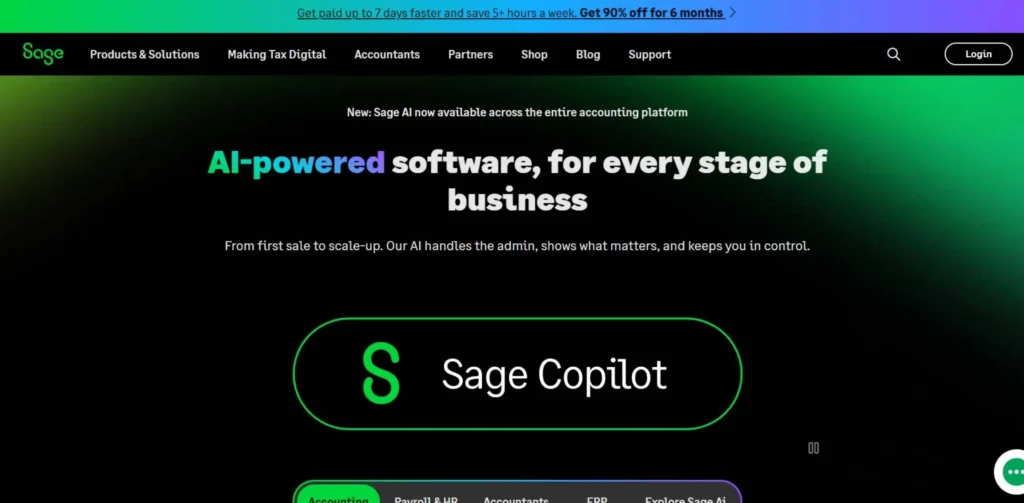
Sage is not a newcomer in the accounting software business, and their cloud based accounting software platform is taking them to the next level in this century. In the UK, Europe, and South Africa, Sage Business Cloud Accounting (previously Sage One) has strong compliance and is a significant market.
It has two primary levels: Accounting Start, which is available to very small businesses, and Accounting, which is available to growing businesses, and it goes all the way up to Sage Intacct, which is available to mid- to enterprise-sized companies. It is not the greatest interface; however, it is good, reliable, and used by hundreds of thousands of businesses all over the world.
Key Features:
- Billing, expenses and core invoicing.
- Bank reconciliation automated feeds.
- VAT and Making Tax Digital (MTD) compliance of UK businesses.
- Cash flow forecasting
- Inventory management
- Multi-currency support
- Payroll integration (through Sage Payroll)
- Sage Intacct- Enterprise level requirements.
Pros:
- Well-established brand and significant compliance knowledge.
- UK and European (MTD-ready) business is perfect.
- Very small and large businesses.
- Excellent multi-entity and multi-currency.
- Good phone and chat support
Cons:
- Interface is not as modern as Xero or FreshBooks are.
- May be higher in cost of feature equivalent plans.
- Not as easy as an absolute beginner accountant.
- Not so many integrations as QuickBooks or Xero.
Pricing:
- Accounting: $10/month– $25/month
- Sage Intacct: custom pricing.
Best For:
UK businesses, European companies, businesses that require a strong system of compliance and VAT, mid market companies.
Website:
https://www.sage.com
7. Oracle NetSuite
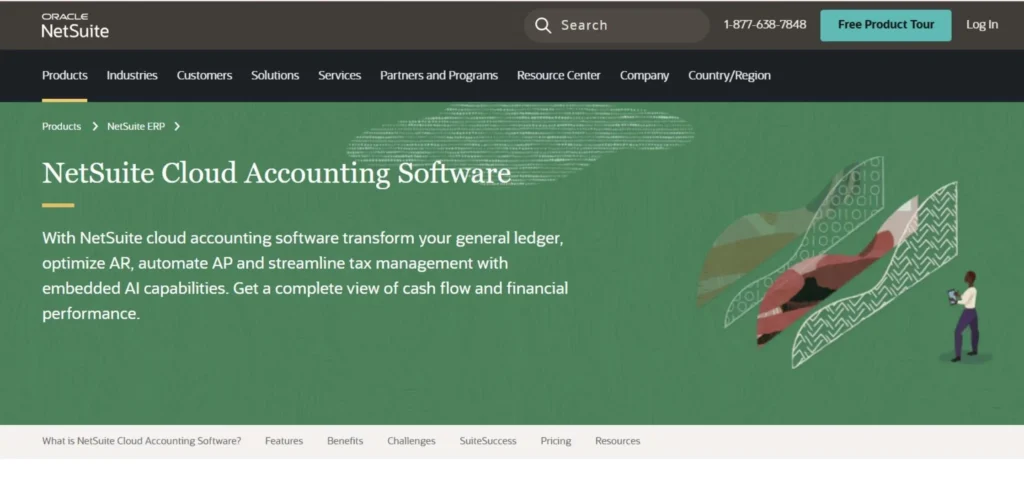
The heavyweight of cloud accounting is Oracle NetSuite – an entire Enterprise Resource Planning (ERP) system that does not just stop at bookkeeping. It is the system that emerges when businesses transition to when growing mid-sized businesses or other big companies can no longer rely on QuickBooks or Xero. NetSuite is a multi-entity accounting, global consolidation, advanced reporting, revenue recognition and complex inventory all in a single cloud platform.
More than 37, 000 companies use it in more than 200 countries. The downside? It is costly and complicated to execute. However, when it is required that a business manage its financial factors on an enterprise level, it performs like no other in the cloud environment.
Key Features:
- Complete ERP financial management, CRM, e-commerce, and HR.
- Multi-entity and multi-subsidiary accounting.
- Currency and tax regulations worldwide (200 countries and above)
- Live financial performance and KPI monitoring.
- High-order and automatic billing.
- High-level inventory and supply chain management.
- Workflows and reports with a high degree of customization.
Pros:
- Enterprise grade features that encompass all the business activities.
- Scales with big and international companies.
- Intensive reporting and business intelligence in real-time.
- Powerful tax multiple jurisdiction compliance tools.
- It has more than 37,000 business affiliates globally.
Cons:
- Customized — much costlier than SMB tools.
- Hard Learning and complicated implementation.
- Unsuitable in case of small enterprises or individual owners.
- Prone to specific training and usually a consultant specialist.
Pricing:
- Custom pricing – expects to begin at $1,000/month
- Contact NetSuite for a quote.
Best For:
Mid-market to enterprise companies, start-ups that are rapidly expanding, and those with complex accounting requirements that are global.
Website:
https://www.netsuite.com
8. Kashoo
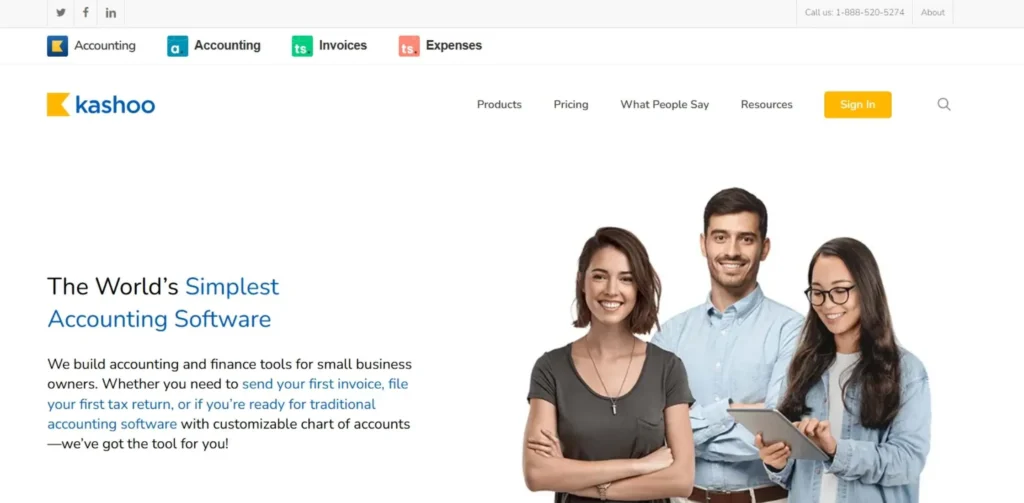
Kashoo is among the simplest cloud based accounting software applications on the market, and it is this simplicity which sells itself the most. It is targeted at owners of small businesses who want a simple accounting system, including little setup, no training, and no need for a degree in accounting.
Kashoo offers a minimal, uncluttered dashboard and is dedicated to the fundamentals: income management, expense management, invoicing, and financial reporting. Kashoo also introduced AI-based transaction categorization, which learns your spending patterns over time and reduces the amount of time spent on manual data entry.
Key Features:
- Easy to understand dashboard presentation.
- Income and expense tracking
- Invoicing with acceptance of payment.
- Artificial intelligence-based transaction classification.
- Basic financial reporting
- iOS and Android Mobile app.
- Multi-currency support
Pros:
- Simple interface
- AI classification saves time in data input.
- Single-plan pricing that is affordable.
- Simple bookkeeping that does not require an accountant.
Cons:
- There are few advanced features available
- Not suitable to follow complex businesses.
- No payroll management
- Less integrations than competition.
- It is primitive in terms of reporting as compared to QuickBooks or Xero.
Pricing:
- True Accounting: starting at $16.65/month (billed annually) 14-day free trial.
Best For:
Individual traders and those with a business that desire the simplest accounting possible.
Website:
https://www.kashoo.com
9. FreeAgent

FreeAgent is a web-based accounting application created with freelancers and small agencies in mind, especially in the UK. As opposed to certain competitors, which begin as SMB tools and then introduce features of freelancers, FreeAgent was built as a product specifically targeting individuals that work for themselves. It manages the entire freelance finance process very well, proposals, time tracking, invoices, cost and tax filings.
The inbuilt tax dashboard, which lets you know the exact amount owed to HMRC (or the IRS) on the fly, is one of the best functions it has so that you will never get any unpleasant surprises at the end of the year.
Key Features:
- Tax estimation and tax dashboard in real-time.
- Time tracking and project management
- This refers to software that tracks the project’s advancement and enables individuals to monitor their progress at any moment.
- Time tracking and project management
- Automatic payment reminders on invoicing.
- Receipt capture expense management
Pros:
- Specialized in freelancers and self-employed professionals.
- Tax dashboards provide real-time elimination of end of year surprises.
- MTD compliant in filing UK taxes.
- Free on a Nat West and RBS business account (UK)
- User-friendly interface.
Cons:
- No support of businesses with more than a small team.
- Not as applicable to product based or inventory intensive business.
- The only shortcoming is that it has a smaller integration library compared to QuickBooks or Xero.
- The majority of their markets are UK and Ireland.
Pricing:
- Starting with $12/month (solo) up to $24/month (limited company).
- No charge to NatWest/RBS business banking clients in the UK.
Best For:
UK and Ireland freelancers, contractors, consultants and small agencies.
Website:
https://www.freeagent.com
10. Bench Accounting
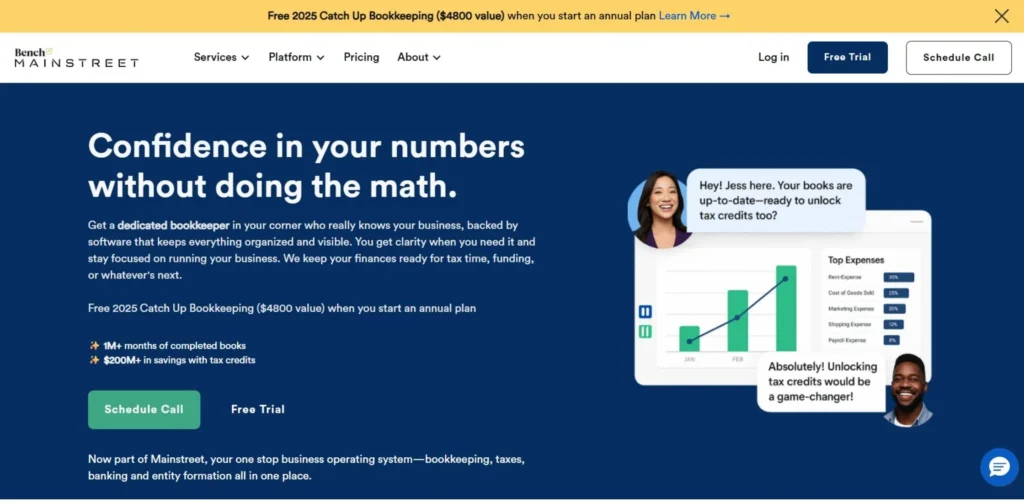
Bench does things much differently with cloud accounting – rather than simply providing you with software, it introduces you to a real human bookkeeper to do your books. You link your bank accounts and financial solutions with the Bench platform and a team of dedicated bookkeepers classifies your transactions, balances your accounts and provides clean monthly financial statements to you.
Bench reflects a combination of AI and human skills in accelerating the process and making it faster and more accurate than ever. It is also a one-stop shop since it also has tax preparation as an add-on and owners of small businesses just do not want to keep their books by themselves. But, when all you desire is to have it done, Bench is the right choice.
Key Features:
- Client-specific human bookkeeper.
- Delivery of monthly financial statements.
- AI-assisted transactions classification.
- Bank and financial accounts affiliations.
- 24/7 access to your bookkeeping department.
- Tax filing add-on available
- Late bookings catch-up with other bookings.
Pros:
- The business owner will not need to do any bookkeeping.
- Actual human specialist processes your books on a monthly basis.
- Ideal to business owners who despise or dread the accounting.
- Tax prep add-on will make it a complete financial management solution.
- Reactive connection with your bookkeeping department.
Cons:
- Costly as compared to self-service tools.
- Inadequate real-time management of your financial information.
- US-focused service
- Not applicable when you require real-time accounting.
Pricing:
- $349/month to $499/month. Discounting on annual billing.
Best For:
The US based small business owners wish to have absolutely no hands-on bookkeeping.
Website:
https://www.bench.co
Popular Cloud Based Accounting Software Platforms — Quick Comparison
| Software | Best For | Key Strength | Starting Price |
| QuickBooks Online | US small businesses, e-commerce | 750+ integrations, AI insights | $30/month |
| Xero | International SMBs, teams | Unlimited users, 1,000+ integrations | ~$15/month |
| FreshBooks | Freelancers, service businesses | Best-in-class invoicing | $19/month |
| Wave | Solopreneurs, micro-businesses | Free core tools | Free |
| Zoho Books | Cost-conscious, Zoho users | Free plan, GST/VAT compliance | Free / $15/mo |
| Sage Business Cloud | UK/European companies | MTD compliance, multi-currency | $10/month |
| Oracle NetSuite | Mid-market to enterprise | Full ERP, multi-entity | Custom / ~$1,000/mo |
| Kashoo | Very small businesses | Super simple interface | $16.65/month |
| FreeAgent | UK freelancers, contractors | Real-time tax dashboard | $12/month |
| Bench | Hands-off bookkeeping | Human bookkeeper + AI | $349/month |
Cloud Accounting vs. Traditional Accounting Software
| Feature | Cloud Accounting | Traditional Desktop Software |
| Access | Anywhere, any device, 24/7 | Only on installed computer |
| Cost Model | Monthly/annual subscription | High upfront license fee |
| Updates | Automatic, always latest version | Manual updates, often paid |
| Collaboration | Multi-user in real time | Difficult — file sharing only |
| Data Backup | Automatic, continuous | Manual backups required |
| Internet Required | Yes (usually) | No (works offline) |
| Scalability | Upgrade plan as you grow | Often need to buy new software |
| AI & Automation | Built-in and improving constantly | Limited or none |
| Setup Time | Minutes to get started | Hours to install and configure |
Conclusion
One of the lessons that ought to have been learned through the course of this guide is as follows: the idea of cloud based accounting software, cannot be called a want anymore. It is, effectively, a necessity that a company, keen on remaining organized, saving time, and growing, will need.
The market is the entire narration. The transition to the cloud is now indeed in process, with the accounting software market expected to reach USD 23.47 billion and cloud platforms taking 68 percent of all revenues. Those businesses that have not switched are lagging behind with regard to efficiency, visibility as well as collaboration.
The good news? There has never been better before to commence. You can find a free, easy-to-use invoicing (Wave), a small agency with ideas who need brilliant project billing (FreshBooks), a business in the UK managing MTD (Sage or FreeAgent), or a fast-growing startup that requires power (Xero or NetSuite) – it has a perfect cloud accounting solution in every scenario and every budget.
Start with a free trial. Connect your bank. Run a few reports. Look how much better and quicker your financial life can be. It may be more surprising how swiftly you may find yourself wondering how you ever lived without it.
FAQs
Does cloud accounting software make it safe?
No, not in case you follow a reliable provider. Best applications such as QuickBooks, Xero and FreshBooks are encrypted with 256-bit SSL encryption and two-factor authentication, which is identical to that of large banks. Your information is more secure with them than on your own computer.
Which is the most effective free cloud accounting program?
The most recommended fully free version is Wave Accounting, which is free, unlimited in the number of invoices, and provides primitive accounting. The Zoho Books also offers a free plan to businesses with an annual revenue of less than 50,000 which is a great deal.
Does it have cloud accounting software that I can access on my phone?
Absolutely. There are iOS and Android-specific mobile applications in all major cloud accounting applications, including QuickBooks, Xero, FreshBooks, Wave, and Zoho Books.
What is the time length of changing to cloud accounting software?
In the case of small small businesses, it may take as little as a day. Businesses with intricate historical data that are moving away their legacy systems should look forward to between 4 and 16 weeks of full migration.