You live in the digital age now, and your browser will become your gateway to the internet, greatly influencing your online experience. Even though Google Chrome dominates the market—with more than two-thirds of desktop users (66.59%) and over 72% when combining desktop and tablet usage in 2025—this platform is not suitable for everyone. Chrome has been associated with data mining and heavy resource usage, particularly consuming large amounts of RAM, which is why many users are now looking for Alternative Browsers to Chrome for a smoother and more privacy-friendly experience.
Recent trends show that while Chrome’s dominance continues to grow (reaching 73.81% desktop share in September 2025), innovative alternatives are emerging. Notably, Atlassian’s acquisition of The Browser Company (Arc/Dia) for $610 million signals a larger shift: browsers are no longer just about rendering web pages—they are evolving into AI-driven workspaces. With the browser ecosystem projected to grow from USD 318 billion in 2025 to nearly USD 1,848 billion by 2034, 2025 offers a fantastic collection of alternatives that focus on privacy, speed, and advanced features.
People are now setting out in search of browsers that enhance privacy, speed, and innovation. You might be worried about data tracking, need more customization options, or simply want a lighter browser for your device. This in-depth list delves into the top 10 Alternative Browsers for Chrome, including privacy-centric products as well as AI-driven browsers that are already transforming how we interact with the internet.
Why Look for Chrome Alternatives?
- Privacy Issues: Google is a company that has a business model based on data collection and monitoring the browsing patterns of users.
- Resource Consumption: Chrome is labeled to be a high resource consumer, in terms of RAM and CPU, and slows the computer.
- Less Customization: Chrome is not as customizable as their alternatives are.
- Tracking Prevention: Chrome ranks lower than its competitors in terms of tracking prevention which Google might never address seriously.
- Fancy Having Control: Leaving the Google ecosystem to have more control over your information.
- Exceptional Offering: Most of the competitors provide exclusive applications such as built-in VPN, ad blockers, and AI assistants.
You Might Like: Best Browsers with Built-in VPN
Key Factors to Consider When Choosing a Chrome Alternative
| Factor | Description | Why It Matters |
| Privacy Protection | Built-in tracker blocking, cookie management | Prevents companies from monitoring your online activity |
| Performance | Speed, RAM usage, page loading times | Affects your productivity and system resources |
| Customization | Interface options, themes, shortcuts | Allows personalized browsing experience |
| Extension Support | Compatibility with add-ons | Extends browser functionality for your needs |
| Cross-Platform | Availability on different devices | Enables seamless syncing across devices |
| Security Features | Malware protection, secure connections | Keeps your data and identity safe |
| Built-in Tools | VPN, ad blocker, password manager | Reduces need for third-party extensions |
Comparison Table of Top Alternative Browsers
| Browser | Engine | Platforms | Ideal For |
| Mozilla Firefox | Gecko | Windows, Mac, Linux, Android, iOS | Privacy-conscious users |
| Brave | Chromium | Windows, Mac, Linux, Android, iOS | Cryptocurrency enthusiasts |
| Microsoft Edge | Chromium | Windows, Mac, Linux, Android, iOS | Windows users |
| Vivaldi | Chromium | Windows, Mac, Linux, Android | Power users |
| Opera | Chromium | Windows, Mac, Linux, Android, iOS | Casual browsing |
| Tor Browser | Firefox | Windows, Mac, Linux, Android | Maximum anonymity |
| Arc Browser | Chromium | Mac, Windows (coming) | MacOS productivity users |
| Safari | WebKit | Mac, iOS | Apple ecosystem users |
| DuckDuckGo | WebKit/Blink | Mac, Windows, Android, iOS | Privacy seekers |
| Waterfox | Firefox | Windows, Mac, Linux | Firefox fans wanting more privacy |
Top 10 Alternative Browsers to Chrome (2026 Edition)
1. Mozilla Firefox

Firefox has become one of the most powerful Alternative Browsers to Google Chrome, as this service is similarly fast but its main focus is on user privacy and Firefox is based on a non-Chromium engine. Firefox, with more than 90 languages supported and with a promise to be transparent, has grown to be a strong browser challenging the dominance of the Chrome browser.
According to performance tests conducted lately, Firefox is proving to be better than Chrome when it comes to benchmark scores and as such, it can be suggested as a strong contender to those who value privacy and performance in their decision-making process.
Key Features:
- Better Than Native Tracking Protection.
- Tab management Firefox View.
- Total Cookie Protection
- Over 90 language support
- Open-source and transparent
Pros:
- Strong privacy features
- Tailor-made interface features.
- Regular security updates
- Lower memory usage
Cons:
- Some extension limitations
- Periodic problems with compatibility.
- Slower adoption of features
- Smaller market share
Best For: People who value their privacy, or are concerned about having a stable, reliable browser with good security features without compromising on performance.
Link: https://www.mozilla.org/firefox/
2. Brave Browser
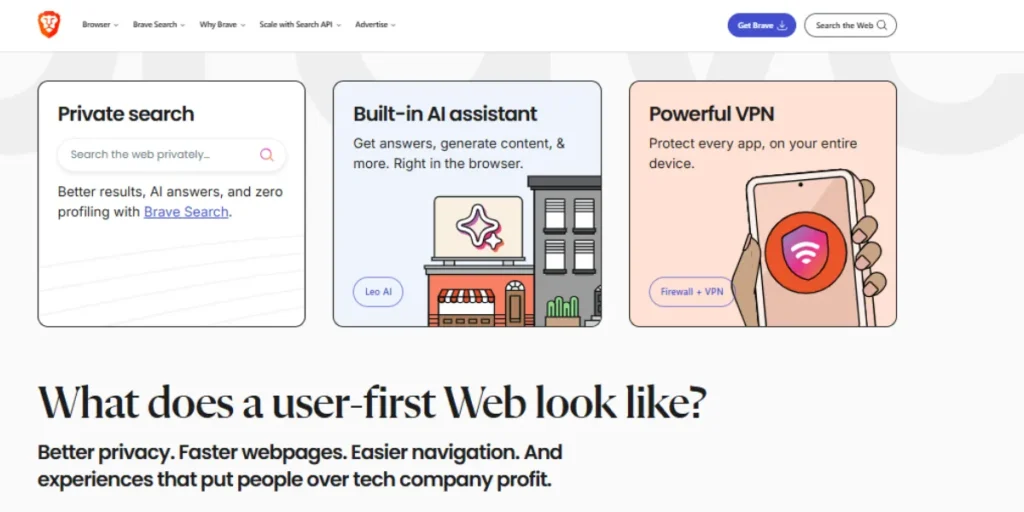
Brave is the candidate that is better than Alternative Browsers to Chrome because it provides the most privacy setting by default, being based on Chromium, which translates to most extensions compatible with Chrome. The only difference between Brave and other startups is the ability to add cryptocurrency and Brave Rewards where people can actually earn money by watching privacy-conscious ads. By default, the browser blocks trackers and advertisements, thus loading the sites at the quicker speed and occupying even less bandwidth.
Key Features:
- Built-in ad blocker
- Brave Rewards system
- Chromium-based compatibility
- Private Tor browsing
- Adding of Cryptocurrencies wallet.
Pros:
- Excellent privacy defaults
- Faster page loading
- Rewards users with BAT
- Playable with Chrome extensions.
Cons:
- Unnecessary crypto awareness.
- Poor compatibility of sites occasionally.
- Less developer community.
- Lack of customization opportunities.
Best For: The next best choice is users who are concerned about privacy and interested in cryptocurrency and want the capability of the Chrome browser with none of the tracking of Google.
Link: https://brave.com/
3. Microsoft Edge
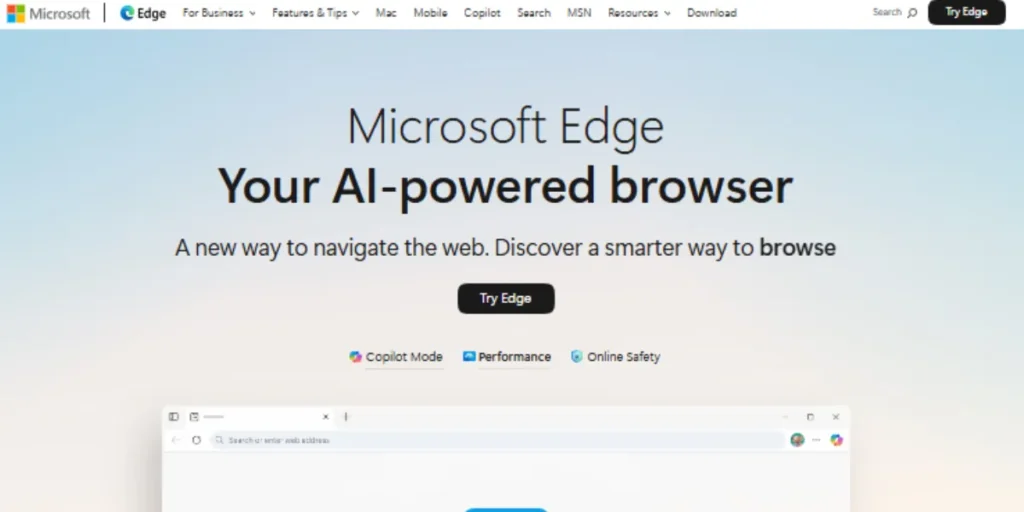
Microsoft Edge has become a strong Alternative Browser to Google Chrome, with added artificial intelligence features in the form of Microsoft Copilot. Edge has also reached the world first contentful paint under 300ms and a 40% load time faceoff on 13 web browser features. It is made on the foundation of Chromium and can be used only in the case of excellent compatibility with Microsoft ecosystem integration (this aspect makes Windows users find it especially appealing).
Key Features:
- Copilot integration with Microsoft.
- Split screen functionality
- Organization working areas.
- Immersive Reader mode
- Vertical tabs support
Pros:
- Rapid improvements in performance.
- Integration of windows ecosystem.
- Built-in security features
- Excellent PDF handling
Cons:
- Microsoft account integration.
- Problems of resource consumption.
- Frequent feature additions
- Privacy concerns remain
Best For: Windows users that wish to have the OS fully integrated, with an artificial intelligence that helps them browse the web as well as productivity features that are in-built into the browser.
Link: https://www.microsoft.com/edge/
4. Vivaldi
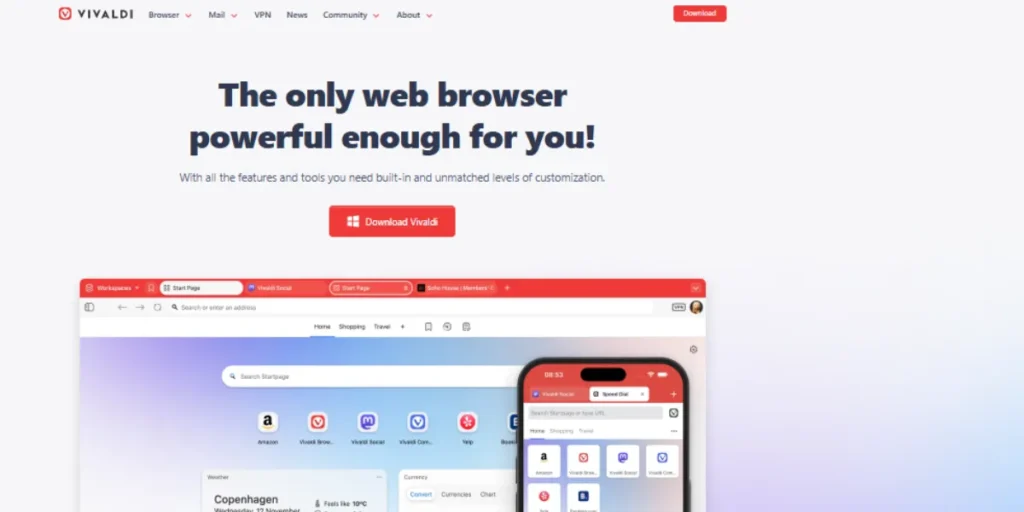
Vivaldi is another superior Alternative Browser to Google Chrome among power users since it has a lot of customization features. Created by the co-founder of Opera, Vivaldi gives unprecedented options in interacting with your browser. The browser window has a color change that corresponds with the site opened on it and has tools such as calendar, notes, etc., making it an ideal choice for individuals who would like full control.
Key Features:
- Very highly-configured interface.
- Built-in email client
- Tab stacking and tiling
- Note-taking capabilities
- Command-driven navigation
Pros:
- The extreme levels of customization.
- Built-in productivity tools
- Chromium extension support
- No data tracking
Cons:
- Steeper learning curve
- Can feel overwhelming
- Not fully open-source
- Requires setup time
Best For: Power users and productivity enthusiasts who are seeking a browser that can be customized and scaled to their workflow with a lot of customization.
Link: https://vivaldi.com/
5. Opera Browser

Opera is also a good alternative browser to Chrome that has an in-built ad blocker and free VPN to give additional privacy. Opera introduced the Air suggesting mindfulness-oriented browsing, and the Opera Neon with AI. The browser is both practical and easy to use by users and includes some advanced features that may be taken up by the power users.
Key Features:
- Integrated ad blocker
- Free built-in VPN
- Tab grouping system
- AI chatbot integration
- Social media sidebar
Pros:
- Built-in VPN included
- Battery saver mode
- Fast browsing speeds
- User-friendly interface
Cons:
- VPN speed limitations
- Chinese company ownership
- Every now and then privacy issues.
- Limited VPN locations
Best For: The browser works best with casual users because it has inbuilt privacy features as well as on users that do not require a lot of customization.
Link: https://www.opera.com/
6. Tor Browser
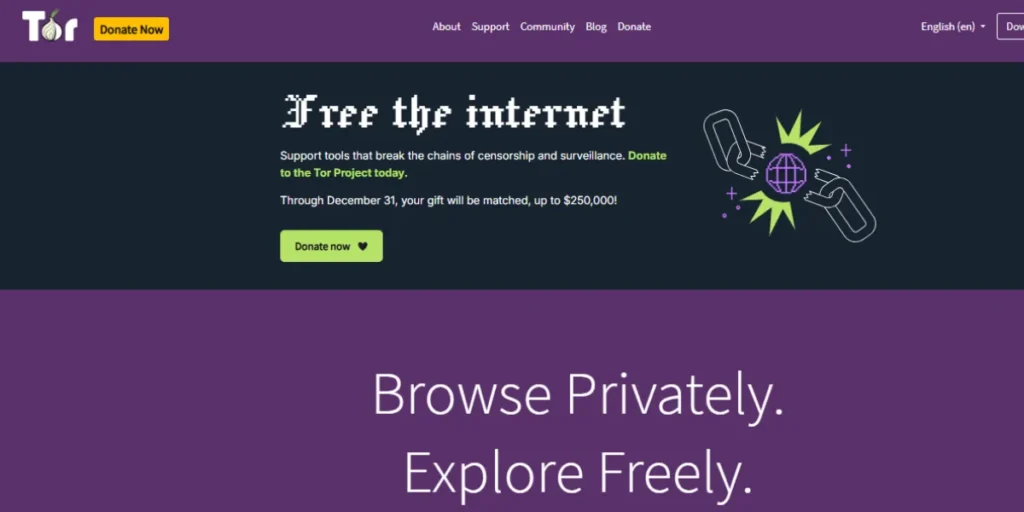
Tor browser is the last Alternative Browsers to Chrome that should be used by people who are most concerned with their maximum anonymity. According to Firefox, Tor directs internet traffic over many computers in order to cover IP address and location, and thus it is virtually impossible to follow online activities. Tor, although slower than traditional browsers, offers the perfect protection of privacy as compared to the sensitive browsing requirements.
Key Features:
- Multi-layered encryption
- Anonymous browsing network
- Built-in tracker blocking
- Fingerprint resistance
- Open-source security
Pros:
- Protection of maximum anonymity.
- Toys bypass censorship.
- No tracking possible
- Strong encryption layers
Cons:
- Much lower speeds.
- Lack of website compatibility.
- Can’t access accounts
- Complex for beginners
Best For: This should be used by users who need the highest level of anonymity in their research, by journalists, activists, or when bypassing censorship by the internet.
Link: https://www.torproject.org/
7. Arc Browser
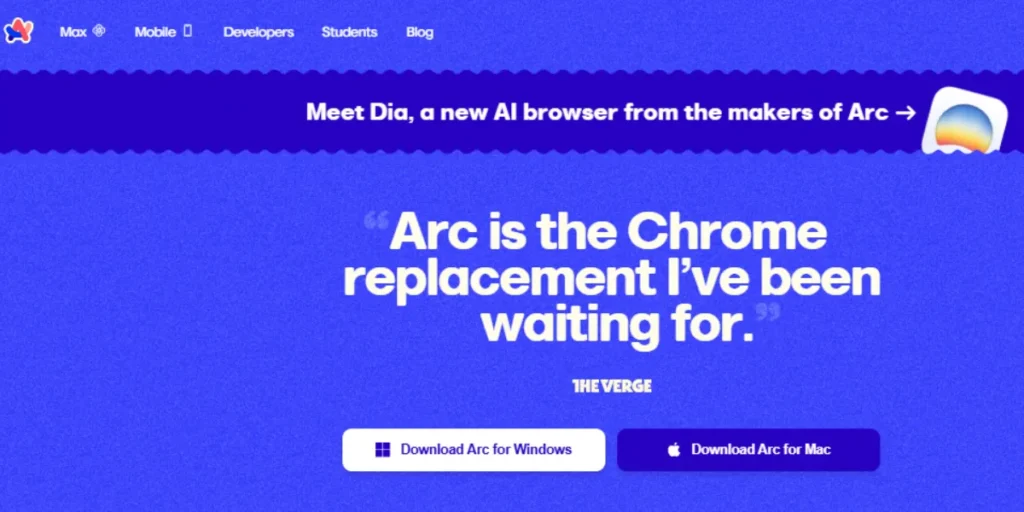
Arc is a new Alternative Browser to Google Chrome, one which predicts the needs of the user and structures work, study, and hobbies in a single window using Spaces and Profiles. The Browser Company created what was an AI-centered browser, called Dia, that managed to be like Chrome with built-in AI chat tools. The design of Arc is a search engine which transforms the browsing experience by means of a sidebar-based interface that changes the way people use tabs and workspaces.
Key Features:
- Spaces for organization
- Split view functionality
- Custom themes available
- Tab management innovation
- Privacy-focused design
Pros:
- Tab management revolutionarily.
- Beautiful modern design
- Profitable workflow capability.
- Strong privacy commitment
Cons:
- MacOS only currently
- Learning curve required
- Poor availability of windows.
- Invite-only features
Best For: MacOS consumers and power users are interested in an entirely reinvented browsing experience with new tab controls.
Link: https://arc.net/
8. Safari
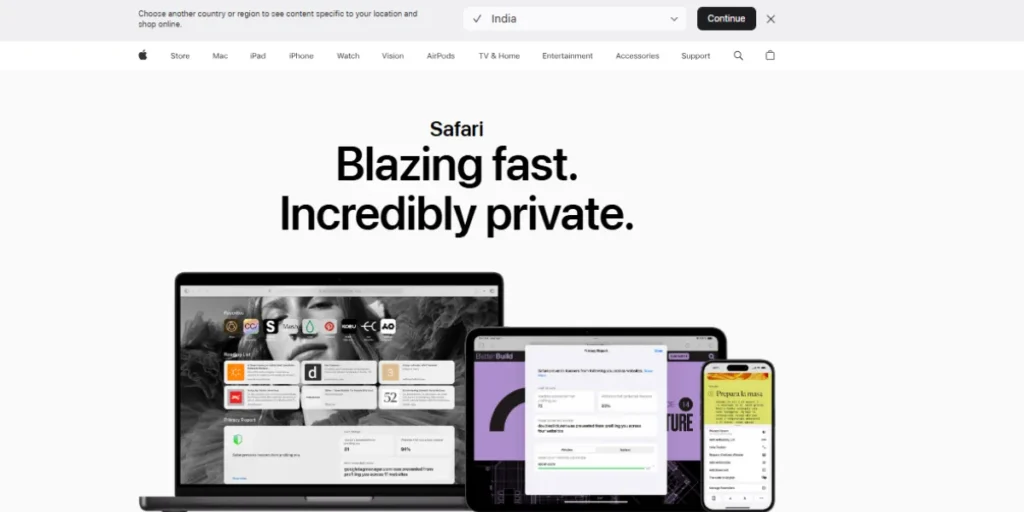
Safari is also an Apple owned browser which is a great Alternative Browser to Chrome among Apple users as well. Through close interconnection of iPhone, iPad, and Mac, Safari has seamless synchronization and optimum performance management. The second most popular browser is Safari with a philosophy of about 18% shares of the browser market having come after Chrome.
Key Features:
- iCloud KEYchain Integration.
- Tracking prevention, intelligence.
- Energy-efficient design
- Apple Pay integration
- Cross-device syncing
Pros:
- Best for Apple devices
- Large battery life.
- Strong privacy features
- Fast on Mac hardware
Cons:
- Limited to Apple ecosystem
- Fewer extensions available
- No Windows version
- Less customization options
Best For: Apple ecosystem users that desire to have optimized performance, superb battery life, and compatibility with all Apple devices.
Link: https://www.apple.com/safari/
9. DuckDuckGo Browser

DuckDuckGo is an instance of an Alternative Browsers to Chrome built on privacy values and server-potent tracker-blocking capabilities to prevent the loading of the tracker. DuckDuckGo is commonly regarded as a search engine, though, their browser extension holds the same privacy-first philosophy to a browsing experience. The browser offers email tracking security and does not allow other sites to access the details of the user.
Key Features:
- Automatic tracker blocking
- Email protection service
- Duck Player feature
- Fire Button deletion
- Privacy-grade ratings
Pros:
- Strong privacy defaults
- Simple user interface
- No search tracking
- Facebook security was comprised of
Cons:
- Limited extension support
- Simple customizing tools.
- Not optimized everywhere
- Fewer advanced features
Best For: Simple users who do not need the privacy features of a complex antivirus system but rather for those who are satisfied with the DuckDuckGo engine.
Link: https://duckduckgo.com/
10. Waterfox
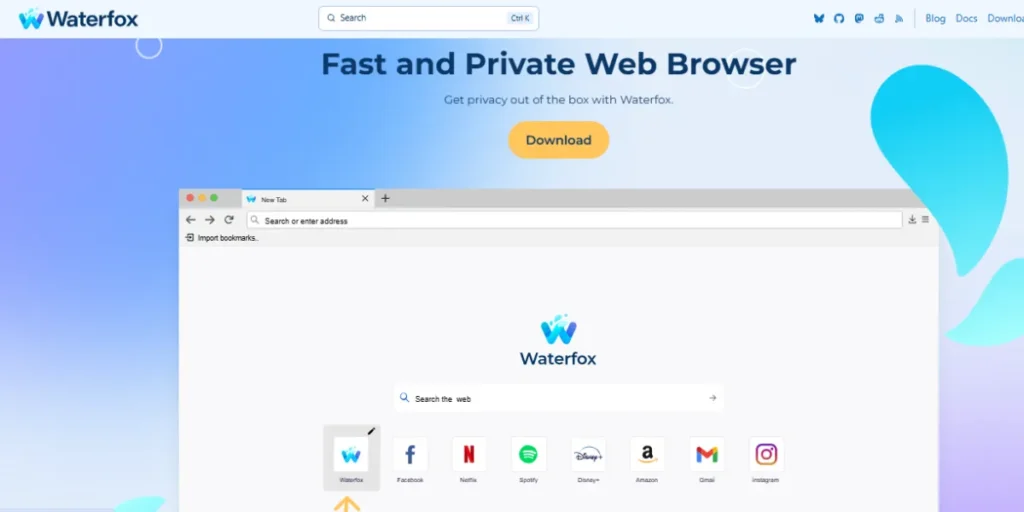
Waterfox is an alternative browser to Chrome based on Firefox and pays more focus to user choice and privacy. Waterfox was created with one purpose: to run Firefox features with no telemetry or other data gathering and still support Firefox extensions. It is ideal when it is time to be private and the person would consider Firefox to have given him much control over his data.
Key Features:
- No telemetry collection
- Firefox compatible extension.
- Customizing Firefox classic.
- Privacy-focused modifications
- Regular security updates
Pros:
- Complete privacy focus
- Firefox compatibility ensured.
- No data collection
- Lightweight and fast
Cons:
- Smaller development team
- Less frequent updates
- Limited unique features
- Smaller user community
Best For: Firefox users who prefer their privacy to be as high as possible without any data collection or telemetry tracking by Mozilla.
Link: https://www.waterfox.net/
How to Choose the Right Browser for You
- Assess Your Priorities: Determine if privacy, speed, features, or customization matters most
- Consider Your Ecosystem: Choose browsers that work well with your devices and services
- Test Performance: Experiment with browsers to determine which can run smoothly on your (hardware) platform.
- Evaluate Privacy Needs: Match browser privacy features to your personal threat model
- Check Extension Support: Ensure your essential extensions are available
- Review Integration: Consider how the browser connects with your existing tools
- Start with One: Change all Alternative Browsers to google Chrome and then move on.
Security Tips When Switching Browsers
- Update Immediately: The latest version should be downloaded on a regular basis on official websites.
- Review Settings: Configure privacy and security settings during initial setup
- Use Strong Passwords: Enable the browser’s password manager or use a dedicated one
- Enable HTTPS-Only: Roddy only install extensions that are reputable.
- Be Cautious with Extensions: Have your browser updated so that it can close security weaknesses.
- Regular Updates: Keep your browser updated to patch security vulnerabilities
- Use Multi-Factor Authentication: Protect your browser account with 2FA
- Clear Old Data: Remove cookies and cache from your previous browser
- Verify Downloads: Be sure that you are downloading the right downloads.
- Backup Important Data: and passwords Before switching Back up important data: Export bookmarks and passwords before switching
Conclusion
The 2026 browser environment has promising other Browsers to Chrome that will fulfill all kinds of users. The selections are more attractive than ever, ranging between privacy-driven possibilities such as Brave and Tor, and something novel such as Arc and AI-driven browsers such as Microsoft Edge. No matter the reason behind your desire to leave Chrome in favor of a different browser, be it protecting your privacy, faster speeds, or some new feature, these Alternative Browsers to Chrome will show you that you do not require sacrificing functionality in favor of privacy or the other way around.
Every variant of the browser has something to offer, with a combination of open-source turmoil and transparency in Firefox and ability to go to an extreme in customization in Vitaldi. The point is knowing what features are important to you the most, anonymity, speed, productivity tools, or flawless integration with an ecosystem. When there are superior options that can be downloaded instead of using Chrome browsers in terms of gathering information and consuming resources, it is best to turn them down.
FAQs
Whether Alternative Browsers for Chrome is actually more secure than Chrome?
Surely, there exist several Browsers that substitute Chrome such as Brave, Firefox, and Tor that are more privacy-protective, besides having inbuilt tracker blocker features and no data collection since Chrome tracks user usage so that the company can advertise to users based on their usage behaviors.
Will there be any loss of my Chrome extensions?
Chrome extensions are supported by a majority of the Chrome-based Alternative Browsers (Brave, Edge, Vivaldi, Opera). Firefox also has its own ecosystem of extensions and many popular extensions exist in both systems.
What is the fastest Alternative Browser than Chrome?
Microsoft Edge and Brave are the most likely to run on the fastest speeds in the benchmarked test, and in 2025, Edge will have a vast difference in speed. But, depending on your hardware and your habits of usage, performance will be different.
Am I able to transfer data to devices using Alternative Browsers ?
Yes, the majority of the Alternative Browsers to the Chrome feature cross-device bookmark, passwords, and settings syncing. All the browsers, Firefox, Edge, Brave, Opera, and Safari, have a cross-platform-wide sync feature.
Is Other Browsers to Chrome compatible with all operating systems?
The majority of Windows, Mac, and Linux-based Alternative Browsers for Chrome have mobile versions (Android and iOS). Nevertheless, Arc is also Mac-only (Windows in the near future), with Safari being exclusive to Apple.