

The present day exhibits rapid transformation in internet usage patterns. By 2026, almost every major browser will have its own built-in AI assistant, similar to Microsoft Copilot. The AI-enabled browsers will provide users with enhanced capabilities to conduct searches, create summaries, compose documents, and execute automated processes from the browser interface. You can access AI assistance without needing to launch another application or browser window. All people who spend their workday online through web development or academic study will find browser-based AI assistants useful for saving time.
This article will examine and compare the 10 Best Browsers with Their Own Copilot Counterpart that will exist in 2026 to assist you in selecting the most suitable option for your requirements. Our approach will deliver information through a straightforward method that presents complete details without using complex technical terms.
Is There a Browser Version of Copilot?
The answer to this question is an affirmative statement. The Microsoft Edge browser contains the most recognized version of Copilot which functions as a built-in feature. By 2026, many other browsers will have launched their own AI assistants that perform similar tasks. The Brave Browser uses Leo as its AI tool while Firefox provides chatbot sidebars and Perplexity Comet operates a complete agent mode and ChatGPT Atlas uses AI exclusively. The following browsers serve as examples of web browsers that include AI tools that assist users with their browsing activities.
Some AI assistants offer their services at no cost, while others need users to pay for a subscription. Some applications operate on your device to enhance your privacy protection. All of them function as intelligent web assistants similar to Microsoft Copilot which users can access through Edge browser.
What Makes a Browser “Copilot-like”?
Only some browsers that include chatbots can be considered actual flight assistants for their users. The following elements distinguish an authentic AI browser assistant from a fundamental search engine:
- Page Summarization: The AI can read and summarize the webpage you are viewing without needing you to copy and paste anything.
- Conversational Search: You can ask questions in everyday language and get direct answers instead of just a list of links.
- Task Automation: The AI can click buttons and fill in forms while completing your complex tasks that require multiple steps.
- Memory and Context: The assistant remembers your past conversations and preferences to provide better answers over time.
- Multi-Tab Awareness: The AI knows which tabs are currently open and can combine this knowledge to perform its tasks.
Best 10 Browsers with Their Own Copilot Counterpart (2026)
1. Microsoft Edge (Copilot Mode)
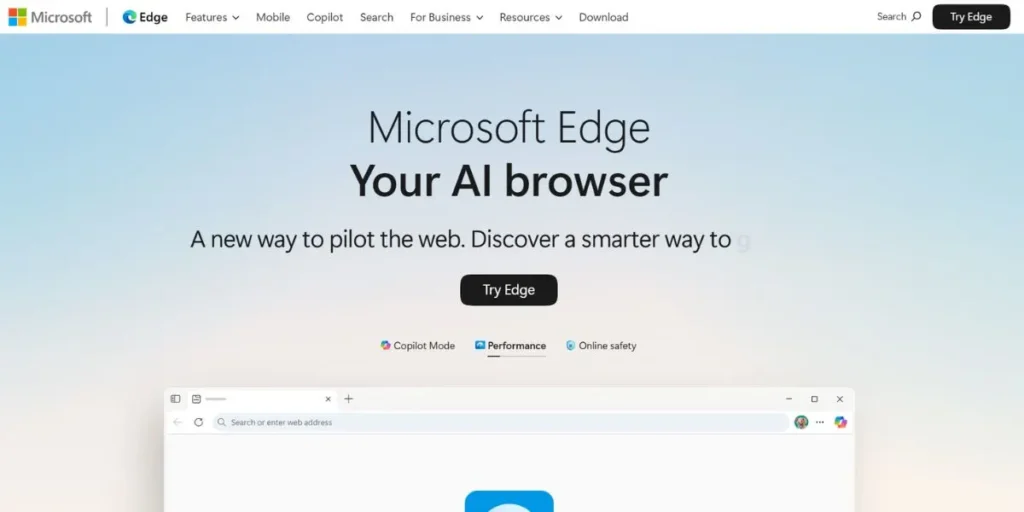
Microsoft Edge is the original home of browser-based Copilot. The Edge Copilot Mode in 2026 will establish a complete connection with Microsoft 365 which will transform Edge into a highly efficient AI-powered business browser. The system can analyze your emails and construct Word documents while it executes Excel functions in the browser through voice commands. The system operates best on Windows systems and provides direct access to Azure AD for corporate customers. The system maintains dependable operations and Microsoft infrastructure support while delivering compliance capabilities that exceed those available in competing AI browsers.
AI Features:
- Summarizes webpages instantly
- Drafts emails from Outlook
- Analyzes Excel spreadsheets
- Reads and understands multiple open tabs
- Takes browser actions via natural language
Best For: Enterprises
https://www.microsoft.com/en-us/edge/?form=MA13FJ
2. Brave Browser (Leo AI)
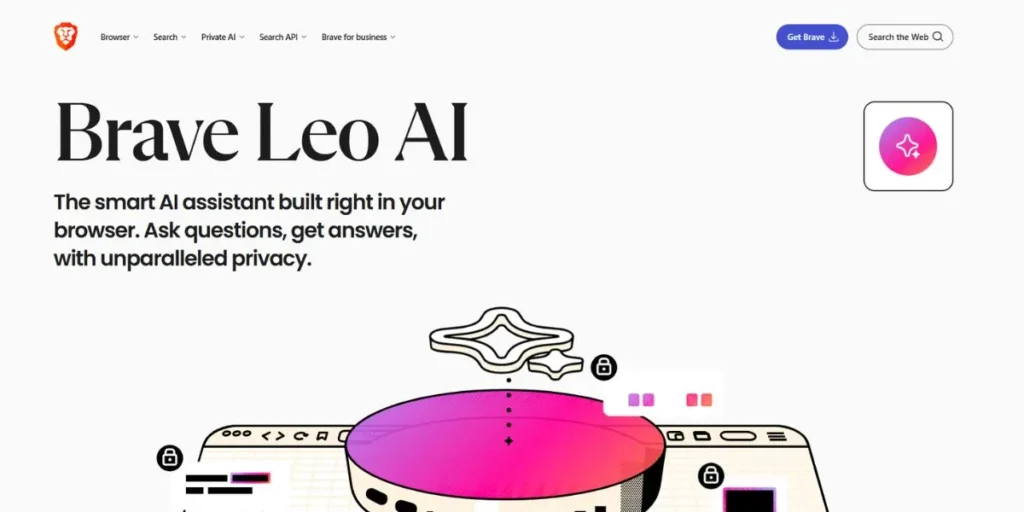
The browser Brave establishes itself as a secure option because it provides developers and privacy-respecting users access to its dedicated copilot feature. The native AI assistant Leo operates on devices without requiring users to create an account or track their activities. Brave launched its AI Browsing feature in Nightly builds for testing in December 2025 which enables users to let the AI handle their website navigation. The Chrome DevTools function without any problems because Brave uses Chromium as its base.
The software provides complete compatibility with Linux which most AI browsers do not offer. The combination of strong privacy protection, reliable performance, and integrated AI technology establishes Brave as the leading browser choice for 2026.
AI Features:
- Local AI inference available
- Anonymous query processing
- AI Browsing (Nightly build)
- Webpage summarization built-in
- No login required for AI
Best For: Privacy-focused users
https://brave.com/leo
3. Perplexity Comet
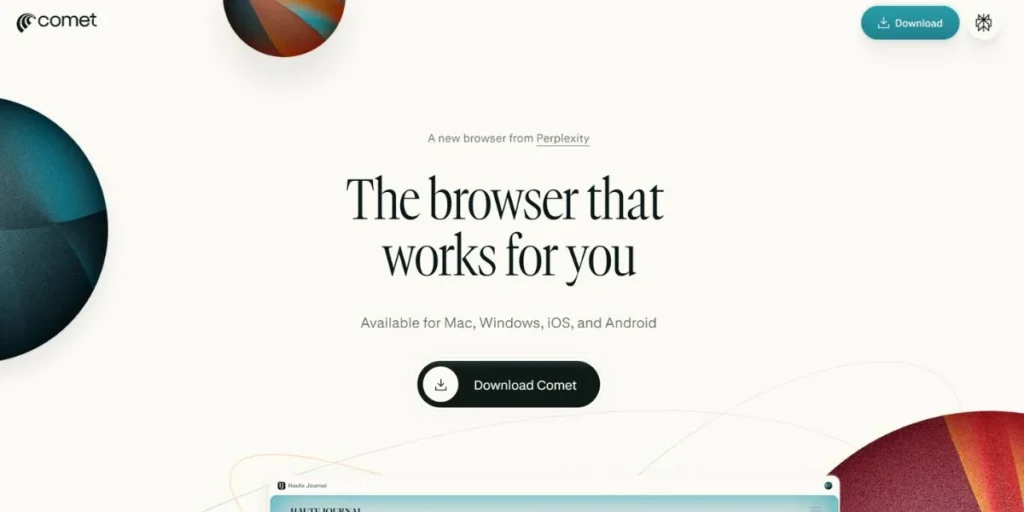
Perplexity Comet is one of the most exciting browsers with their own copilot counterpart launched in 2026. The platform provides users with a free agent mode which competitors typically restrict to paid users. Comet enables users to manage their tabs while creating emails and scheduling events through automated research collection from various sources. The Max-tier agent operates using advanced reasoning capabilities.
The company introduced its Android application in November 2025 which enables mobile users to access agent functionalities. The software Comet provides optimal research support for tasks which involve market research or competitive analysis. The system contains a security vulnerability named CometJacking and it does not permit Linux users to access its features.
AI Features:
- Free agent mode included
- Cross-tab research synthesis
- Email composition automation
- Calendar integration built-in
- YouTube video summarization
Best For: Researchers
https://www.perplexity.ai/comet
4. Firefox (AI Controls Dashboard)
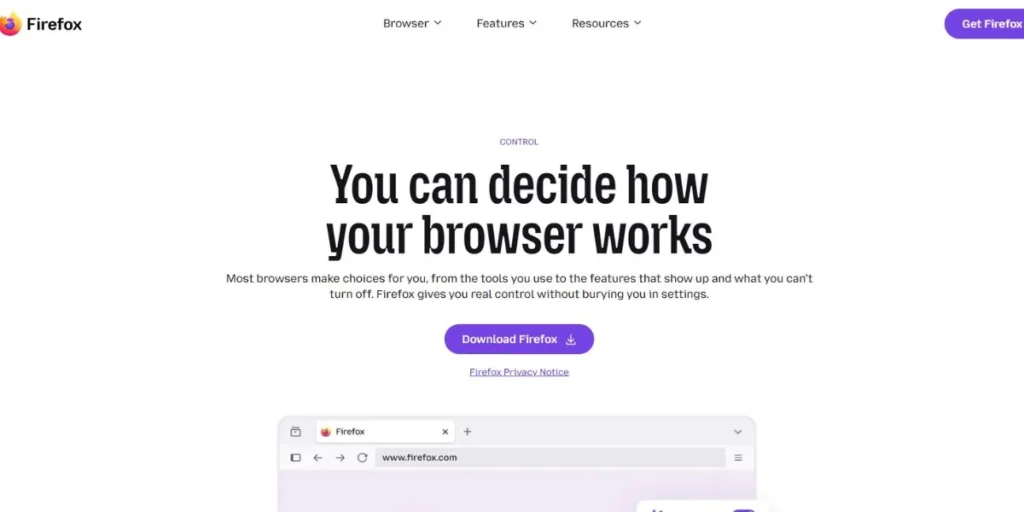
The release of Firefox 148 in February 2026 introduced an AI Controls dashboard which enables users to manage all AI functions including its emergency shutdown feature that disables all AI operations. The browser provides users with a unique feature that enables them to access ChatGPT, Claude, and Mistral AI through an embedded Copilot interface without needing to change their active browser tabs. The Gecko engine which powers Firefox allows the browser to achieve complete Linux support and function on all operating systems.
The software exists as an open source solution that maintains full transparency and has earned the trust of millions of software developers. The solution provides users with complete control over their AI assistance capabilities but it lacks the automatic operation features that Comet provides as its most secure option for user privacy.
AI Features:
- Full AI kill switch available
- ChatGPT sidebar integration
- Claude sidebar integration
- Mistral sidebar integration
- Open-source, auditable code
Best For: Privacy advocates
https://www.firefox.com/en-US/features/control
5. ChatGPT Atlas
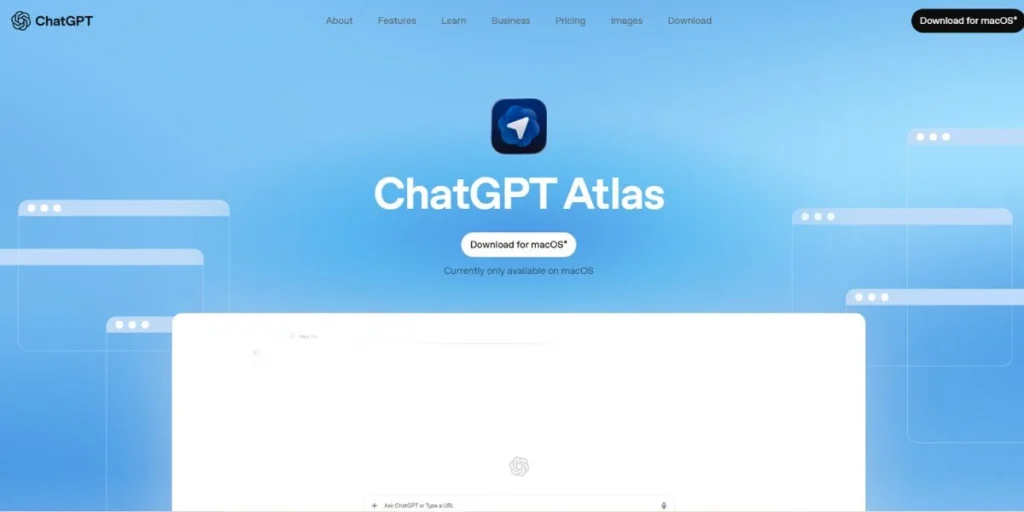
The OpenAI ChatGPT Atlas browser operates as a dedicated web browser which functions exclusively with OpenAI’s ChatGPT technology. The browser stands as one of the most advanced web Browsers with Their Own Copilot Counterpart that enables users to carry out complex tasks. The Atlas program enables users to automate their web browsing activities by entering information through forms while it retains their browsing history across different user sessions through its memory system. The application uses iCloud Keychain for macOS access while it operates Chromium as a background application to maintain process security.
The software currently operates exclusively on macOS systems, but users must pay for a subscription to access agent mode, and the software contains a memory poisoning vulnerability that became known in October 2025. The software functions as a natural upgrade for Mac users who already have a ChatGPT Pro account.
AI Features:
- ChatGPT built directly in
- Agent automates web tasks
- Memory persists across sessions
- iCloud Keychain integration
- Process isolation via Chromium
Best For: ChatGPT Pro users
https://chatgpt.com/atlas
6. Dia Browser (by The Browser Company / Atlassian)
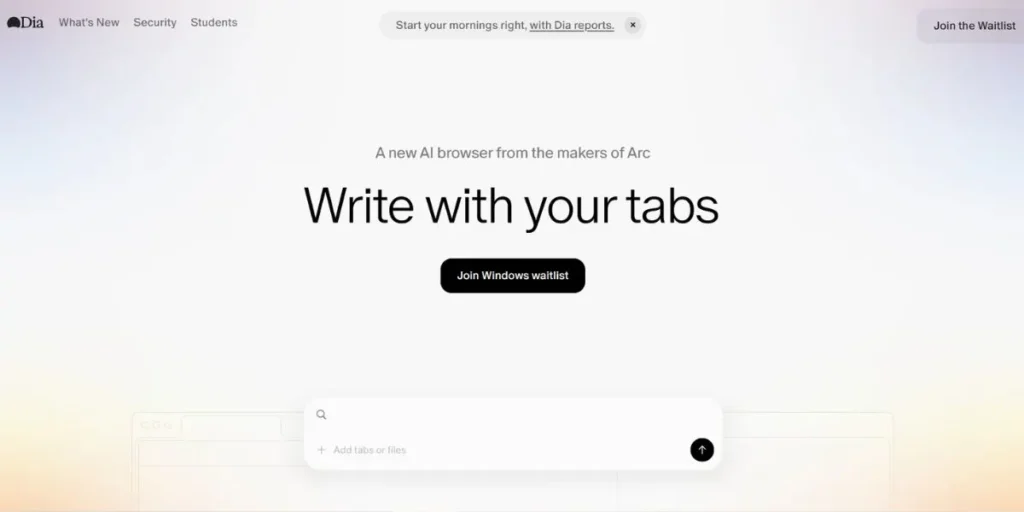
The AI-first Dia project serves as the complete revamp of Arc which Atlassian purchased for $610 million. Dia operates as a new browser which features its own copilot system through an Arc-like sidebar interface that integrates artificial intelligence capabilities known as Skills which let users build automated functions through simple language commands. The system includes a Memory feature that tracks your internet usage habits until it learns your complete pattern of behavior.
The Atlassian acquisition means Jira and Linear integrations are on the roadmap. Dia currently exists in its beta stage which users can access exclusively on macOS and Windows systems. The system lacks sufficient stability for use in production environments yet it holds great potential for teams that currently utilize Atlassian products.
AI Features:
- Skills for custom automation
- Memory learns user patterns
- Jira integration (in progress)
- Arc-style sidebar interface
- Natural language shortcuts
Best For: Atlassian users
https://www.diabrowser.com
7. Fellou Browser
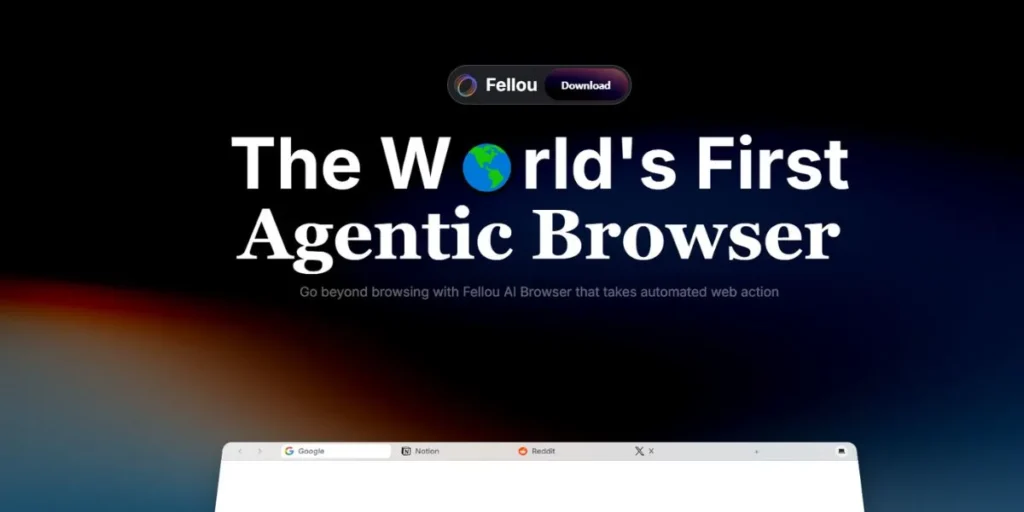
Fellou becomes one of the most agentic browsers which provides its own copilot system to users who need it in 2026. Eko 2.0 agent framework enables the execution of Deep Action workflows which allow users to complete multi-step tasks across various websites and platforms. Fellou stands out because its Transparent Execution Plan shows users the specific AI actions which will occur before execution begins. The system enables users to operate both desktop applications and web browsers while handling files through its interface.
The system experienced a major security breach in August 2025 when hackers used a prompt injection attack to exploit a critical security flaw which remains unfixed. The system does not support Linux operating systems which prevents users from accessing its features. Users in the community who report billing issues create doubts about the system’s ability to maintain trustworthy performance.
AI Features:
- Deep Action multi-step automation
- Transparent execution preview
- Desktop app control
- Parallel research across sites
- Cross-platform workflow execution
Best For: Automation-focused users
https://fellou.ai
8. Genspark AI Browser
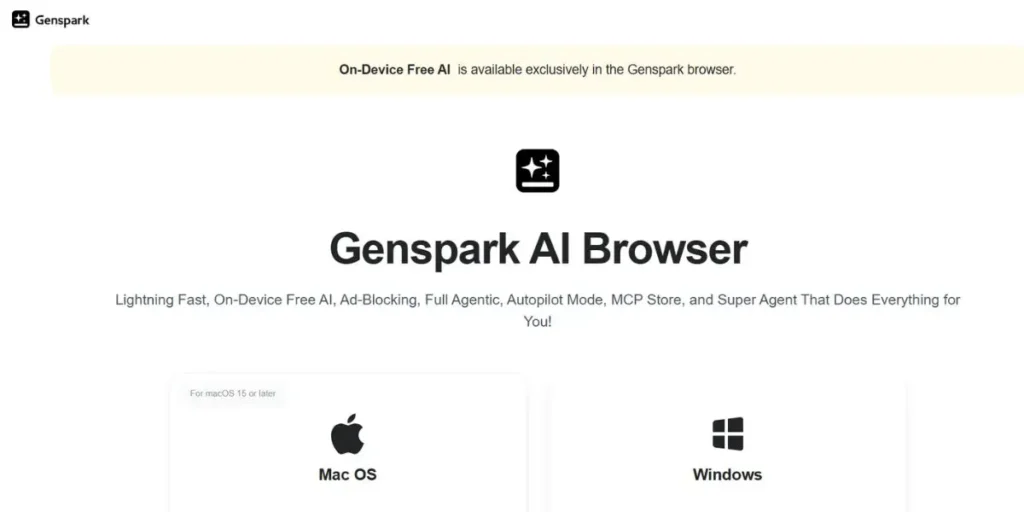
Genspark stands out as an unusual Browsers with Their Own Copilot Counterpart because it enables users to run AI models on their personal devices without sharing information through cloud services. The system provides access to more than 169 local AI models while enabling users to link their accounts with Discord, GitHub, Notion, and Slack through MCP integrations. Users can perform shopping comparisons and research tasks through the systematized operation of its Autopilot Mode and Super Agent.
It provides users with a free service that contains built-in ad blocking features. The system lacks a clear identity because Genspark operates as a browser which also functions as an AI workspace and automation tool while its developer community remains restricted.
AI Features:
- On-device AI model runs
- MCP integrations for tools
- Autopilot Mode for research
- Built-in ad blocking
- Free tier available
Best For: Privacy researchers
https://www.genspark.ai/browser
9. Zen Browser
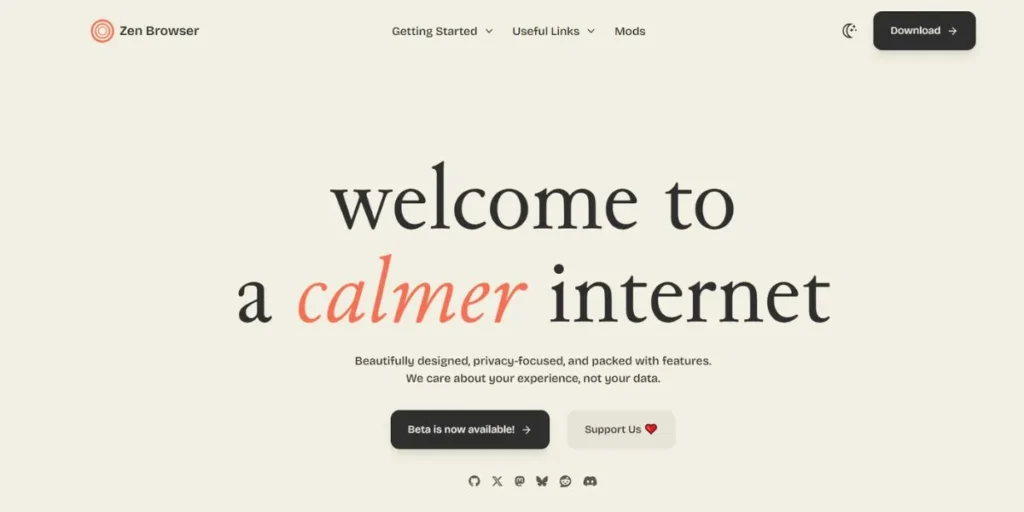
Zen functions as a Firefox-based browser which intentionally excludes all AI functionalities, thereby creating a distinct category of web browsers that compete with their own copilot systems. Zen exists on this list because its users who search for AI browsers end up selecting Zen because they want to stay away from AI features. The system provides users with Arc-style workspaces, split views, vertical tabs, and window synchronization capabilities, which all operate on Firefox’s Gecko engine that supports full Linux functionality.
The platform operates without any telemetry systems and maintains complete privacy by refraining from background data acquisition. Zen stands as the most straightforward choice for teams who seek a user-friendly browsing experience without artificial intelligence in 2026. The product does not contain any artificial intelligence components.
AI Features:
- No AI features at all
- Workspace tab isolation
- Split-view browsing
- Window sync across devices
- Full open-source codebase
Best For: AI-free workflows
https://zen-browser.app
10. Helium Browser
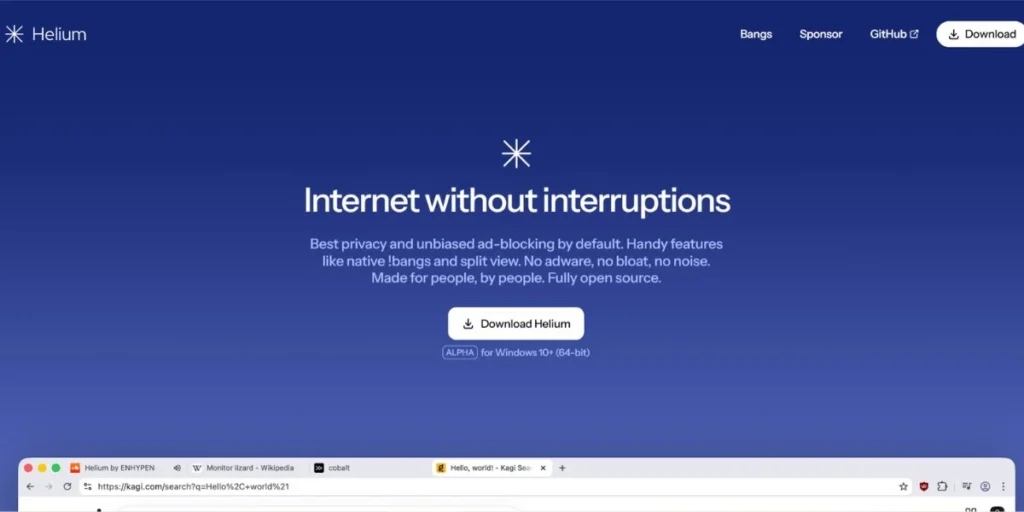
Helium rounds out our list of browsers with their own copilot counterpart — again, as a deliberate AI-free choice. Helium removes all Google tracking and cloud synchronization and telemetry functions from its Ungoogled Chromium-based system. The system allows users to access complete Chrome Web Store content through proxy requests while its internal ad blocker operates on Linux with all functions available.
Security-oriented developers find the system appealing because it provides them with DevTools access to Chromium without any Google components or artificial intelligence functionality. The system consumes 10 to 15 percent less RAM than regular Chrome which makes it perfect for users who want to operate separate AI systems through Claude Desktop.
AI Features:
- Zero Google telemetry
- Full Chrome extension support
- DuckDuckGo-style bang shortcuts
- Extreme privacy by default
- No AI attack surface
Best For: Security-conscious developers
https://helium.computer
Comparison Table
| Browser | AI Assistant | Privacy | Unique Feature | Best For |
| Microsoft Edge | Copilot (Microsoft) | Moderate (MS cloud) | Microsoft 365 deep integration | Enterprise teams |
| Brave | Leo AI | Excellent (local/proxy) | No login required for AI | Privacy-focused users |
| Perplexity Comet | Perplexity Agent | Moderate (vuln disclosed) | Free agent mode | Researchers |
| Firefox | ChatGPT / Claude / Mistral sidebar | Excellent (AI kill switch) | Full AI disable option | Privacy advocates |
| ChatGPT Atlas | ChatGPT (OpenAI) | Moderate (memory vuln) | Best LLM integration | ChatGPT Pro users |
| Dia Browser | Dia Skills + Memory | Unclear (beta) | Atlassian / Jira integration | Atlassian teams |
| Fellou | Eko 2.0 Agent | Poor (Aug 2025 vuln) | Transparent execution plan | Automation users |
| Genspark | On-device models | Unclear | 169 local AI models | Local AI users |
| Zen | None | Excellent | Arc UX without AI | AI-free workflows |
| Helium | None | Excellent | Ungoogled Chromium | Security developers |
What is the Best Alternative to Copilot?
The best 2026 browser alternative which provides Microsoft Edge users with a Copilot-like experience exists in Brave Browser which uses Leo AI as its companion software. The system provides an AI assistant that operates in private mode without requiring users to create accounts or log in, which stands in contrast to Microsoft Copilot’s authentication requirement. Leo provides page summaries, answers questions, and supports writing tasks, which makes him comparable to Copilot. Your Chrome extensions and DevTools function perfectly with Brave because the browser operates on the Chromium platform.
Perplexity Comet serves as an excellent research tool because it delivers advanced AI capabilities for users who require additional AI resources. The free agent mode of this software exceeds the capabilities of Copilot. Users of ChatGPT can access the most comprehensive AI technology through ChatGPT Atlas, which serves as the most advanced AI tool in browsers, although it currently supports only Mac operating systems. Each of these browsers with their own copilot counterpart offers something slightly different, so the best choice depends on your specific needs.
Does Chrome Have a Copilot Equivalent?
Google Chrome does not have a native built-in AI assistant in the same way that Edge has Copilot. However, Chrome is not completely behind. Google has been rolling out Gemini features gradually into Chrome, including in the address bar and through Google’s search experience. In 2026, Chrome users can access Gemini through Google’s side panel in some regions, which works similarly to how Copilot works in Edge.
There are also powerful Chrome extensions like the official Claude extension and ChatGPT extensions that bring AI sidebar functionality to Chrome without switching browsers. Developers find that Chrome’s DevTools, together with a separate AI desktop application called Claude, offer the best solution for their daily work. Chrome has not launched a fully integrated AI experience yet, but given that every other major browser is doing it, a deeper Gemini integration in Chrome is expected soon.
Is Microsoft Abandoning Copilot?
No, Microsoft is not leaving Copilot behind, but it is changing. In addition to consolidating its various Copilot products, removing certain free-tier features, and adding more capabilities for corporate use, Microsoft will be shifting Copilot’s focus in 2026 as follows:
- Rebranding and reorganizing: Microsoft will be consolidating its various Copilot products into one platform, and there will no longer be a free-tier option for some features.
- Microsoft 365: Microsoft will be focusing Copilot on helping users in Microsoft 365 (Word, Excel, Teams, and Outlook) and offering a productivity layer rather than just a browser-based chatbot.
- Edge as the home: Microsoft Copilot in Edge continues to receive updates and enhancements, with Copilot Actions Preview allowing users to command the browser using their natural language.
- Competition drive change: Due to the rapid rise of other browsers with their own copilot equivalents, such as Comet and Atlas, Microsoft is working to update Copilot faster than it originally intended.
- Enterprise is the focus: Microsoft has made it clear that Copilot will be targeting corporate customers with compliance issues, therefore getting less attention to consumer-oriented functions.
Free Browsers with Built-in AI Assistants
A user can experience an effective AI browser experience without spending money. The following list presents the top free Browsers with Their Own Copilot Counterpart 2026.
- Brave Browser (Leo): Leo AI offers its complete services at no cost because users can access the system without registration to perform anonymous queries and use local or proxy-based inference and page summarization functions without any charges.
- Perplexity Comet (Free Agent Mode): Comet is the only agentic browser that offers real agent capabilities for free, without locking it behind a paywall.
- Firefox (AI Sidebar): Firefox allows users to connect ChatGPT, Claude, or Mistral through a no-cost sidebar, although users must create accounts to access those specific AI platforms.
Future of AI Browsers
The industry of web browsers which possess their own co-pilot systems progresses at a rapid pace. The current situation shows a clear path towards future developments.
- Better Linux support is coming: Most AI browsers currently skip Linux but the market will develop to provide Linux compatibility for Comet and Atlas by late 2026 or 2027.
- Prompt injection will get worse first: Every new agentic browser creates additional ways for hackers to attack which will lead to two to three major security breaches every three months during 2026 until the industry establishes improved security practices.
- Consolidation is inevitable: There are too many AI browsers right now because only the strongest players will remain standing after the market undergoes major acquisitions and shutdowns (Arc was already bought by Atlassian for $610M).
- Traditional browsers will win in the end: Chrome Edge and Firefox will integrate OpenAI and Anthropic SDKs natively which will enable users to access copilot-like features without needing to switch browsers.
- Enterprise custom tools will dominate: Large companies with 200+ engineers will build their own internal AI browser tools with proper credential scoping, compliance, and audit logs that exceed the capabilities of off-the-shelf browsers available today.
Conclusion
In 2026, browsers with their own copilot counterpart have gone from a novelty to a real choice you have to make. Microsoft Edge is the premier choice for enterprise users. Brave provides the best protection for user privacy. Perplexity Comet is perfect for research. ChatGPT Atlas is the best choice for OpenAI users who work on Mac devices. Firefox provides users with maximum control of their artificial intelligence interactions. But here is the honest truth: most of these browsers with their own copilot counterpart are still maturing.
Security vulnerabilities and platform gaps, together with unstable features, exist as common problems. For most people today, the best setup is still a reliable browser like Chrome or Brave combined with a separate AI tool like Claude Desktop. The direction is clear because you need to understand what we are trying to accomplish.
Frequently Asked Questions
What are browsers with their own copilot counterpart?
These web browsers include an integrated AI assistant who functions like Microsoft Copilot in Edge to help users summarize website content and respond to inquiries and carry out automated work and other tasks without needing to leave the web browser.
Is Brave’s Leo AI really free?
Yes. Leo offers users complete access to its services without requiring them to create an account or log in. It processes queries locally or through an anonymous proxy, so your data is not stored or used for training.
Which AI browser is the safest to use?
Brave and Firefox are the safest options in 2026. Brave maintains all AI operations within a secure environment which prevents access to user credentials while Firefox permits users to turn off all AI capabilities through its AI Controls dashboard.
Can I use Claude or ChatGPT in a browser without switching browsers?
Yes. Firefox includes a built-in sidebar which enables users to access both Claude and ChatGPT. The official Chrome extensions for both tools enable users to access AI assistance without needing to change their current browser.
Will AI browsers replace traditional browsers like Chrome?
Not anytime soon. The combined strength of DevTools and extension ecosystems and browser performance allows Chrome and Edge and Firefox to maintain their dominance in the market. The most likely future is traditional browsers gaining AI features natively, rather than new AI browsers taking over.
