Time management is still one of the greatest consuming factors of productivity at work in 2026. As reported by the Digital 2026 Global Overview Report, the average daily time spent by an internet user on social networks amounts to more than 2.5 hours daily, a time that often spills into working hours. Studies have established that 82 percent of individuals do not follow a specific time management program, but rather rely on their gut or reactive choices.
The most notable finding, perhaps, is that time management can improve productivity by up to 25 percent, though most professionals end up working without a plan. Remote and hybrid work is now deeply ingrained in modern culture, so the right tools of time management are no longer luxury items, but necessities. The guide lists the 15 best time management tools of 2026, including functionality, costs, applications, and all that you need to select the right tool to fit your workflow.
What Are Time Management Tools?
Time management tools are computer-based programs or websites that assist individuals and groups of individuals to plan, monitor, and manage the time expended by them. They may be as simple as a list of tasks and a calendar application, or as sophisticated as an AI-powered scheduler and time tracker. Their essence is to minimize unproductive working hours, get rid of distractions, and make sure every hour spent is spent in high-priority and meaningful work.
Why Time Management Tools Matter
- Increase Productivity: Organized time systems enable employees to accomplish additional high-impact activities in the day.
- Less Burnout: A clear schedule and boundaries ensure that there is no overworking and mental exhaustion.
- Strengthen Accountability: Tracking tools enable measuring individual and team performance, which is also transparent.
- Support Improved Decision-Making: Time utilization data can help identify inefficiencies and make smarter prioritization choices.
- Remote Work Support: Digital tools ensure coordination of distributed teams across workflows and time zones.
Types of Time Management Tools
| Type | Description |
| Task Managers | Organize to-dos, priorities, and deadlines (e.g., Todoist, TickTick) |
| Time Trackers | Log and analyze hours spent on tasks or projects (e.g., Clockify, Toggl Track) |
| Project Management Tools | Manage team workflows, timelines, and deliverables (e.g., Asana, Trello, ClickUp) |
| Calendar & Scheduling Tools | Block time, schedule meetings, and plan the day (e.g., Google Calendar, Motion) |
| Focus & Distraction Blockers | Minimize interruptions and boost deep work (e.g., Forest, RescueTime) |
| All-in-One Workspaces | Combine notes, tasks, databases, and wikis (e.g., Notion) |
15 Best Time Management Tools (2026 Review)
1. Todoist
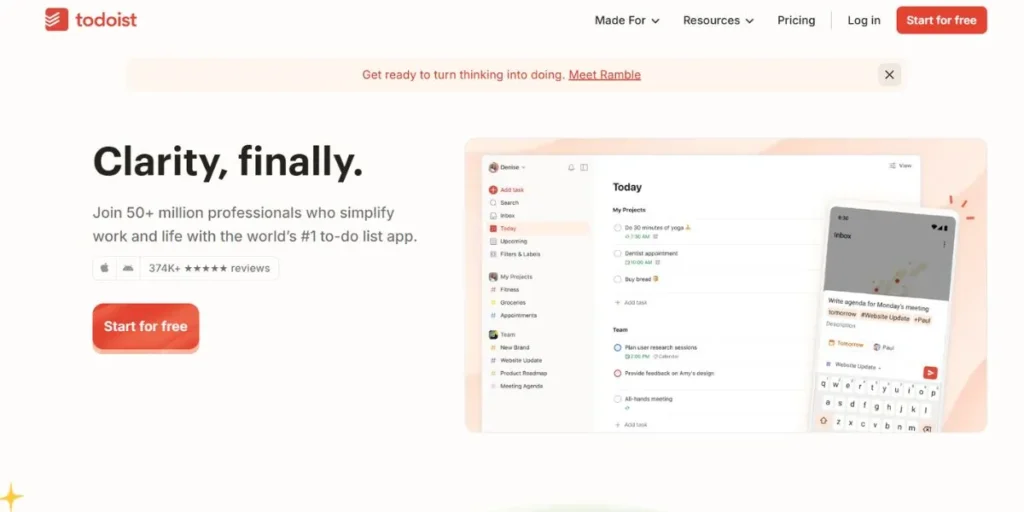
One of the most trusted and most popular task management tools on the market is Todoist. It is praised due to its simple, minimalistic interface and the strong natural language processing. You can write something such as report every Monday at 9 AM and Todoist will automatically set it as a recurring task. It is compatible with more than 80 apps such as Gmail, Slack, and Google Calendar. AI intelligent features can highlight priority tasks and create tasks based on voice notes. It is available on desktop, mobile, web and browser extensions – everywhere.
Key Features:
- Entering natural language tasks with intelligent scheduling.
- Priority tags in various colors.
- Compatible with 80+ apps on platforms.
Best For: Students, freelancers and professionals who require a dependable personal task manager.
Link: https://todoist.com/
2. Clockify
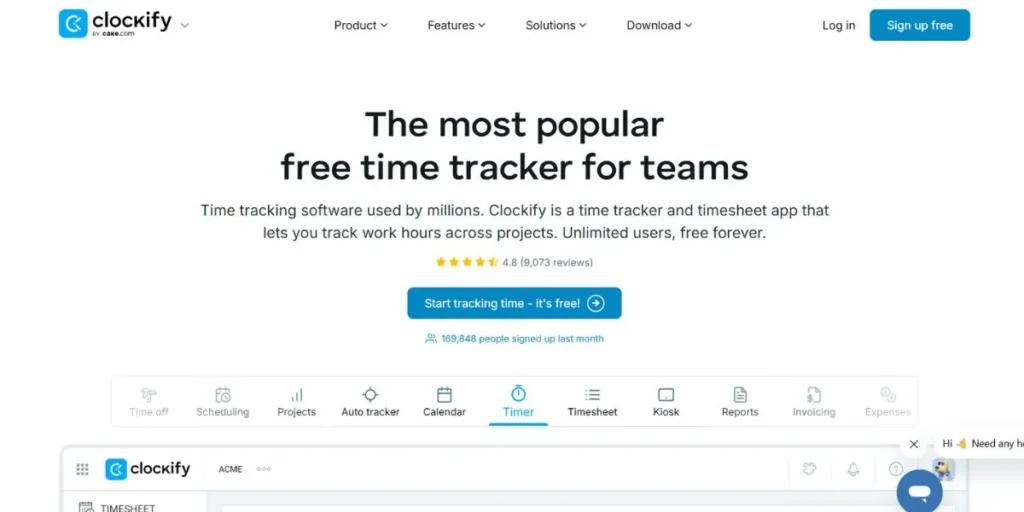
Clockify is a lightweight, highly popular time-tracker in the hands of millions of professionals around the world. Its user-friendly interface integrates a time watch alarm, calendar, time sheet and project budgeting together. It also has the feature to detect idle time – when you walk away and forget to turn off the timer, Clockify warns you about the idle time and allows you to choose what to retain. It provides desktop, mobile, and browser extensions, not to mention a kiosk mode to use on shared devices on-site. It is best suited to field teams with GPS tracking. Strong reporting dashboards allow managers to have a detailed analysis of productivity, billable hours and project profitability.
Key Features:
- Automatic timesheet and idle time detection.
- Kiosk mode and GPS tracking of on-site teams.
- Billable hour and project cost reports.
Best For: Freelancers, consultants, agencies and any size companies that have billable time to track.
Link: https://clockify.me/
3. Toggl Track
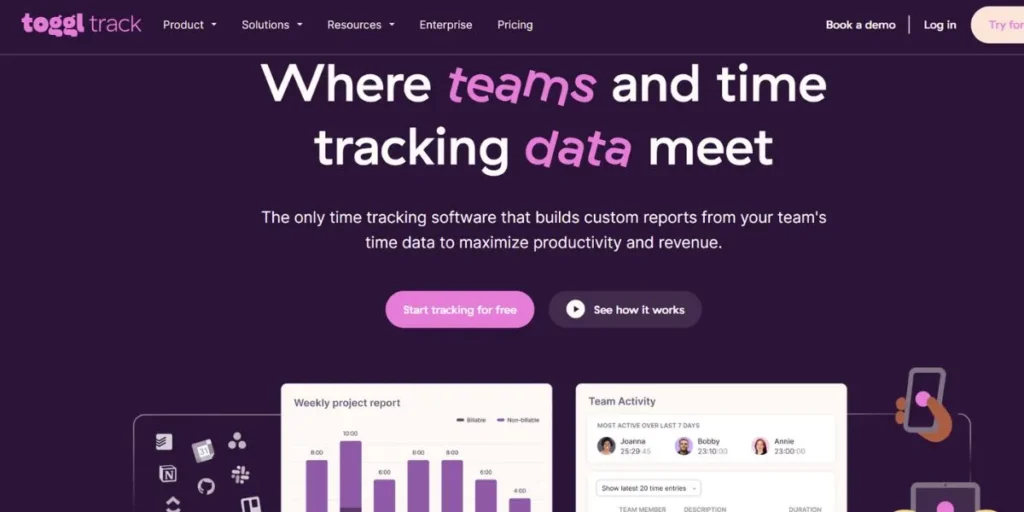
Toggl Track is a high-quality, well-designed time management tool for employees that is popular among creative professionals and agencies. It has one-click time tracking, which begins with the least friction, keeping you in your workflow. Its attractive reporting dashboard enables one to easily witness where exactly your team is spending their billable hours and which client accounts are making the best returns. Idle Iddles will warn you when the timer is running when you are away. Toggl Track is available in web, desktop (Windows, macOS, Linux), mobile, and browser extensions, and works with more than 100 other apps, such as Jira, Asana, and Salesforce.
Key Features:
- Frictionless cross-device one-click time tracking.
- Profitability insights in visual reporting.
- Comes with 100 plus third party integration.
Best For: Design studios, law firms, and creative agencies that require a perfect time tracking tool that is elegant.
Link: https://toggl.com/track
4. Asana
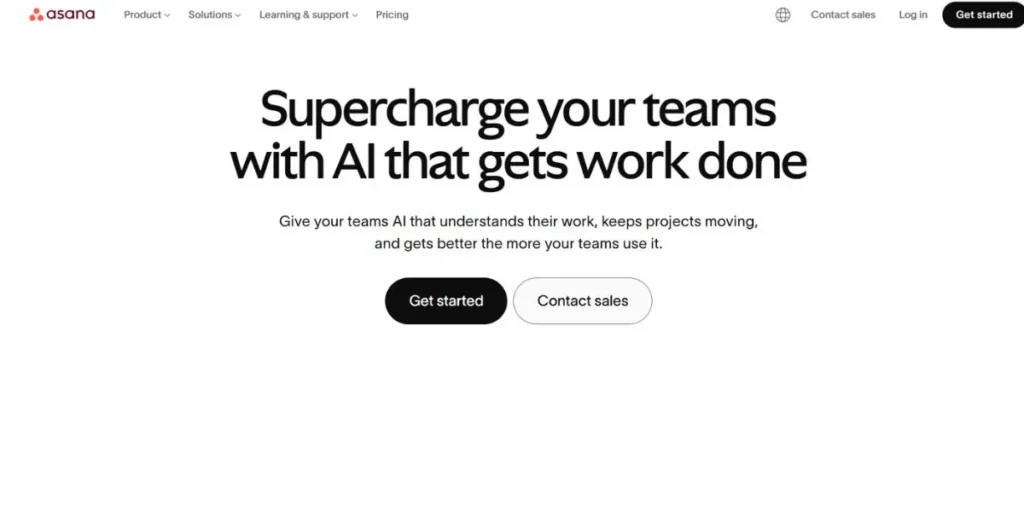
Asana is a popular project and task management tool designed to help teams with a clear view of workloads, due dates, and deliverables. Although it lacks native time tracking functionality, it is highly suitable to allow teams to plan the work, create deadlines, allocate roles, and monitor progress within the projects. It helps view any project through various tools such as lists, Kanban boards, Gantt-like timelines and calendars – to help each team member see the tasks in the format preferred. Asana is compatible with dozens of tools such as Slack, Zoom, Google Workspace, and Clockify to track time. The automation regulations lessen the redundant administrative efforts.
Key Features:
- Several project views: list, board, timeline and calendar.
- Automation of workflow to remove repetitive work.
- Extensive connectivity with Slack, zoom, and Google Workspace.
Best For: Mid-to-large teams involved in complex work that has a variety of stakeholders.
Link: https://asana.com/
5. Notion
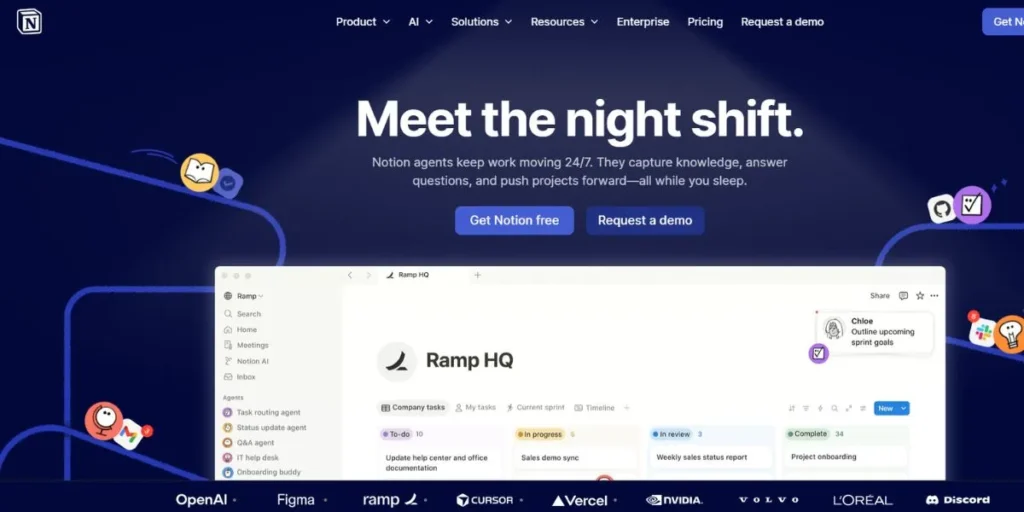
Notion is a multi-purpose, all-in-one workspace and one of the most powerful time management tools for employees that started as a basic note-taking application and can substitute several other products. Teams work on wikis, project management, task management, databases and documentation, within one environment that is highly customized. It is an effective productivity hub with nearly any time-tracking application able to connect via its open API. Notion can summarize notes, generate content and surface related pages using AI features. Although a bit costly to set up initially to achieve optimal use, when set up, Notion can significantly decrease tool switching within a team.
Key Features:
- Very flexible databases with integration of tasks, notes and wikis.
- Artificial intelligence writing help and content summarization.
- Supported by Toggl, Clockify and other time trackers.
Best For: Team and individuals that desire a customizable all-in-one productivity hub.
Link: https://notion.so/
6. Trello
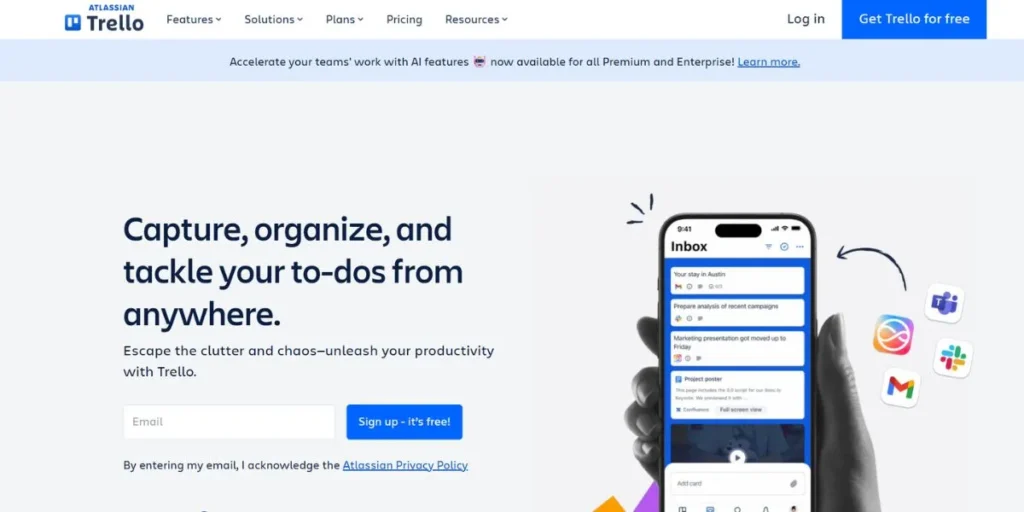
Trello is a project management board, which is a project management system that is based on the concept of the Kanban board. Cards are tasks, columns are the steps through which the work goes and it is easy to drag and drop work as it moves through the stages. It is among the least professional tools on this list with almost zero learning curve. The tiring template library at Trello consists of workflow templates across more than ten areas of specialization, including software development and HR onboarding. It has a Power-Ups ecosystem that integrates with email, Slack, Google Drive, and hundreds of other apps. It is also capable of converting emails into task cards and following up on conversation in Slack.
Key Features:
- Drag and drop visual Kanban boards.
- Large template library of a variety of workflows.
- Deep third-party integrations: Power-Ups ecosystem.
Best For: Small groups and people who like visual and not complex project management.
Link: https://trello.com/
7. ClickUp
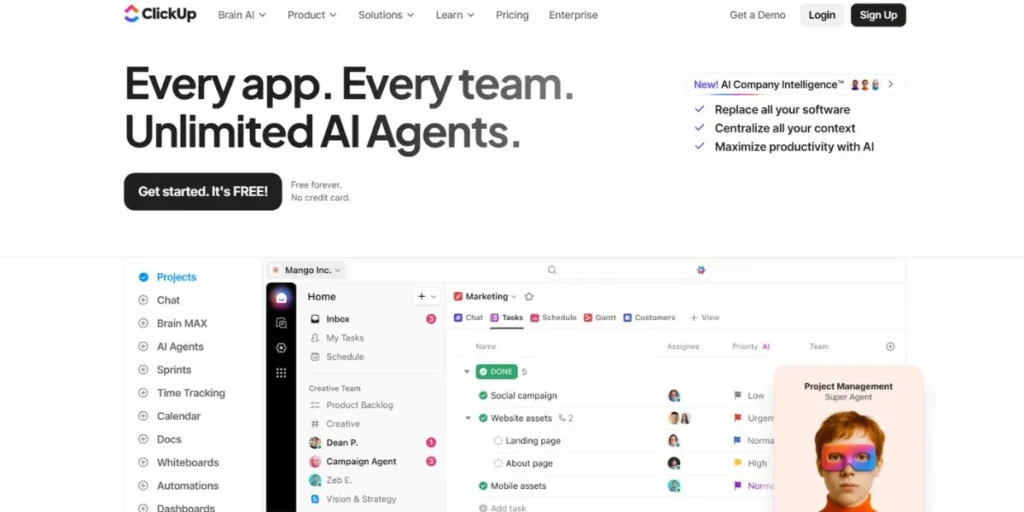
ClickUp positions itself as the one-app-to-rule-them-all—and it lives up to that claim. It is one of the most powerful time management tools for employees, offering an extremely feature-rich project management and team collaboration platform. It presents multiple views of the same data, including lists, Kanban boards, Gantt charts, calendars, and mind maps.
ClickUp has built-in time tracking, custom task statuses, custom fields, document editing, and goal tracking all in one place. It is highly customizable, making it a great fit for teams across different industries. Its AI features help prioritize tasks, draft content, and automate workflows, saving a significant amount of manual effort.
Key Features:
- Several task views: list, board, Gantt, calendar, mind map.
- Intrinsic time management and in-built document editing.
- Artificial intelligence in the prioritization of tasks and workflow.
Best For: Teams of any size that actually want a product that is both feature rich and an all-in-one productivity platform.
Link: https://clickup.com/
8. RescueTime
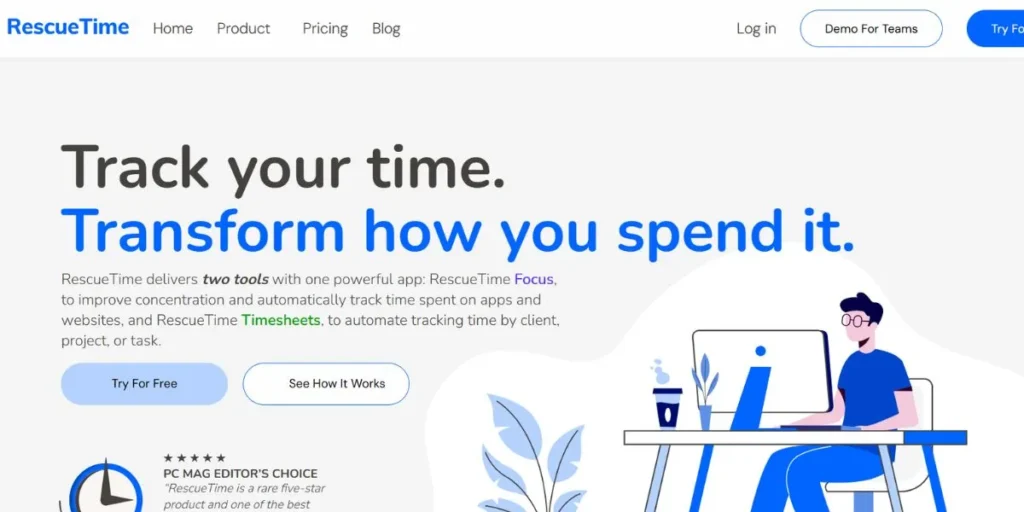
RescueTime is a time tracking and focus application that is an automatic and runs silently in the background of your devices. It automatically logs the amount of time you spend on various websites, applications, and documents, distinguishing between productive and distracting ones, and does not require any manual input. It then creates a detailed digital habits report on a daily and weekly basis.
Distraction-blocking capabilities are also built-in to RescueTime, which enables you to block certain applications and websites when you are focused. Timesheets are AI-based to automatically assign time logs to projects. It has the capability to coordinate with Google Calendar and Microsoft Outlook to consider meeting time.
Key Features:
- Zero manual input automatic background time tracking.
- Blocking of websites and apps at predetermined focus time.
- Daily trend reports and scoring of productivity.
Best For: Professionals and those who work remotely who seek data-driven understanding of their daily digital habits.
Link: https://rescuetime.com/
9. Google Calendar
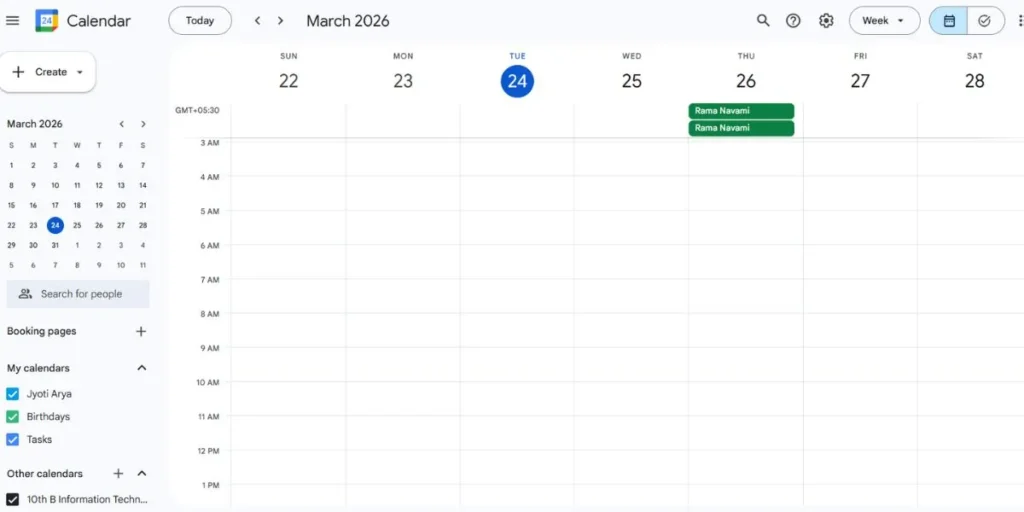
Google Calendar is one of the most universal and trusted scheduling tools that are also widely used. It is included in any Google account and can be accessed on any device or browser. In addition to the ability to maintain the calendar of essential events, it is an effective time-blocking device to focus on deadlines and share the availability with their colleagues and customers. It integrates well with Todoist,
Asana, Clockify and dozens of other productivity apps. The simplicity of Google Calendar has made it the base of a number of professional productivity systems- even where advanced tools are carried out, teams work on it to ground their work schedules.
Key Features:
- Team time-blocking and team shared-calendar.
- Natively integrated with Gmail, Meet, and third-party applications.
- No fee, any Google account, all devices.
Best For: Persons, learners, and groups who require an effective scheduling base.
Link: https://calendar.google.com/
10. TickTick
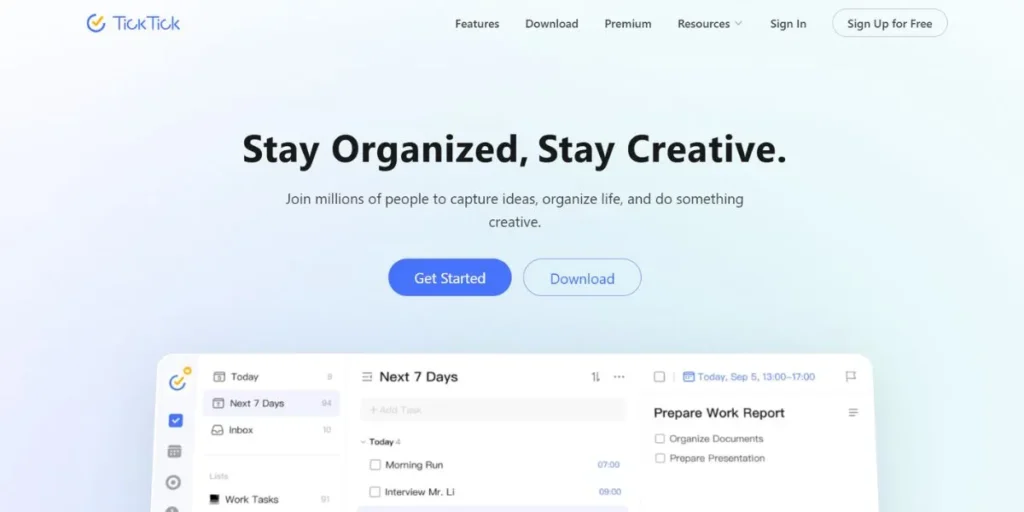
TickTick is a very flexible task manager and one of the most practical time management tools for students, combining a traditional to-do list with built-in time management methods. It includes a native Pomodoro timer and a white-noise generator directly within the interface—helping you stay focused without switching apps. It also offers habit tracking with gamified streaks, calendar integration, and an email-to-task capture feature.
TickTick supports natural language input, smart date recognition, and priority tags. It is one of the most feature-rich task apps in its price range and is available on Android, iOS, macOS, Windows, and the web.
Key Features:
- Integrated Pomodoro alarm and white noises.
- Streaks and reminders on habit tracking, which is gamified.
- Smart natural language task entry calendar view.
Best For: People who desire to have task management and focus techniques under the same app.
Link: https://ticktick.com/
11. Hubstaff
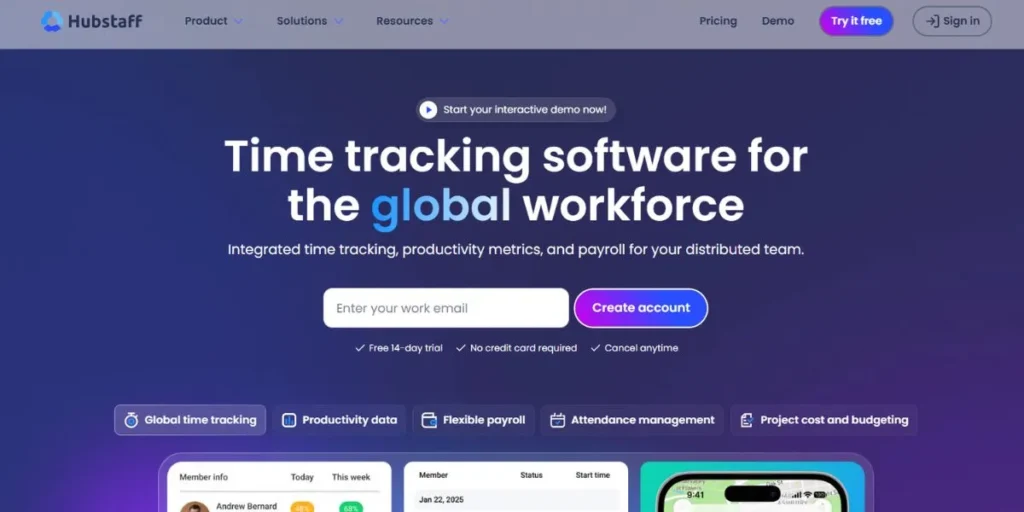
Hubstaff is an employee management software that is an all-in-one workforce management tool that integrates time tracking, employee monitoring, scheduling, invoicing, and payroll. It takes screenshots at specified intervals, logs program and web usage, and GPS positioning of field staff – providing the manager with a finer detail of how the time is being used. Hubstaff uses auto-computed payroll to compute pay according to the hours awarded through pre-set hourly rates, which simplifies the overall payroll process. It is connected to 35 business tools such as Asana, Jira, and QuickBooks. It is especially handy to use in managing remote and distributed teams due to its employee analytics dashboards.
Key Features:
- Remote worker screen-shots and location tracking.
- Calculation of payroll based on the hours tracked automatically.
- Powerful analytic team productivity dashboards.
Best For: Companies with remote or field-based workforce that require extensive payroll and accountability.
Link: https://hubstaff.com/
12. Motion
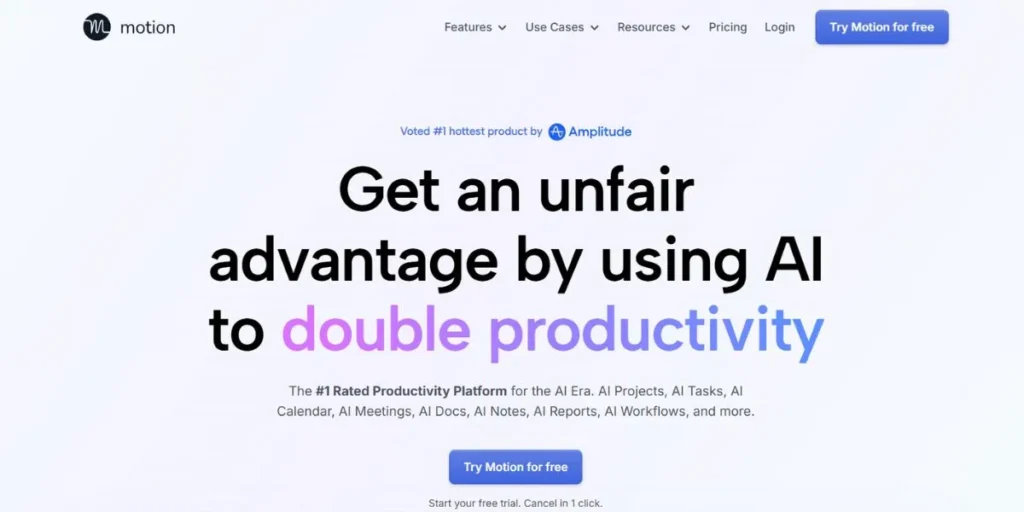
Motion is an Artificial Intelligence-based daily planner and one of the most advanced time management tools for employees, which automatically constructs and reconstructs your daily schedule based on your tasks, meetings, and priorities. Unlike traditional planners where you manually organize work, Motion gathers your full task list and calendar to calculate the best sequence and timing for everything—and adjusts in real time as priorities change or meetings run longer.
It is especially useful for professionals with unpredictable schedules and frequent meetings. Motion also integrates with Google Calendar and Outlook, automatically organizing deep work sessions around your existing commitments.
Key Features:
- AI-assisted automatic daily schedule creation and reconstruction.
- Smart scheduling with Google Calendar and Outlook.
- Meets and changes dynamically with changing priorities.
Best For: Busy employees and managers whose schedules are too hectic and unpredictable.
Link: https://usemotion.com/
13. Forest
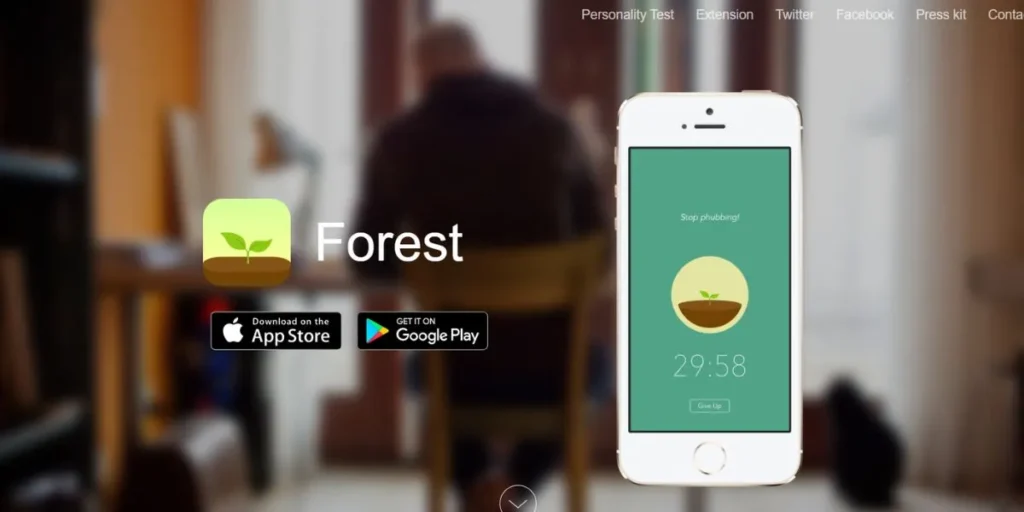
Forest is a distinctive focus and habit-forming application based on the idea of planting virtual trees. Planting a tree when you feel like working helps you concentrate and taking breaks to look through your social media or see distractions kills your tree. With time, your focus sessions completed create a growing virtual forest, giving a graphical and gamified account of your productive time. Forest collaborates with a tree planting organization, which means that virtual trees can be translated into real ones. It exists on Android, iOS and as a browser extension and is therefore very easy to use across gadgets when a person is working.
Key Features:
- Gamified attention sessions with virtual tree-planting rewards.
- Blocker extension on browsers to prevent distracting sites in between sessions.
- Actual tree-planting collaboration of environmentally friendly users.
Best For: Students and other people who are easily distracted by phones, and require attention-focusing aids.
Link: https://forestapp.cc/
14. Evernote
Evernote has been a part of personal knowledge management since 2008. It integrates note-writing and a personal task manager, calendar integrations, and knowledge-sharing features with teams. Its Web Clipper is universally regarded as the best in the category and allows you to easily save entire articles, PDFs and images on any webpage and they will automatically populate a set of neatly arranged notebooks. Even handwritten notes can be searched using OCR. Evernote is cross-platform and offline, making it especially popular with business people who construct their second brain using the GTD (Getting Things Done) system or one of its derivatives.
Key Features:
- Web Clipper: best in industry web content save instantly.
- Search in typed and handwritten notes which is powered by OCR.
- Capability to integrate the calendar and offline syncing across devices.
Best For: Professionals and researchers requiring a powerful note-taking and personal knowledge management.
Link: https://evernote.com/
15. Sunsama
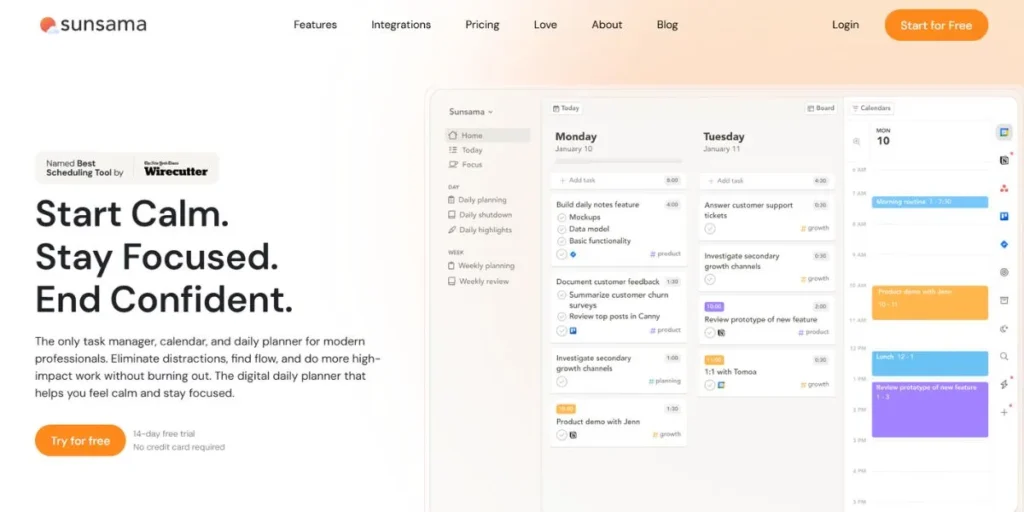
Sunsama is a daily planner that is designed on the principle of productive, efficient thoughtfulness. It is not meant to get as many tasks as possible done, but rather to assist you in planning healthy workdays and avoiding burnout. Sunsama brings together tools linked to other work tools, such as email, Slack, Trello, Asana and GitHub, into one unified daily view each day in the morning. Then, on purpose, you choose what you will work on and approximate the time span of each task. Finishing up the day with a soft ritual of shutdown enables you to look back, leave some business hanging, and clean up. It is among the most deliberate productivity technologies in 2026.
Key Features:
- Daily planning view integrating email, Slack, and task apps, and pulling.
- Time estimation makes one consider constructing actual, viable schedules.
- Daily work-life boundary setting ritual.
Best For: Professionals who are at risk of overcommitting, but who desire a burnout-preventive, mindful approach to daily planning.
Link: https://sunsama.com/
How to Choose the Best Time Management Tool
- Define Your Use Case: Determine which of the following you require: task management, time tracking, or team collaboration.
- Take into Account Team Size: Individual tools such as Todoist are vastly different to business solutions such as ClickUp.
- Consider Integration Requirements: Select tools that can be easily integrated with your current applications and processes.
- Evaluate Learning Curve: Simple tools are more effective at rapid adoption, while complex tools are more effective with power users.
- Check Pricing vs Features: Free plans usually are enough when it comes to an individual, teams might require paid levels when it comes to reporting.
How to Use Time Management Tools Effectively
- Begin With One Tool: Learn to use one app and then introduce complexity to your productivity stack.
- Review Data Frequently: Review time reports on a weekly basis to diagnose the trends and remove waste.
- Set Daily Intentions: At the start of each day, have your top three goals in mind before looking at email or messages.
- Time Blocking: Schedule time blocks where you have undivided, full-time, on-task work.
- Automatize Tedious Processes: Use automatic functions to minimize the use of manual scheduling and alerts.
Common Mistakes to Avoid
- Tool Hopping: It is impossible to master any app and only switching between them will generate more frustration than benefit.
- Complicating Systems: Too many labels, filters, and projects are more difficult to maintain.
- Observation Without Action: Gathered information is no good unless you act on it.
- Disregard of Downtime: Scheduling per minute will result in burnout; buffer time is necessary to provide sustainability.
- Not Reviewing Weekly: Weekly reflection provides the glue to the most effective system, but it doesn’t last forever.
Pros and Cons
| Tool | Pros | Cons |
| Todoist | Clean UI, natural language input, wide integrations | Limited reporting, no built-in time tracking |
| Clockify | Free for unlimited users, robust reporting | Screenshot monitoring can feel intrusive |
| Toggl Track | Beautiful interface, simple one-click tracking | Less advanced than enterprise trackers |
| Asana | Powerful team features, multiple views | No native time tracking, can be overwhelming |
| Notion | Extremely flexible, all-in-one workspace | Steep initial setup, not ideal for time tracking alone |
| Trello | Beginner-friendly, visual Kanban | Limited built-in features without Power-Ups |
| ClickUp | Feature-rich, replaces many tools | Can be overwhelming due to sheer number of options |
| RescueTime | Fully automatic tracking, great insights | Limited integrations, mobile app less robust |
| Google Calendar | Free, universal, easy to share | No task management or time tracking built in |
| TickTick | Pomodoro + tasks in one app, affordable | Fewer team collaboration features |
| Hubstaff | Excellent for remote team management | Screenshot monitoring raises privacy concerns |
| Motion | AI-powered scheduling saves significant time | Expensive, limited customization flexibility |
| Forest | Gamified focus, eco-friendly incentive | No task management or reporting features |
| Evernote | Best-in-class note capture, offline access | Pricing has increased; less competitive for tasks alone |
| Sunsama | Mindful planning, prevents overcommitment | Premium-only, minimal automation features |
Conclusion
Time management is no longer a soft skill = in 2026, time management becomes a competitive advantage. Whether you are an individual freelancer with billable hours to keep track of or a project lead with distributed work to accomplish, there is a tool on this list that will take you where you need to go. There is no one perfect solution, but two or three complementary tools should be used to create a system that works best: a task manager, a time tracker, and a calendar. Keep it simple, keep it simple, and keep it simple, and improve based on the data.
FAQs
Which will be the best free time management tool in 2026?
Clockify and Todoist have really great free plans – Clockify has free time tracking, which includes unlimited number of users; and Todoist has free tasks and priorities management across the devices.
Will remote workers be able to use time management tools to balance work and life?
Yes. RescueTime, Sunsama, and Google Calendar among other tools allow remote workers to establish boundaries, focus time, and monitor working hours to prevent overworking or burnout when working at home.
Should we go with a single all-in-one tool or multiple special tools?
Both approaches work. Novices can use one tool, such as ClickUp or Notion, and those with more time-intensive workflows tend to have their own combination of a task manager, time tracker, and calendar.
What is the time lag to improve productivity after time management tools have been utilized?
After two to four weeks of daily use, most users report actually feeling better, as long as they actively examine their data and modify their habits rather than passively gather it.