

The speed at which technology is moving is faster than a 5G connection on a clear day, and coding cannot keep up any longer. In 2026, the need for custom software development has never been higher, with businesses requiring solutions “yesterday” to stay at the forefront. This is where rapid web app development tools come to save the day, transforming coding marathons into short development spurts. According to industry data, more than 70% of all new enterprise web applications are being built with high-speed development tools because they can save development time by nearly 60%. It is no longer about coding lines of code; it is now about creating powerful ideas with clicking and dragging.
Are you a founder trying to create an MVP or a manager at a massive company trying to fix a broken process? These tools will help you achieve your objectives. Moreover, the entry cost has never been lower, helping anyone without a computer science degree to create professional-grade software. Additionally, with the introduction of AI-assisted building, the success rate for internal projects has now touched nearly 90%.
In this article, we will discuss the absolute top Rapid Web App Development tools to use this year and how to select the right tool for your needs. Read on for a detailed analysis!
What Is Rapid Web App Development (RWAD)?
Rapid Web App Development is a new way to make software that focuses on speed and constant feedback from users rather than planning. Unlike traditional development methods that involve a “waterfall” approach to development, in which the developer doesn’t get to see the end product until the very end, RWAD uses pre-built parts to make a working version of the app in almost no time at all. This allows developers to ensure that the end product is one that can solve the problem the user is having.
Why Rapid Web App Development Tools Are Trending in 2026
The move to high-speed development is not a passing phase; it is a response to a global marketplace that requires instant results and high levels of flexibility. This is because there are a number of different factors at play that are changing the way we think about development:
- Integration with AI: With the help of artificial intelligence assistants, parts of the code can now be written by the AI itself. This makes the development process much faster for all parties involved.
- Cost efficiency: Reducing the hours spent on manual coding means businesses can save a massive amount of money on development salaries and resources.
- Citizen development: Non-technical employees can now build their own tools, reducing the massive backlog that usually hits the IT department.
- Market agility: Companies can launch products in weeks instead of years, allowing them to react to competitor moves or new trends immediately.
- Lowered risk: Testing small versions of an app early on helps catch big mistakes before they become expensive problems to fix later.
Best Rapid Web App Development Tools 2026 (Comparison Table)
| Tool | Best For | Free Plan | AI Support | Mobile Support | Open Source |
| Knack | Database-heavy apps | 14-Day Trial | High | Yes | No |
| Power Apps | Microsoft ecosystems | Limited | Advanced | Yes | No |
| AppSheet | Google Workspace users | Yes | Medium | Excellent | No |
| Bubble | Complex Web Apps | Yes | High | Yes | No |
| Budibase | Internal business tools | Yes | Medium | Yes | Yes |
Top 10 Rapid Web App Development Tools (2026 Detailed List)
1. Knack
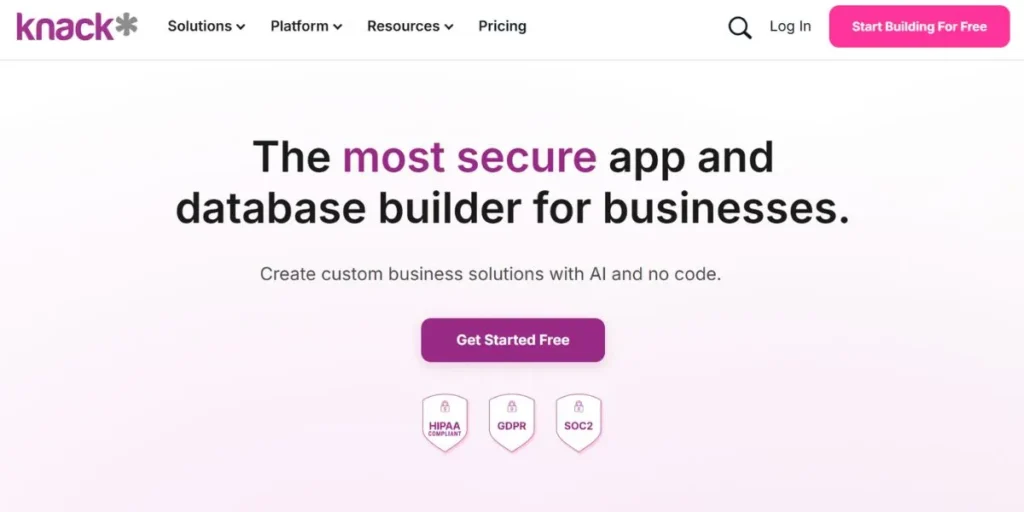
Knack stands out as a premier solution in building web applications from large quantities of data without requiring any coding. In 2026, Knack is an integral part of more than 5,000 global organizations that are required to manage complex data with a simple interface. Knack is particularly excellent in building databases where users can easily connect different data tables with a few mouse clicks. This tool has helped organizations achieve a 35% improvement in team productivity by migrating from traditional spreadsheet systems to its system.
Moreover, the user-friendly interface provided by this tool enables users to build live web applications in less than 48 hours from developing an initial idea. Additionally, its focus on data security makes it an appropriate choice for working with sensitive data in the health and education sectors.
Key Features
- Drag-and-drop page creation tool.
- Versatile database system.
- Automatic email notifications and task scheduling.
- Connects easily with thousands of apps using Zapier.
Pros
- Easy to learn, even for a beginner.
- Highly secure, especially when it comes to sensitive information.
- Works great on mobile devices right out of the box.
- Customer support is exceptional, especially when you need technical help.
Cons
- Limited ability to customize the look and feel of the application, especially if you want a very customized look.
- No offline capabilities, which can be a problem if you work in the field.
- Pricing increases very quickly as the volume of information increases.
- Not good for high-speed games or social media applications.
Best For
This application is best suited for small- and medium-sized businesses, especially when you need a customized CRM system or inventory system.
Pricing
Starter is $19/month, Pro is $49/month, and Corporate plans are also available at $300/month.
Website: https://www.knack.com/
2. Microsoft Power Apps
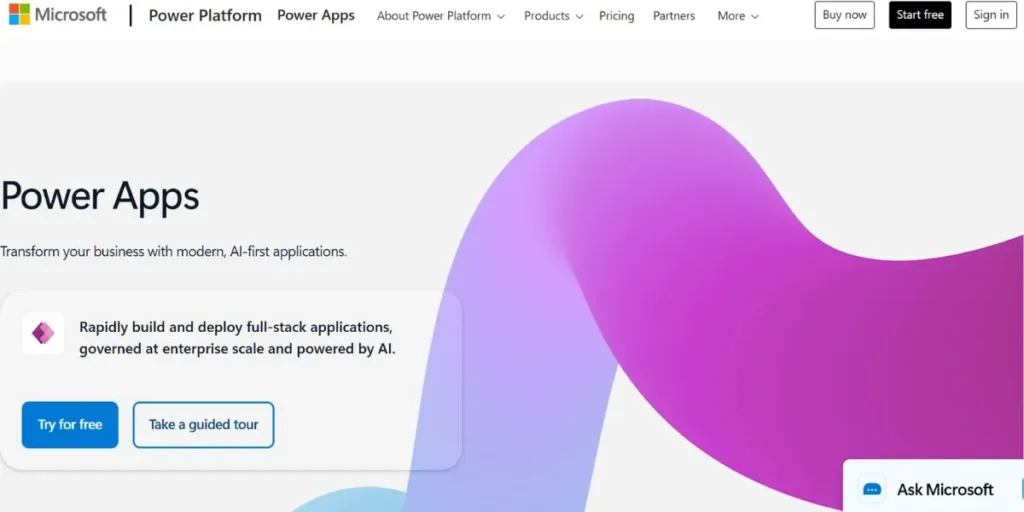
Microsoft Power Apps is the current leader in corporate applications, currently powering more than 20 million active monthly users in the Microsoft 365 ecosystem. This application is a powerhouse when it comes to corporate-level digital transformation, as it has a robust set of tools that can be used to connect directly to more than 1,000 sources. In 2026, it had a remarkable 70% savings in application development costs for large enterprises using its pre-built AI components.
This application can be used to create everything from simple applications, like an expense tracker, to massive applications, like a resource planner for multiple departments in a business. Also, since it uses Microsoft Dataverse, the level of security is unmatched in the industry. The Copilot AI has also been added, allowing users to describe an application in plain English, and the application will build it for you.
Key Features
- Deep integration with the entire Office 365 ecosystem.
- AI Builder to automate images and text.
- Huge library of pre-made business templates.
- Role-based security through Azure Active Directory.
Pros
- Incredible power for complex enterprise processes.
- Works well across all platforms.
- Huge global community to get help.
- Regular updates with the latest technology features.
Cons
- It can be overwhelming for new users.
- The licensing model is notoriously difficult to understand.
- It can be very expensive for small independent teams.
- Limited design capabilities.
Best For
Large enterprises are already using the entire 365 ecosystem.
Pricing
Premium per user pricing at $20/user/month.
Website: https://www.microsoft.com/en-us/power-platform/products/power-apps
3. Google AppSheet
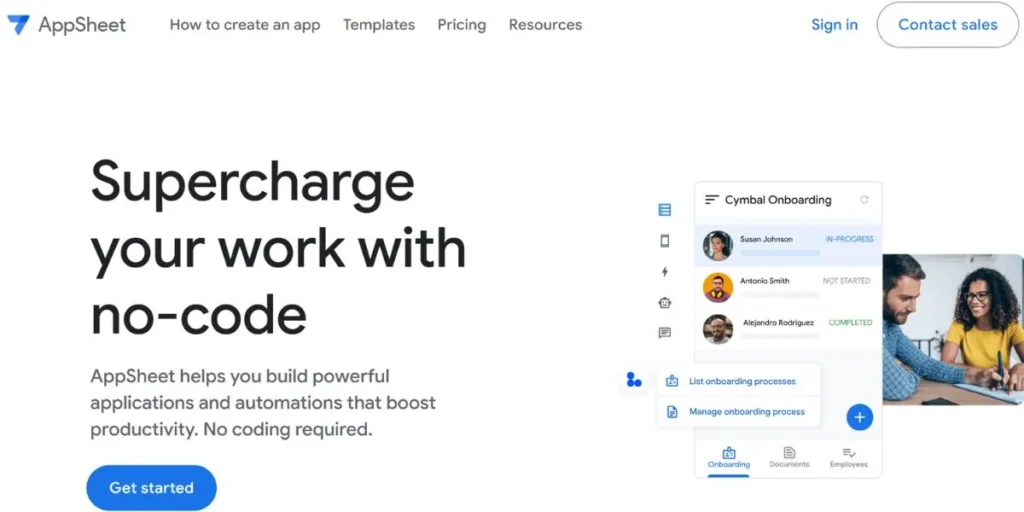
Google AppSheet has changed the way field teams and small businesses operate by transforming simple spreadsheets into powerful mobile apps. Currently, it is used to launch over 100,000 new apps every month. This is a testament to how popular it is among users who want to avoid the “tech-heavy” side of software. Point the tool at a Google Sheet or Excel file, and it uses clever logic to guess the app’s structure and design in seconds.
Studies show that using AppSheet can reduce time spent on manual data entry by up to 50% in businesses such as logistics and construction. Additionally, the app’s capability to operate offline is a huge advantage to teams working in remote areas without reliable internet connectivity.
Key Features
- Direct conversion from spreadsheets to working apps.
- Full offline data syncing for remote location usage.
- Built-in support for GPS maps and images.
- Barcode and QR code scanning using a mobile camera.
Pros
- Easiest to use on this list for non-coders.
- Extremely low pricing for smaller organizations.
- No need to worry about data migration or setup.
- Works well within the Google ecosystem.
Cons
- Extremely limited control over visual layout.
- Not designed for apps that need high-end branding.
- Limited logic for complex calculations.
- Feels restrictive for professional developers.
Best For
Field teams or operations managers who use Google Workspace.
Pricing
Google AppSheet plans start as low as $5 per user per month for Starter or $10 per user per month for Core. Enterprise pricing is also available on request.
Website: https://about.appsheet.com/home/
4. Bubble
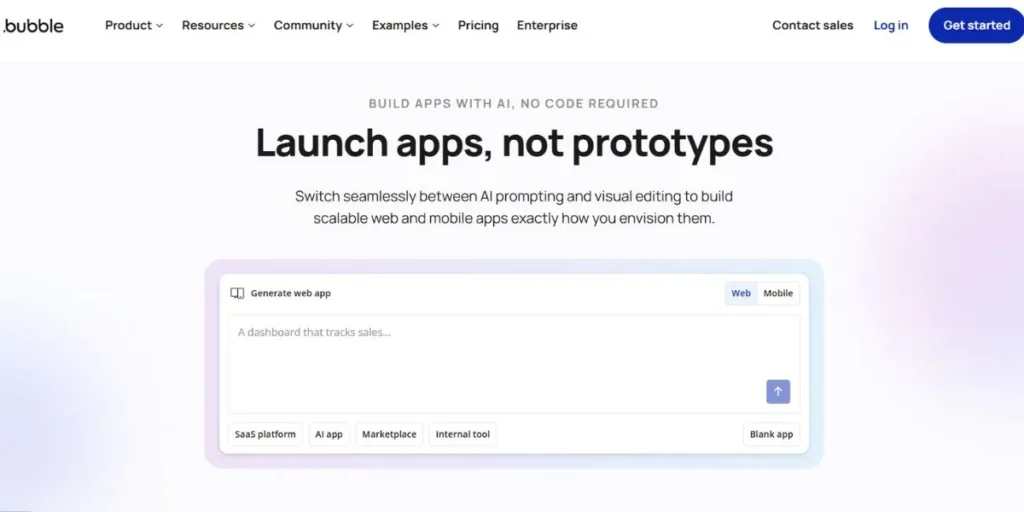
Bubble is considered the “king of no-code” platforms for startups. This is because it has helped numerous startup founders raise millions in funding by creating high-quality MVPs without having to hire any developers. Currently, the platform hosts over 3 million applications. They vary from simple landing pages to complex social networks with thousands of active users. With the platform, you get complete control over the design. This allows you to create pixel-perfect designs that look exactly the same as custom-coded websites.
Additionally, in 2026, Bubble apps now load 40% faster than they used to. This is because of the new backend infrastructure introduced by the company. The platform also comes with a huge marketplace containing over 5,000 plugins to extend the functionality, making it one of the best rapid web app development tools.
Key Features
- Pixel-perfect design editor for custom branding.
- Visual workflow builder for complex app logic.
- Fully integrated database and user management.
- Large marketplace for plugins and pre-made parts.
Pros
- The highest level of flexibility in no-code platforms.
- Huge community and hiring experts.
- Can build almost any web-based idea.
- One less thing to worry about with hosting.
Cons
- Difficult to learn.
- Performance is poor if the app is not well-built.
- You are tied to their hosting solution.
- The pricing model has changed frequently.
Best For
Tech startup founders.
Pricing
Offers a free option, Starter at $59/month, and Growth at $209/month.
Website: https://bubble.io/
5. OutSystems
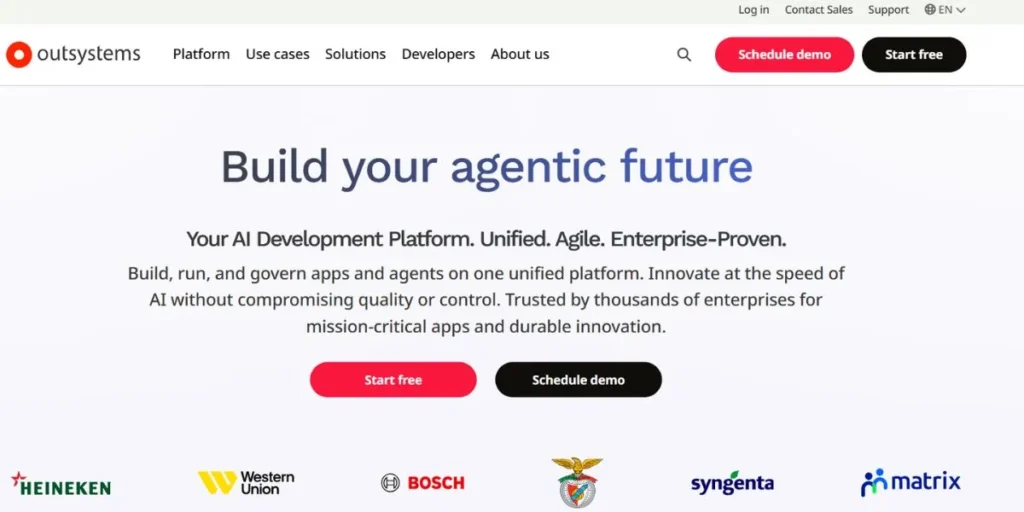
OutSystems is a high-performance, low-code platform that emphasizes speed and quality for professional app development teams. The platform has been recognized as a leader by top analysts, serving more than 2,000 enterprise customers across 87 different countries. The platform claims that its users are able to create apps up to 10 times faster compared to traditional coding methods. In 2026, OutSystems will have an “AI Mentor” that will scan your app for security threats and performance issues as you build your app.
This way, you’re able to create apps at high speeds while still meeting the stringent security needs of banks and government agencies. In addition, the platform has a one-click deployment system that will handle everything behind the scenes, including complex servers among rapid web app development tools.
Key Features
- Full-stack visual development for speed and power.
- One-click deployment to cloud or on-site servers.
- Advanced security scanning.
- Real-time monitoring of app performance.
Pros
- Reduces time required for professional app development teams.
- Can handle millions of users and data points.
- Perfect for creating mission-critical business apps.
- Top-tier security that meets banking-grade security.
Cons
- Extremely expensive compared to other tools.
- Requires a good understanding of software logic.
- Smaller community compared to other tools.
- Overkill for simple internal apps.
Best For
Enterprise-level corporations.
Pricing
Starts at $36,000.
Website: https://www.outsystems.com/
6. Mendix
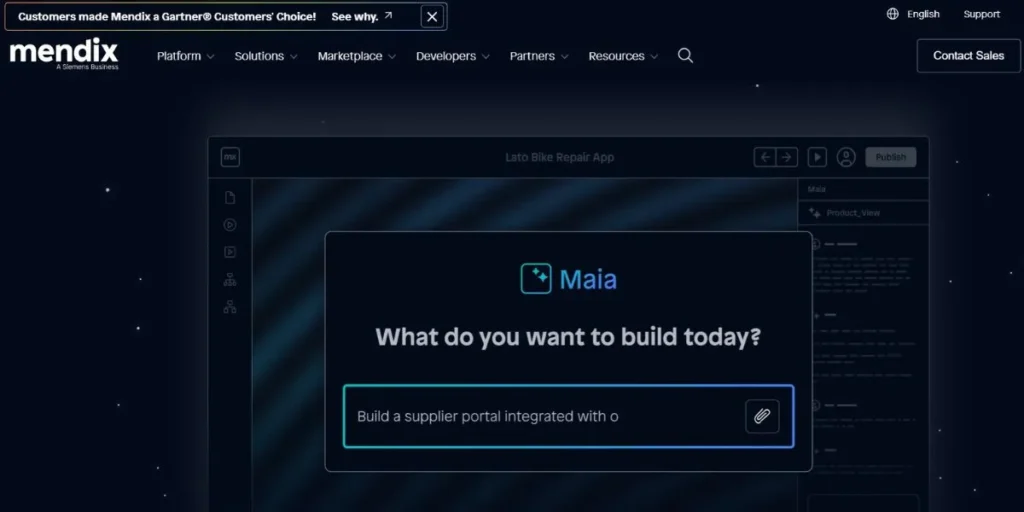
Mendix is a collaborative platform aimed at bridging the gap between business ideas and technical execution in large organisations. Currently, it is being used by over 4,000 organisations to create enterprise software to support their growing businesses. The platform has helped users receive a 300 per cent return on investment by speeding up the creation of internal digital products.
In 2026, Mendix enhanced its “no-code for everyone” initiative, where non-technical managers create the front end while the back end is created by developers, among rapid web app development tools. The team-based approach has reduced project times from six months to just six weeks. Additionally, the multi-cloud support enables organisations to host their apps where they feel most secure.
Key Features
- Visual tools for business users and coders.
- Multi-cloud support.
- AI logic suggestions.
- Dedicated app store with thousands of components.
Pros
- Best platform to develop apps in a team.
- High emphasis on governance and data safety.
- Highly flexible to accommodate existing corporate infrastructures.
- Fastest app prototyping in the industry.
Cons
- High cost, making it inaccessible to startups.
- Complex setup process, mainly for the advanced version.
- Too “corporate” to use on creative projects.
- Learning the full product requires a lot of time.
Best For
Organizations seeking to co-create apps with IT and business teams.
Pricing
Free, Standard plan at €900 /month.
Website: https://www.mendix.com/
7. Zoho Creator
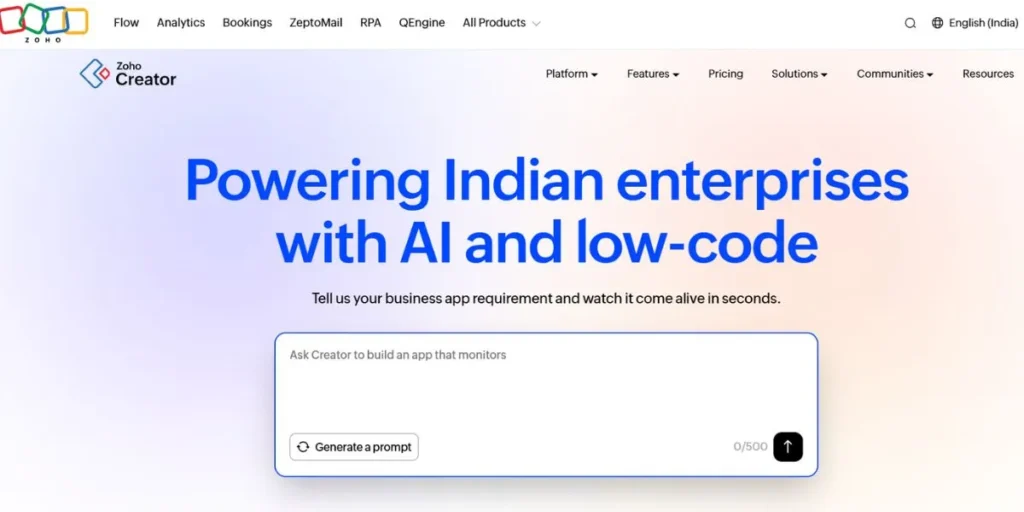
Zoho Creator is a low-code app development platform that is cost-effective and powerful. It has enabled more than 14,000 brands to create custom business apps. Zoho Creator is a part of the Zoho family of applications, which has over 100 million+ users across the globe. This is a perfect choice for those already using Zoho. Zoho Creator has more than 60 pre-built app templates for common business scenarios, including HR, event planning, and sales tracking.
In 2026, Zoho Creator added sophisticated data visualisation tools, which allow users to create professional-grade data visualisations with simple drag-and-drop functionality. In addition, it has been proven that using Zoho Creator can help a business save up to 60% of total software costs as compared to buying multiple software applications.
Key Features
- Drag-and-drop interface for forms and reports.
- Hundreds of built-in connectors for other software.
- Multi-language support for global business teams.
- Native mobile app builder for iOS and Android.
Pros
- Exceptional value for the number of features.
- Seamless connection to the entire Zoho suite.
- High level of data security and privacy.
- Simple enough for business managers to handle.
Cons
- The “Deluge” language is tricky to learn.
- The interface is cluttered with too many icons.
- Customizing the look is frustrating.
- Customer support response times can be variable.
Best For
Small to medium businesses looking for affordable automation.
Pricing
Standard at $8/user/month, Professional at $20/user/month, and Enterprise at $25/user/month.
Website: https://www.zoho.com/creator/
8. Retool
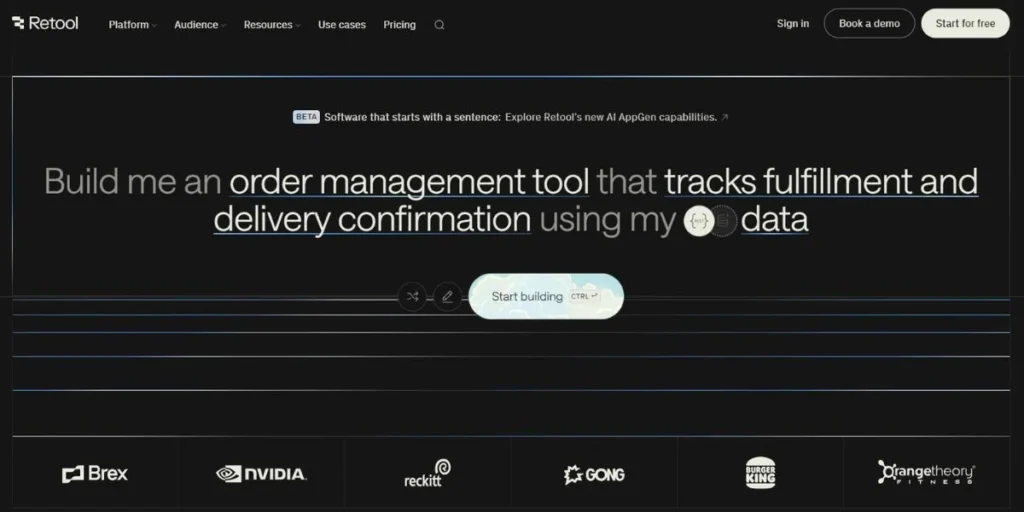
Retool has emerged as a popular choice among engineering teams at companies such as Amazon, DoorDash, and Peloton to design their internal admin panels. This tool enables the development of over 250,000 custom tools every year. This saves developers from doing repetitive work such as designing tables and buttons. Using this tool, you can connect to any database or API within minutes. This makes it incredibly fast to pull or push data.
In 2026, Retool introduced a “Mobile” version that enables you to create internal apps for your warehouse or field workers. According to statistics, using this tool, you can create internal dashboards 40 times faster than coding them manually. Moreover, you are free to customise this tool as you wish using standard JavaScript, making it one of the most solid rapid web app development tools.
Key Features
- Library of 100+ pre-made UI components like tables.
- Connect to any SQL database or API.
- Write your own JavaScript code.
- Version control and staging environments.
Pros
- Saves you hundreds of hours building internal tools.
- Connect directly to your own data.
- Extremely flexible for building data-intensive dashboards.
- Beautiful, professional-looking interfaces.
Cons
- Not suitable for building public apps for your customers.
- Requires SQL and JavaScript skills to get the most out of this tool.
- It can be expensive on a per-user pricing model.
- Less focus on mobile design.
Best For
Engineering teams building tools for their own company.
Pricing
Free plan available, Team plan at $9/month/per builder, Business at $46/month/per builder.
Website: https://retool.com/
9. FlutterFlow
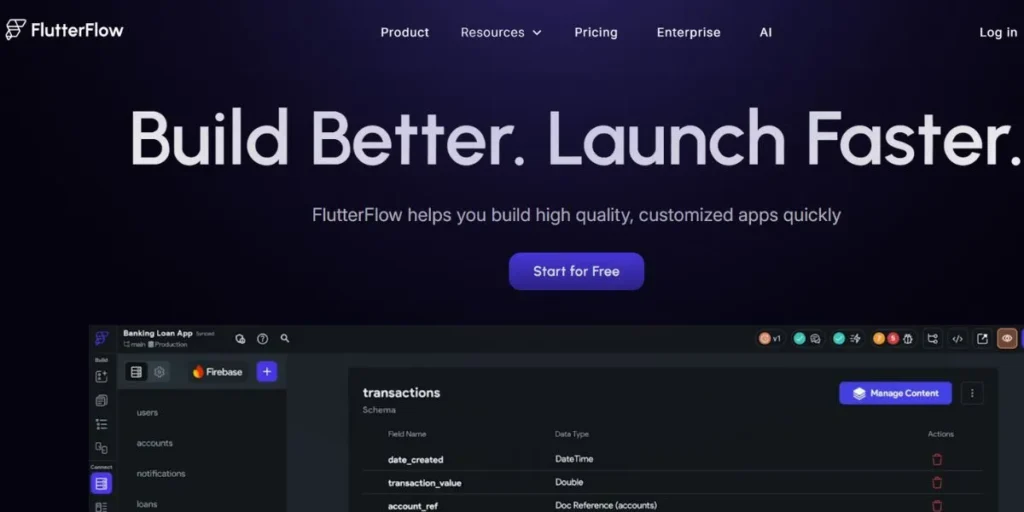
FlutterFlow is a visual builder tool that is growing very fast and is used by over 1 million developers and designers. It has become the favourite tool for those who want to build high-performance mobile and web applications using Google’s Flutter. FlutterFlow apps in 2026 have been receiving compliments on their smooth animations and very fast app response time compared to other low-code app builders. “Live collaboration” is also possible on FlutterFlow.
This allows multiple users to design the same app at the same time. FlutterFlow also reduces the app development time by 75%, according to surveys. Additionally, the option to get the actual Flutter code is also a major advantage for teams who want to keep their intellectual property safe.
Key Features
- Visual builder tool to design high-performance mobile layouts.
- Integration with Google’s Firebase database.
- Ability to get the actual Flutter code.
- Custom animation and interaction features.
Pros
- Develops the fastest and smoothest mobile apps.
- You own the app code and can host it anywhere.
- Beautiful and modern designs available.
- The community is growing very fast and has a lot of tutorials.
Cons
- Setting up Firebase can sometimes be tricky.
- More focus on mobile than on desktop web.
- Need to know a little coding to implement complex logic.
- Sometimes buggy when working on very large projects.
Best For
Designers and startups who want to build high-quality mobile and/or web apps.
Pricing
Offers a free plan, Basic at $39/month.
Website: https://www.flutterflow.io/
10. Budibase
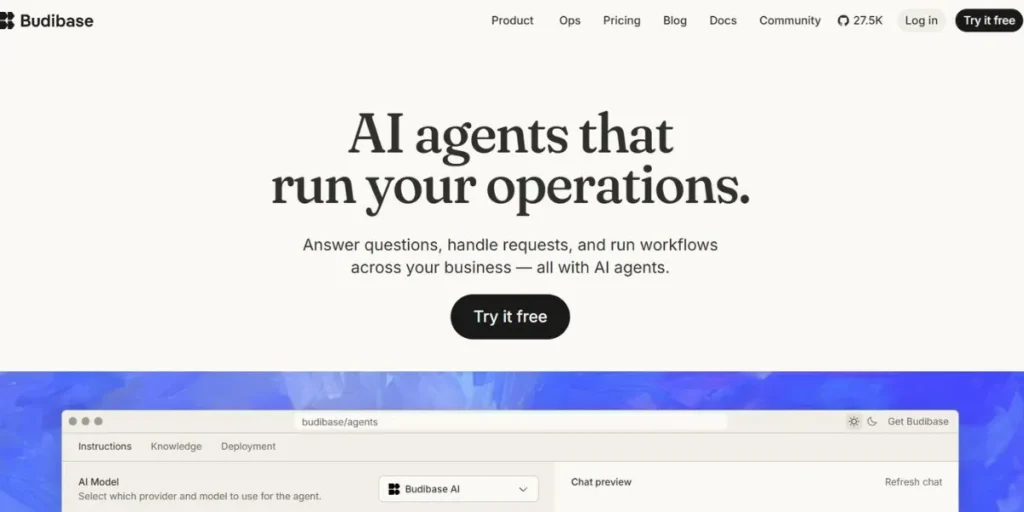
Budibase is the rising star of open-source development, providing a fast and modern way to build internal tools and business apps. It has seen over 500,000 downloads from its GitHub repository, making it one of the most popular self-hosted rapid web app development tools available. The platform is designed for speed, allowing users to go from a blank screen to a working app with an integrated database in less than five minutes.
In 2026, Budibase expanded its automation engine, allowing for complex multi-step workflows that connect to hundreds of external services. It is particularly popular with IT teams who want to keep their data on their own servers for maximum privacy. Furthermore, its clean and minimalist design ensures that every app built on the platform looks professional and is easy to use.
Key Features
- Open-source core with self-hosting capabilities.
- Modern and clean UI components for fast design.
- Automated internal workflows and email alerts.
- Direct connection to SQL, MongoDB, and more.
Pros
- Free of charge when you run it on your server.
- Extreme degree of privacy and data control.
- Uncluttered interface with no junk.
- Extremely quick to develop an idea into a working dashboard.
Cons
- Fewer and smaller libraries of plugins compared to a giant such as Bubble.
- Not designed to use complicated social media or gaming apps.
- Fewer pre-developed industry templates.
- New features can at times be ahead of documentation.
Best For
IT teams and startups that require internal applications.
Pricing
Pro plan at $19/month, premium at $49/month, business at $299/month.
Website: https://budibase.com/
Best Free Rapid Web App Development Tools
In case you are working on a very small budget or wish to trial, then there are some great options as to how to start without spending even a dime. These platforms are as follows:
- Bubble
- FlutterFlow
- AppSheet
- Glide
- Softr
- Budibase
Best Open Source & GitHub RAD Tools
Open-source is preferable to those who like to have a peek under the hood and do not want to be confined to a particular platform of a company. The following tools permit complete control and community-based improvement:
- Budibase
- Appsmith
- ToolJet
- Aura
- Amplication
- Lowdefy
Best Rapid Development Platforms for Businesses
Businesses normally seek proven solutions when it comes to security, scalability, and support. These alternatives are constructed to do the “heavy lifting” of the corporate world:
- Knack
- Microsoft Power Apps
- OutSystems
- Mendix
- Quickbase
- Appian
Key Features to Look for in RAD Tools
When you are out looking to acquire the appropriate software, you can easily be fooled by the glitter of the features you do not need. These are the systems that are created to simplify your work, yet you must make sure that they possess the following basics:
- Visual editors: Drag-and-drop editors need to be high-quality since they allow you to have a real-time view of what you are creating.
- Ready-made templates: Getting a ready-made app will save you hours of work time, instead of opening a blank white screen.
- Integration capacity: This is the capacity to integrate with other applications such as Slack, Gmail, or Stripe, and this is what makes your app really useful.
- Mobile responsiveness: Your application should be usable both on phones and tablets without you having to develop an additional application.
- Role-based access: This is a necessity that restricts access to data and how it should be altered for users beyond a single user.
How to Choose the Right Tool (Beginner to Enterprise)
The choice of right rapid web app development tools will solely rely on your level of skills at a particular moment and what you are attempting to work on. Making a correct decision at the beginning can save you several months of frustration; thus, consider the following categories:
- To beginners: Find the simplest tools with easy interfaces, like Glide or AppSheet, which take data you already know in spreadsheets.
- To designers: Select platforms that are more visual, such as FlutterFlow, which allows you to make things attractive without the need to write any code.
- To developers: Use low-code platforms such as Retool or Budibase, which will permit you to write code when you can afford more horsepower.
- To small businesses: Choose an all-arounder such as Knack or Zoho, which is a great combination of cost, functionality, and usability.
- To businesses: Continue with the giants such as Power Apps or Mendix, which can be as secure and supportive as your legal department is going to need.
Pros & Cons of Rapid Development Tools
Pros
- Speed: Reduces development time by nearly 60% compared to traditional coding.
- Cost savings: Helps businesses save on development costs by an average of 45%.
- Accessibility: Enables non-technical employees (citizen developers) to build their own tools.
- Lower risk: Testing small versions of an app early on helps catch big mistakes before they become expensive problems.
- Market agility: Allows companies to launch products in weeks instead of years.
Cons
- Platform lock-in: Most platforms lock you into their ecosystem, making migration difficult.
- Limitations: May not be suitable for highly complex, custom, or performance-intensive applications.
- Scalability concerns: Some tools may struggle with very high user volumes or complex data processing.
- Learning curve: Even no-code tools require time to master, especially for complex logic.
- Hidden costs: Pricing can escalate quickly as users, data volume, or required features grow.
Conclusion
In 2026, the rules of the game were entirely changed by the Rapid Web App Development Tools. You do not have to wait months anymore and spend a fortune to get a basic internal tool or a startup MVP off the ground. With the right platform, be it the Knack-based data power, the Power Apps-based enterprise integration, or the Bubble-based design freedom, you can realize your idea in working software at a tenth of the cost.
The existing market demonstrates that there is a 60% accelerated turnaround on online projects by businesses that use these tools. As AI continues to get better at helping us create, the gap between “having an idea” and “having an app” will only get smaller. Don’t let the technical details hold you back; pick a tool that feels right and start building today to increase your productivity and stay ahead of the curve.
Explore More About:
FAQs
1. Would I have to know how to code in order to make use of these tools?
The majority of these rapid web app development tools are no-code and low-code tools, i.e., to create a complete application, you work with visual menus only, but with some basic understanding of logic or SQL, you can create high-tech components.
2. Do these tools support thousands of users?
Indeed, systems such as OutSystems, Mendix, and Power Apps are designed to be able to handle large volumes of data and high levels of enterprise traffic without failing.
3. Am I secure on these websites?
The majority of big providers have industry-standard encryption and security, although in the case of extreme privacy requirements, you can have an open-source tool such as Budibase to
host the data yourself.
4. Is it possible to transform my web application into a mobile application?
Several platforms, such as FlutterFlow and AppSheet, allow building so-called native mobile apps, whereas other ones offer so-called responsive web platforms that work with the browser of a phone.
5. Can I transfer my app to another tool in the future?
Usually, no. The majority of platforms lock you into their platform, but other tools, such as FlutterFlow, would support exporting the code itself to be used elsewhere.
