

The internet often resembles an overpopulated, open highway, and at times, one requires a personal tunnel for their information. The data from an industry report in 2024 revealed that more than 31% of worldwide internet users acknowledged their VPN usage at least once, thus indicating a substantial move towards online invisibility. This is an enormous leap in just a few years! The reason behind the shift? The average internet user visits hundreds of websites every month, thereby creating a gigantic digital footprint that can be tracked by advertisers, ISPs, and even cybercriminals.
The convenience of a privacy tool being part of the browser right there in the box makes changing to a safer browsing habit a matter of seconds. These embedded privacy tools are gradually eradicating the need for different, sometimes complex, software installations. In this article, we will cut through the noise and review the 10 best browsers with built-in VPN (Free & Paid) for 2025.
What is a Browser with a Built-in VPN?
The idea of a browser with a built-in VPN in 2025 not only means offering private browsing. By fusing a Virtual Private Network (VPN) into the browser’s framework directly, users have the freedom to enjoy privacy in a smooth way without the need for extra software or extensions. This blend brings together the features of your regular browser with the safety of an encrypted connection, thus giving assurance that your data will be secure from unauthorized access.
Using one of the top browsers with Built-in VPN results in your internet activities being encrypted automatically prior to departure from your machine. After that, the VPN sends the data to a secure server located somewhere else; thus, your IP address is changed, and your location is concealed. In this way, through your digital activities, you become untraceable for advertisers, trackers, or cybercriminals. In the swiftly-moving online world, this inbuilt protection layer is indispensable if privacy and security have to be preserved.
Knowing the advantages of a browser-integrated VPN would be much easier if one also understood how it differs from the regular VPN setups:
- Standalone VPNs: These are responsible for the security of all the internet traffic on your whole device, which includes the apps running in the background and other non-browser tools.
- Built-in Browser VPNs: These are specifically designed to keep your browsing sessions safe. Every website you visit, every search you perform, and every form you fill out is automatically encrypted within that browser.
Most people will find that this provides them with an ideal compromise between safety and accessibility, particularly because the large majority of internet activities are done via browsers. By 2025, a browser equipped with a built-in VPN will no longer be just a tech gadget; it’s something that is absolutely necessary for the modern world.
How We Evaluated the Browsers
The selection of the Best Browsers with Built-in VPN cannot be done by only seeing the surface of things. The decision depends on the thorough investigation of the company’s main points. To evaluate their reliability, privacy, and user experience, we took into consideration their environment and a good number of critical factors, which included:
- Privacy Policy and Logging: One central aspect of this was a thorough investigation of whether the browser or VPN service that provides it logs any user activity, which is the most critical factor for a completely private experience.
- Encryption and Protocol Strength: We confirmed that every alternative uses modern, secure encryption standards like AES-256 and trusted protocols such as WireGuard or OpenVPN for ensuring data protection.
- Speed and Performance Impact: We experimented with the extent to which the built-in VPN slows down the connection rate because, if surfing is done at a slow pace, it results in a bad user experience, which is the primary reason why people choose fast and safe browsing.
- Server Network and Location Options: The large number of server locations from which users can select to get rid of geo-restrictions and also to find the fastest connection possible is a great advantage.
- Cost and Bandwidth Limitations: We were very attentive to whether the VPN service is totally free, has a reasonable paid model, and what type of data usage limits, if any, are imposed on users.
Best Browsers with Built-in VPN: Feature Comparison Table
| Name | Type | Free/Paid | Key Features | Ideal For |
| Opera | Browser + Proxy | Free (Unlimited Data) / Paid Pro | Free unlimited data, Simple UI, Region-only location selection, AES 256-bit Encryption. | Casual internet users, Basic privacy on public Wi-Fi, Users with a limited budget. |
| Brave | Browser + VPN | Paid Only | Full-device protection, Built-in Firewall, Audited no-logs policy, Fast WireGuard protocol, Limited to 5 devices. | Users who only use Brave, Those who need protection for the whole device, Privacy-conscious users. |
| Aloha | Mobile Browser + VPN | Free (Unlimited Data) / Paid Premium | Mobile-focused, Integrated Ad Blocker, Easy one-click VPN, Free version auto-disconnects when minimized. | Users who primarily use mobile, Quick privacy on the go, Users who want a seamless experience. |
| Microsoft Edge | Browser + VPN | Free (5GB/mo Limit) | Powered by Cloudflare, Uses fast WireGuard protocol, Seamless integration, Very restrictive 5GB monthly data cap. | Occasional use on public Wi-Fi, Users who only need a VPN briefly, Existing Edge users. |
| Avast Secure | Browser + VPN | Paid Only | Full-device protection, Over 30 server locations, Affordable subscription model, Strong OpenVPN protocol. | Existing Avast users, Cost-conscious users needing full-device VPN, Users prioritizing server variety. |
| Epic Privacy | Browser + Proxy | Free (Unlimited Data) | Aggressive tracker blocking, Encrypted Proxy in eight locations, Auto-clears data on exit, May slow speed. | Maximum browser-level privacy, Users who need streaming unblocking, Simple, no-fuss anonymity. |
| Maxthon | Browser + VPN | Free (IP Sharing Required) | Major privacy risk (requires sharing IP/resources with Bright Data), Fast browsing speed, Cloud-powered features. | NOT Recommended (Due to the requirement to share your network resources). |
| UR Browser | Browser + VPN | Free (Requires Account) | High number of server locations on free tier, Built-in anti-fingerprinting, Requires an account/email to use the VPN. | Users in need of specific and various server locations without paying a dime, Those who don’t mind creating an account. |
| Vivaldi | Browser (No Native VPN) | Requires External Service (Extension) | Super flexible and customizable, Great built-in ad/tracker blocker, No native built-in VPN (requires manual extension setup). | Tech-savvy users, Privacy lovers, Those who prefer using a standalone VPN service with a good browser. |
| Psiphon | Hybrid Tool (VPN + Proxy) | Free (Unlimited Data) / Paid Speed Boost | Extremely effective at bypassing censorship, Hybrid technology (VPN/SSH/Proxy), Free tier has very slow speeds. | Users in heavily censored regions, Journalists and activists, Accessing basic blocked content. |
We suggest you to check this blog also Compliance Management Software
10 Best Browsers with Built-in VPN – Top Picks
1. Opera
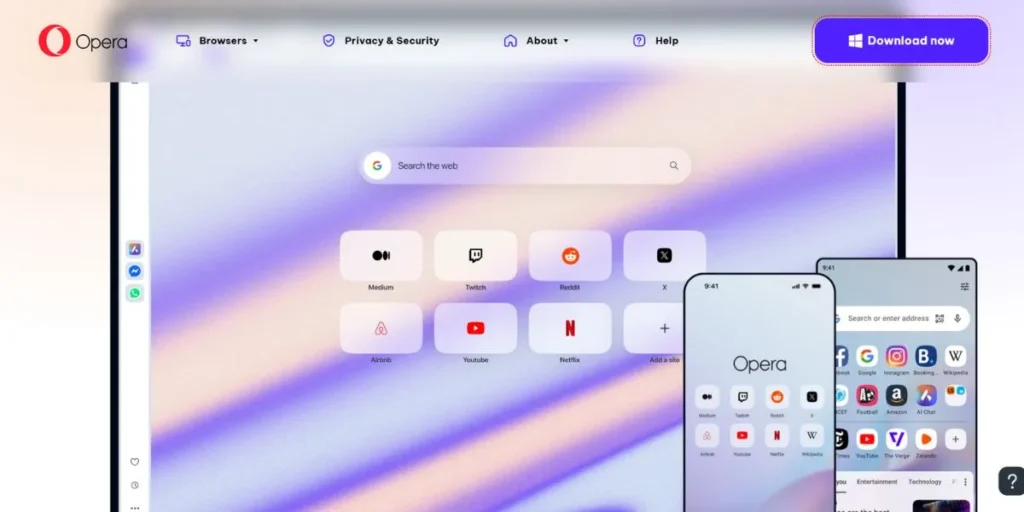
Opera was one of the first browsers to offer a free, unlimited built-in VPN (or more accurately, a proxy) for its users, thus it can be considered a pioneer in that sense. Besides, the browser is rapid, complete with features, and based on the Chromium engine. The free VPN feature has no data usage limit, and that is a massive plus, but it does not permit the exact selection of the server location apart from general regions like the Americas, Europe, and Asia.
Additionally, those who need to access specific streaming services may find that the free version frequently struggles with this; however, if basic privacy and bypassing simple geo-blocks are what you need, then it is a great, handy option.
Strengths:
- Unlimited and Free Data
- Easy to Use
- AES 256-bit Encryption
Limitations:
- Free Tier Has Limited Location Selection
- Potentially struggles with Streaming Services
- Browser-only Protection on the Free Tier
Ideal For: Casual internet users, Basic privacy on public Wi-Fi, Users with a limited budget
Link: https://www.opera.com/
2. Brave

Speed and privacy are the two main selling points of the Brave browser, and these come mainly from the browser’s aggressive built-in ad and tracker blocker. The built-in VPN of Brave, known as Brave Firewall + VPN, is a premium, paid-only feature that provides security for the whole device, not just the browser.
Thus, it can be seen as a complete, separate VPN service. Furthermore, the service includes a firewall for blocking unwanted network connections. On top of that, Brave uses the secure WireGuard protocol and allows a user to choose from a good number of server locations, which is why it has high-speed connections. But the price of this service is high when compared with some standalone VPNs.
Strengths:
- Protection for the whole device
- Comes with a Firewall
- Privacy policy verified by independent audits
- Good performance for streaming
Limitations:
- Service available to paid users only
- Higher cost than most of the competitors
- Limited to 5 devices
Ideal For: Users who only use Brave, those who need protection for the whole device, and Privacy-conscious users
Link: https://brave.com/
3. Aloha Browser

Aloha is primarily a mobile browser (although it does have desktop versions) that focuses on privacy, thus ranking high among the Best Browsers with Built-in VPN. It provides a free, unlimited, and easy-to-turn-on built-in VPN for its mobile users. The free version connects you to the fastest server automatically, which is great for speed but hampers your ability to select a location for geo-unblocking.
Besides, there is an ad blocker and a media player built in. Also, the free VPN will auto-disconnect if the app is minimized for a specific period, which some people might find irritating. Meanwhile, the paid Aloha Premium version removes ads, allows the user to select the country, and adds a few more features.
Strengths:
- Unlimited and Free on Mobile
- Integrated Ad Blocker
- Easy, One-click VPN
Limitations:
- Minimizing the app causes the free version to auto-disconnect
- Limited features on the free tier
- Location selection is for paid users only
Ideal For: Users who primarily use mobile, Quick privacy on the go, Users who want a seamless experience
Link: https://alohabrowser.com/
4. Microsoft Edge

A built-in service named Microsoft Edge Secure Network is available in Microsoft Edge, which is basically a VPN powered by Cloudflare. The most significant limitation of the free service is that it is only available for a mere 5GB of data per month, which goes quite fast.
Besides that, it provides merely an “Optimized” server location, which selects a region close to you automatically, or you can choose a particular city. This, therefore, drastically limits the capability of unblocking the content in far-off countries. Additionally, it employs the WireGuard protocol, thus a fast and secure connection is guaranteed.
Strengths:
- Uses fast WireGuard protocol
- Powered by Cloudflare
- Seamlessly integrated into the browser
Limitations:
- Very restrictive 5GB monthly data cap
- Limited location selection
- Logs user data minimally
Ideal For: Occasional use on public Wi-Fi, Users who only need a VPN briefly, Existing Edge users
Link: https://www.microsoft.com/en-us/edge
5. Avast Secure Browser
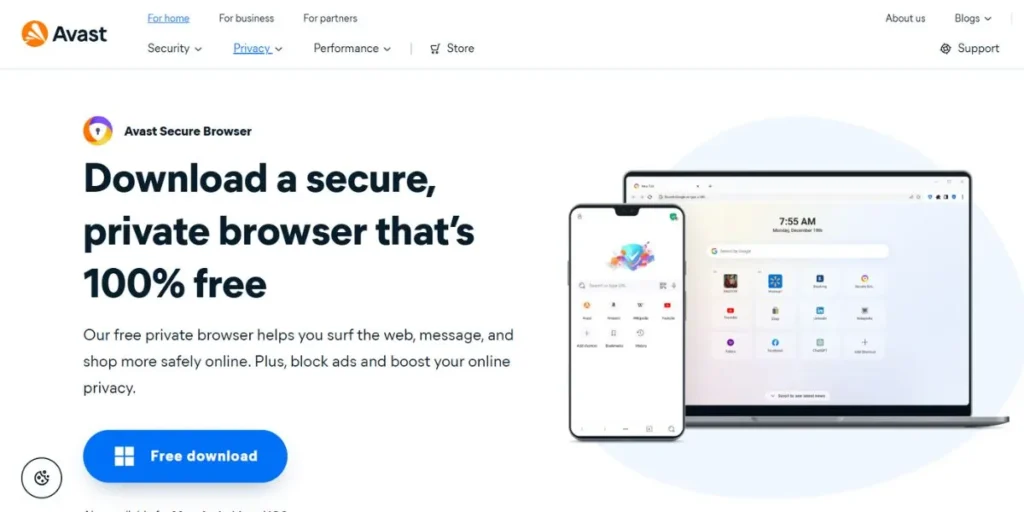
The same company that is behind the popular antivirus software program is the one that created Avast Secure Browser, which is a security-focused browser based on Chromium. It features an integrated, paid-only VPN called Avast SecureLine VPN, which makes your whole device, not just the browser, secure. The browser comes loaded with privacy features, among which are the anti-tracking feature and the private mode.
The VPN has been offering servers in more than 30 countries, which is a nice choice. Moreover, the price is quite reasonable, especially if you opt for a more extended subscription period, hence making it a cheaply-priced full-device security solution. Besides that, it employs the OpenVPN protocol to provide strong security.
Strengths:
- Affordable paid option
- Full-device protection
- Over 30 server locations
- Strong OpenVPN protocol
Limitations:
- VPN is not freerequires a separate subscription from the free browser
- Can be overly technical for beginners
Ideal For: Existing Avast users, Cost-conscious users needing full-device VPN, Users prioritizing server variety
Link: https://www.avast.com/en-in/secure-browser
6. Epic Privacy Browser
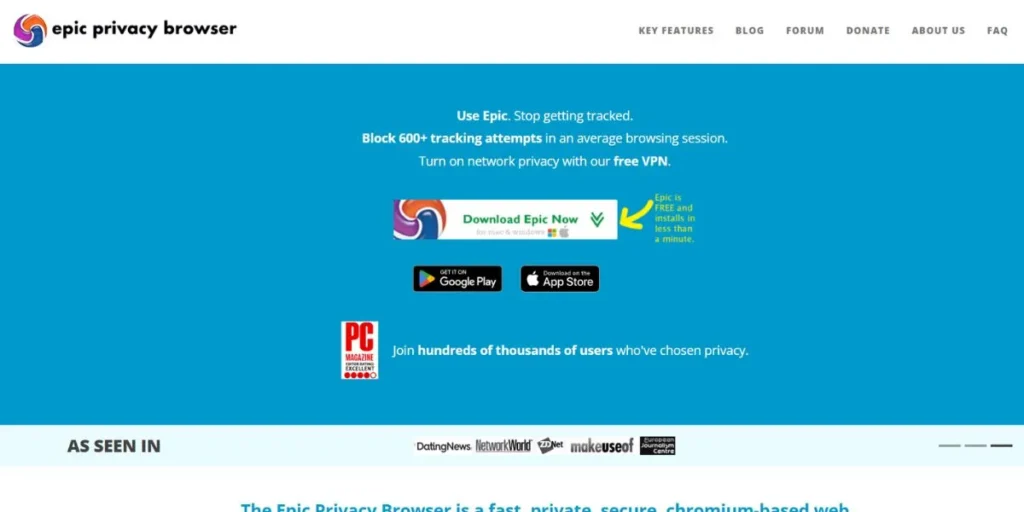
Epic Privacy Browser is a browser that pays great attention to the privacy of the user, and besides that, it has a free, unlimited, and encrypted proxy service that is integrated. Technically speaking, it is a proxy and not a complete VPN; however, it still hides your IP address and sends your traffic to one of its eight server locations.
The browser will not keep any data, as it deletes the data of all users when they leave, and it also protects from ads, trackers, and widgets by blocking them. Besides that, the browser’s primary goal is privacy, so sometimes it may slow down your connection speed. Therefore, if you are looking for a free, easy, and unlimited way that is also suitable for basic geo-unblocking, then Epic can be considered an excellent choice among the best browsers with built-in VPN.
Strengths:
- Free and Unlimited
- Strong privacy features
- Good for streaming unblocking
- Auto-clears data on exit
Limitations:
- Proxy is used
- Not a complete VPN
- May slow down connection speed
- Only eight server locations
Ideal For: Maximum browser-level privacy, Users who need streaming unblocking, Simple, no-fuss anonymity
Link: https://epicbrowser.com/
7. Maxthon Browser
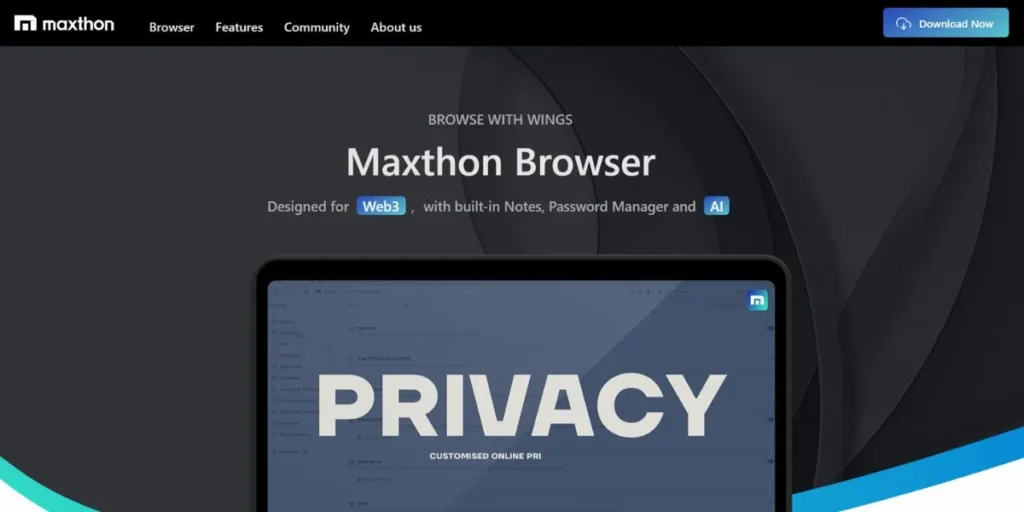
Maxthon is a browser that stores users’ data in the cloud and is centered on quickness and features. It provides a free internal VPN service called BrightVPN. Nevertheless, the way in which this VPN is being supported is the main issue. In order to use it, you need to consent to the sharing of your device’s free resources and IP address with Bright Data, which then uses it for collecting data from the web that is open to the public.
Simply put, your device will be one of the nodes in the bigger proxy network, thus posing a significant privacy and security risk. Moreover, the VPN that comes with the browser is free and without limitations in terms of data, but allowing third parties to make use of your connection is something that many privacy-conscious users will definitely disagree with.
Strengths:
- Unlimited free VPN
- Fast browsing speed
- Cloud-powered features
Limitations:
- Privacy risk as you have to share your IP address/resources
- Not-so-clear logging policy
- VPN service may be unstable
Ideal For: Users who put more emphasis on having a lot of features than on privacy; most users should not use it.
Link: https://www.maxthon.com/
8. UR Browser
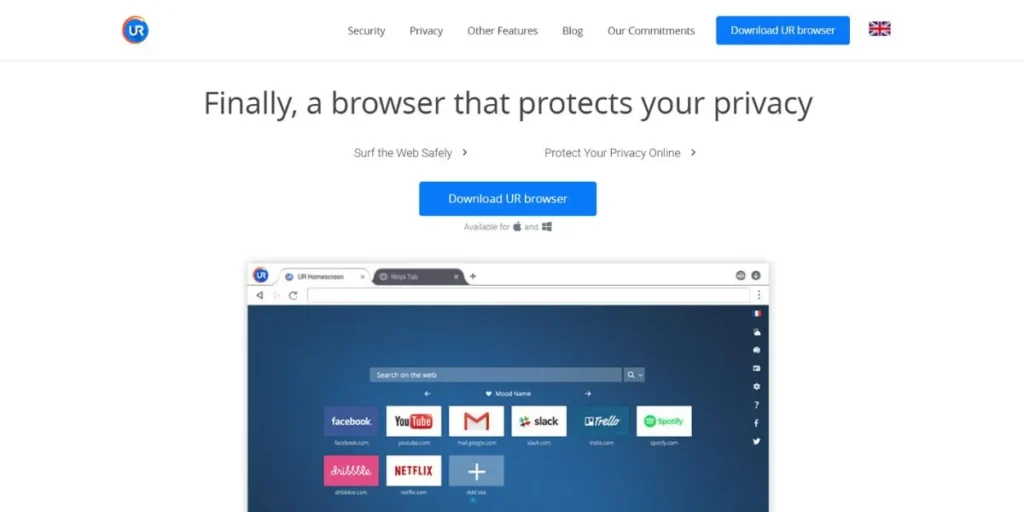
UR Browser is a privacy-centric web browser that runs on the Chromium engine. One of the Best Browsers with Built-in VPN service that doesn’t cost a dime and can be connected to pretty much anywhere in the world. The problem is that a user needs to sign up for an account prior to the first use, where they give away their email address, thus running against the principle of absolute anonymity.
In addition to that, some users have said that the VPN sometimes works unreliably because some servers that are supposed to be in a specific location either don’t connect or don’t reflect the location as stated. Besides anti-fingerprinting, the browser comes with a variety of other safety features.
Strengths:
- A free built-in VPN
- A high number of server locations
- Built-in anti-fingerprinting
Limitations:
- To use the VPN
- An account/email is required
- Some servers are unreliable
- The long-term stability of the company is a concern.
Ideal For: Users in need of specific and various server locations without paying a dime, those who don’t mind creating an account
Link: https://www.ur-browser.com/
9. Vivaldi

Vivaldi is often cited as one of the most customizable and privacy-friendly Chromium-based browsers out there, even though it doesn’t come with a built-in VPN. It can work well with third-party VPN service browser extensions like ExpressVPN or NordVPN’s browser add-ons. The browser is packed with features that users often confuse with the functionalities of a VPN, such as its strong tracker and ad blocker.
Besides that, the browser gives the user comprehensive options for personalizing its look and features. Moreover, Vivaldi is very open about its privacy policy and doesn’t keep any user data. So, if you are ready to install a trustworthy VPN extension, Vivaldi is one of the safest and best browsers to go along with it.
Strengths:
- Super flexible
- Great built-in ad/tracker blocker
- User privacy is a key focus
- Fast and feature-rich
Limitations:
- No built-in VPN (needs an extension)
- Manual setup of a VPN extension is required
Ideal For: Tech-savvy users, Privacy lovers, Those who prefer using a standalone VPN service with a good browser
Link: https://vivaldi.com/
10. Psiphon

Psiphon is not a usual browser included in the list of Best Browsers with Built-in VPN, but rather a robust, open-source, censorship circumvention tool that provides a hybrid method by combining VPN, SSH, and proxy technologies. Its primary purpose is to help users in extremely restrictive countries gain access to the free internet, and it does so by effectively bypassing complex government firewalls like the Great Firewall of China. Psiphon desktop allows a full VPN mode in which all the traffic of your device is tunneled, just like a regular VPN.
Besides, it also has a Proxy mode (which is the state in which a mobile device with its bundled browser is automatically used most of the time) that only directs traffic for applications that support system proxy settings. Additionally, the service is without charge, and there is no limit on data, but free users are likely to suffer from slow speeds (around 2 Mbps capped) unless they pay for a speed boost using PsiCash credits.
Strengths:
- Extremely effective at bypassing internet censorship
- Free and offers unlimited data
- Open-source and regularly audited
- Multiple connection methods for resilience.
Limitations:
- Not a traditional VPN (hybrid technology)
- can have very slow speeds on the free tier
- Logging policy is less strict than privacy-first VPNs
- Lacks crucial features like a Kill Switch.
Ideal For: Users in heavily censored regions, Journalists and activists, accessing basic blocked content (not reliable for HD streaming).
Link: https://psiphon.ca/
Free vs Paid Built-in VPN Browsers
A decision of using a free or paid built-in VPN is primarily influenced by the level of security and ease that you require. Free choices are ideal when you need quick and simple privacy. However, paid services are usually more advantageous in terms of both security and performance. Here is a comparison between both:
| Feature | Free Built-in VPN (e.g., Opera Free) | Paid Built-in VPN (e.g., Brave Firewall + VPN) |
| Data Limit | Often Unlimited (e.g., Opera) or highly limited (e.g., Edge’s 5GB) | Always Unlimited |
| Server Locations | Very limited (often region-only) or auto-select | A wide selection of 30+ countries |
| Speed | Can be inconsistent and slow down traffic | Fast and reliable, minimal speed loss |
| Logging Policy | Policies can be vague or less strict | Usually a strict no-logs policy (often audited) |
| Protection Scope | Browser-only traffic protection | Full-device protection (browser + apps) |
| Streaming Access | Often fails to unblock popular services | Generally reliable for unblocking streaming |
Device-Specific Considerations for Choosing Browsers with a Built-in VPN
While picking one of the Best Browsers with Built-in VPN, you should also consider the device that you will be using the most. Different kinds of operating systems have their own sets of requirements that are stated below:
- Mobile Experience and Battery Usage: Check how effectively the browser’s VPN is merged into the mobile OS, and that your phone’s battery life is not rapidly consumed.
- Desktop vs Mobile Feature Parity: Verify whether the VPN feature works in the same way on Windows, macOS, Android, and iOS versions, as some features might be available only for mobile devices.
- iOS and Android Limitations: Be aware of the fact that the rules of Apple’s and Google’s app stores can impact the manner in which a VPN operates, sometimes limiting full-device protection for mobile platforms.
- Sync and Profile Management: The features that help you synchronize your bookmarks, passwords, and VPN settings between your computer and phone are definitely time-saving and worth looking for.
- RAM and CPU Consumption: Check the extent to which the browser, especially if it is a Chromium-based one, is using your computer’s resources. This can cause problems with the performance of an old machine.
How to Choose the Right Browser with Built-in VPN
The one that fits your needs most among the Best Browsers with Built-in VPN is a question only you can answer. The decision-making process includes consideration of these key points:
- Determine Your Primary Use Case: Identify the primary privacy needs that you have when accessing a public Wi-Fi network or, alternatively, finding out if the reliable unblocking of streaming content is what you mainly seek. This, in turn, determines which features are necessary.
- Evaluate the Need for Full-Device Protection: At the same time, if gaming, torrenting, and other app traffic are your concern, then opting for a paid service that offers security beyond the browser will be the answer.
- Check the Location Options and Speed: One of the requirements for the browser’s VPN is that it must provide a location from which the user wants to be connected. Besides that, the speed should also be taken into consideration as the user will want to know if the internet speed is sufficient for their typical online activities.
- Read the Privacy Policy Carefully: A “free VPN” cannot be automatically assumed as a private one. You should always look through the fine print to make sure they follow a strict no-logs policy.
- Consider the Browser Itself: Do not forget that it is the browser that you will be using every day, and hence it is recommended to check if you are comfortable with its general layout, features, and working even when the VPN is switched off.
Risks and Limitations to Understand
The best browsers with Built-in VPN are very handy, but one must know their inherent limitations when compared to a complete, standalone VPN application. These are the limitations that come along with those considerations:
- Browser-Only Protection: One of the most significant drawbacks is that the built-in VPN only allows privacy for the traffic that goes through the browser; hence, other app traffic is not encrypted, for instance, gaming, email, and music apps.
- Less Potent Server Infrastructure: This involves being aware that built-in services typically have fewer and less powerful servers than a primary standalone VPN provider, which may result in slower and less stable connections.
- Absence of Advanced Security Features: You should be aware that in-built VPNs usually do not have security features such as a Kill Switch (which stops data leaks in case the VPN connection is lost) or Split Tunneling.
- Obscure or Incoherent Logging Policies: Some free services are not very transparent about their data collection practices, as they need to support their free service in some way, and this may sometimes be via data collection.
- Streaming and Geo-Blocking Inconsistency: Simply put, due to the limited number of servers, most built-in VPNs can be easily identified and blocked by primary streaming services like Netflix and BBC iPlayer, thus they can’t be relied on for this purpose.
Conclusion
The decision to go with one of the Best Browsers with Built-in VPN is like killing two birds with one stone, as you get both convenience and security. If you were looking for a completely free and unlimited option for simple day-to-day privacy, then it is very hard to surpass Opera, although it has limitations with streaming. But in case you require a high-end, full-device security solution that secures your whole device and also gives you the fastest speeds, then the Brave Firewall + VPN would be the better option.
At the end of the day, a built-in VPN is a great first move towards online privacy, but if you want the highest level of security and the ability to stream content at will, then a great browser like Firefox or Vivaldi in conjunction with a premium standalone VPN service is still the best solution.
FAQs
Which browser has the best built-in VPN?
The Brave Firewall + VPN is the best because it provides the user with full-device protection, employs the safe WireGuard protocol, and implements a rigorous, audited no-log policy, therefore, giving the user a real VPN experience, though it is only available as a paid feature.
Does the Google browser have a built-in VPN?
Google Chrome doesn’t have an in-built VPN. But you can easily add this feature by installing a VPN extension from the Chrome Web Store.
Is there a browser that acts like a VPN?
Opera is the closest one. It works like a free, fundamental VPN by sending your data through its secure proxy servers, thus providing encryption and changing your IP right from the browser tab.
Is there a search engine with a built-in VPN?
No, a search engine can’t come with an integrated VPN, as a VPN is network technology that is either integrated in a browser or an OS, and not a web service like a search engine.
Is a built-in VPN as good as a complete VPN app?
A built-in VPN is generally not as good as a complete VPN app because it usually only protects the browser’s traffic, does not have the necessary security features like a Kill Switch, and most of the time it has slower speeds due to a limited number of servers.
Does a built-in VPN protect me from malware and viruses?
No! A built-in VPN doesn’t help against malware or viruses. Its primary role is to scramble your data and make your location anonymous. You will still need proper antivirus software for security against malicious software.
