
Being a businessman implies having to do a lot of things daily. Some monotonous tasks are time-consuming. But what would happen if machines could perform these tasks on your behalf? Automation helps businesses to work smarter and faster; that is where the Business Process Automation tools come in. They save time, minimize errors, and leave people to work on significant tasks.
This article will discuss the most suitable Business Process Automation Tools at the present time. These tools apply to a small business or a large company to ease your work. We shall describe what these tools are, why you need them, and the best tools. Let’s get started!
What are Business Process Automation Tools?
Business Process Automation Tools refer to computer programs that automatically perform monotonous tasks. These are tools that do not require human assistance after installation. They can send email, transfer data among applications, generate reports, and much more. These tools can be thought of as useful computer robots. You say it to them once, and they do it ever after that. As an example, automation tools can copy customer information from emails into spreadsheets automatically in real time, unlike manual methods.
These business automation solutions link various applications and integrate them. They follow the rules you create. When something occurs in one application, the tool causes something to occur in another application. This saves man-hours of work per week.
Why Look for the Best Business Process Automation Tools?
1. Save Time Daily: Repetitive work is done by automation to avoid having to do it manually.
2. Reduce Human Errors: Machines do not type incorrectly and do not forget relevant steps.
3. Lower Business Costs: Less manual work translates into less time and resources.
4. Improve Team Productivity: Innovative work is prioritized by the employees over monotonous work.
5. Scale Business Easily: Automation increases as business expands without any additional employees.
Benefits of Using Business Process Automation Tools
1. Faster Task Completion: Work is completed within minutes rather than hours and days.
2. Better Customer Service: Speedy service leaves the customers satisfied and trusting in the long run.
3. Easy Data Management: Any data remains in a single location and is arranged in an orderly manner.
4. Consistent Quality Results: All the jobs are done through the same procedure without any difference.
5. Real-Time Reporting: Get real-time information regarding your business performance and progress.
Explore More: Top Competitive Intelligence Tools
Top 10 Business Process Automation Tools
1. Zapier

One of the most popular tools to automate processes in the world is Zapier. It integrates more than 6,000 apps and allows them to exchange information automatically. Zapier does not require coders. It is operated on a crude trigger-action system. Once an event is triggered in an app (trigger), Zapier causes an event to take place in another app (action). To illustrate, in the case of a new email, Zapier can automatically save the attachment on Google Drive. Each day, Zapier is used by millions of businesses. It suits both small and big companies.
Key Features
- Connects over 6,000 applications
- Conditional multi-step processes.
- Built-in apps for tasks
Pros
- Very easy to use
- Huge app integration library
- Free plan available
Cons
- It can get expensive quickly
- Limited customization options
- Task limits on plans
Best For: Beginners
Pricing: Free plan available, Paid plans start at $19.99/month
Website: https://zapier.com
2. Microsoft Power Automate
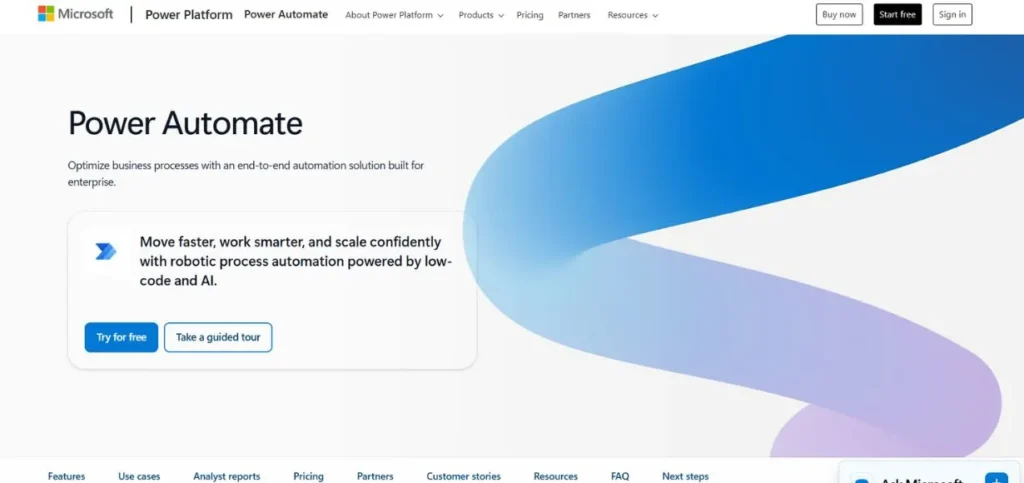
Microsoft Power Automate is a workflow automation product of Microsoft. It is incredibly compatible with Microsoft solutions, such as Office 365, Teams, SharePoint, and Dynamics 365. However, it is also integrated with hundreds of apps. Power Automate allows you to develop either simple workflows or elaborate business processes. Templates can be used to create a workflow quickly, or you can create your own, using templates or building up. The tool has AI capabilities that can read documents, process forms, as well as comprehend images. Power Automate is popular with many large organizations as it is compatible with the existing Microsoft systems.
Key Features
- Intensive Microsoft integration is possible.
- Artificial intelligence document processing.
- Distribution automation on desktops and in the clouds.
Pros
- Works great with Microsoft
- Powerful AI features are ntailed.
- Good for enterprises
Cons
- Difficult for those who are beginners first.
- Expensive for full features
- Steep learning curve
Best For: Enterprises
Pricing: Free plan available, Paid plans start at $15/month per user
Website: https://powerautomate.microsoft.com
3. Make (formerly Integromat)
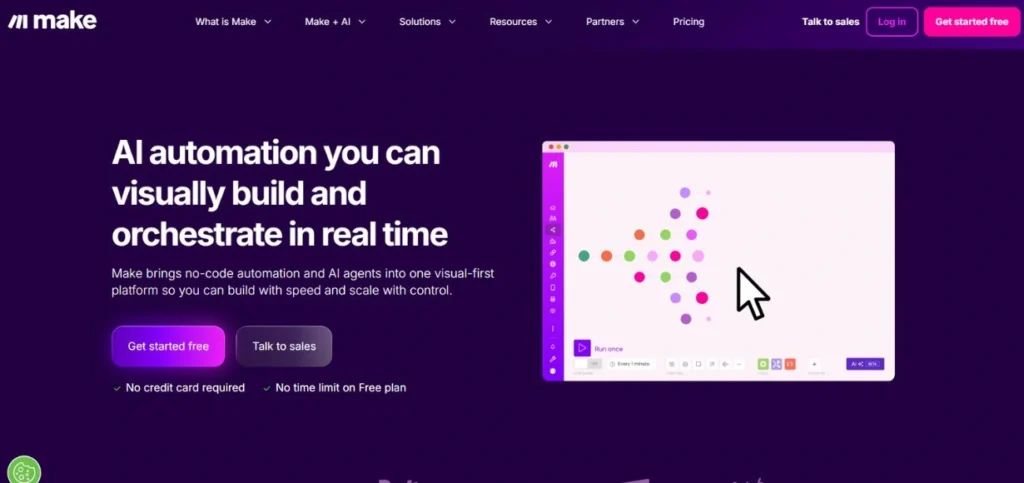
Make is a graphical automation system that employs an idiosyncratic design. The flowcharts that you observe, instead of the list of things that you want to use, are your workflows that have connecting lines. It is easy to comprehend that data flows across apps. Making offers is more controllable compared to most business process automation software. You are able to manipulate data, add conditional parameters, and develop complicated logic. It gives support to more than 1,500 applications and services. Make is popular with those who prefer powerful automation, but do not like writing code.
Key Features
- User-friendly interface of the visual workflow builder.
- Enhanced data manipulation tools.
- Comprehensive error handling alternatives.
Pros
- gorgeous visual interface design.
- Very powerful features are available.
- Affordable pricing plans
Cons
- A steeper learning curve in the first place.
- Fewer available app integrations.
- Can be overwhelming
Best For: Developers
Pricing: Free plan available, Paid plans start at $9/month
Website: https://www.make.com
4. Kissflow
Kissflow is a team business automation software. It integrates project managementworkflow automation, and collaboration in a platform. Kissflow works on ensuring that automation is made easy for all. No code is required to create forms, make approval processes, and custom apps. The site is simply excellent in HR, procurement, finance approval, etc. Kissflow has pre-built business solutions.
Key Features
- Ready-builtt process templates were included.
- Ready-made app creator on offer.
- Team collaborative characteristics.
Pros
- Complete business solution
- Easy-to-use interface design.
- Good customer support
Cons
- Higher price point overall
- Limited free version
- Complex pricing structure
Best For: Teams
Pricing: Starts at $1,500/month for 50 users
Website: https://kissflow.com
5. Nintex
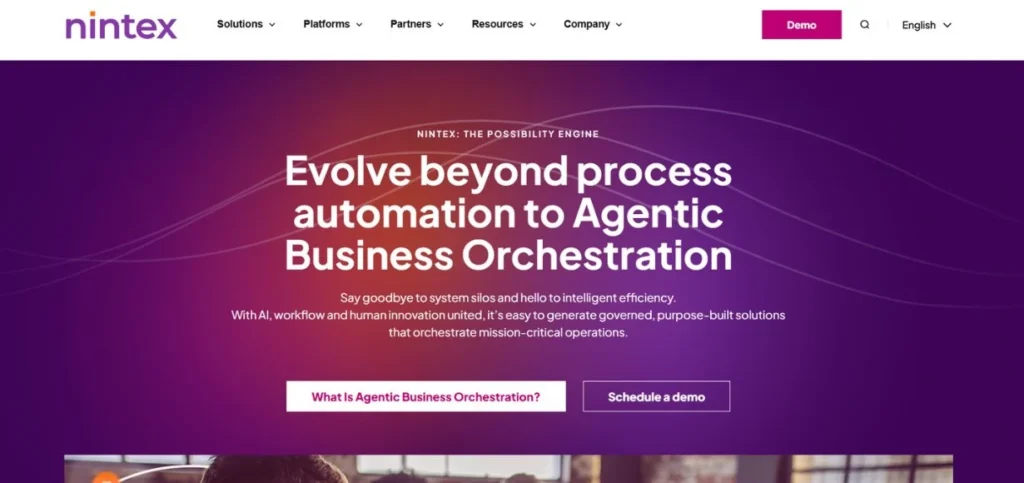
Nintex is a process automation platform for enterprise-grade use. It focuses on the generation of documents, automation of workflow, and process mapping. Nintex is especially compatible with Office 365 and SharePoint. Nintex is used by large organizations to automate complicated approval processes, contract management, and onboarding employees. The platform contains strong applications, such as process mapping, hence you can view the workflow before constructing it. Nintex also provides robotic process automation (RPA) to process desktop jobs. It is among the best workflow automation tools.
Key Features
- State-of-the-art process mapping.
- Automation in document generation.
- Security capabilities at the enterprise grade.
Pros
- Incorporated enterprises are very powerful.
- Superior SharePoint integration.
- Strong compliance features
Cons
- Very expensive pricing
- Needs technical expertise.
- Excessive means of small businesses.
Best For: Enterprises
Pricing: Custom pricing only
Website: https://www.nintex.com
Also Explore: Best Market Research Companies in India
6. Pipefy

Pipefy is a workflow management and automation tool that is comparable to digital assembly lines. You make pipes (workflows) onto which tasks flow through various processes automatically. It works best with request and approval teams, as well as the teams with multi-step operations. Pipefy has built-in templates for HR, customer service, buying, among others. You will be able to tailor everything in accordance with your needs. The tool has forms, automation, deadline tracking, and reporting. Pipefy allows the creation of automated processes by non-technical individuals. The interface is simple and easily understandable.
Key Features
- Workflow boards in the style of Kanban.
- Adaptable template of processes.
- Built-in forms and databases
Pros
- Very intuitive interface
- Excellent as a process manager.
- Good mobile app
Cons
- Limited app integrations
- Can be pricey
- Reporting could improve
Best For: Operations
Pricing: Free plan available, Paid plans start at $24/month per user
Website: https://www.pipefy.com
7. Monday.com
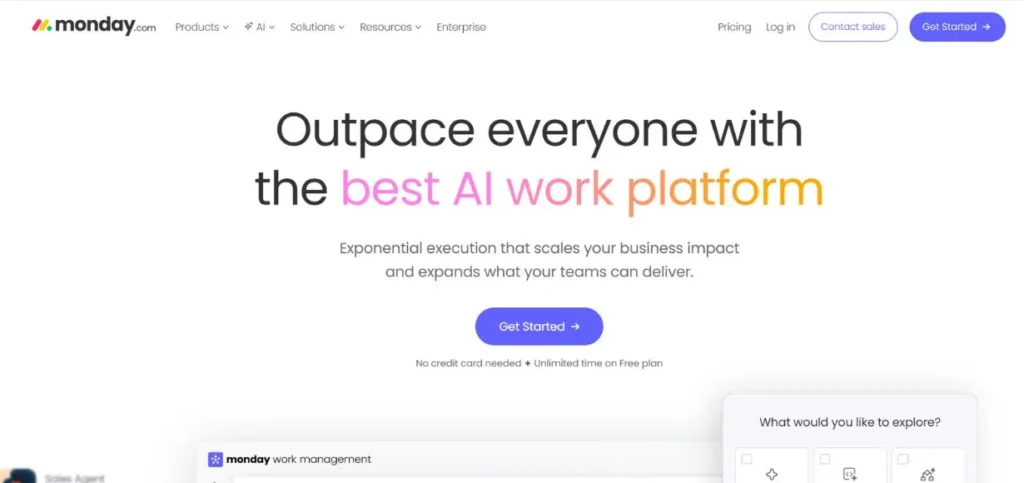
Monday.com is a work management system that has high automation capabilities. Although it originated as a project management tool, it has today the capability to provide powerful business process automation software. Assigning tasks, updating their status, providing notifications, and many other things can be automated. The Monday.com company has a visual board system that brings work to the fore. The automation builder is easy to use, pick triggers and actions from dropdown menus. No coding is needed. Monday.com integrates with numerous popular applications such as Slack, Gmail, Zoom, and Google Drive.
Key Features
- Board/boards of work management.
- Simple automation builder
- Individually customizable dashboards and reports.
Pros
- Beautiful user interface
- Easy to learn
- Great for teams
Cons
- Gets expensive with users
- Limited to plan automations.
- It can be slow sometimes
Best For: Teams
Pricing: Starts at $8/month per user
Website: https://monday.com
8. Workato
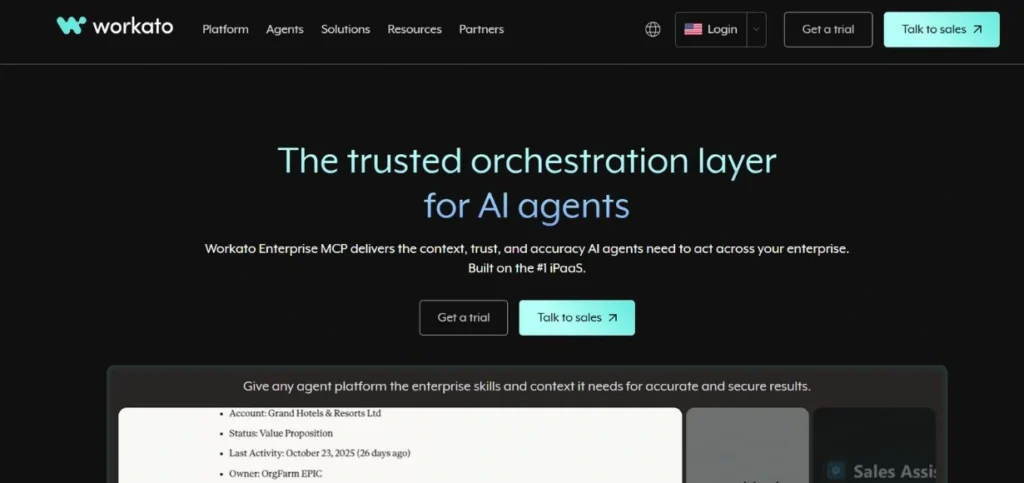
Workato is a platform of enterprise automation and integration. It is more sophisticated than some of the automation tools in business on this list. Workato is an AI and machine learning platform that proposes automation opportunities. It manages complicated integrations of cloud applications, databases, and on-premise systems. Workato is applied by large companies to bridge their complete technology stack. Millions of tasks can be dealt with reliably on the platform. Workato also has functions such as data transformation, error management, and real-time synchronization.
Key Features
- Artificial intelligence-based automation recommendations.
- Capabilities of enterprise integration.
- Developed data transformation.
Pros
- Very powerful platform
- Best when used in large companies.
- Strong security features
Cons
- Too costly for the majority of businesses.
- Has technical requirements.
- Overkill for simple needs
Best For: Enterprises
Pricing: Custom pricing only
Website: https://www.workato.com
9. Smartsheet
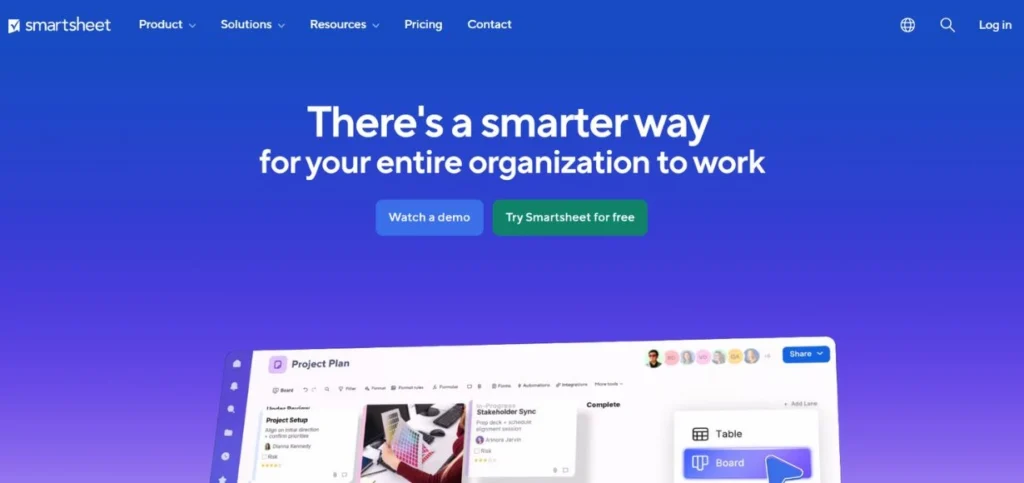
Smartsheet is a mix of a spreadsheet, automation, and project management. It is similar to Excel but with some strong automation capabilities. You can generate workflows with the ability to update rows, send alerts, seek approvals, and create documents. Smartsheet is suitable for teams that are spreadsheet-friendly and require more power. The platform consists of Gantt charts, calendars, card views, and dashboards. Smartsheet has automation that keeps the teams on track. Smartsheet is capable of informing people or initiating action when a person makes a change in a cell.
Key Features
- Automation and workflow in spreadsheets.
- Project management characteristics.
- Robotized notifications and authorisations.
Pros
- Easy-to-use spreadsheet interface.
- Good project features
- Good reporting strengths.
Cons
- It can get complicated quickly
- Expensive for full features
- Limited automation on plans
Best For: Projects
Pricing: Starts at $7/month per user
Website: https://www.smartsheet.com
10. UiPath

UiPath is one of the frontrunners in Robotic Process Automation (RPA). Although the majority of tools listed on this list are used in cloud applications, UiPath also automates desktop applications. It develops software robots that do the work on your computer like human beings. UiPath has the capability of clicking, typing, reading screens, and working with any app. It is ideal for automating old systems that lack APIs. The large organizations utilize UiPath to automate the back-office processes, data entry, and invoice processing, among others.
Key Features
- Robotic Process Automation (RPA).
- Artificial intelligence document processing.
- Discovery and process mining.
Pros
- Auto-desktop applications.
- Quite strong RPA capabilities.
- Good for legacy systems
Cons
- Very complex to learn
- High-cost business pricing.
- Requires technical skills
Best For: Enterprises
Pricing: Free plan available, Paid plans custom pricing
Website: https://www.uipath.com
How to Choose the Best Business Process Automation Tools
1. Identify Your Needs: Write down the list of tasks that you would prefer to be automated, and then select tools.
2. Check Integration Options: Ensure that the tool is linked with applications that you are used to using.
3. Consider Your Budget: There are many variations in automation costs and therefore plan to spend wisely.
4. Evaluate Ease of Use: Select tools that do not require lengthy training programs by your team.
5. Test Before Buying: Test with free trials to find out whether the tool meets the requirements.
Future of Business Process Automation Tools
1. More AI Integration: Artificial intelligence will be applied in automation to make smarter automated decisions.
2. Increased Accessibility: No-code tools will not allow anyone to build automation with no technical knowledge.
3. Better Analytics: The tools will give more information regarding the business processes and efficiency.
4. Enhanced Security: Better security will ensure that automated workflows are not susceptible to cyber attacks.
5. Wider Adoption: Automation will be used by more small businesses as the tools are affordable.
Conclusion
Business Process Automation Tools have transformed the working of companies. They also save time, minimize mistakes and assist businesses to develop more quickly. The most suitable Business Process Automation Tools we have discussed have various capabilities based on the need. Others are easy and they can be used by beginners. There are also strong and large business oriented others.
It is important to remember that automation does not involve the replacement of people. It is about liberating them of the tedious work so that they do worthwhile tasks. Optimal Business Process Automation Tools can assist your staff in being more intelligent, rather than working hard. No matter which one you pick Zapier, Microsoft Power Automate, Make, or any other of our listing, you are investing wisely in the future of your business. Automation will make you more productive: start automating today!
Frequently Asked Questions
1. What is the purpose of Business Process Automation Tools?
The tools automate repetitive operations such as data input, email marketing, making of reports, and integrations in the apps. They save time, and minimize manual work in different processes in business.
2. Do these tools have learning difficulties?
The majority of the current process automation devices are user-friendly. The tools such as Zapier or Monday.com can be learned easily unlike others such as UiPath which need technical knowledge.
3. What are Business Process Automation Tools Prices?
Prices vary widely. There are free plans of such tools as Zapier and Make. Plans usually cost individuals around 10-20/month and may reach the thousands in case of enterprise plans.
4. Is it possible to use these automation tools by small businesses?
Absolutely! Numerous of the most outstanding Business Process Automation Tools best suit the small businesses. They assist small teams in being more productive without the need to have more employees.
5. Do I require some coding skills to operate these tools?
No, the majority of workflow automation solutions are no-code solutions. You are able to build automation with the help of visual builders, templates, and easy drag-and-drop interfaces without the knowledge of the programming languages.
Continue Your Research: Best B2B CRM Tools