

Now that remote work, hybrid teams, and global collaboration are the new reality, video conferencing is not a luxury any longer; it is the lifeline of communication in the modern world. Whether it is daily stand-ups or a massive webinar, the appropriate platform can transform an otherwise monotonous virtual meeting into a comfortable, interactive event.
Not every video conferencing tool is the same. Some are AI-powered, with transcriptions and real-time analytics, whereas others have rock-solid security and no hassles to integrate with apps. It all depends on the balance between usability, innovation, and reliability, in order that your team can concentrate on what is really meaningful connections and productivity.
Here are the Top 15 Video Conferencing Software that will transform the way teams meet, collaborate, and develop regardless of working in a corner office, a co-working area, or from the comfort of the living room.
Criteria for Choosing the Best Video Conferencing Software
There are different ways of video conferencing tools today, and everyone has a different choice to make when it comes to choosing the right tool to use. You require a platform that would fit in the workflow of your team, provide easy communication, and be easy to use as your business changes. The following are the things that you should ask yourself before deciding:
- User-friendliness: It is important to have a user-friendly interface that can be adopted easily within your team. The most effective tools allow you to begin or enter meetings within seconds without having to use complex configurations. Easy navigation also minimizes friction and increases participation when the software is easy to use, and makes everybody remain focused on collaboration.
- Video and Audio Quality– HD video and crystal clear sound make the meeting more natural and interesting. Such features as background noise reduction and optimality of bandwidth guarantee the consistent operation even under low network conditions. Regular quality makes your meetings professional and effective.
- Security and Privacy: Because sensitive information may be exchanged during virtual meetings, high security measures can not be compromised. Select those platforms that provide end-to-end encryption, single sign-on (SSO), and adherence to international privacy standards. This will make sure that confidential talks will not be held in the hands of unauthorized persons.
- Collaboration Tools: The new meetings are not about talking; they are about brainstorming together, sharing, and creating ideas. Find such characteristics as screen sharing, real-time chat, file sharing, and whiteboards in order to make each meeting effective and engaging. The less individual the tool is, the more useful it will be to your team.
- Integration Capabilities: A smooth connection with productivity apps, such as Google Workspace, Slack, or Microsoft 365, is time-saving and avoids switching between applications. An easy-to-connect tool with your current workflow assists in the facilitation of the process of scheduling, document distribution, and project planning.
With such criteria in mind, you will identify a video conferencing platform that will provide you with reliability, collaboration, and security, the three foundations of effective virtual communication.
List of 15 Best Video Conferencing Software
1. RingCentral Video
URL: https://www.ringcentral.com/ringcentral-video.html
RingCentral Video is a comprehensive communication platform designed to make online meetings simple and effective for businesses of all sizes. It combines video conferencing, team messaging, and phone calling into one seamless app. Users appreciate its high-quality video, real-time transcription powered by AI, and strong security features, making remote collaboration smooth and productive.
It’s perfect for teams needing a reliable, all-in-one tool that adapts and grows with their business. The user-friendly dashboard and artificial intelligence (AI)-based analytics of the platform are perfect for managers who monitor meeting performance and engagement.
Features:
- Unlimited video meetings (up to 50 minutes free, longer in paid plans)
- Supports 100 to 200 participants
- AI-powered transcription and meeting analytics
- End-to-end encryption and single sign-on
- Integrations with popular business apps
Pricing:
- Free plan with 50-minute meeting limits
- Pro+ plan starts at $20/user/month annually
2. Zoom
URL: https://zoom.us/
Zoom quickly became a household name by offering an easy-to-use Video Conferencing Software platform with crystal-clear video and audio quality. It’s favored by teachers, businesses, and casual users alike for its intuitive interface and powerful features like breakout rooms and virtual backgrounds.
Zoom makes online meetings feel natural and engaging, whether for small team chats or large webinars. Its flexibility and reliability continue to set it apart. Zoom is still developing, introducing new AI Companion capabilities that automatically summarize, identify important points of discussion, and even propose the time of the next meeting.
Features:
- HD video and audio with virtual backgrounds
- Screen sharing and breakout rooms
- Meeting recordings and cloud storage
- Scheduling with calendar integrations
- AI-driven transcription and meeting summaries
Pricing:
- Free plan with a 40-minute group meeting limit
- Paid plans from ₹1,147 per/month
3. Cisco Webex
URL: https://www.webex.com/
Cisco Webex is a trusted name in enterprise-grade video conferencing. It offers advanced security, crystal-clear video, and interactive collaboration tools like whiteboarding and live translations. Webex works well for companies needing scalable, secure, and feature-rich meetings that support large teams globally.
Its intelligent features and user-friendly design help make every meeting productive. Webex is the best in enterprise-level reliability and expanded meeting intelligence that assists companies in gauging productivity. It has a real-time multilingual translator, and this factor makes it a good choice among international teams.
Features:
- End-to-end encryption and enhanced security
- AI meeting assistant with transcription and notes
- Customizable video layouts and noise cancellation
- Integrated messaging and file sharing
- Large meeting and webinar support
Pricing:
- Free plan available
- Paid plans from $12/user/month
4. GoTo Meeting
URL: https://www.goto.com/meeting
GoTo Meeting is a well-established video conferencing platform that offers reliable, high-quality meetings and webinars. It’s known for being easy to use while delivering professional features such as smart transcription and unlimited cloud recordings.
Ideal for businesses that want smooth integration with Google Workspace and Microsoft 365, GoTo Meeting supports seamless communication across devices and platforms, making remote collaboration straightforward and efficient. The cloud-based system of GoTo Meeting will ensure greater availability and reduce downtime, and is, therefore, suitable for important business meetings.
Features:
- HD video and screen sharing
- Smart meeting transcription and searchable recordings
- Unlimited cloud recording storage
- Integration with Google Workspace and Microsoft 365
- Mobile and desktop apps for all platforms
Pricing:
- Plans start at approximately $12 per organizer/month
Suggested Reads: App Development Companies in Mumbai
Compliance Management Software
5. Zoho Meeting
URL: https://www.zoho.com/meeting/
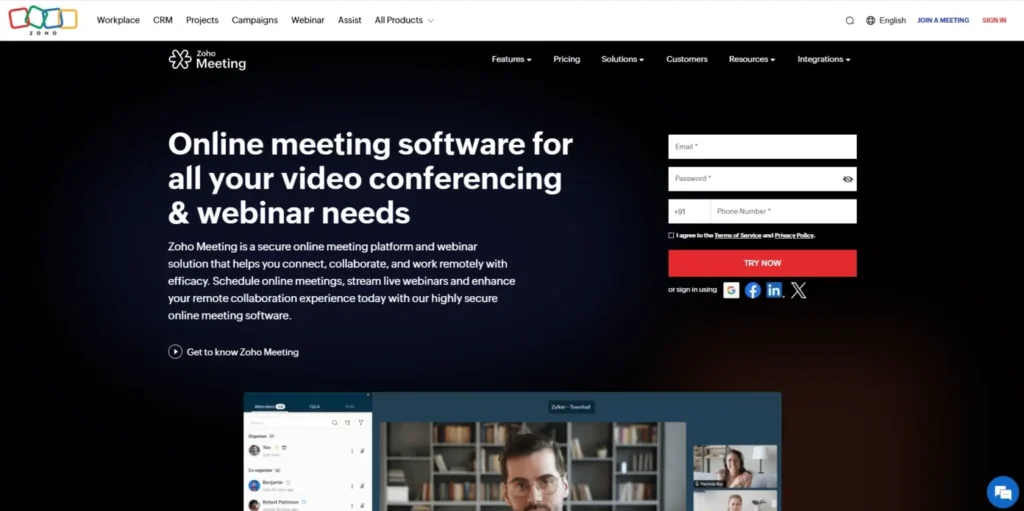
Zoho Meeting is an affordable and secure video conferencing tool designed for small and medium-sized businesses. It offers essential features necessary for effective online meetings and webinars, with a strong focus on security and privacy. Its easy-to-use interface, combined with integration into the Zoho ecosystem, makes it especially useful for teams already using Zoho applications.
The design of Zoho Meeting is minimal and clear, making it easy to use even for first-time users. It is highly effective when it comes to the interactions with customers, internal conference meetings, as well as the marketing webinars due to the built-in Q&A and analytics features.
Features:
- End-to-end encryption and password protection
- Screen sharing and session recording
- Customizable meeting URLs and branding
- Q&A, polls, and chat during webinars
- Integration with Zoho apps and CRM
Pricing:
- Plans start at Standard ₹50per host/ month, billed annually
6. Lifesize
URL: https://www.lifesize.com/
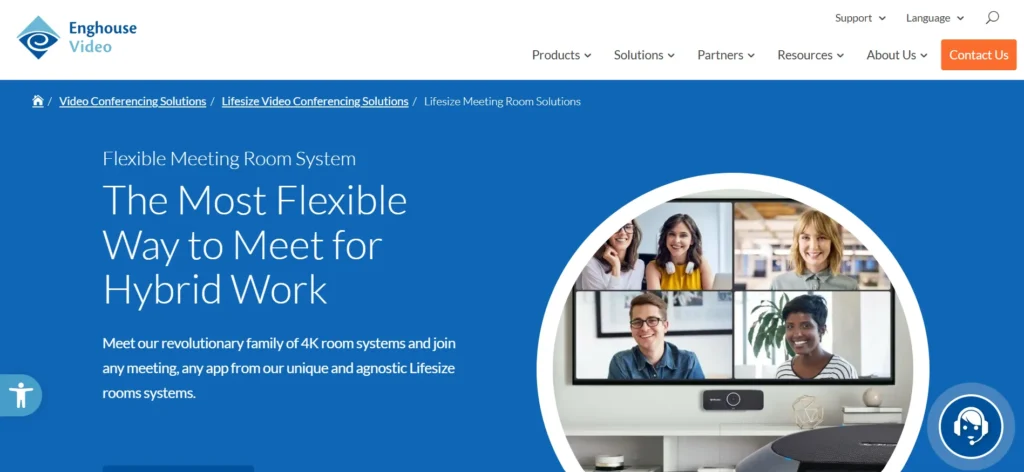
Lifesize focuses on simplicity and instant usability, making it easy for teams to jump into video calls without complicated setups. This Video Conferencing Software offers free video calls accessible via phones or browsers, which is perfect for quick meetings or impromptu catch-ups. The platform ensures high-definition video and audio quality, with easy screen sharing and chat options.
Lifesize caters well to businesses and teams that need reliable, straightforward video conferencing with minimal barriers. Lifesize has a unique feature of 4K video conferencing, which provides a realistic effect to a virtual meeting. It also fits well with the current room hardware and minimizes the hassles of setup. Teams can also book meetings directly through either Outlook or Google Calendar, thereby making it efficient in quick and spontaneous work.
Features:
- Free and instant video calls
- Browser and phone app support
- HD video and audio
- Screen sharing and chat
- No software installation required
Pricing:
- Free basic usage
- Paid plans with additional features available upon contact
7. Airmeet
URL: https://www.airmeet.com/
Airmeet serves as a cutting-edge platform for video calls and virtual events, specifically designed for engaging meetings, webinars, and big conferences. What really sets it apart is the way it immerses users in the experience, letting them connect at virtual tables, relax in lounges, and design their own stages. This platform is all about creating live interactions, offering tools such as polls, Q&A sessions, and chat features.
Airmeet delivers exceptional performance for all kinds of events, it corporate meetings, educational workshops, or mixed-format gatheringsoffering seamless streaming and insightful analytics to elevate the experience. Its user-friendly design and scalability make it ideal for organizations seeking a dynamic, audience-driven communication platform that goes beyond traditional online meetings.
Features:
- Virtual tables and networking lounges
- Customizable stages and event branding
- Real-time chat, polls, and Q&A
- Advanced engagement analytics
- Supports hybrid and large events
Pricing:
- Free plan for up to 100 attendees
- Paid plans start at $199/month, with custom pricing for enterprises
8. Microsoft Teams
URL: https://www.microsoft.com/microsoft-teams
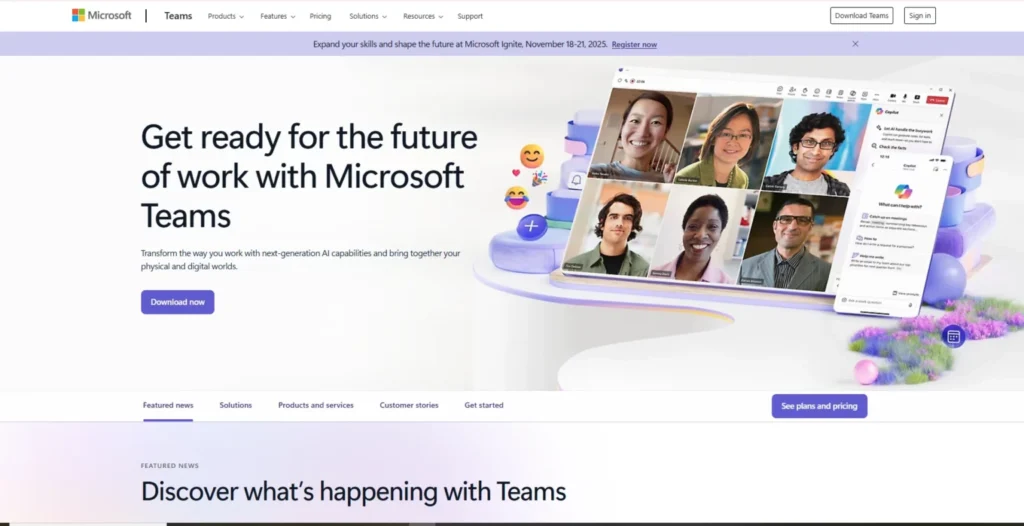
Microsoft Teams is a comprehensive collaboration platform and Video Conferencing Software that combines video meetings with chat, file sharing, and productivity tools. It seamlessly integrates with Microsoft 365 apps, making it an all-in-one workspace for many organizations. Teams supports large meetings and webinars with features like live captions, breakout rooms, and powerful security options.
It’s popular among enterprises seeking seamless integration across their productivity ecosystem. Teams remains the leader in organizational settings because of its profound teamwork skills and incessant innovation. Its Copilot AI integration can summarize conversations, create a to-do list, and even write follow-up emails automatically.
Features:
- Video meetings with recording and real-time captions
- Persistent chat and file collaboration channels
- Integration with Microsoft 365 tools (Word, Excel, SharePoint)
- Breakout rooms and webinar hosting
- Enterprise-grade security and compliance
Pricing:
- Free trial available
- Paid plans are usually bundled with Microsoft 365 subscriptions, starting around ₹ 115.00 per user/month
9. Google Meet
URL: https://meet.google.com/
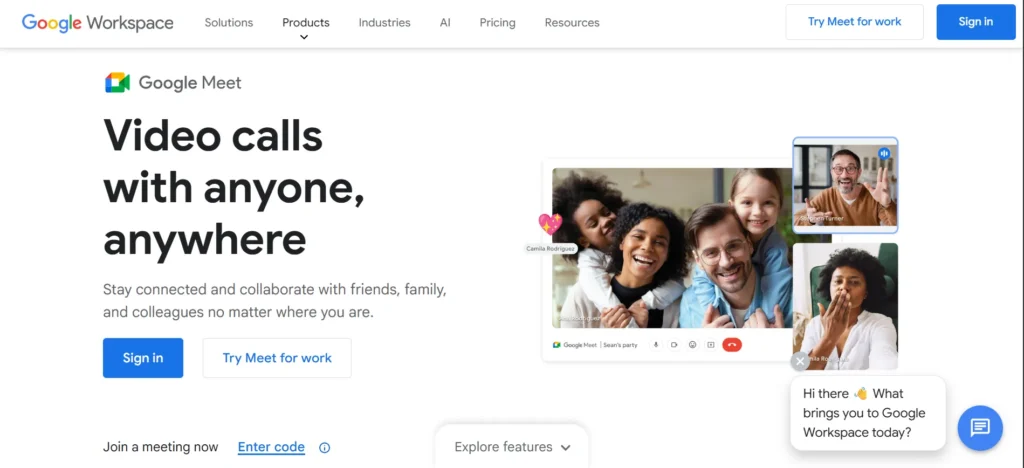
Google Meet is a reliable video conference application that was created by Google, a company that is reputable in terms of simplicity, security, and reliability. It is tightly connected with Google Workspace so that one can create or join meetings directly through Gmail, Calendar, or Drive.
The platform can perform well even in a low-bandwidth environment, and such features as adaptive video quality and real-time captions are supported with the help of AI. Google Meet provides an easy-to-use experience that facilitates productivity and collaboration with all devices and browsers without any extra installation, like software.
Features:
- Noise canceller HD video and audio
- Live captions and sharing screens
- Google Gmail, Google Drive, and Google Calendar integration
- Scalability to any type of network
- Wireless meetings with encryption
Pricing:
- Free (up to 60 minutes, 100 participants) plan.
- The cost of paid plans begins with $6/user/month (Google Workspace Starter).
10. Slack Huddles

URL: https://slack.com/features/huddles
Slack Huddles transforms the nature of communication within contemporary teams, making instant video and audio dialogues within the Slack workspace. Huddles are created to help teams work together without having to alternate among several tools designed to accomplish single tasks. Huddles are made to facilitate quick catch-ups, brainstorming, and problem-solving.
People are able to screen share, react using emojis, and make notes in real-time, making conversations structured and easily available. Huddles will bring Slack a new type of dynamism as a work group; multi-person video and threaded follow-ups will bring to life spontaneous and informal conversations that are ideal among remote and hybrid teams who need to maintain connectivity during their working hours.
Features:
- Real-time video or audio group meetings in channels
- Screen Share and Emoji responses
- Live comments and discussion boards
- Video and screen multi-person collaboration
- Fluid integration in Slack
Pricing:
- Included in Free plan (limited)
- Paid plans from ₹245.25 per user/month, when paying yearly
11. Jitsi Meet
URL: https://jitsi.org/jitsi-meet/
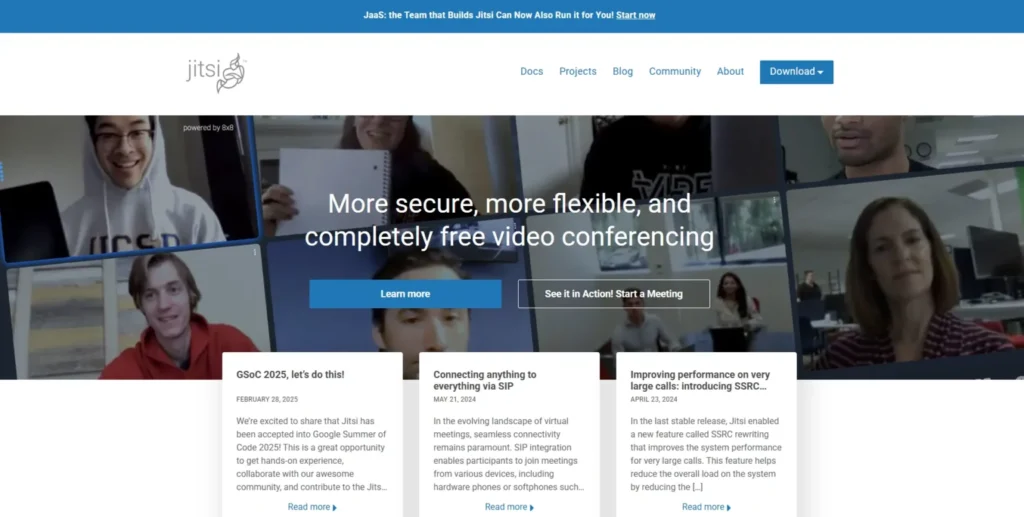
Jitsi Meet is a free, open-source video conferencing software designed to be both accessible, private, and simple. It does not need registration or downloading, as well as a meeting link, and nothing more; talk immediately using a browser. Jitsi is characterized by a high level of security and user control, which provides end-to-end encryption and is self-hosted.
It is perfect in situations where the privacy of users, small businesses, or educators is concerned, and they are looking to use a frills-free, reliable, and subscription-free conferencing solution without any complex installations. Jitsi is a lightweight and efficient video conferencing application that can achieve high-quality video conferences even when the bandwidth of the internet is limited.
Features:
- No account or download Browser-based
- Real-time chat and screen sharing
- Complete open-source and configuration
- Live streaming via YouTube
- Works well on low bandwidth
Pricing:
- Completely free (open-source)
- Optional hosting services are provided
12. ClickMeeting

URL: https://clickmeeting.com/
ClickMeeting is a full-fledged video conferencing and webinar product that is available to professionals, educators, and marketers willing to organize effective online events. It integrates convenience with the potent features such as polls, breakout rooms, and presentation options, and ensures that every meeting is captivating and interactive.
The platform can be customized completely with branding ability, automated reminders, and attendee analytics to assist the hosts in organizing big events effectively. You can run virtual classes, business presentations, or live webinars with ClickMeeting, which makes it look polished and professional, increasing communication and interaction with the audience.
Features:
- Hosting part of webinars and virtual classrooms
- Polls, Q&A, and breakout rooms
- Western custom branding and automation
- There are tools for screen sharing and recording
- CRM and LMS integrations
Pricing:
- Free trial available
- Paid plans start from $26/month
13. Whereby

URL: https://whereby.com/
Whereby is a video conferencing software based on a browser platform that is centred on simplicity, branding, and user experience. It does not require downloads, logins, and users can join meetings within seconds, and instead of a download, through a link.
Whereby is the right fit with freelancers, startups, and creative teams with customizable meeting rooms, screen sharing, and integrations with other tools, such as Miro and Trello. It has a clean interface and is well-performing, which makes it an excellent option to hold hasty meetings and client calls, and its visual collaboration and professional branding are important to online communication teams.
Features:
- On-demand web-based meetings
- So-called custom links and branding
- Screen sharing and screen recording
- Miro and Trello integration
- Simple, modern interface
Pricing:
- Free plan (up to 4 participants)
- Paid plans start at $8.99/month
14. Adobe Connect
URL: https://www.adobe.com/products/adobeconnect.html
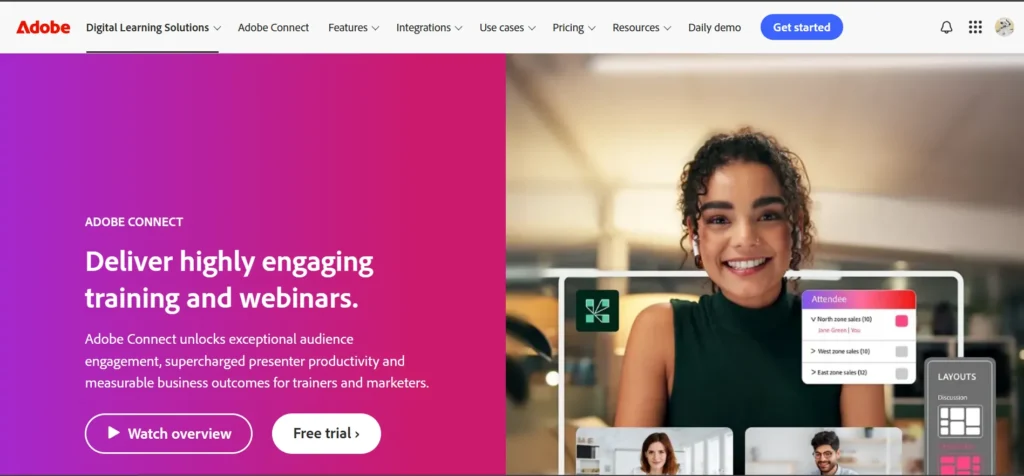
Adobe Connect is a video conferencing and virtual training platform designed for professional-grade use and developed to suit businesses and educators who require flexibility and power. It has very flexible meeting rooms, interactive pods, as well as engagement tools such as polls, chat, and breakout sessions.
It has enterprise-level security, content management, and step-by-step analytics, which makes it ideal to host webinars, workshops, and e-learning classes. The platform allows branding, on-demand replays, and the management of participants in a seamless and high-quality communicative experience that is premium, secure, and immersive to organizations in the case of large-scale collaboration.
Features:
- Branding and custom virtual rooms
- Extracurricular activities and interaction devices
- HD video and content sharing
- Organizational-level security and reports
- Live replay and analysis
Pricing:
- Plans start at $190/month
- Pricing of enterprises on demand
15. BigBlueButton
URL: https://bigbluebutton.org/
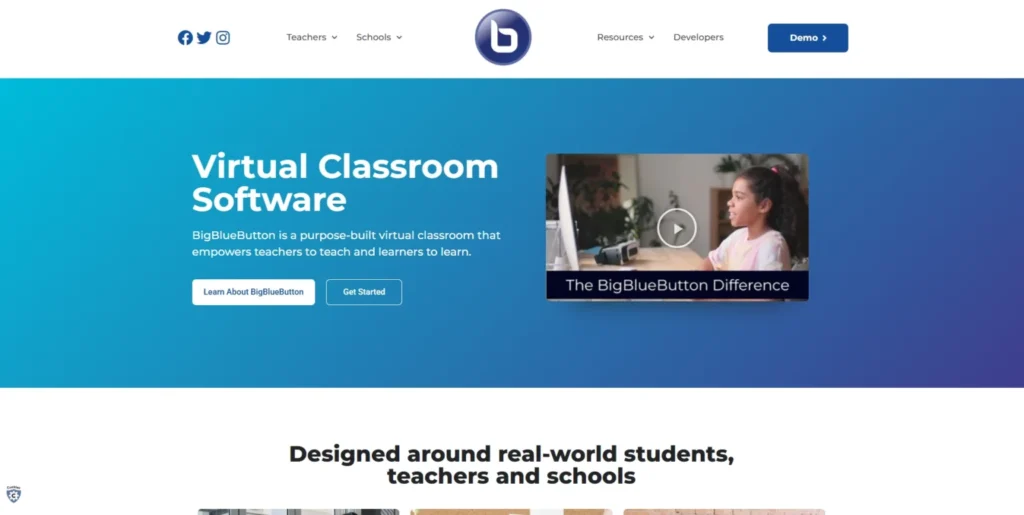
BigBlueButton is an open-source online video conferencing software that is open-source. It was designed specifically to work in online learning and virtual classrooms. It also has interactive capabilities such as breakout rooms, whiteboards, shared notes, and real-time polling, which make online sessions more interactive.
It is user-friendly and designed with education in mind, and it can be connected to popular learning management systems, like Moodle and Canvas, which enables teachers and students to cooperate. BigBlueButton places a high value on accessibility, reliability, and data privacy, making it possible to enable educators to provide interactive learning that is as effortless as face-to-face learning.
Features:
- Breakout rooms and whiteboards
- Live polls and note-taking
- Educational and training design
- Screen sharing and live chat
- Moodle and Canvas integrations
Pricing:
- Completely free (open-source)
- Prices of the hosting are provider-dependent
Detailed Comparison of the Best Video Conferencing Tools
| Name | User-Friendliness | Video & Audio Quality | Security & Privacy | Collaboration Tools | Integration | Pricing |
| RingCentral Video | High | HD video, AI transcription | End-to-end encryption, SSO | Team messaging, phone calling, integrations | Popular business apps | Free limited, $20/user/month pro+ |
| Zoom | Very High | HD video with virtual backgrounds | Good, regular updates | Breakout rooms, recording, chat | Calendar, cloud storage | Free limited, paid ₹1147/month |
| Cisco Webex | High | Crystal clear video, noise cancellation | End-to-end encryption, SSO | Whiteboarding, live translation | Messaging and file sharing | Free limited, paid $12/user/month |
| GoTo Meeting | High | HD video, screen sharing | Standard security | Smart transcription, cloud recording | Google Workspace, Microsoft 365 | From $12 per organizer/month |
| Zoho Meeting | Moderate | Standard HD | End-to-end encryption | Q&A, polls, chat | Zoho ecosystem, CRM | From ₹50 per host/month |
| Lifesize | High | HD video, 4K support | Standard security | Screen sharing, chat | Outlook, Google Calendar | Free basic, contact for paid |
| Airmeet | High | HD video, immersive experience | Standard security | Virtual tables, polls, Q&A | Event branding | $199/month starting |
| Microsoft Teams | Very High | HD video with captions | Enterprise-grade security | Persistent chat, file collaboration, breakout rooms | Microsoft 365 suite | Bundled with Microsoft 365, around ₹115/user/month |
| Google Meet | High | HD video, adaptive quality | Encryption, secure meetings | Live captions, screen sharing | Google Workspace | Free limited, paid from $6/user/month |
| Slack Huddles | High | Standard video and audio | Standard security | Emoji reactions, screen sharing, live comments | Slack workspace | Free limited, paid from ₹245/user/month |
| Jitsi Meet | Moderate | Good video, low bandwidth optimized | End-to-end encryption | Real-time chat, screen sharing | Open-source | Completely free (open-source) |
| ClickMeeting | Moderate | HD video, screen sharing | Standard security | Polls, breakout rooms, Q&A | CRM, LMS integrations | Free trial, paid from $26/month |
| Whereby | High | HD video, screen sharing | Standard security | Custom branding, recording | Miro, Trello | Free limited, paid from $8.99/month |
| Adobe Connect | Moderate | HD video, content sharing | Enterprise security | Branding, polls, breakout rooms | Enterprise tools | From $190/month |
| BigBlueButton | Moderate | Good video, educational focus | Secure and privacy-focused | Breakout rooms, whiteboards, polls | LMS (Moodle, Canvas) | Completely free (open-source) |
Common Video Conferencing Challenges and How These Tools Solve Them
Video conferencing is not without challenges, even in the current advanced technology. Fortunately, the newest platforms have been developed to target these areas of pain and make online collaboration work smoothly and productively.
1. Connection Issues: Bad internet connectivity results in frozen computers or call disconnection, interrupting the meetings. The latest software involves adaptive streaming and bandwidth optimization to keep HD video and clear audio running on unstable networks, and for this reason, communication will never cease.
2. Security Issue: Since sensitive information is being exchanged in all meetings, privacy is a prime issue. ESX services such as Cisco Webex and RingCentral are now encrypted, password-secured, and authenticated with SSO, which makes users sure that their conversations will not be tampered with.
3. Gaps of collaboration: Sometimes, virtual meetings are not as interactive as face-to-face communication. Technologies such as Zoom and Microsoft Teams address this gap by providing shared whiteboards, breakout rooms, and chat capabilities that enable collaborative and creative work.
4. Complexity of platforms: The necessity to constantly change the applications to use them to make calls and chat, as well as share files, interferes with working. All-in-one platforms combine all the communication, video, and tasks in a single platform and thus help in saving precious time.
5. Meeting Fatigue: Video calls are infinite and cause burnout and a lack of interest. Intelligent summaries, noise-cancelling, and intelligent scheduling clocks are used to alleviate fatigue by making virtual communication more efficient and less exhausting.
Future Trends in Video Conferencing Technology Trends
Video conferencing is getting smarter, more immersive, and highly user experience-centered in the future. With the ever-growing pace of technological progress, virtual communication is becoming more human and smooth than ever.
1. AI and Automation: AI will become the center of the stage as it will be translated in real time, automatically create notes, and summarize the meeting. These characteristics ease the work after the meeting and make communication more multilingual and multi-time zone.
2. Immersive Virtual Meetings: AR and VR will revolutionize conventional video calls to 3D. The teams will be enabled to meet virtually in virtual rooms, brainstorm in virtual whiteboards, and interact as though they were physically present.
3. Smarter Meeting Analytics: Future conferencing systems will apply analytics to gauge the level of engagement, detect gaps in participation, and enhance the productivity of the meeting. Such understandings will enable leaders to conceive short but effective sessions.
4. Improved Data privacy: As cybersecurity assumes the central role, the next-generation software will have greater encryption, biometrics, and regional data storage to provide complete privacy.
5. Smooth Interoperability: Next-generation platforms will enable the smooth movement of laptops, smartphones, and smart displays. You will then be able to have meetings between devices as you go through them, and never be interrupted.
Conclusion
With remote and hybrid work still becoming the new reality of the modern workplace, the concept of Video Conferencing Software has become not only a convenience but also a necessity. The best tools of 2025 aim at understanding, security, and collaboration, which assist teams in connecting anywhere and everywhere.
Enhanced features and integrations suited to various workflows and your team’s size, flexibility of use, or simplicity, depending on your needs, Zoom, Microsoft Teams, or RingCentral should be the ideal platform to use. In the future, AI automation and immersive meeting experiences will become the new form of collaboration, so by selecting the appropriate software today, you will prepare your team to work smarter and more connected.
FAQs
Q1. What Is The Ideal Video Conferencing Software To Use In Regular Business Meetings?
To use every day, Zoom and Microsoft Teams are the most popular as they are more reliable, have easy interfaces, and have many options to implement.
Q2. Which Is The Most Suitable Free Video Conferencing Platform?
The best plans are the free versions of Zoom, RingCentral Video, and WebEx Meetings, which also feature screen sharing, group chats, and meeting recording capabilities – the perfect fit for small workgroups or startups.
Q3. What Is The Average Number Of People Who Can Attend A Meeting?
The majority of the platforms support 100-300 participants on regular plans, and enterprise plans may support webinars or conferences with thousands of participants.
Q4. How Do I Make My Online Meetings More Entertaining?
Enhance engagement with features such as breakout rooms, polls, whiteboards, and screen sharing. Video-on interaction and shorter meetings should also be encouraged to maintain a high level of engagement.
Q5. Is Video Conferencing Safe For Sharing Confidential Information?
Yes, provided you engage in platforms that have end-to-end encryption as well as use password-secured meetings. Such tools as Cisco Webex, RingCentral Video are designed on a business level of high security.
Q6. Is It Possible To Document And Store Meetings To Be Used In The Future?
The majority of contemporary video conferencing software provide the possibility of cloud recording, which allows saving, sharing, or viewing meetings without any complications as a source of training or documentation.
