

In the year 2026, data gathering is no longer a drudgery but the beat of intelligent decision-making. Although Google Forms has heretofore been the undisputed “old reliable” among millions of users worldwide, the reality of the digital age is rapidly shifting to include a smarter, more targeted, and high-performance tool set. The truth is that close to 65% of businesses are now hungry for form builders who have a level of personalisation and conversions in mind that exceed the limitations of templates. “Customers” want to feel like they’re having a conversation with a brand and not participating in a scientific experiment.
Whether you are a small business owner looking to increase your lead quality or a researcher needing offline stability, the ‘one size fits all’ solution provided by Google is simply outdated. The reality is, in an environment where AI-driven analysis of data is no longer the norm but the baseline requirement for ‘smart’ decision-making, Google Forms Alternatives are becoming essential, as ‘answering a question is no longer good enough; only the ‘why’ part is significant. In this article, we will walk you through the top-tier Google Forms alternative options that give you the power, style, and flexibility that Google cannot provide. Read on!
What is Google Forms?
Google Forms is an online application in the Google Suite of products, where users can design survey forms and quiz questions. Google Forms is a free solution where responses are automatically recorded in a Google Sheet for viewing. The service is known for being easy to use and user-friendly.
It allows you to choose one of the available templates, ask basic questions with minimal effort, and send them to your users with a link with minimal time consumption. Additionally, basic logic jumps are supported with file uploading capabilities.
Why is Google Forms Popular
Google Forms succeeded in winning millions of followers because it eliminated barriers in gathering data. Its popularity encompasses the following:
- Totally Free: You can use all of its features without encountering a paywall or a subscription notice.
- Google Integration: It integrates with Google Sheets as well as Google Drive. Managing data is extremely easy with this feature.
- User Friendly: Its interface is so simple that a non-technical person can also create a form.
- Quick Setup: The time from an empty page to having an active survey is under five minutes.
- No Limits: It offers unlimited forms and unlimited responses on the free version, unlike its competitors.
Why You Might Need a Google Forms Alternative
Despite its perks, many power users find that they outgrow the basic features of Google’s tool. Here are some reasons why someone might be searching for a Google Forms alternative:
- Limited Design: The customisation offered through the design interface is fundamental and often comes out as unprofessional-looking for premium brands.
- No Payments: It does not have built-in features for safe payment processing by PayPal or Stripe.
- Basic Logic: The conditional logic offered is restrictive and does not allow for the formation of complex, innovative paths for a survey.
- Poor Support: It is free software, and there is no specific help desk if issues arise.
- No Offline: Normally, a continuous internet connection is required for creating and submitting a form.
Top 5 Free Alternatives to Google Forms
1. Microsoft Forms
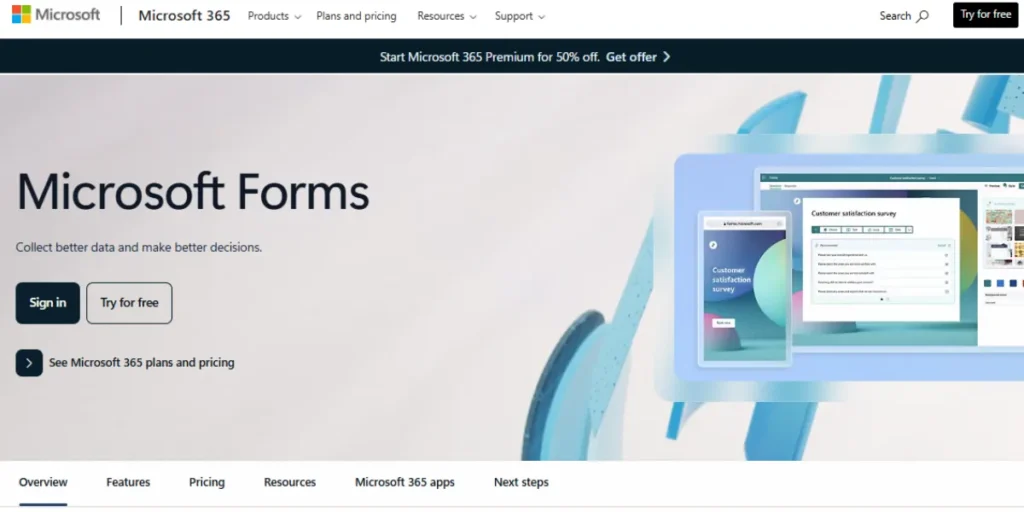
The most prominent Google Forms alternatives in this competition would be Microsoft Forms, which is currently used by people in the Microsoft 365 environment. It has a very intuitive design that looks far more modern than the competition from Google, along with some very impressive AI that recommends question types as you start typing. Additionally, it has real-time charts and reporting that are easily presentation-ready, meaning that you won’t have to do any manual formatting at all.
It also allows you to quickly create QR codes so that your forms can easily gather data at live events. Though it’s completely free to use, it’s only available to people with Microsoft accounts, and some of its advanced logic tools require an actual paid subscription.
Key Strengths:
- AI Question Design: The system is able to automatically suggest question types and options while you are typing questions.
- Visual Reporting: Offers real-time, presentation-quality graphing and charting capabilities.
- QR Code Generator: An inbuilt tool for generating QR codes for fast mobile access.
- Excel Integration: Provides smooth real-time data synchronisation with Microsoft Excel.
Limitations:
- Account Requirements: The participants are required to have a Microsoft account.
- Restricted Ecosystem: Far fewer third-party app integrations than Google.
- Basic Logic: The advanced branch and conditional logic require a paid account.
- Rigid Design: The theme is not customizable except for a choice of theme and background images.
Best for: Microsoft 365 corporate teams and educational institutions.
Website Link: https://forms.office.com/
2. Zoho Forms
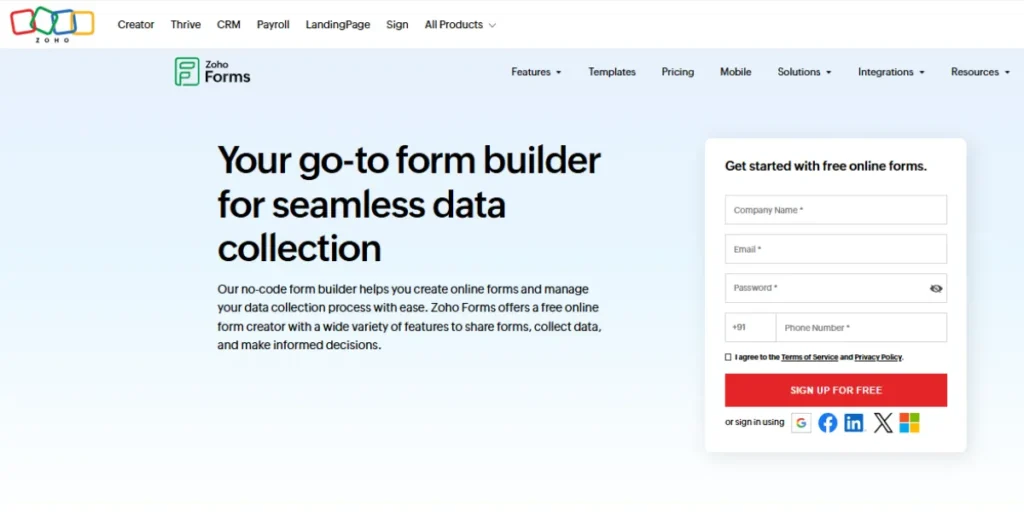
Zoho Forms is among the excellent Google Forms alternatives for users looking for Google Forms, especially since the internet quality is not always reliable. It has a fantastic mobile app with advanced functionality that allows offline data entry, syncing it later on when an internet connection is found. Additionally, the form builder offers more than 40 field types, such as geolocation, scanning barcodes, and even capturing signatures.
Also, it provides the ability to create complex approval processes whereby multiple approvals can be sent on submission and by multiple approvers on a form submission. In addition, it integrates with almost all other apps for the complete business solution suite.
Key Strengths:
- Offline Mode Function: Collects data offline and synchronises data once there’s a network.
- Mobile-First Tools: Contains specific fields for scanning bar codes as well as for GPS location.
- Workflow Automation: Facilitates complex multi-level approval processes for submissions.
- E-Signatures: Facilitate a legally binding signature gathering in the form.
Limitations:
- Free Tier Limitations: The use of the free tier is limited to only three active forms.
- Complexity: The number of 40+ field types is very confusing at the beginning.
- Submission Limits: The number of submissions allowed every month in the free plan is low.
- UI Aesthetic: The UI builder interface is more functional than modern.
Best For: Field staff, researchers, and small business organisations.
Website Link: https://www.zoho.com/forms/
3. JotForm (Free Tier)
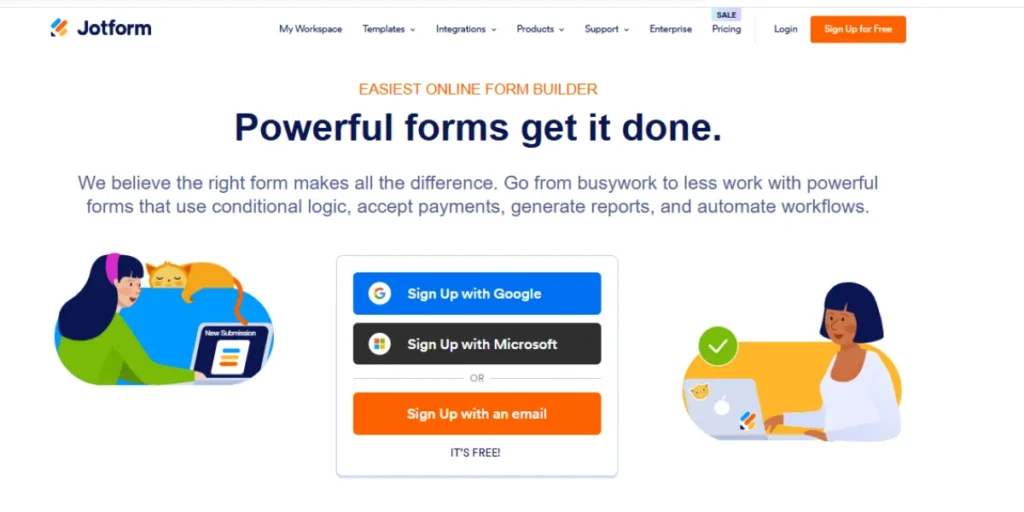
JotForm is a standout for having a vast library of over 10,000 templates, ensuring that you never really have to begin with a blank slate. Its drag-and-drop editor is super flexible and sports innovative widgets such as a countdown timer or a video recorder from Loom.
Furthermore, it enables you to generate quality-looking PDF documents from form submissions. As one of the practical Google Forms Alternatives, and with level security, you can complement such tools, and you can set up sophisticated conditional logic to show or hide form fields based on user submissions in your free account. However, it is essential to note that form submissions in a free account are capped at 100 a month.
Key Strengths:
- Massive Library: Has over 10,000 ready-to-use templates for almost every industry.
- Advanced Widgets: This feature includes exclusive widget types such as countdown timers and embedded Loom videos.
- PDF Editor: It automatically generates professional-looking PDF files from submissions.
- Conditional Logic: Accommodates intricate ‘show/hide’ logic even in the free version.
Limitations:
- Heavily Branded: Although it is a free-form tool, the logo of Jotform stands out on all forms.
- Strict Submission Limits: There are only 100 allowed submissions per month on the free tier.
- Storage Caps: Minimal capacity for file uploads (e.g., pictures or resume).
- Cluttered Interface: The feature-rich interface sometimes causes the product to feel overwhelming.
Best For: Creative users and those requiring specific form widgets.
Website Link: https://www.jotform.com/
4. HubSpot Forms
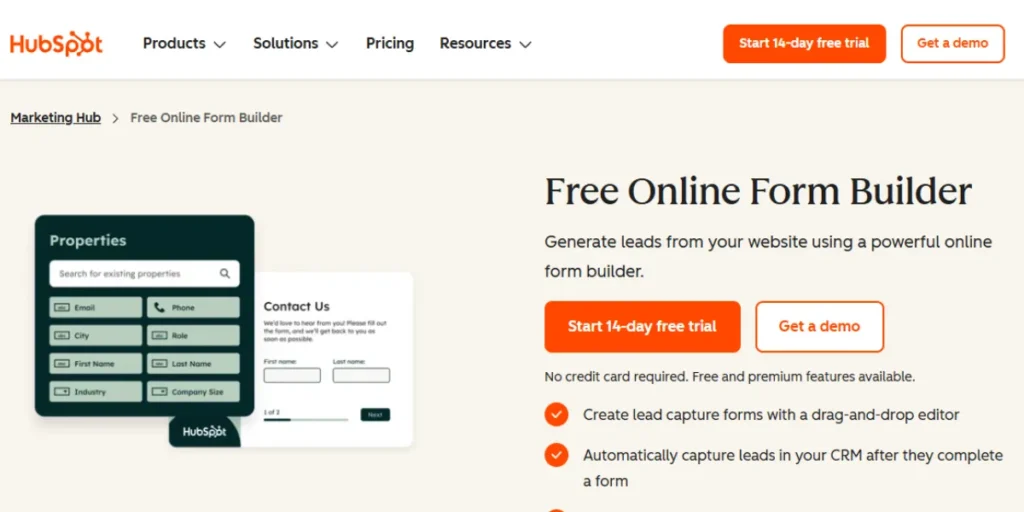
HubSpot Forms is built with a simple purpose in mind: converting visitors into prospective business leads. Every detail provided in these forms is then channelled directly into the HubSpot CRM. HubSpot Forms also has “smart” fields that can recognise visitors and provide new questions rather than revisiting old ones. Furthermore, there’s a feature that will enable automatic email follow-ups as soon as the form is submitted.
In addition, analysis is also made on which forms convert visitors best. Although this feature has some limitations in designing forms, these limitations can be overcome if one purchases the marketing tools.
Key Strengths:
- CRM Integration: Every submission is automatically recorded in HubSpot as a contact.
- Smart Fields: Personalises content for known return visitors, concealing questions for which answers have been provided before.
- Auto-Follow-Up: Enables sending automatic marketing emails the moment the form gets submitted.
- Conversion Analytics: Allows website owners to see which pages or forms of a website have been most successful at creating new leads.
Limitations:
- Branding: Needs a paid Marketing Hub starter kit for the removal of HubSpot branding.
- Design Rigidity: The freeware lacks flexibility with regard to font styles and layouts.
- Sales Focus: Not designed explicitly for surveys or feedback from employees.
Best For: Sales and marketing professionals wanting to increase their lead database.
Website Link: https://www.hubspot.com/products/marketing/forms
5. SurveySparrow (Free)
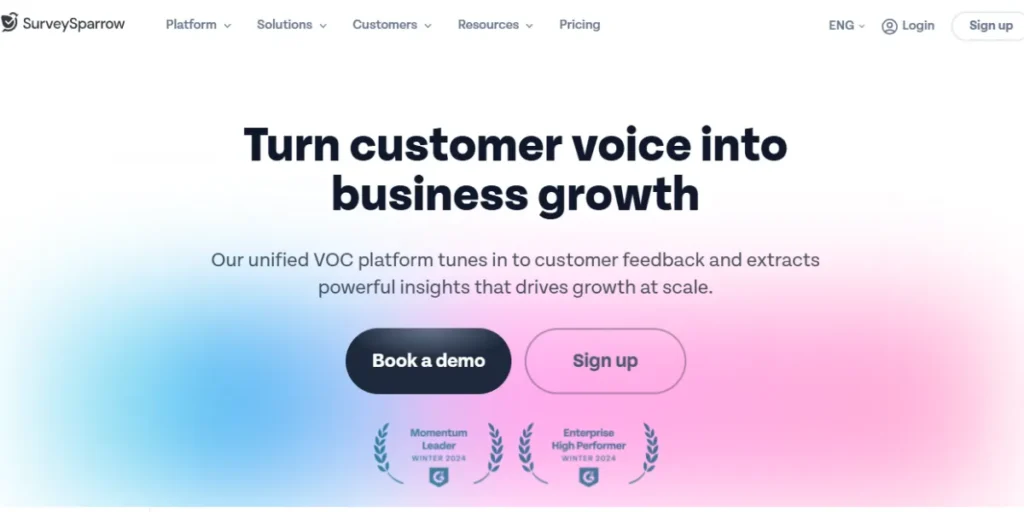
SurveySparrow is a Google Forms competitor that goes against the norm by providing conversational chat interfaces for surveys. Recognised among modern Google Forms Alternatives, it increases the likelihood of a potential survey completion, as it is no longer considered “work”. Also, it is designed with a “mobile-first” ideology, where it ensures the design is perfect on any smartphone device’s screen.
Furthermore, it enables you to set up automated recurring surveys, like a pulse survey every week, for your staff. The results analysis page is also very aesthetically pleasing for people who are new to the survey world. However, the free version only supports a certain number of responses every month.
Key Strengths:
- Chat Interface: It provides questions sequentially with a friendly and conversational tone.
- Mobile Optimisation: Specifically engineered to look and feel like a messaging product.
- Recurring Surveys: This feature automatically sends pulse surveys either weekly or daily.
- Aesthetic Analytics: Provides a highly visual and easy-to-view results page.
Limitations:
- Restricted Responses: The number of responses you are allowed to collect is limited in the ‘free’ option.
- Feature Lock: Advanced Reporting and Custom Domains need an upgraded version.
- Niche Appeal: It may not be the kind of dialogue that is required in scholarly research.
- Email Limits: The number of survey invitations that can be sent from the email platform may be restricted.
Best For: Contemporary brands that need high mobile engagement.
Website Link: https://surveysparrow.com/
Top 5 Paid & Feature-Rich Google Forms Alternatives
1. Typeform
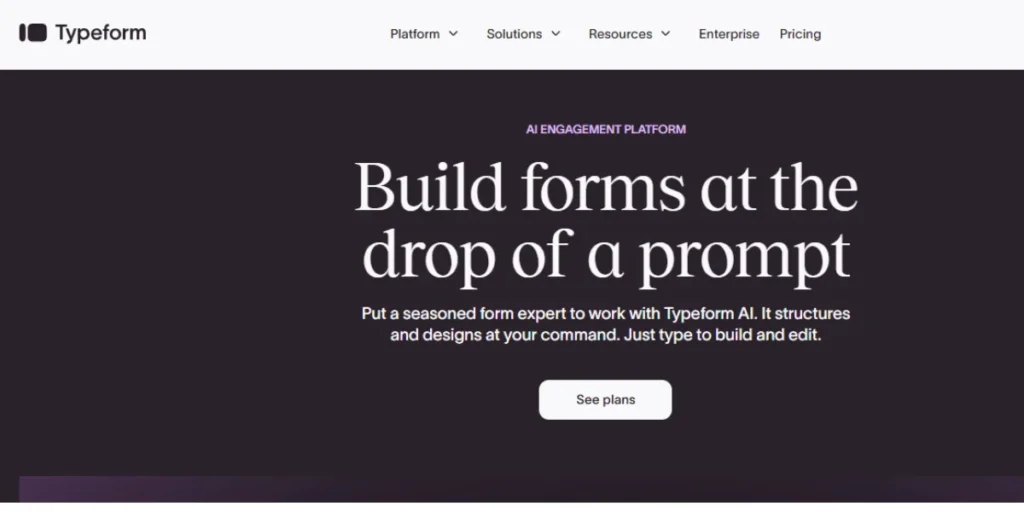
It’s a leader when it comes to designing luxury conversational forms that display only one question at a time in order to keep the person responding engaged. Being a design-centric tool, Typeform has become a popular choice among luxury brands that value making a great first impression. Not only this, it comes equipped with a “Logic Map” which allows you to view precisely what path your respondents take as a result of their answers. As one of the advanced Google Forms Alternatives, it seamlessly connects with tools like Slack and HubSpot so that your team can get updates in real-time. Additionally, it comes with video questions, which make it feel like a human way of collecting data.
Key Strengths:
- Premium Design: Has a “one-question-at-a-time” design like it’s from a high-end brand.
- Logic Map: A graphical top-level view of your form with logic paths.
- Video Interaction: Enables the embedding of video questions to make it more personal.
- High Conversion: It has shown higher completion rates because of its interactive UI.
Limitations:
- High Price Point: One of the most expensive options on the market.
- No Free Plan: There isn’t a “Forever Free” Plan. All the useful functions have a monthly charge.
- Data Density: Not suitable for longer forms with 50+ questions.
- Data Views: More concerned with the front-end view than the back-end data tables.
Best for: Professional agencies and luxury brands.
Pricing: Starting around $29/month (Basic) for more features, $199/month (Growth) for marketers, and custom Enterprise plans
Website link: https://www.typeform.com/
2. Formstack
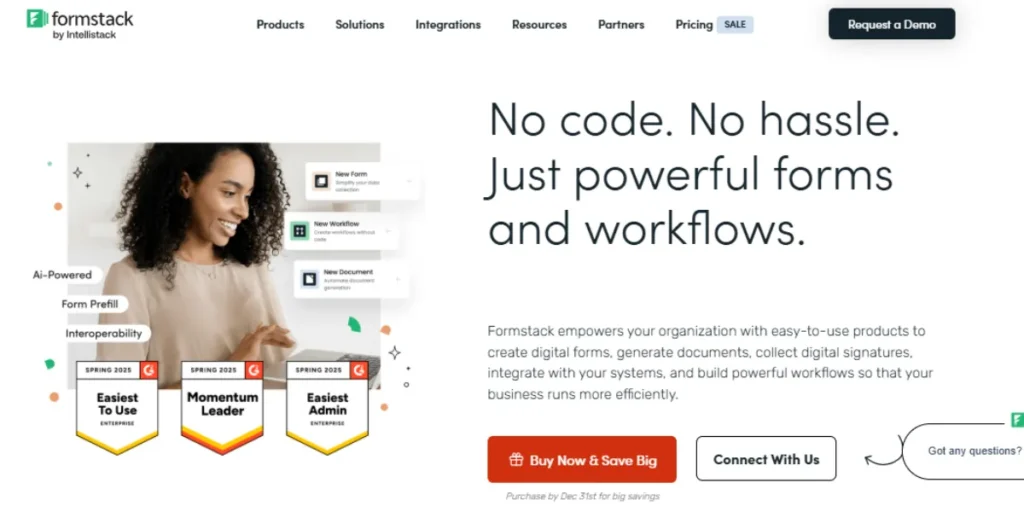
Formstack is designed with organisations in mind that take data privacy and sophisticated business processes seriously. It’s one of the best Google Forms alternatives in the healthcare industry because it’s entirely HIPAA compliant to safeguard patients’ confidential data. In addition to this, it enables a full-fledged paperless environment by providing a combination of form building and e-signatures. Additionally, the software utilises state-of-the-art encryption and permissions to ensure data gets to where it is meant to go. Moreover, its “Workflows” feature enables different users to collaborate on a single form submission.
Key Strengths:
- Compliance: HIPAA and GDPR compliant for dealing with sensitive information.
- Security: Offers high-level encryption and advanced user rights.
- Document Automation: It has the ability to automatically fill in information into essential documents such as contracts or letters.
- Collaborative Workflows: This feature enables several departments to view and sign off on the same form.
Limitations:
- Steep Learning Curve: Advanced workflow configuration needs technical expertise.
- Cost: The price plans are mainly designed for medium to large businesses.
- Interface: The design prioritises function over trendy-looking aesthetics.
- Add-on Costs: There are additional costs for the use of “stacks” in order to unlock full functionality.
Best For: Healthcare organisations, law firms, and government institutions.
Pricing: Starting at around $42/month, with a suite plan at $125/month
Website Link: https://www.formstack.com/
3. Paperform
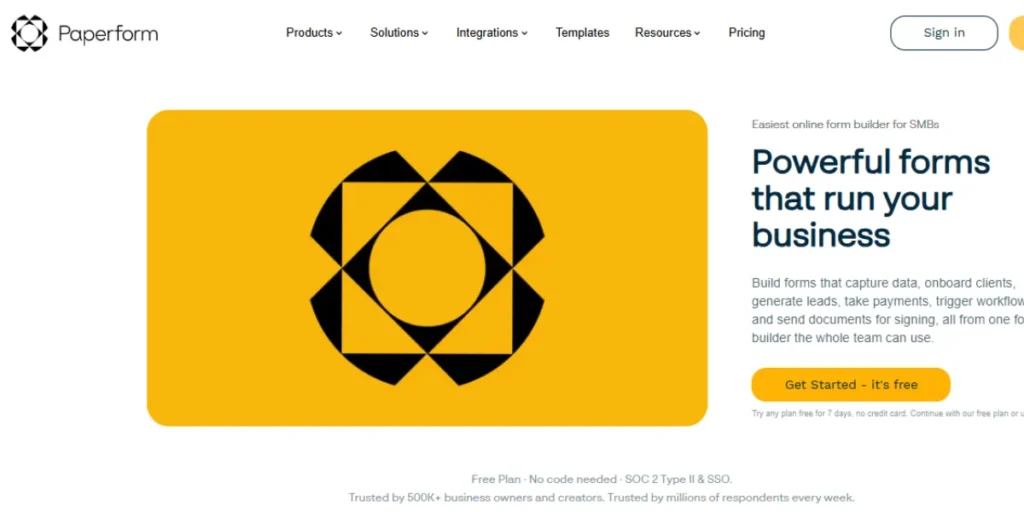
Paperform is unique because it functions more like a content editor or a landing page builder than a traditional form tool. You can add images, videos, and large pieces of text wherever you want to tell a story or pitch a product. Additionally, there’s a “Calculations” engine that lets you build your own price, score, or quote based on what the user inputs. Also, it has direct payment support via Stripe and PayPal; it’s excellent for small-scale businesses. In addition, it has support for booking and appointment management, making it one of the best Google Forms alternatives.
Key Strengths:
- Content Rich: Enables the addition of text, image, and video content anywhere.
- Calculation Engine: Can do complicated math calculations for quotes or scoring in real-time.
- Payment Support: Native support for e-commerce with Stripe and PayPal.
- Appointment Booking: Internal facility for scheduling appointments or service delivery.
Limitations:
- No Free Tier: Doesn’t have a permanent free tier of the software available.
- Not a Survey Tool: This tool does not have all the high-level academic analysis that is in other tools.
- Specific Aesthetic: The landing page design may not be appropriate for every need concerning data collection.
- Response Limits: It has response limits even on paid accounts.
Best For: Small business owners offering services or customised products.
Pricing: Essentials plan at $24/month, Pro plan at $49/month, Business plan at $99/month
Website Link: https://paperform.co/
4. Qualtrics
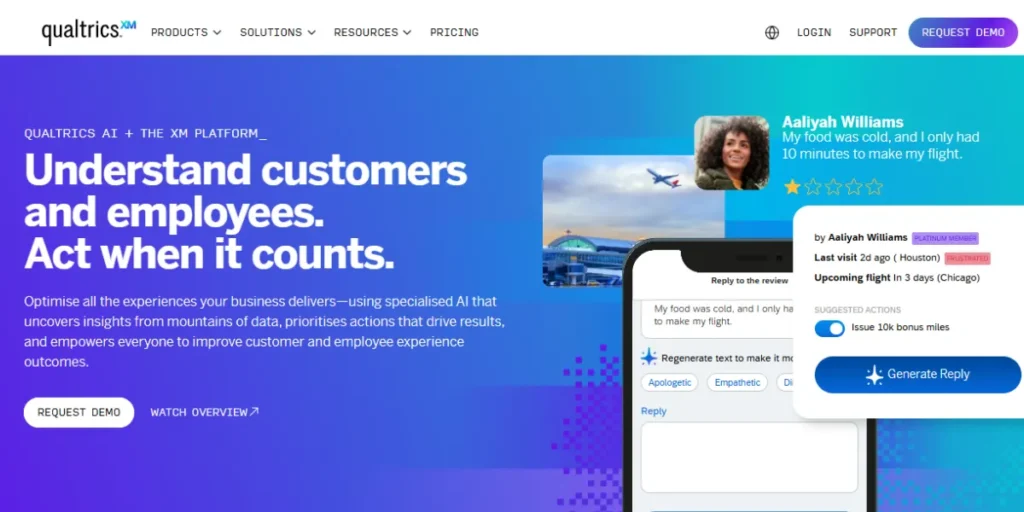
It is an enterprise-level research platform that helps the world’s biggest corporations with the analysis of customer and employee sentiment. It has highly advanced AI and machine learning capabilities that analyse “open-ended” text and identify whether the respondent is “happy” or “frustrated.” Further, it comes with “Industry Models” specifically designed to help you compare “your results with those of the competitors” in your industry. However, it is incredibly pricey and may even require a custom quote.
Key Strengths:
- Sentiment Analysis: Utilises AI to identify if open-ended responses to a question are positive or frustrated.
- Industry Benchmarking: Your data will be compared to the standards for your industry around the world automatically.
- Extreme Scalability: Designed for millions of answers in large-scale companies worldwide.
- Predictive Analytics: Predicts future customer behaviour based on current data from surveys.
Limitations:
- Extreme Cost: The pricing may involve a customised quote, with the final amount ranging in the thousands on an annual basis.
- Overkill: The functionality is far more complex than is needed for basic contact pages or polling scripts.
- Training Required: Users would require specific training to use the system effectively.
- Slow Setup: The number of choices is so overwhelming that creating a simple form takes a long time.
Best For: Large companies and professional researchers.
Pricing: Strategic Research (Small Business) plan at $420/month (billed annually) for 1,000 responses, a Free Account for basic use, and custom enterprise pricing for larger needs
Website Link: https://www.qualtrics.com/en-au/
5. SurveyMonkey
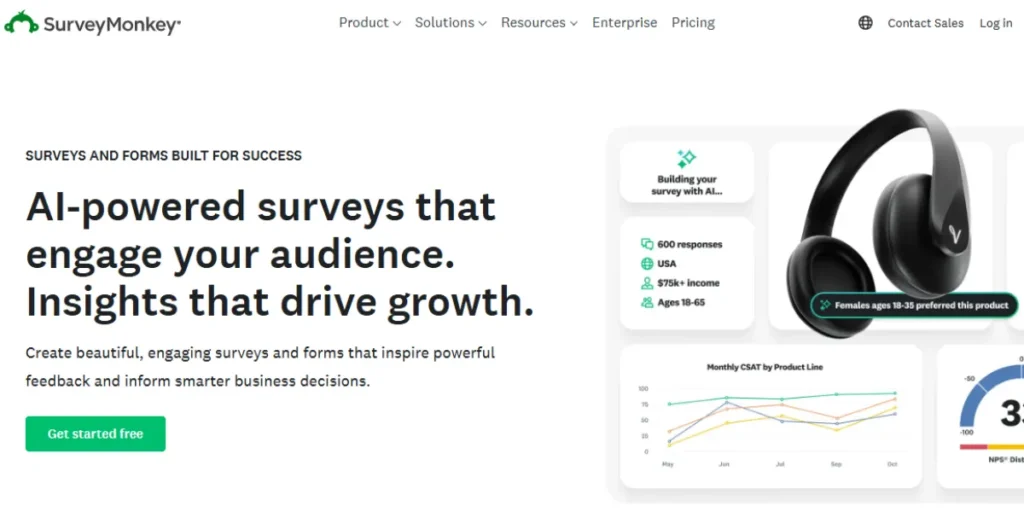
SurveyMonkey is a household brand with a gigantic “Question Bank” featuring expert-certified questions to ensure you get the most accurate answers possible. As one of the leading Google Forms Alternatives, its “Genius” artificial intelligence tool analyses and forecasts how a survey might perform before it goes out. Moreover, it has a benchmarking facility allowing a comparison of customer satisfaction averages against the global average rate.
In fact, it has comprehensive team collaboration facilities for analysing and editing surveys together as a team. It also connects with over 200 business apps to keep data flowing. Nevertheless, its freemium version is quite restrictive compared to Google’s.
Key Strengths:
- Question Bank: Thousands of expert-certified questions to eliminate bias.
- SurveyGenius AI: Estimates the performance of your survey before you send it out.
- Comparative Data: Access to “benchmarks” that show how you compare to your competition.
- Integration Ecosystem: Links to over 200 business apps, such as Salesforce and Slack.
Limitations:
- Restrictive Free Plan: The free plan allows you to check a couple of results.
- Paywalled Features: Many basic functionalities (such as the ability to export data into CSV format) are available only through a premium plan.
- Complex Pricing: A small business team may have difficulties choosing the correct plan.
- Brand Fatigue: Users may suffer from “survey fatigue” due to this being a widespread practice.
Best For: Market researchers, HR departments.
Pricing: Team Advantage at ~$19 per user/month (starting from 3 users), Team Premier at ~$46 per user/month (starting from 3 users), and Enterprise plans available with custom pricing on request.
Website Link: https://www.surveymonkey.com/
Pros & Cons Comparison Table
| Tool Name | Free Plan | Offline | Quiz Support | Integrations | Best For |
| Microsoft Forms | Yes | No | Excellent | High (MS Office) | Office Users |
| Zoho Forms | Yes | Yes | Good | Very High | Field Research |
| Jotform | Yes | Yes | Great | Extreme | Design/Widgets |
| Typeform | Limited | No | Good | High | Conversions |
| Formstack | No | Yes | Basic | High | Security/HIPAA |
| SurveySparrow | Yes | No | Good | Moderate | Mobile Users |
How to Choose the Right Alternative (Quality and Value-Based)
Picking a Google Forms alternative is all about identifying the tool that fits your workflow rather than seeking the one with the most features. The following considerations will aid in making an informed decision:
- Identify Goal: Determine if you need to capture leads, scientific research, or simply a few RSVPs.
- Check Security: When working with sensitive medical or financial information, make sure tools comply with HIPAA or PCI security regulations.
- Review Limits: Examine the limits of responses a free account can have in order not to be surprised by a bill.
- Test Design: It will be a free trial where you get a chance to check whether you can integrate the tool’s design with your company’s branding and style.
- Assess Logic: For larger survey projects, the assessment logic should feature smart branching logic to ensure the survey remains fast-paced and relevant to respondents.
Conclusion
Although Google Forms is a fantastic way to begin, sometimes it’s not the application of choice when expanding your company or launching a professional venture. Whether you need the beautiful design of Typeform, the security of Formstack, or the offline power of Zoho Forms, there is a Google Forms alternative out there that fits your specific needs perfectly.
Take the time to try a few free trials and see which interface feels most natural for your workflow. Using the right tool will not only make your life easier but will also increase the quality of the data you collect.
Check out Some Similar Blogs:
FAQs
Is there an entirely free Google Forms alternative?
Microsoft Forms and Zoho Forms have extremely robust free options, but Zoho prohibits more than three active forms.
Which alternative works better for making payments?
Jotform and Paperform are preferred due to their ability to support processors such as Stripe and PayPal directly.
Can I use these templates without an Internet connection?
Yes, Zoho Forms and Jotform have mobile apps that enable offline data collection, which can then be synced.
Which is the best plugin for WordPress?
Though most can be embedded, tools like WPForms and Formidable Forms are created exclusively for WordPress.
Do any of these tools provide better security than Google?
Yes, Formstack is designed with high security in mind, with HIPAA compliance for medical information.
Can I transfer my existing Google Forms to these tools?
Yes, there are several tools, such as JotForm, which have a “migration tool” that helps to import Google Forms into the new service automatically.