

Project management has developed a lot, and although Asana is still a favorite, a lot of businesses are in search of alternatives to Asana that would be more tailor-fit to their needs. Whether it is a creative agency, an enterprise-level project manager, or a small group, discovering the proper project management solution is the key to success. Many Asana substitutes in the market offer exclusive functionalities, cost models, and potentials aimed at increasing productivity and workflow efficiency in various fields and group sizes.
Why Asana Alternatives are Important
The project management landscape continues to diversify, and teams need specific features that generic solutions may lack. The workflows, compliance needs, and patterns of collaboration peculiar to different industries require specific approaches.
- Affordability: A lot of its competitors have improved value propositions and feature full-fledged products at affordable prices without any hidden costs.
- Niche functionality: Industry solutions provide operations, including customer portal, time keeping and invoicing that are not available in generic platforms.
- Scalability options: varing options offer flexible price options that grow as your business grows, rather than limiting its growth.
- Integration capabilities: Modern ones are more likely to be linked with the existing business tools and software platforms.
- User experience: Interfaces are easy to use and user-friendly designs can also lead to a significant increase in team adoption and daily productivity.
Key Services Provided by Asana Alternatives
The modern project management systems go beyond organising tasks and provide complete business solutions. Such Asana substitutes are versatile tools that eliminate the use of various tools.
- Project tracking: Advanced timeline management applications, milestone-setting, and progress-visualization applications to assist the general project management.
- Client collaboration: Special channels and portals, where the teams can easily communicate with external parties.
- Resource management: The ability to manage time, budget and distribution of work among teams so that they achieve the highest productivity and profitability.
- Reporting analytics: Accounting insights and more flexible reports to acquire insight into project performance and employee productivity.
- Automation processes: Intelligence reduces the number of manual procedures and introduces consistency in all processes at all stages of projects.
Also Read: Top Smartsheet Competitors & Alternatives
Comparison Table for Asana Alternatives
| Tool Name | Rating | Best Feature |
| Monday.com | 4.5/5 | Visual project boards with an intuitive interface |
| ClickUp | 4.4/5 | All-in-one workspace with extensive customization |
| Wrike | 4.3/5 | Advanced enterprise reporting capabilities |
| Agency Simplifier | 4.6/5 | Complete agency-specific operational platform |
| Trello | 4.2/5 | Simple Kanban-based project organization |
| Smartsheet | 4.1/5 | Spreadsheet interface with project features |
| Basecamp | 4.0/5 | Team communication and collaboration focus |
| Notion | 4.3/5 | Flexible workspace combining docs and projects |
| Jira | 4.4/5 | Development-focused workflow management |
| Airtable | 4.2/5 | Database functionality with project views |
Top 10 Asana Alternatives
1. Monday.com
Rating: 4.5/5
Website: monday.com
Best Use Cases: Creative agencies prioritizing visual project management and quick team adoption
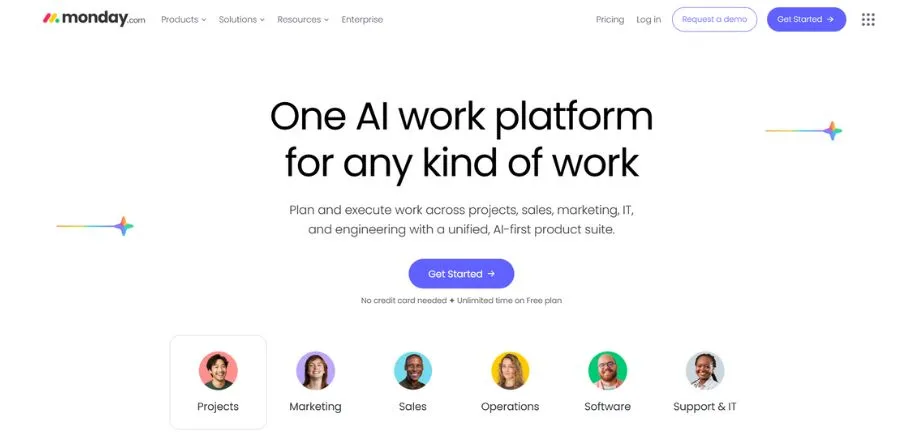
One of the alternatives to Asana that has a colorful visual style of project management is Monday.com. It is good at visualizing complex project information in an easy-to-digest way through color-coded boards, timeline displays, and easy-to-use interfaces that can be mastered by teams in a short time. It is strong because it strikes a balance between high functionality and light design, and it suits perfectly the creative groups that require high functionality but not enormous complexity. The library of templates that the platform has provides the opportunity to accelerate the project setup process and automation functionality facilitates the repeatable tasks of different kinds of the projects.
Key Features:
- Visual project boards
- Timeline tracking tools
- Automation workflows setup
- Template library access
- Team collaboration spaces
Pros:
- Intuitive visual interface
- Quick team adoption
- Comprehensive template options
Cons:
- Expensive at scale
- Limited advanced reporting
- Higher-tier feature requirements
Pricing: Starts at $8/user/month for basic features, with advanced plans scaling to $16/user/month for comprehensive functionality.
2. ClickUp
Rating: 4.4/5
Website: clickup.com
Best Use Cases: Tech-savvy agencies seeking comprehensive customization and all-in-one functionality
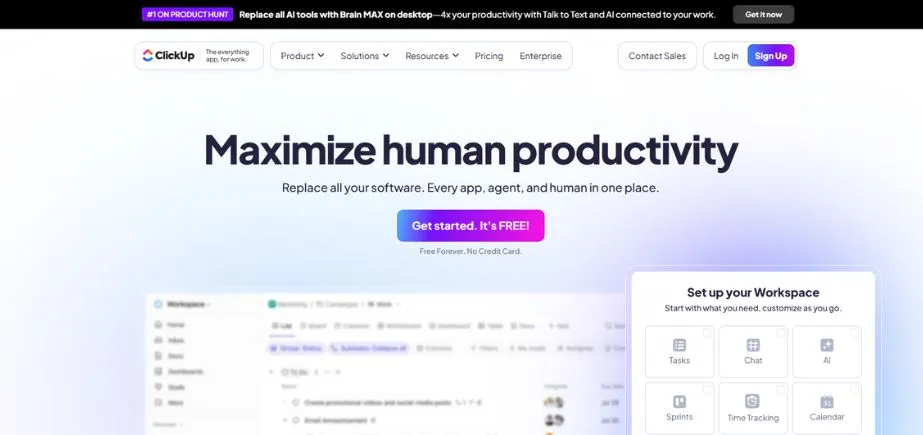
Being one of the Asana competitors, a ClickUp becomes the most important productivity tool because of the extensive customization possibilities, which appeal to the teams that prefer to be in control of the working processes. The platform is an integration of project management, document creation, chat, and goal tracking in one platform. It has high flexibility and permits workflows to be highly customized to meet the individual needs of a team. This broad functionality is, however, accompanied by complexity, which involves a large amount of time in its correct configuration and training of the team.
Key Features:
- Extensive customization options
- Multiple project views
- Integrated documentation system
- Advanced automation capabilities
- Comprehensive feature integration
Pros:
- Highly customizable interface
- All-in-one functionality approach
- Strong automation features
Cons:
- Complex setup requirements
- Performance lag issues
- Overwhelming feature complexity
Pricing: Free plan available, paid plans start at $7/user/month, scaling to $12/user/month for advanced features.
3. Agency Simplifier
Rating: 4.6/5
Website: agencysimplifier.com
Best Use Cases: Full-service agencies requiring integrated client portals and comprehensive operational management
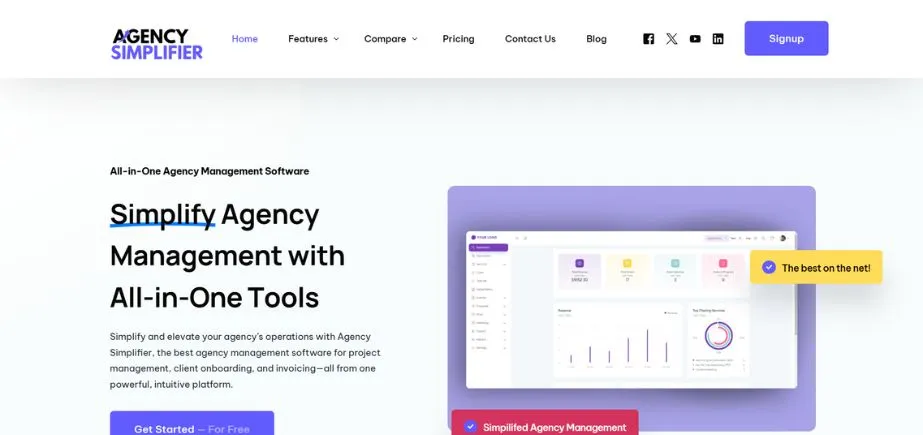
An agency-specific tool within Asana is Agency Simplifier, and is not a generic project management tool re-purposed. The platform incorporates project management, client portals, time tracking, invoicing, and reporting within one system. This unified method of approach provides the removal of several tools and thus decreases the complexity and the total cost of ownership. The platform is aware of agency-specific workflows, including templates and functionality, with a focus on client service delivery as opposed to internal project management by itself.
Key Features:
- Integrated client portals
- Time-to-invoice workflows
- Agency-specific templates
- Comprehensive reporting dashboard
- Unified operational platform
Pros:
- Agency-specific functionality design
- Comprehensive integrated features
- Reduced tool complexity
Cons:
- Limited customization options
- Niche market focus
- Smaller user community
Pricing: Starts at $29/month for small agencies, scaling based on team size and feature requirements rather than per-user pricing.
4. Wrike
Rating: 4.3/5
Website: wrike.com
Best Use Cases: Large agencies and enterprise marketing departments with complex project requirements
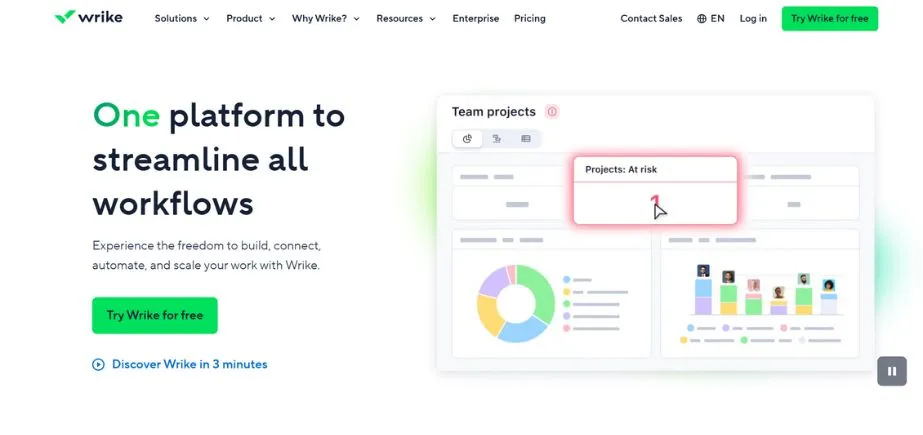
Wrike stands out as an Asana alternative because of its enterprise-oriented solution, which includes more advanced reporting and project management features for large teams and multi-layered work processes. The platform is also great in managing complex project structures that involve several stakeholders, an approval process, and elaborate reporting needs. Its integration ecosystem and its ability to prove are especially useful in agencies that have large creative flows with many revision cycles and stakeholder approvals.
Key Features:
- Advanced reporting capabilities
- Creative proofing systems
- Enterprise scalability features
- Comprehensive integration options
- Complex workflow management
Pros:
- Superior enterprise functionality
- Advanced reporting tools
- Strong integration ecosystem
Cons:
- Dated interface design
- Complex for smaller teams
- Enterprise-level pricing structure
Pricing: Plans start at $9.80/user/month for professional features, scaling to $24.80/user/month for advanced enterprise functionality.
5. Trello
Rating: 4.2/5
Website: trello.com
Best Use Cases: Small agencies preferring simplicity and straightforward Kanban-based project organization
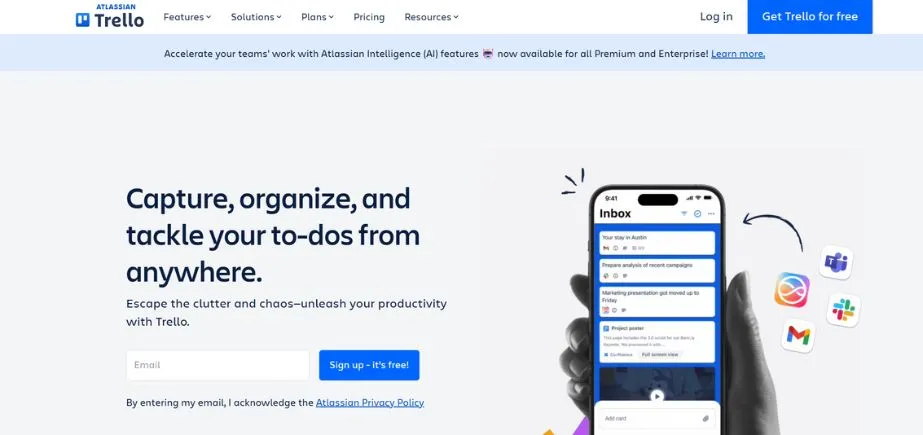
One of the simplest solutions among Asana alternatives is Trello which entails Kanban-style management of a project which can be immediately comprehended by a team. It is also very simple and can be employed by a small agency that does not require a lot of training to implement it quickly. The strength of the platform is seen in its visual card format that enables project status and task allocation to be easily viewed by all the team members. Though stripped of the more detailed functionality of more complex tools, the Power-Ups system in Trello enables teams to introduce functionality when required.
Key Features:
- Kanban board system
- Visual card organization
- Power-Ups extension system
- Simple collaboration tools
- Mobile accessibility features
Pros:
- Extremely simple interface
- Quick setup process
- Affordable pricing options
Cons:
- Limited methodology options
- Advanced features require add-ons
- No built-in time tracking
Pricing: Free plan available, paid plans start at $5/user/month for additional features and Power-Ups.
Also Read: Cybersecurity Companies in Ahmedabad
6. Smartsheet
Rating: 4.1/5
Website: smartsheet.com
Best Use Cases: Teams comfortable with spreadsheet interfaces requiring robust reporting and workflow automation
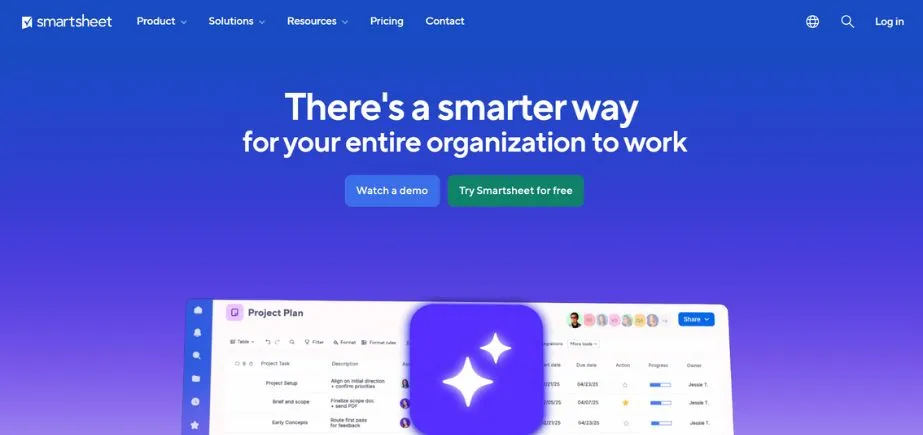
Smartsheet is a software that has an alternative attitude towards the Asana substitutes, since it combines the conventional spreadsheet setups with advanced project administration characteristics. This hybrid model is appealing to those teams, which have spreadsheet based planning, and which need greater project management features. The platform is good at data analysis, reporting and workflow automation but still has the flexibility that spreadsheet users need. Its business system integration features render it useful in enterprises that have complex data needs.
Key Features:
- Spreadsheet-based interface design
- Advanced workflow automation
- Comprehensive reporting tools
- Business system integrations
- Data analysis capabilities
Pros:
- Familiar spreadsheet interface
- Strong reporting capabilities
- Excellent automation features
Cons:
- Interface can feel limiting
- No free plan available
- Learning curve for non-spreadsheet users
Pricing: Plans start at $14/user/month for basic features, scaling to $25/user/month for advanced functionality.
7. Jira
Rating: 4.4/5
Website: atlassian.com/software/jira
Best Use Cases: Development agencies and teams with significant technical project components
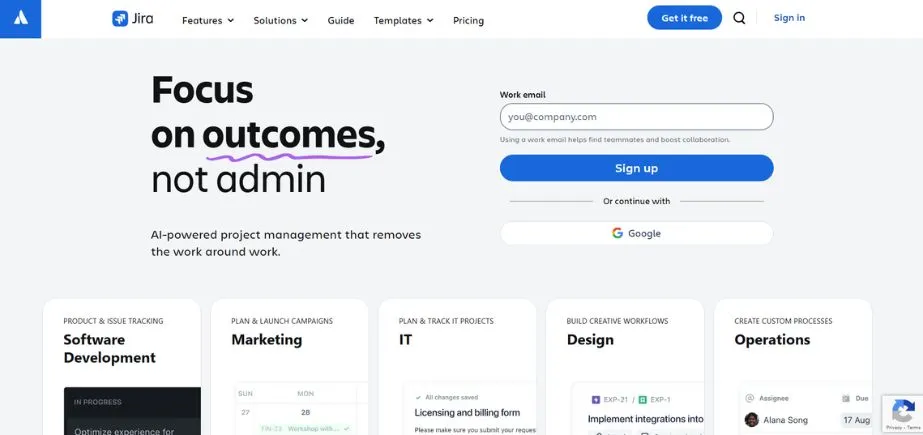
Jira is a specialized alternative to Asana that has been created to address software development and technical project management. The platform is also superior regarding the implementation of agile methodology and tracking of issues as well as managing development workflow. Its technical orientation restricts its use to general agency work, but it is an indispensable tool to the teams working on software development or agencies that may have important technical aspects. The Atlassian integration is an added value to the technically-oriented organizations.
Key Features:
- Agile methodology integration
- Advanced issue tracking
- Development workflow support
- Atlassian ecosystem connectivity
- Technical project templates
Pros:
- Superior development workflow support
- Built-in agile methodologies
- Excellent issue tracking
Cons:
- Steep learning curve
- Limited creative agency applicability
- Technical focus limitations
Pricing: Free plan for small teams, paid plans start at $7.50/user/month for growing teams.
8. Notion
Rating: 4.3/5
Website: notion.so
Best Use Cases: Agencies prioritizing documentation and knowledge management alongside project coordination
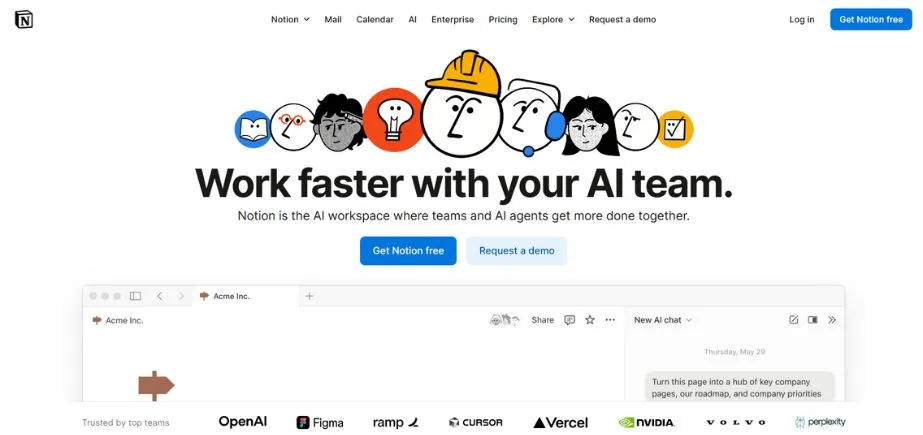
Among Asana alternatives, there is a more versatile tool, Notion which is a combination of the wiki software, document editing and project management into a single workspace. The platform is powerful because it is flexible enough to enable teams to develop workflows of their own requirements. Its documentation features make it especially useful to agencies where large body of knowledge, client information and project documentation are necessary. Nevertheless, such flexibility takes up much setup time and maintenance.
Key Features:
- All-in-one workspace design
- Wiki and documentation
- Custom workflow creation
- Real-time collaboration tools
- Knowledge management system
Pros:
- Extreme workspace flexibility
- Excellent documentation features
- Real-time collaboration capabilities
Cons:
- Time-intensive setup requirements
- Complexity with project growth
- Maintenance overhead demands
Pricing: Free personal plan available, team plans start at $8/user/month for collaboration features.
9. Basecamp
Rating: 4.0/5
Website: basecamp.com
Best Use Cases: Small agencies prioritizing team communication over advanced project management features
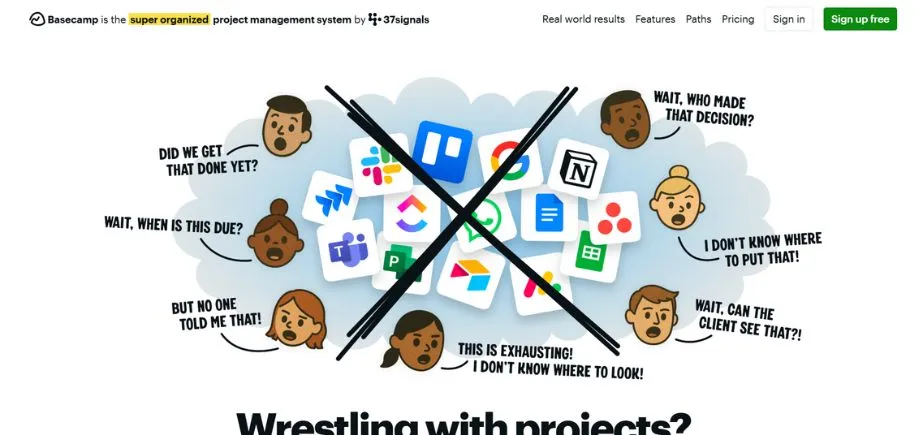
Basecamp is focused on simplicity and communication in Asana alternatives, and focus is paid on teamwork, as opposed to challenging project management features. The simplicity of the platform allows using it by small agencies that require effective communication tools and simple project organization without excessive functionality. The client access capabilities allow collaborating with external parties, whereas the trusted platform guarantees the stability of access to the team and project coordination.
Key Features:
- Team communication focus
- Client access capabilities
- Simple project organization
- Reliable platform performance
- Straightforward interface design
Pros:
- Simple, straightforward interface
- Strong team communication
- Reliable platform stability
Cons:
- Limited project management features
- No time tracking
- Basic reporting capabilities
Pricing: Flat rate of $99/month for unlimited users, with a personal plan at $2/user/month.
10. Airtable

Rating: 4.2/5
Website: airtable.com
Best Use Cases: Agencies requiring database functionality alongside project management for complex data relationships
Airtable is an option in the list of alternatives to Asana that integrates the database and project management capabilities and provides a spreadsheet-like interface and a strong set of relational operations. The platform is exceptional in the ability to manage the complex data relations and providing project visibility by a variety of view options. It is useful to agencies that have unique workflow needs or difficult data management needs because of its API and integration capabilities. Nonetheless, the database concept may pose a learning curve to the teams that are not accustomed to the relational data structures.
Key Features:
- Database functionality integration
- Multiple customizable views
- Strong API connectivity
- Template gallery access
- Relational data management
Pros:
- Powerful database features
- Customizable view options
- Excellent API integration
Cons:
- Quick complexity escalation
- Database learning curve
- Advanced feature limitations
Pricing: Free plan available, paid plans start at $10/user/month for enhanced features.
How to Choose the Right Asana Alternatives
When choosing the most appropriate project management platform, it is necessary to think about your needs specifically, your team interaction, and your business goals. This is an important and difficult choice because there are a lot of other Asana alternatives available.
- Functionality: Determine whether you are just looking to have basic tracking capabilities with project tracking or full business management capabilities such as client portals, invoicing, and detailed reporting capabilities that simplify operations.
- Scalability: The next factor is what will happen when your team grows regarding the platform, including price arrangements, user provisions, and functionalities to be included as your company increases its operations.
- Integration: Evaluate the compatibility with established business tools, software eco systems and processes to facilitate a smooth flow of data and limit interruption to the overall process.
- Usability: Evaluate the learning curve, interface design and adoption needs so that your team can be able to use the platform without huge training outlay.
- Budget: Compare the total ownership costs such as subscription costs, training costs and possible integration costs to arrive at the most cost-efficient solution to your organization.
Conclusion
The project management environment is replete with a variety of potent Asana alternatives that fit various business needs, team sizes, and business requirement. Agency-specific solutions such as Agency Simplifier or more general solutions such as ClickUp are each beneficial in their own way and can be used in different situations. It is possible that creative teams will be attracted to the graphical nature of Monday.com, and development agencies to the technical orientation of Jira.
Single workgroups that want to keep things simple may opt to use the Trello service, whilst businesses that need extensive reporting may find the services of Wrike to be of use. The secret behind the choice of the appropriate Asana alternatives consists in comprehending your particular needs, assessing the compatibility between various platforms with your workflows, and thinking ahead about scalability to ensure long-term business growth.
Also Read: Automation Companies in India
Frequently Asked Questions
Q: What are the most appropriate free alternatives to Asana when it comes to small teams?
A: Trello, ClickUp, and Notion have powerful free plans with the necessary project management options that would fit small teams who are only beginning the productivity journey.
Q: What Asana alternatives are most successful with agencies having client management requirement?
A: Agency Simplifier and Monday.com offer superior client portal capabilities and communication solutions that are tailored to the agency-client relationships.
Q: Do you have time tracking and invoicing Asana alternatives?
A: Yes, integrated time tracking with invoice functionality is available on Agency Simplifier and ClickUp, so there is no need to use a separate billing system.
Q: What are the Asana alternatives that are most useful to enterprise teams?
A: Wrike and Smartsheet are enterprise grade and have advanced reporting and workflow automation that is applicable to a large scale operation.
Q: What are some of the Asana substitutes that can be implemented and learnt with ease?
A: Trello and Basecamp are more inclined towards simplicity and their interfaces are user-friendly and require less training to enable successful team adoption and use.