
The Adobe Photoshop is still the standard image editing in the industry, but the high subscription fee and the high learning curve make many users turn to other photoshop alternatives. Granted you are a designer, photographer, or even a hobbyist; there are many options that are powerful and do not come at a high price. This guideline encompasses 18 potential options in various platforms and at varying prices.
Why Look For Photoshop Alternatives?
- Expensive fees: Adobe is very expensive in terms of monthly subscription.
- Options of one-time purchases: A large number of photoshop alternatives provide perpetual licenses without payment renewals.
- Less complicated learning curve: There are easier interfaces on some tools to those who are beginners.
- Reduced requirements: Lightweight options are well behaved on older and cheaper computers.
- Freedom of open source: Community-supported free software and open-development procedures.
Key Features to Look in Photoshop Alternatives
- Support of Layer: The layer support is necessary to non-destructive editing and complicated composition workflow.
- RAW file compatibility: This is a very important feature to photographers who are dealing with uncompressed camera files.
- Selection tools: Magic wand, lasso and advanced masking used to select the part.
- Plug-in ecosystem: Plug-in extensions and third-party-developed tools.
- Format compatibility: PSD, PNG, JPEG, TIFF and other formats are supported.
Quick Comparison Table
| Name | Pricing | Best For | Platform Support |
| GIMP | Free | Advanced editing on budget | Windows, macOS, Linux |
| Affinity Photo | $69.99 one-time | Professional photo editing | Windows, macOS, iPad |
| Photopea | Free (browser) | Quick edits anywhere | Browser-based |
| Krita | Free | Digital painting and illustration | Windows, macOS, Linux |
| Pixelmator Pro | $49.99 one-time | Mac users seeking simplicity | macOS only |
| Corel PaintShop Pro | $79.99 one-time | Windows professionals | Windows only |
| Pixlr | Free/Premium | Fast online editing | Browser-based |
| Canva | Free/Premium | Social media graphics | Browser, mobile apps |
| Photoshop Elements | $99.99 one-time | Beginners and hobbyists | Windows, macOS |
| Darktable | Free | RAW photo workflow | Windows, macOS, Linux |
| Luminar Neo | $99/year or one-time | AI-powered photo enhancement | Windows, macOS |
| Fotor | Free/Premium | Quick photo fixes | Browser, mobile apps |
| Inkscape | Free | Vector graphics creation | Windows, macOS, Linux |
| Sumo Paint | Free/Premium | Browser-based power editing | Browser-based |
| Capture One | $299 one-time | Professional RAW editing | Windows, macOS |
You Might Like: All SMO Tools
List of 15 Best Photoshop Alternatives (2026 Edition)
1. GIMP (GNU Image Manipulation Program)
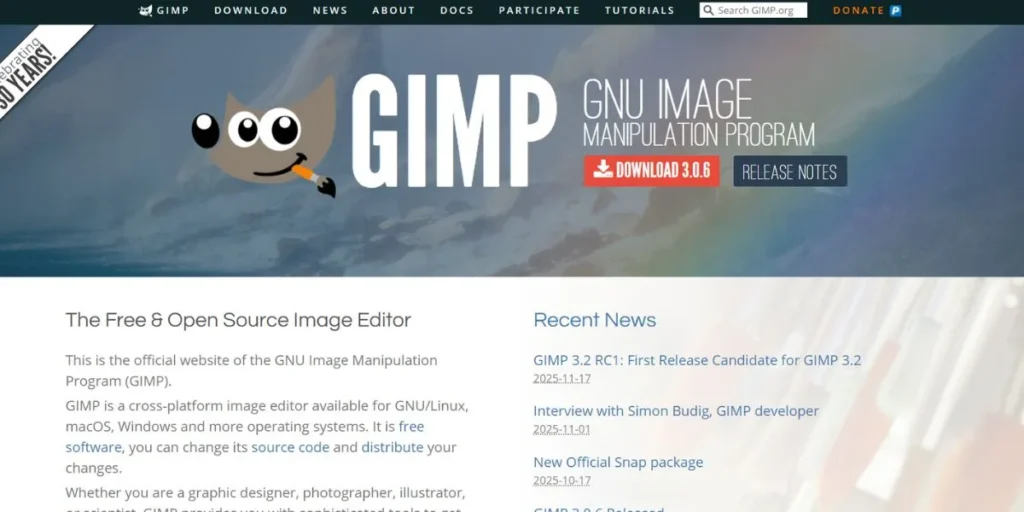
The strongest free and open-source substitute of Photoshop is GIMP, which has professional-quality photo retouching, image composition, and graphic design tools. It can manage complex projects due to a highly customizable interface and a wide range of support with the use of the plugins. It has an older interface, but the functionality of GIMP is equivalent to high-quality software.
Key Features:
- Sophisticated layer control using masks, mixing mode and grouping.
- There are vast selection tools such as intelligent scissors and foreground select.
- Scripting and automation Capabilities to customize brushes, filters and automation.
Pros:
- Absolutely free without any additional expenses or subscriptions.
- Active community with tutorials, plugins and support of constant development.
- Native PSD and most popular image files.
Cons:
- Steep learning curve as opposed to more modern and intuitiveness interfaces.
- The interface is out-of-date and not as polished as the commercial one.
- Poor CMYK support of professional print processes.
Pricing: Free
Best Use: Users with low income who want the advanced editing options of the program, but do not require subscriptions.
Website: https://www.gimp.org/
Also Read: Best Apps Like Snapchat
2. Affinity Photo
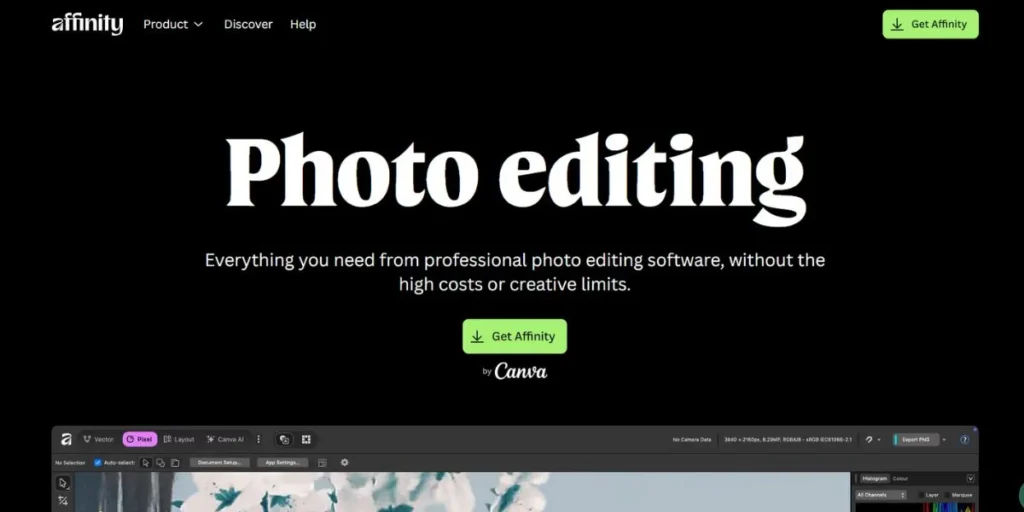
Photoshop has no direct paid competitors but the nearest paid analog of Photoshop is Affinity Photo, which offers professional photo editing at a one-time purchase price. It is fast and provides decent speeds even when working with huge files and elaborate manipulations. The software also allows an unlimited number of layers, high level masking, and high-level color spaces to serious photographers and designers.
Key Features:
- RAW editing live previews and non-destructive adjustment layers.
- The use of advanced retouching features such as frequency separation and inpainting brush.
- Complete CMYK and Pantone color in professional printing.
Pros:
- Single payment gets rid of the recurring subscriptions.
- Great performance despite high-resolution image and complicated projects.
- Version of iPad with full desktop parity.
Cons:
- None of the cloud storage integrations such as Adobe Creative Cloud ecosystem.
- The library of smaller third-party plugins is smaller than that of Photoshop.
- Resources less than Photoshop industry.
Value: 69.99 single purchase (recursive offers on a regular basis)
Best For: Professionals that want an everlasting license and will not sacrifice high-quality editing options.
Website: https://www.affinity.studio/photo-editing-software
3. Photopea
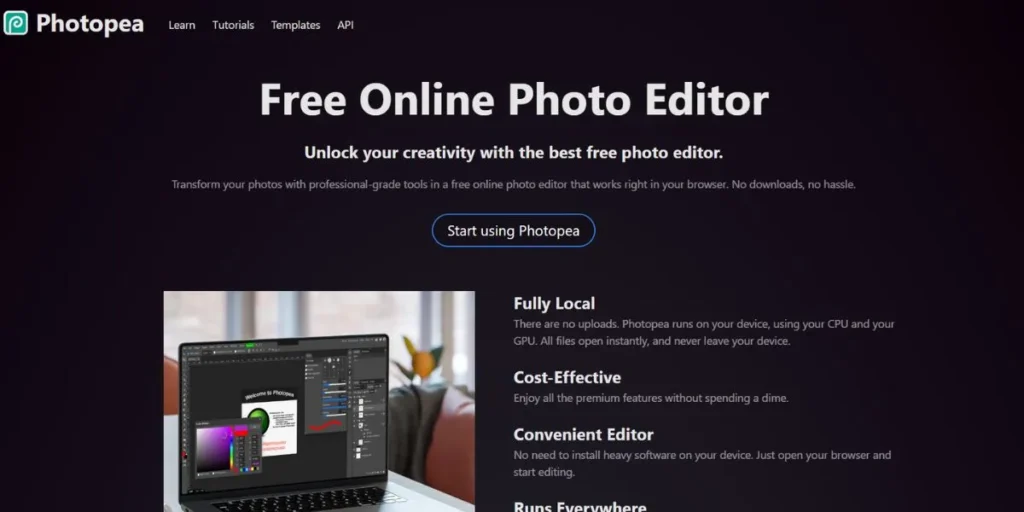
Photopea is a free web resource which is a replica of Photoshop. It does not need to install or register and supports such editing features as layers, masks, and smart objects, opening PSDs directly. The interface recognizability renders it the best application among Photoshop users requiring convenience anywhere.
Key Features:
- Opens and saves PSD, XCF, and Sketch among others.
- Complete support of layers with layers that are adjustable, masks and blend modes.
- Browsers Work in your web browser without requiring any installations or download.
Pros:
- Fully free and may have ads with premium subscription.
- Cross-platform compatibility is compatible on any modern browsers.
- Experienced users can learn to use it with minimum learning curve due to its familiar Photoshop-like interface.
Cons:
- Needs to have consistent internet to work and be accessed.
- Restricted with browser features to the native desktop applications.
- Free version with ads can be annoying in the course of a high workload.
Pricing: Free (Premium costs 9/month in order to be ad-free)
Best On: Rapid updates on any device without software download and subscription.
Website: https://www.photopea.com/
4. Krita
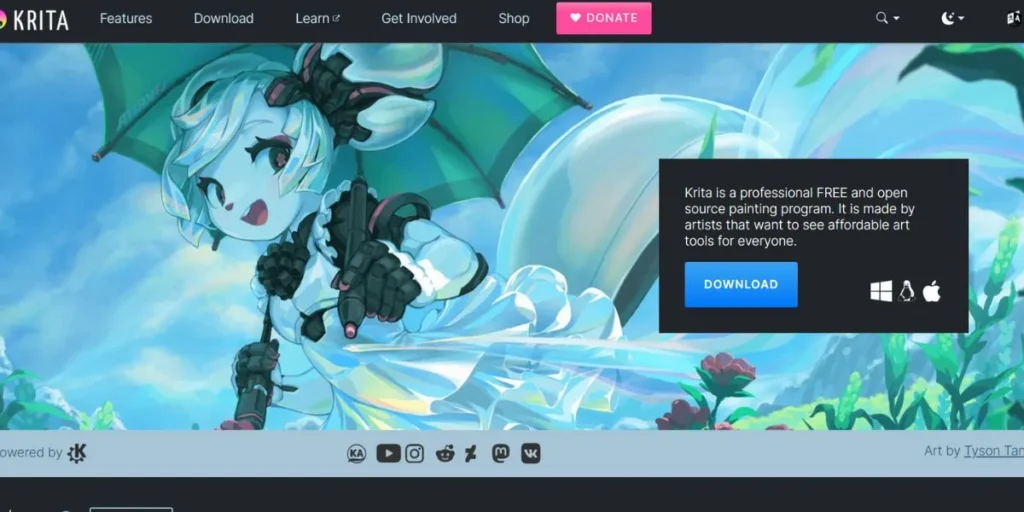
Krita is an open-source digital painting software, meant to be used by illustrators, concept artists and comic creators. It is not a conventional photo editor, but the brush engine with drawing tools makes it outstanding in artistic work. The program provides the digital artists with stabilizers, animation, and vast customization of brushes.
Key Features:
- Fierce brush engine and more than 100 professional designed presets.
- In-built stabilizers to run smooth and further-developed symmetry tools.
- Timeline and onion skinning Frame-by-frame animation.
Pros:
- Fully liberated and actively created by zealous artist community.
- Extraordinary in digital painting, illustration and creation of concepts.
- The older hardware configurations run well on low system requirements.
Cons:
- Not aimed at photo editing and photo manipulation processes.
- Graphical interface designed to draw and not photo-editing work.
- Lacks progressed the choice instruments available in specialized photo editors.
Pricing: Free and open-source
Best: Digital artists, illustrators and painters who do original work at the beginning of the art.
Website: https://krita.org/en/
5. Pixelmator Pro
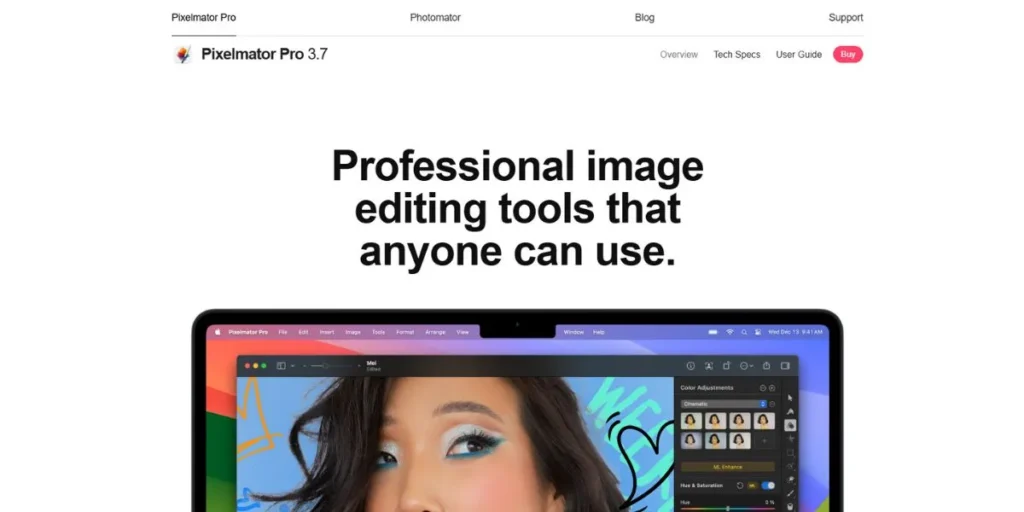
Pixelmator Pro is a Mac-only image editor using both Metal and Core ML to exploit Apple technologies to an extraordinary degree of performance. Its native, gorgeous MacOS interface is comfortable with the design language of Apple. The software provides highly professional instruments with an incredible level of simplicity to use, and the advanced editing will be available to all.
Key Features:
- Automatic image improvement and selection systems based on machine learning.
- Adjustment layers and smart masks Non-destructive non-destructive editing.
- Uninterrupted operation with macOS such as iCloud and Handoff.
Pros:
- Single buy and lifetime updates at affordable price.
- Beautiful, and intuitive interface that is also optimized to the macOS experience.
- Very good performance when using Apple Silicon and Metal graphics acceleration.
Cons:
- macOS is not dual platform and has no version on Windows or Linux.
- Lack of popularity in terms of size as a plugin system in comparison with cross-platform software such as the GIMP.
- Few resources and tutorials were available in comparison to more established ones.
Pricing: $49.99 one-time purchase
Best For People who like Mac and wish to have the elegant and powerful editing with the native integration.
Website: https://www.pixelmator.com/pro/
6. Corel PaintShop Pro
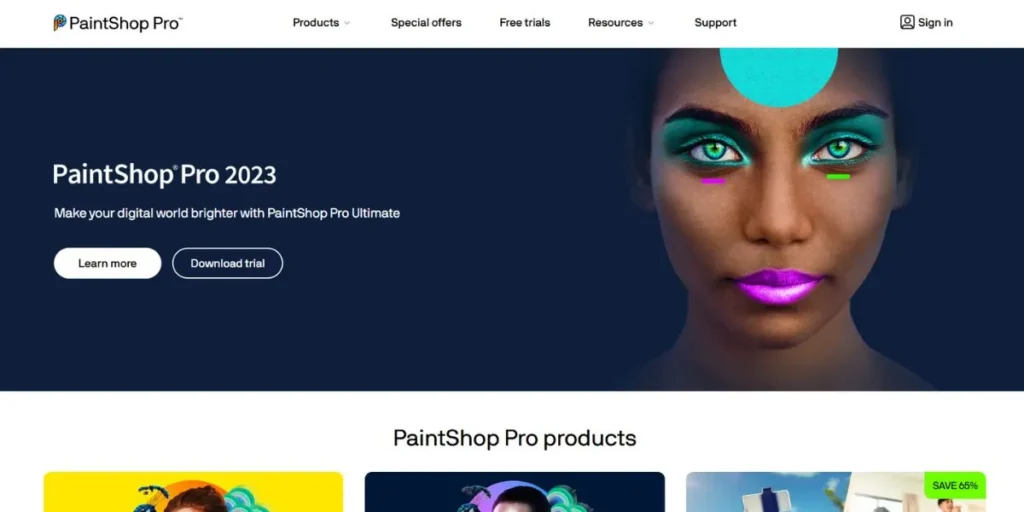
Corel PaintShop Pro is an established windows photo editing software that provides a full range of photo editing, organization, and sharing options. It is a combination of photo management and potent editing features in one. The software has an AI-based functionality, RAW processing and creative filters that make it usable by both amateurs and professionals.
Key Features:
- The upscaling and style transfer of artifacts and style transfer are AI-based tools.
- Raw editing through camera profiles and lens correction.
- Photography, Complete and Essentials modes of workspace customization.
Pros:
- One-time purchase model does not attract subscription fees.
- Frequent upgrades and additions are now included in the purchase price.
- Full featured competes with Adobe Photoshop in quarter the price.
Cons:
- Windows only and no support to any macOS or Linux.
- The interface is not user-friendly.
- On very large files, the performance is lower than that of competitors.
Price: $79.99 single model ( Ultimate version $99.99)
Best For: Windows users who prefer to be able to do full-scale photo editing without subscriptions.
Website: https://www.paintshoppro.com/en/
7. Pixlr
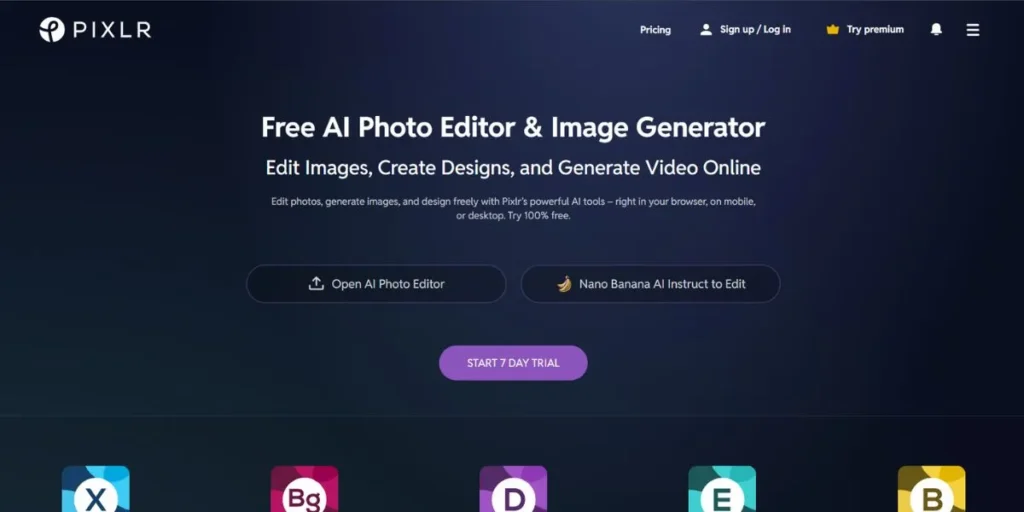
Pixlr provides both browser and mobile level photo editing services. Pixlr X offers easy and fast-processed edits whereas Pixlr E offers improved functionality with layers and masking. The fact that it is cloud based also facilitates cross-gadget editing, and this may be ideal to users who operate in a variety of locations.
Key Features:
- Two interfaces: Pixlr X which is simple, and Pixlr E which is advanced.
- Artificial intelligence-based applications such as background eraser and smart cutout.
- Access to projects using various devices through cloud storage.
Pros:
- Free level with significant functionalities regarding simple editing.
- Browses on all platforms or uses mobile applications.
- There is no installation needed that can allow instant remote access.
Cons:
- Free version has advertisements and watermarks on exported pictures.
- Needs an internet connection in order to access the utility of a cloud-based editor.
- Poor offline functions in the face of desktop-based software applications.
Price: Free (Premium – $7.99/month, Plus – $14.99/month)
Best For: Customers who require rapid editing in multiple devices and can be accessed over the cloud.
Website: https://pixlr.com/
8. Canva
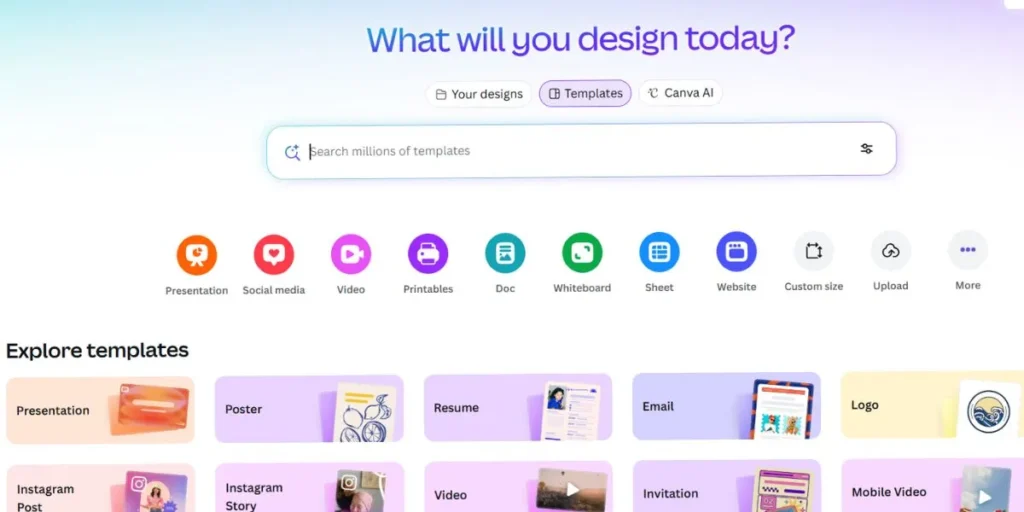
Canva is also oriented towards graphic design and creation of social media content as opposed to the stock photo editing. The ability to use it to create professional-looking designs only takes a drag-and-drop interface and wide range of templates, which are available to anyone. Although it cannot be used to manipulate photos in detail, it is capable of producing social media graphics and presentations as well as marketing materials in a short time.
Key Features:
- Massive template library in social media, presentation, and marketing.
- Intuitive drag-and-drop design engine with thousands of design elements.
- Collaboration characteristics enable teams to cooperate in working on projects.
Pros:
- Free tier has the strong features of simple design requirements.
- Very user-friendly and easy to use with visual interface that does not need to be trained.
- Massive stock photographic and design content.
Cons:
- Poor advanced photo editing features unlike the traditional editors.
- Premium templates and stock content would require subscriptions.
- It is not applicable when high quality is required or when photo manipulation is needed.
Pricing: Free (Pro: $12.99/month, Teams: $14.99/user/month)
Best: when the user does not possess design experience and wants to create social media graphics and marketing materials.
Website: https://www.canva.com/templates
9. Photoshop Elements
Adobe has a more consumer-friendly photo-editing application that provides simpler versions of the most used features of Photoshop and guided edits to the novice. It also comes with automatic improvements, creative effects, and simple organization tools as a one-time buy. Elements is not overly technical, but at the same time elements does not treat non-technical users as if they are specialists.
Key Features:
- Guided edits present users with various complicated techniques step by step.
- Auto creations create automatic effects, slideshows and collages.
- Streamlined interface including Essential, Quick and Guided modes of editing.
Pros:
- A single purchase gets rid of recurring subscription fees at Adobe.
- Simpler learning interface in comparison to the entire Photoshop to beginners.
- Also contains simple Organizer, which allows organizing and finding photos easily.
Cons:
- Features Lacks offered in full Photoshop subscription.
- New features need to be bought in the form of new versions.
- Poor editing capabilities of RAW as compared to Lightroom or professional software.
Pricing: $99.99 one-time purchase
Best: Entry-level users wishing Adobe quality at no cost and at non-subscription rates with (comparatively) reduced complexity.
Website: https://www.adobe.com/in/products/photoshop-elements.html
10. Darktable
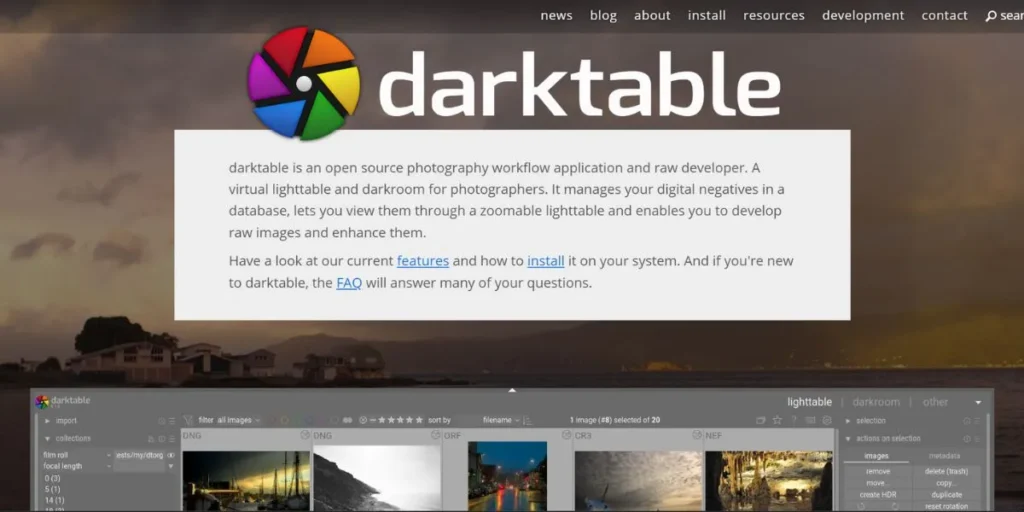
Darktable is a free open source photography workflow program aimed at developing RAW and managing photographs. It offers the ability to offer non-destructive editing with strong color correction, tone mapping, and lens correction. It is recommended to photographers who work in RAW format and is capable of working with complete workflows, including import, export, etc.
Key Features:
- Detailed RAW processing and comprehensive camera support and profiles.
- Processing (editing) Modular pipeline Non-destructive editing pipeline.
- Photo management: In-built photo tagging, photo rating and photo filtering.
Pros:
- Donation-free and totally open source.
- RAW processing is of a professional level and can compete with the costly commercial programs such as lightroom.
- Support of cross-platform windows, macos, and Linux operating systems.
Cons:
- High learning curve, tedious interface not user friendly.
- Also, it is mostly dedicated to the development of RAW instead of general editing.
- Poor raster editing (in comparison with pixel-based editors).
Pricing: Free and open-source
Best For: Photographers who could use RAW without having to pay subscription to Lightroom.
Website: https://www.darktable.org/
11. Luminar Neo
Luminar Neo focuses on AI-driven editing features, which automate such complicated processes as sky replacement, portrait fixing, and object removal. Its layered workflow gives it an opportunity to do creative editing and at the same time have a very simple interface. The software is constantly being upgraded with new AI capabilities and is becoming more competent as time goes on.
Key Features:
- Automatic masking and relighting of AI sky replacement.
- Portrait features such as skin retouching, light on the face and body reshaping.
- Strong masking functions with neural subject and background selection.
Pros:
- The use of AI decreases time spent on complicated tasks significantly.
- They come as a standalone and a Lightroom/Photoshop plugin.
- New AI capabilities and enhancements are introduced on a regular basis.
Cons:
- Subscription structure or greater initial expense over others.
- It is possible to have performance lag under several layers of AI running at the same time.
- Excessive use of AI might not be compatible with those photographers who like to be in control.
Price: 99/year or 197 one time license.
Best When: Photographers require the AI-powered technology to have quicker creative editing workflows.
Website: https://skylum.com/luminar
12. Fotor
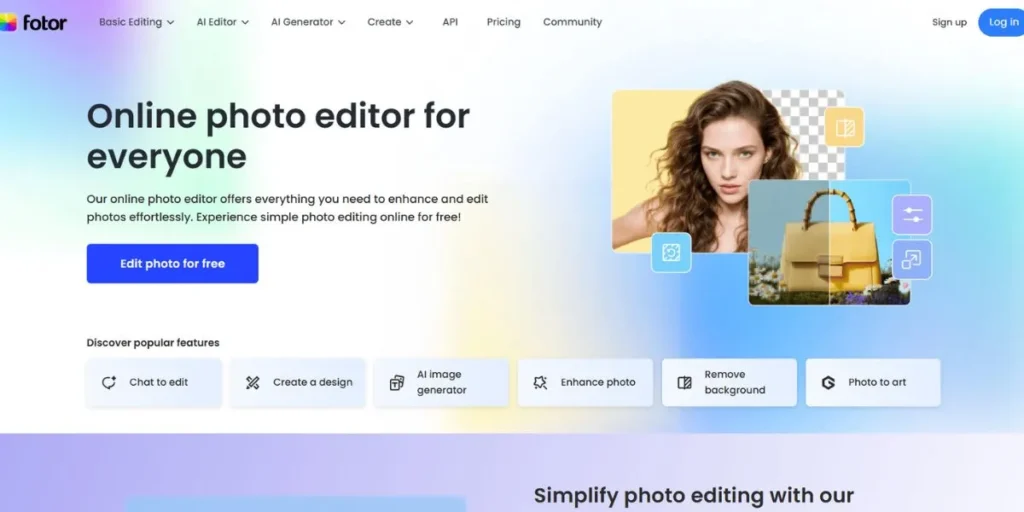
Fotor is a photo editing platform with browser and mobile applications that focus on a one-touch improvement and filters. This is thanks to its intuitive interface that enables simple editing to everyone and gives it a batch processing and collage making capabilities. The software is aimed at the ordinary user who needs some speedy upgrades, but not technical sophistication.
Key Features:
- Automatic one tap presets to quicken the photo improvement.
- Large filter bank that has beauty retouching and HDR.
- The batch processing allows one to edit several photos at a time effectively.
Pros:
- Free version which has basic features to casual users.
- Very friendly that it does not need learning or training.
- Supports works on web browsers, iOS and Android gadgets.
Cons:
- Poorly developed high-end editing in order to manipulate photos professionally.
- Free version has watermarks and has limited resolution to export.
- Browsing has to be connected to the internet to edit.
Prices: Free (Pro: $8.99/month, Pro+: $19.99/month)
Best: The casual user that requires quick fixes to photos with little effort.
Website: https://www.fotor.com/
13. Inkscape
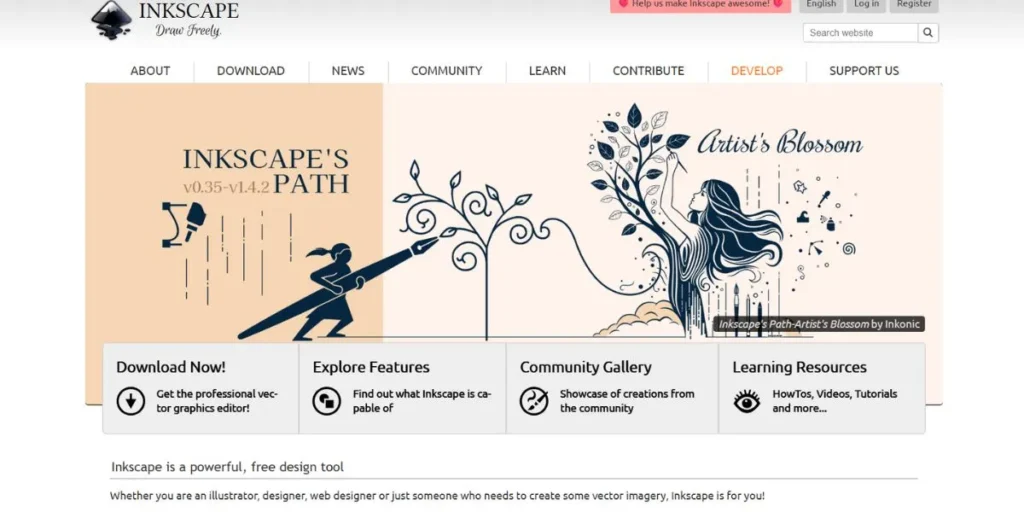
Inkscape is a free, open-source, vector graphics editor, not Photoshop, but Illustrator. It performs well in making logos, drawings and resizable graphics with the use of paths and shapes. Although it is not a raster editor, it is invaluable to a designer who requires the ability of vectors in addition to photo editing software.
Key Features:
- Extensive vector drawing software with bezier paths and spiro paths.
- Full control over typography and layout Text support.
- Native support of SVG format and export to other formats.
Pros:
- There is no restriction, and it has professional level of editing vectors.
- Cross-platform Windows, MacOS, and Linux platform support.
- Community that is active create tutorials, extensions and continuous development.
Cons:
- It is not created in the style of a raster photo editing or manipulation.
- Presentation problems in very complicated illustrations of vectors.
- Poor interface as compared to commercial vector editing software.
Pricing: Free and open-source
Best When: Vector graphics, logos, and illustrations that need to be scalable have to be created
Website: https://inkscape.org/
14. Sumo Paint
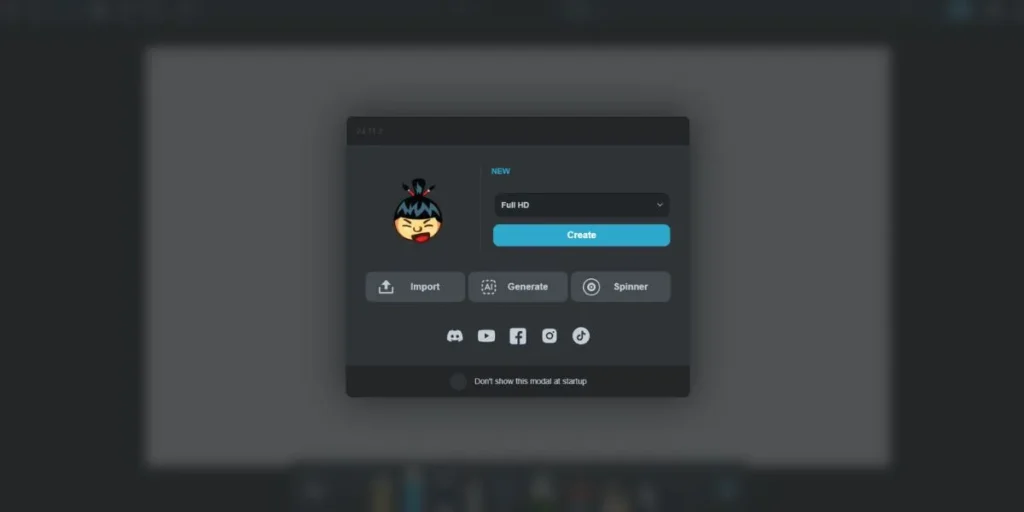
Sumo paint presents surprisingly strong editing features using a browser interface that does not require any installation. Its workflow that is built in layers, its brushes and filters enable it to take up complicated projects. Software available is both user-friendly and comprehensive, and offers major functionality without the need to install software or use high-potency hardware.
Key Features:
- Blending modes and opacities Full layer support.
- Huge brush engine, which is pressure sensitive to draw tablets.
- Cloud storage stores project so that it can be accessed on various devices.
Pros:
- All-browsing and no installation at all.
- Free version offers considerable editing features free of charge.
- User-friendly interface is a balance of power.
Cons:
- Needs to have internet to access cloud-based editor.
- Free version has advertisements that are distracting in the workplace.
- Lack of support of various formats as in desktop applications.
Pricing: Free (Pro (removes ads) costs 9/month and will include features)
Best: Browser-based editing with greater capabilities than usual online editors.
Website: https://paint.sumo.app/
15. Capture One
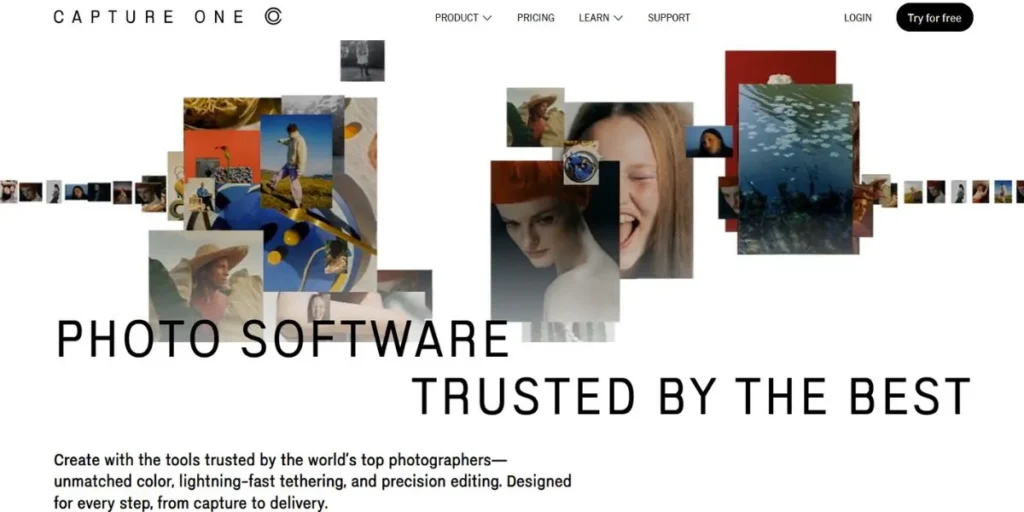
Capture one is a professional level RAW processing software that is utilized by commercial photographers all over the world. It is the best in the industry in terms of color grading, tethering, and speed when it comes to studio photography. Although it is costly, it has unmatched quality of RAW and is highly effective in terms of workflow when required in a professional setting.
Key Features:
- High quality color grading and sophisticated color editing tools.
- Tethered shooting with real time capture review in the studio.
- Local adjustments that are done in layers with advanced masking options.
Pros:
- RAW processing is of high quality, above the majority of the competitors.
- Hospital productivity applications such as cataloging and session management.
- It is offered as an everlasting license without incurring subscription fees.
Cons:
- The high cost factor restricts entry by the hobbyists and beginners.
- Learning curve is steep and thus consumes a lot of time to learn.
- Needs a robust hardware to be used with large files.
Pricing: perpetual license: $299 or subscription: the annual amount is 179.
Best in Use Professional photographers who require the best RAW output and workflow control.
Website: https://www.captureone.com/en
Best Free Photoshop Alternatives
- GIMP: Best and the best alternative that offers the tools with professionalism and that is free of charge and available.
- Krita: Outstanding in the digital painting, illustrative and artistic creation workflow.
- Paint.NET: Easy and quick windows painting without complexity and performance problems.
- Photopea: Web-based editing that can be used anywhere and does not need to be installed.
- Darktable: Free, fully- fisheye, photo management and development (RAW).
Best Paid Photoshop Alternatives (No Subscription)
Affinity Photo
Single purchase of 69.99 provides professional features of editing with high-performing speeds, complete features, and iPad version.
Pixelmator Pro
Mac-exclusive costs 49.99 which offers a beautiful interface, machine learning capabilities, and a perfect fit with a machine that can be integrated with the macOS.
Corel PaintShop Pro
Windows solution is available at 79.99 with AI at its service, processing Raws, and a complete arsenal of features comparable to Adobe products.
Best Open-Source Photoshop Alternatives
GIMP
Highest quality open-source editor in the market that provides professional features, a high number of plug-ins, and development of an active community, all free of charge.
Krita
Free digital painting powerhouse offers high end brush engine, stabilizers, animation capabilities, and artist oriented tools free of charge.
Darktable (for RAW workflows)
Professional RAW development software is capable of complete photography workflow: import-export, using advanced color tools.
Best Online / Browser-Based Photoshop Alternatives
Photopea
Brower-based interface, PSD-support, layer and advanced Photoshop replicator, no installation required anywhere.
Pixlr
Provides basic and sophisticated web based editor with cloud based storage and mobile integration.
Fotor
Photo repairs and optimizations with an easy-to-use browser interface and one-touch auto perfection.
Best Photoshop Alternatives for PC & Low-Spec Devices
- Photopea (browser): Works well without straining the system resources with browser performance.
- Paint.NET: Older computers work very fast with this extremely lightweight Windows application.
- Pixlr: Web Based application removes the need to invest hardware in the local processing power.
Best Photoshop Alternatives for Linux
GIMP
It is de facto standard with full functionality and performance since it is supported by Native Linux.
Krita
Great Linux compatibility gives the digital artists professional painting tools optimized.
Inkscape (vector support)
Creation of vector graphics in Linux is used to supplement raster editors to compete with the entire design workflow.
Conclusion
The photoshop alternatives to Adobe Photoshop range between free open-source software and paid software that is used by professionals according to the needs and level of expertise. No matter what is more important to the user: cost-saving, certain features, or compatibility with a particular platform, there are viable options. Make decisions based on the workflow requirements, budget constraints as well as investment in learning. Free trial is available in most of the photoshop replacement so one can test it with their hands before committing to it.
FAQs
Does free software, such as Gimp, have the capability to be as useful, in the professional world, as Photoshop?
Yes, Gimp has the professional grade tools that are adequate to most commercial jobs, but a more specific workflow can need to access the ecosystem integration and capabilities of Adobe.
What photoshop alternatives replacement is the best one to use when a person has no previous experience in editing?
Paint.NET and Canva have low learning curves and easy-to-use interfaces, whereas Photopea also has known Photoshop layout to ease the transition of new users.
Do any good photoshop alternatives exist, and are they offline, i.e. do not require an internet connection?
GIMP, Affinity photo, Paint.NET, Krita and Pixelmator Pro can all be used fully offline with no need of internet connectivity to be fully functional.
Which is the most appropriate one-time option instead of the subscription plan of Photoshop?
Photoshop: The closest feature parity with Photoshop at $69.99 is the Affinity Photo with professional features, good performance, and no recurrent expenses.