

The current competitive business world is fast-paced, and efficiency is no longer merely a competitive advantage; it is a requirement. Firms in all sectors are discovering that manual processes consume valuable time and resources that could be allocated to more strategic growth initiatives. This is where office automation software comes as a prospect that transforms the way organisations deal with normal administrative activities as well as complicated workflow management.
The contemporary work environment requires solutions that are capable of keeping up with the changing nature of business considerations as well as minimising human error and operational expenses. The office automation software helps overcome these issues by automating the repetitive tasks of the organisation, facilitating easy collaboration, and offering wise insights that can help in making better decisions. The appropriate automation instruments can radically change your productivity environment, whether you are a startup that will scale effectively or an already existing enterprise that will streamline operations.
What is Office Automation?
Office automation can be defined as the use of computer systems, software and digital facilities to automate and streamline the events that occurred in offices and which used to be carried out manually. This involves many applications such as Word processing applications, spreadsheets, email systems, database management applications, and document storage applications. This is mainly aimed at promoting productivity, minimising errors, minimising paperwork, and improving faster communication in organisations.
Office automation saves employees time by automating repetitive functions like data entry, document creation, scheduling, or information retrieval, and giving them more time to work on more important and innovative projects. It also contains the software to create and edit the documents, financial information, email and video conferencing, electronic file storage and departmental work coordination.
Also Read: Top Endpoint Protection Software
Essential Features to Look for in Office Automation Software
The process of choosing the appropriate automation solution must be done with great attention to such features, as they must correspond to your line of business and business growth goals. Although the needs of various organisations may vary, some core capabilities are required in effective office automation software that provides long-term value and quantifiable outcomes.
- Factor: Intuitive User Interface: You have a well-designed and user-friendly interface that will help in fast adoption in your organisation, as the user needs less training and is maximally productive on the first day.
- Integration Capabilities: To form cohesive engineering processes across platforms, a smooth integration with your current technology stack is necessary.
- Customisation: Each business is unique, which means that your automation platform must provide you with easy-to-utilise customisation options that go hand in hand with your business, and not impose tight template solutions on you.
- Scalability and Performance: When your organisation expands, your office automation software should be able to scale without any problems to meet higher volumes, users, and complexity with no performance loss.
- Security and Compliance: Data sensitivity and regulatory standards are crucial matters of concern that cannot be compromised in the contemporary environment.
Comparison Table for Office Automation Software
| Software Name | Rating | Best Feature |
| Zapier | 4.7/5 | Cross-platform integration capabilities |
| Jotform | 4.7/5 | No-code approval workflow automation |
| ClickUp | 4.7/5 | 100+ pre-built automation templates |
| Trello | 4.5/5 | Visual kanban board automation |
| Kisi | 4.6/5 | Cloud-based physical access control |
| Workable | 4.6/5 | End-to-end recruitment automation |
| Procurify | 4.6/5 | Real-time spend tracking automation |
| Automation Anywhere | 4.5/5 | AI-powered intelligent bots |
| Intruder | 4.8/5 | Continuous security vulnerability scanning |
| LobbyGuard | 4/5 | Contactless visitor management system |
Top 10 Office Automation Software
1. Zapier
Rating: 4.7/5
Website: https://zapier.com/
Best Use Cases: Creating seamless integrations between disconnected business applications and platforms
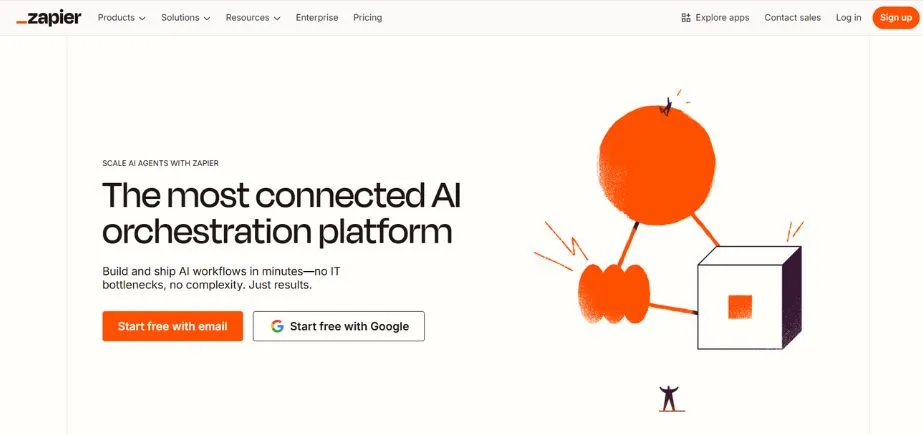
Zapier is one of the most flexible automation solutions in the market, which allows businesses to integrate thousands of applications without the need to write a single line of code. The fundamental feature of the platform is to build so-called Zaps, which are automated workflows that are triggered when an event happens in one application. This will remove data silos and data transfer between systems, which is manual and significantly cut down on the administrative overhead.
Zapier offers powerful automation to users of all technical abilities with its advanced drag-and-drop functionality, conditional logic functionality, and a huge template library. The platform allows simple two-step automations as well as multi-step workflows with branching logic, so it can be used by businesses of both big and small sizes.
Key Features
- Thousands of app integrations
- Visual workflow builder interface
- Conditional logic and branching
- AI-powered workflow suggestions
- Multi-step automation sequences
Pros
- No coding required
- Flexible pricing options
- Unlimited integrations on paid plans
Cons
- Tasks expire monthly
- Premium integrations cost extra
- No dedicated mobile application
Pricing: Free plan available
2. Jotform
Rating: 4.7/5
Website: https://www.jotform.com/
Best Use Cases: Automating approval workflows, form submissions, and signature collection processes efficiently
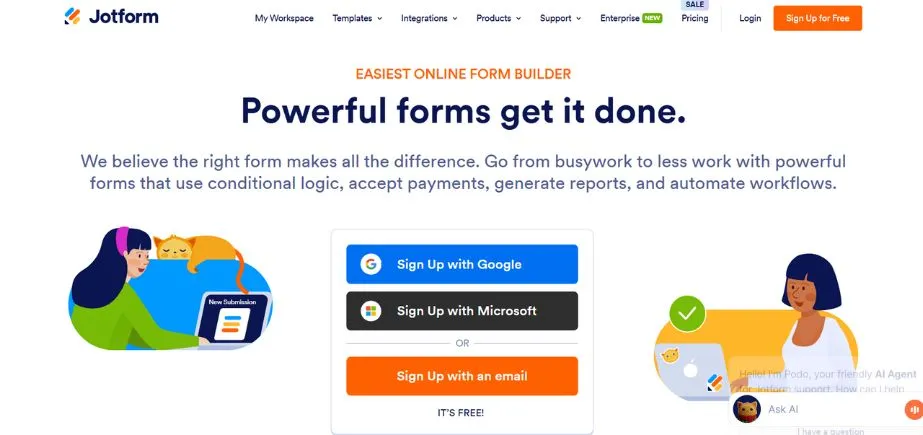
Jotform provides full automation of forms and workflow. It is a no-code platform that can be used to change the way companies gather, process, and take action on information. The platform is quite strong at both creating personalised forms, surveys and applications based on the 10,000 templates or creating and creating applications based on the intuitive drag-and-drop tools. Jotform allows automated approval flows, which give organisations the ability to create multi-level approval processes that conditionally route, automatically notify and track status.
The Data Tables aspect of the platform allows automatic filling of databases with submission form data, giving the resultant repositories an organised format and making them filterable, sortable and analyzable. Connectivity to 240+ business apps means your data moves without interruption through the entire technology stack.
Key Features
- 10,000+ customizable form templates
- Automated approval workflow builder
- Electronic signature collection capability
- Automatic database population
- 240+ software integrations available
Pros
- Free plan included
- Drag-and-drop form creation
- Automated report generation
Cons
- Approver limits on plans
- Multi-user access restricted
- Enterprise-only advanced features
Pricing: Free plan
3. ClickUp
Rating: 4.7/5
Website: https://clickup.com/
Best Use Cases: Comprehensive project management with extensive pre-configured automation templates available
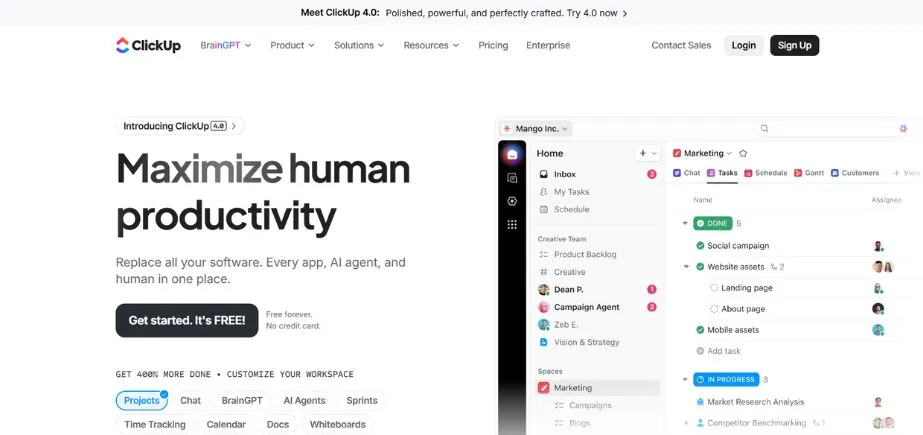
As the company brands itself as the everything app of work, ClickUp is an all-inclusive productivity tool that integrates resource management, workflow automation, project management, and collaboration tools in a single platform. Automation features of the platform are based on more than 100 pre-existing templates that include various common business situations, and there is a no-code builder that allows developing the automations unique to the needs.
Users can use AI to help make automations out of natural language descriptions, and this saves a lot of time in setting up. The automation engine of ClickUp is used to automate such standard tasks as status updates, assignments, notifications, and transfers between fields, making sure that projects progress without having to be manually handled at all times.
Key Features
- 100+ automation template library
- AI-powered automation builder
- Conditional trigger configuration
- Automated team assignments
- Detailed automation audit logs
Pros
- Two-factor authentication enabled
- Extensive software integrations
- Mobile app available
Cons
- Automation action limits exist
- Advanced features cost more
- Learning curve for beginners
Pricing: Free plan available
4. Trello
Rating: 4.5/5
Website: https://trello.com/
Best Use Cases: Visual project management enhanced with kanban-style automation and workflow triggers
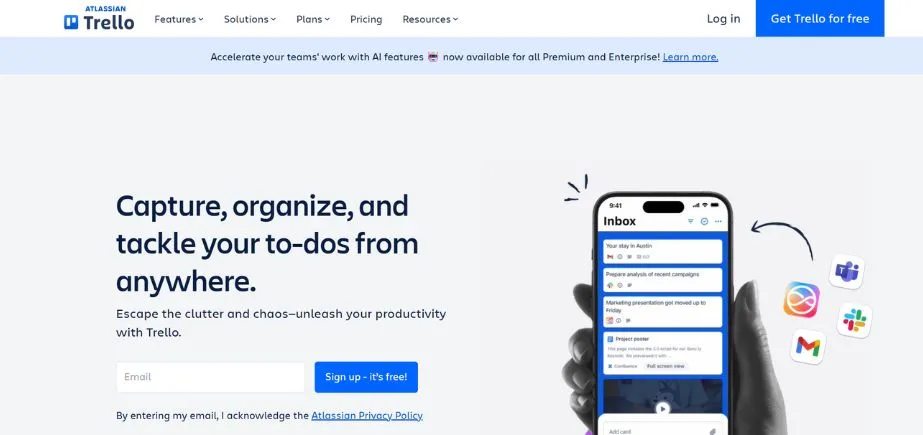
Adding an element of project management, Trello has changed the way project management is done through its basic kanban board method, and the Butler automation feature has helped spread the same simplicity of the former to workflow automation as well. It lets teams arrange work visually through the use of boards, lists, and cards and automates repetitive tasks that ensure that projects are moving rapidly.
Butler has several varieties of automation, such as rule-based triggers that take an action when a specific condition is met, custom buttons that can execute a series of actions at a single button press, scheduled commands that can be run automatically at a specified time, and due date commands that can be used to take an action when a card has a deadline. This flexibility will enable teams to minimise manual card movement, automatic change of assignments, sending notifications, and checklists.
Key Features
- Butler workflow automation engine
- Kanban board visualisation
- Custom button creation
- Rule-based automation triggers
- Due date command automation
Pros
- Intuitive drag-and-drop interface
- Extensive software integrations
- Board template library
Cons
- Limited automation runs
- Advanced features expensive
- Organisation permissions restricted
Pricing: Free plan
5. Workable
Rating: 4.6/5
Website: https://www.workable.com/
Best Use Cases: Complete recruitment and hiring process automation from posting to onboarding
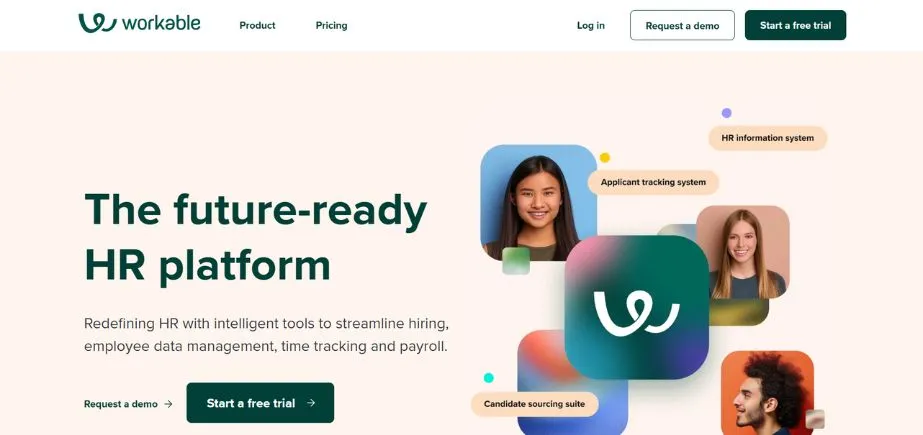
Workable transforms the talent acquisition process into an entirely automated enterprise-wide process, with all the steps of the cycle being simplified. The system automates the time-consuming hiring processes such as posting jobs to various channels, screening applications, scheduling email messages, scheduling interviews, review processes, approval messages, and generating offer letters. The calendar integrations do not create any scheduling conflicts; an automated assessment test and scorecards are useful in identifying the best candidates as soon as possible, using objective parameters.
The template library of Workable includes emails, job descriptions, and an onboarding process, which allows being consistency and saves a lot of time in order to prepare them. The confidentiality management features of the platform secure the sensitive information of the candidates during the process. Workable is capable of enabling organisations to provide professional and timely communication that supports employer brand through six languages and customised candidate responses.
Key Features
- Automated application task management
- Interview scheduling coordination
- Assessment test automation
- Offer letter generation
- Onboarding workflow templates
Pros
- Email and calendar synchronisation
- Six language support
- Confidentiality management tools
Cons
- HR and recruiting are separate
- Premium support expensive
- Extra costs for tools
Pricing: Custom pricing
6. Kisi
Rating: 4.6/5 (Capterra and G2)
Website: https://www.getkisi.com/
Best Use Cases: Automated employee access management for physical spaces and facility security
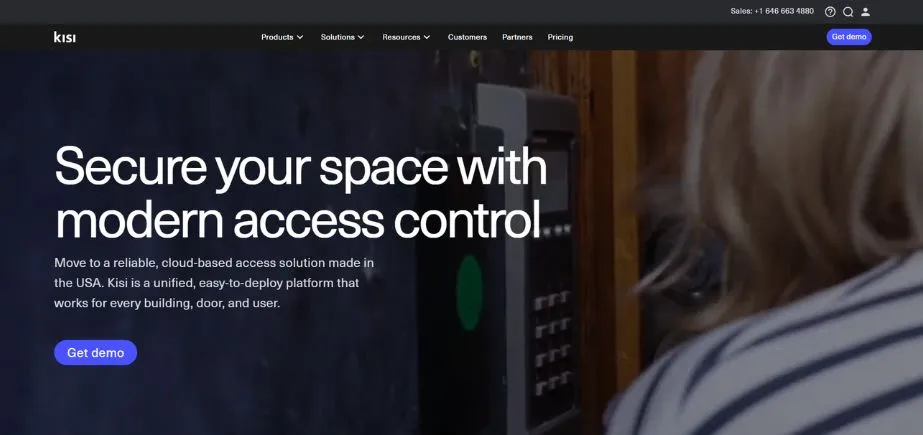
Kisi is a modern system of physical access that uses cloud-based access control to avoid the use of a key card system and manual access control. The platform makes smartphones secure access devices, and employees have access to unlock doors just by walking around with their mobile phone. This will make onboarding easier since it can be remotely provisioned, whereby a new employee is given a set of access controls digitally before their initial day, and keycard logistics are not necessary.
Based on a centralised cloud dashboard, which can be accessed by all internet users, administrators control all access permissions, schedules, and restrictions. Kisi will monitor traffic in and out of the facility and produce thorough reports that will allow one to see the utilisation of the facility and adherence to security.
Key Features
- Cloud-based access management platform
- Mobile phone access credentials
- Real-time entry/exit tracking
- Remote access provisioning
- Automated schedule management
Pros
- Comprehensive software integrations
- Cloud-based remote management
- Dedicated mobile application
Cons
- Hardware purchase required
- Network dependency issues
- No transparent pricing
Pricing: Custom pricing
7. Procurify
Rating: 4.6/5
Website: https://www.procurify.com/
Best Use Cases: Automated expense tracking, purchase order management, and financial workflow control
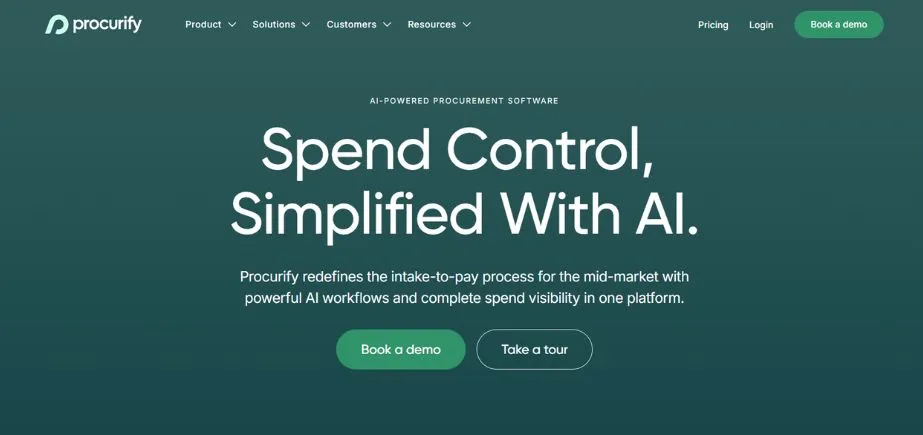
Procurify is a firm that offers intelligent spend management automation to offer real-time visibility and control over organisational purchasing. The platform automates the purchase order creation, routing of purchase orders, billing, processing of invoices and synchronisation with accounting and ERP systems, thus removing manual data entry and decreasing the time payment cycle. The automated approval processes make sure that purchases are made according to the hierarchies of authorisations, and there is the right level of control without forming constraints. Real-time budget tracking eliminates overspending by allowing real-time visibility on the amount of budgets left by the department, project, or cost centre.
Vendor management features of Procurify combine to centralise supplier data, monitor performance, and automate communications, which bolster relationships and sustainability to procurement policy compliance. The platform also produces detailed analytics and reports, which show spending trends, cost-saving, and assist in strategic financial planning.
Key Features
- Real-time budget tracking
- Automated purchase order generation
- Approval workflow builder
- Bill and invoice automation
- Accounting systems synchronisation
Pros
- Mobile app accessibility
- Comprehensive software integrations
- Detailed purchasing analytics
Cons
- Limited customisation options
- No transparent pricing
- Learning curve reported
Pricing: Custom pricing
8. Automation Anywhere
Rating: 4.5/5
Website: https://www.automationanywhere.com/
Best Use Cases: Enterprise-scale robotic process automation with AI-powered intelligent bots continuously working
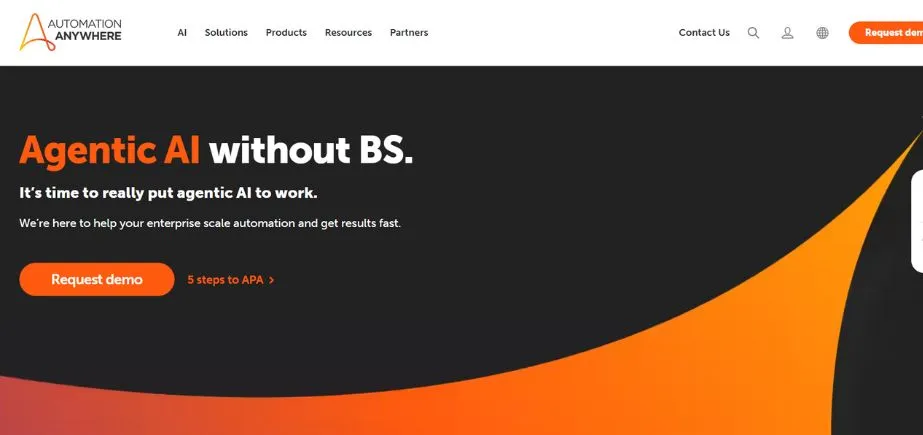
Automation Anywhere Automated robots, originally referred to as intelligent bots, are the frontier of enterprise automation as they integrate robotic process automation (RPA), artificial intelligence, and machine learning to form intelligent bots that execute advanced business processes autonomously.
These digital workers work on a round-the-clock basis, collecting data, calculating, handling files, web scraping, systems integrating, and making choices according to the established rules or acquired patterns. The cloud-native platform also has the flexibility of deployment across public cloud, private cloud, hybrid, or on-premise installation based on the special needs of security and infrastructure.
Key Features
- AI-driven intelligent automation
- Cloud-native platform architecture
- Industry-specific solution templates
- Ready-made automation marketplace
- Flexible deployment options
Pros
- Extensive software integrations
- Multiple deployment choices
- Pre-built automation library
Cons
- Complex initial setup
- No transparent pricing
- Significant learning curve
Pricing: Custom pricing
9. Intruder
Rating: 4.8/5
Website:https://www.intruder.io/
Best Use Cases: Continuous automated cybersecurity monitoring and vulnerability detection for digital assets
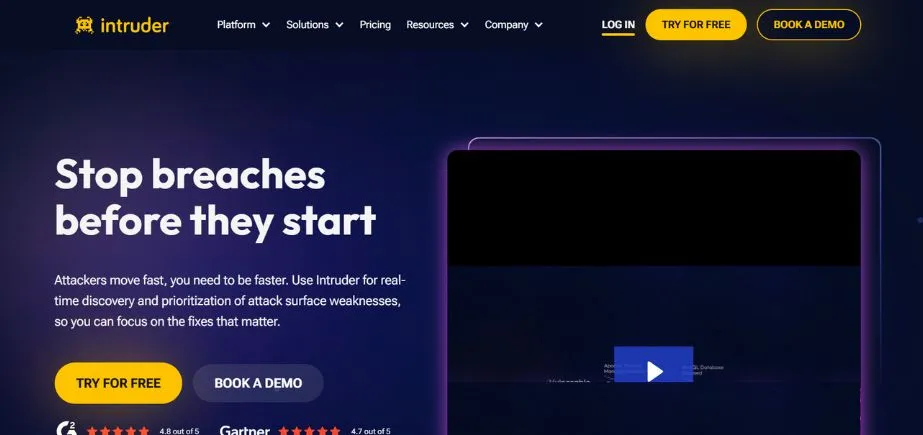
To meet the most important cybersecurity requirements, Intruder produces automatic vulnerability scans and constantly monitors threats by detecting security vulnerabilities and preventing them before they are exploited by attackers. The platform will scan infrastructure, applications, and APIs for known vulnerabilities, configuration errors, and security exposures and initiate more scans automatically as a result of major changes being noted in the systems.
Intelligent prioritisation of results in accordance with their severity and exploitability assists security teams in prioritising the most serious threats first in terms of remediation. The attack surface management of intruders gives a complete view of the assets facing the internet, such as forgotten systems, shadow IT and other exposures that may act as an entry point for the attackers.
Key Features
- Continuous vulnerability scanning automation
- Attack surface management
- Cyber hygiene scoring
- Automated network monitoring
- Priority-based threat ranking
Pros
- Comprehensive security dashboard
- Single sign-on support
- Cloud platform integrations
Cons
- No free plan
- Usage-based pricing complexity
- Limited integrations on basic
Pricing: Custom pricing
Also Read: Best Automation Companies in Bangalore
10. LobbyGuard
Rating: 4/5
Website: https://lobbyguard.com/
Best Use Cases: Automated onsite visitor management with contactless check-in and security screening
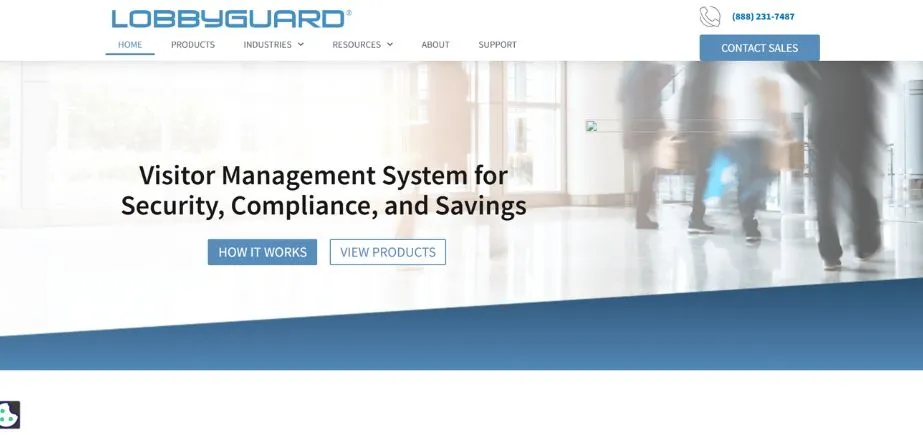
LobbyGuard is a visitor management system in the 21st century where facilities become automated in terms of visitor control; it walks a fine line between visitor security and visitor friendliness. The all-in-one kiosks used in the platform have touch screens, cameras and barcode scanners, which give the platform full self-service check-in options and keep a full record of visitors without increasing the workload on the reception staff.
Contactless solutions based on QR codes or printed badges will support health safety concerns and can be used to speed up entry for pre-approved visitors. Tailored screening processes may demand certain data such as signatures, agreement of terms and conditions, asset declaration, health form or any other data that will be useful to your security policies.
Key Features
- Contactless QR code check-in
- All-in-one kiosk hardware
- Customizable screening workflows
- Automated alert system
- Emergency notification capabilities
Pros
- Free plan option
- Employee arrival notifications
- Self-service kiosk experience
Cons
- Hardware purchase required
- No transparent pricing
- Basic feature set
Pricing: Custom pricing
How to Choose the Right Office Automation Software
In order to select the appropriate automation technology, it must be planned strategically, regarding the requirements of your organisation in particular, regarding the existing infrastructure, and the course of development. To ensure that the investment you have undertaken has the highest value and you are not faced with costly implementation failures or platforms going to waste, the sure way to make sure is to make informed decisions.
- Assess Your Organisational Uniqueness: The first thing to begin with this assessment is to carry out a comprehensive audit of the current workflows, to identify where the pain-points exist, and where some of the tasks are taking an unreasonable amount of time or resources.
- Analyse Integration Requirements: Do an overall analysis of your existing technology environment and list all of your business applications, databases, and systems to be connected with your office automation software.
- Consider Scalability and Growth: In case you are looking at the short-term needs, think long-term in regards to how the needs will evolve as your business will be expanding.
- Review Security and Compliance: Study the security that each platform offers in storing sensitive business information, including the encryption options, access controls, authentication, and audit logging options.
- Office Automation Software Trials or Freemium: Just in case, it is always better to have a practical experience in having a trial with office automation software with free trials or free plans first and then spend money.
Conclusion
The disruptive nature of the office automation software is much more than mere time savings; it has an underlying ability to fundamentally alter the way organisations conduct, compete, and develop in an ever more complex business setting. With a well-planned approach to automation solutions in line with your needs and goals, you open the door to massive efficiency improvement, reduced errors, saved costs, and employee satisfaction. The platforms covered in this guide are various modes of automation, with each presenting its own strengths based on the context and the problem of the organisation.
An effective automation project must be planned carefully, involve the stakeholders, and set actual beliefs regarding the timelines and requirements of the change management. Begin with simple to implement, high-impact automations that achieve fast benefits and create organisational trust, and gradually increase the complexity of workflows as the skills of your team increase. It is important to keep in mind that office automation software is an enabler of human potential, not a substitute for it: it is aimed at freeing talented employees of monotonous work and letting them produce creative solutions to problems, relationships, and thoughts that really make your organisation stand out.
FAQs
Q: What is the main advantage of applying office automation software?
A: The first advantage is that it saves time significantly on manual repetitive work, and employees can dedicate their efforts to the strategic, creative, and high-value work and enhancing the accuracy and consistency of operations.
Q: Is office automation software useful to small businesses?
A: Absolutely. Numerous platforms can provide either free or lower price ranges that are tailored to small businesses and provide substantial efficiency improvements that do not need to ensure large budget allocations or assigned IT resources.
Q: Does it need knowledge of coding to use office automation software?
A: The majority of contemporary automation systems have no-code or low-code interfaces and drag-and-drop capabilities, allowing users who do not know how to write code to use them, and still providing more advanced customisation to technical users.
Q: What is the ROI of office automation software?
A: Measures such as time saved on automated processes, error rates, improved speed of process, employee satisfaction rates, and savings on cost caused by less use of manual workers should be used to compute overall ROI.
Q: What are the security issues that I need to consider when selecting office automation software?
A: Review encryption standards, access controls, authentication, compliance certifications, data residency and audit logging features, as well as the security track record, to guarantee the proper protection of sensitive business information.
Continue exploring: Best Automation Companies in Bangalore